AWS
Resiliency Patterns and Trade-offs Analysis for Efficient Cloud Architecture with Cloudairy Cloudchart


Get your team started in minutes
Sign up with your work email for seamless collaboration.
Businesses need to address the complexities of cloud architecture and ensure they can recover from any issues. Example Corp, with its various applications, must prioritize resilience and uninterrupted operations. This involves ensuring constant data availability and security, as well as swift and efficient issue resolution. In this blog post, we will explore five methods for integrating resilience into cloud architectures.
We will assess the advantages and disadvantages of each approach, considering their setup complexity, cost, maintenance requirements, security, and environmental impact. By comprehending these patterns, architects can make informed decisions about designing their cloud architectures to best suit their needs.
The AWS Well-Architected Framework defines resilience as the ability to recover from stress, including load fluctuations, attacks, or component failures. Resilient systems are designed to withstand these challenges, ensuring business continuity and minimizing downtime.
Environmental Impact: Resilient
architectures often increase cloud resource consumption. Trade-offs like approximate computing and slower
response times can help reduce environmental impact, aligning with the AWS
Well-Architected Sustainability Pillar.
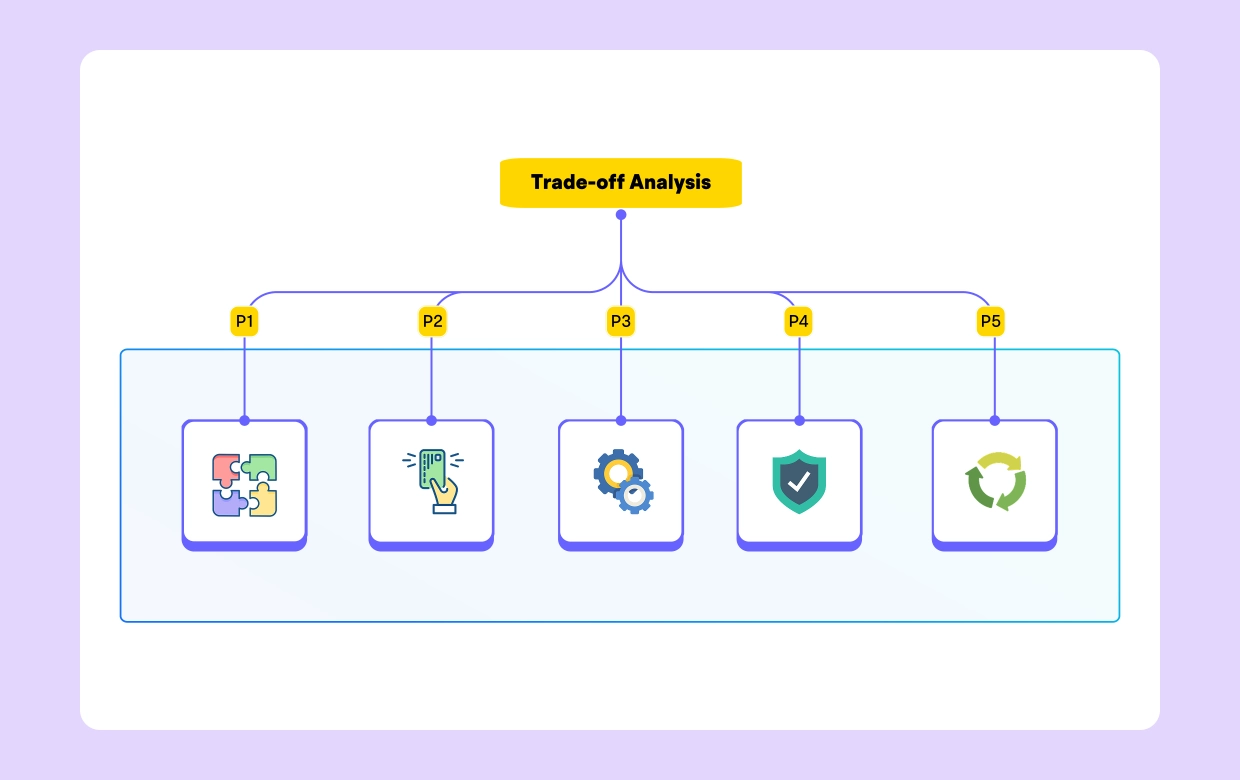
P1 leverages multiple Availability Zones (AZs) within a single AWS Region to increase resilience. Applications operate across multiple AZs, allowing them to withstand AZ-level disruptions. Example Corp deploys internal employee applications using this pattern, ensuring continued operations by recreating the application in another AZ via Amazon EC2's Auto Scaling groups.
Trade-offs:
P2 enhances static stability by maintaining multiple instances across multiple AZs within a Region. For example, Corp's customer-facing website uses this pattern, ensuring uninterrupted operation even if an AZ is impaired.
Trade-offs:
P3 distributes different critical applications across multiple Regions. For instance, Example Corp's banking services are deployed in separate Regions, ensuring customers can access services via alternate channels during regional disruptions.
Trade-offs:
P4 employs sub-patterns like Pilot Light and Warm Standby for business-critical services that cannot tolerate significant disruption. These approaches offer varying levels of cost optimization and recovery times.
Trade-offs:
P5 provides real-time recovery time objectives (RTO) and near-zero recovery point objectives (RPO) by running workloads in multiple Regions simultaneously. Example Corp employs this pattern for its core banking and CRM applications.
Trade-offs:
Selecting the appropriate resilience pattern involves a thorough evaluation of your application's requirements and the associated trade-offs. Here’s a structured approach to guide your decision-making:
1. Assess Application Criticality and Tolerance to Disruption
2. Evaluate the Cost-Benefit Ratio
3. Analyze Operational Complexity and Skill Requirements
4. Determine Security Requirements
5. Consider Environmental Impact
Example Corp employs a combination of these patterns across its diverse portfolio:
Choosing the right resiliency pattern is crucial to architecting efficient, powerful
cloud systems. By understanding the trade-offs between design complexity, cost, operational effort, security,
and environmental impact, businesses can make informed decisions that align with their specific needs and
strategic goals.
The
patterns discussed here provide a aws architecture framework to structure your resilience strategy. Whether you're
building for internal tools or global customer-facing services, each pattern offers unique benefits and
challenges. Carefully evaluate your workloads and apply the pattern(s) that best meet your requirements.
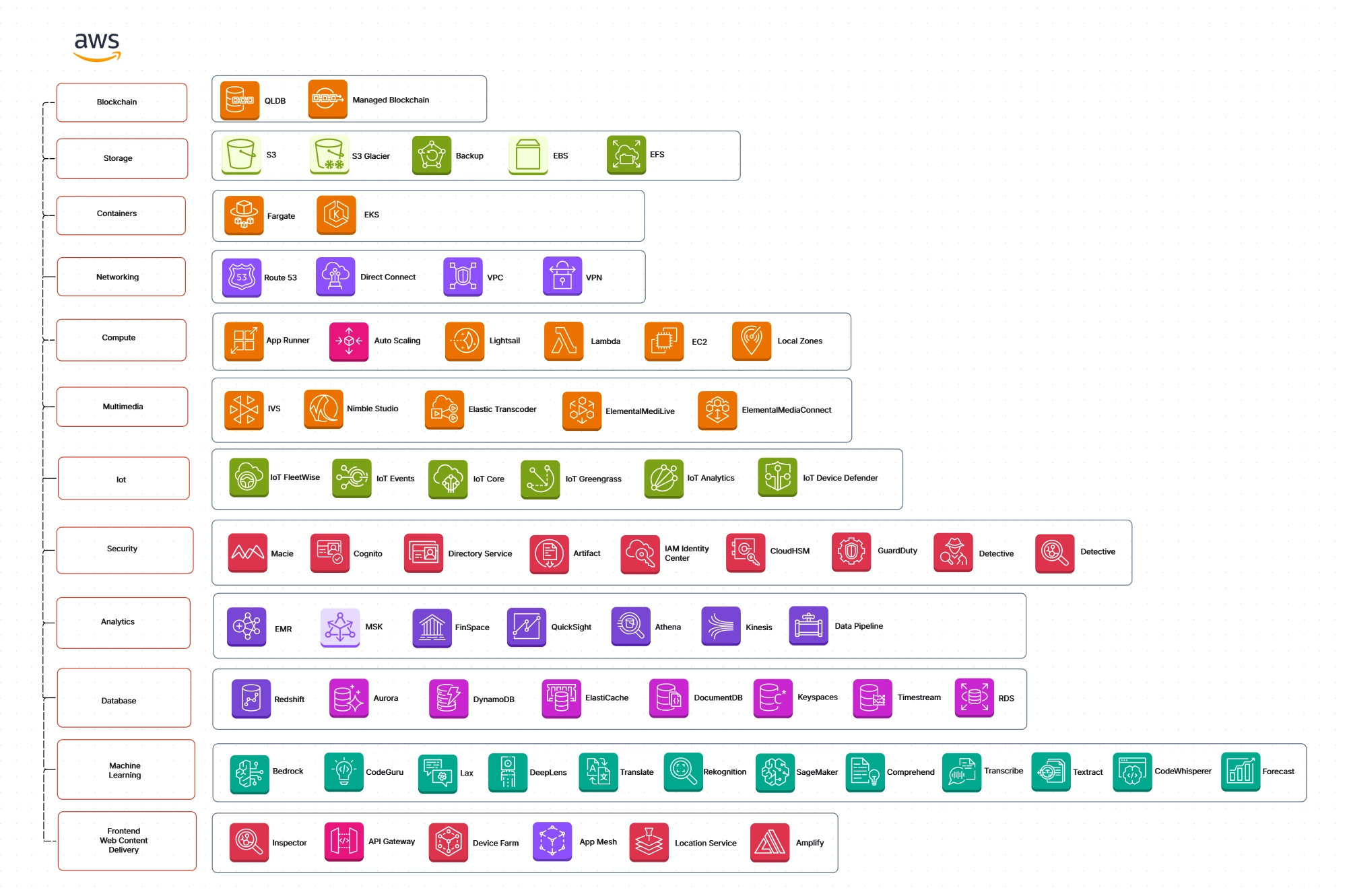
Cloudairy Cloudchart Infinite Canvas facilitates complex diagrams of resiliency Patterns without size constraints, while real-time collaboration streamlines teamwork. Pre-built templates save time and ensure consistency, while custom shapes and grouping enhance clarity. Linking highlights relationships, annotations provide context, and version history tracks changes for a smooth design process.
Our blog provides valuable insights to help you learn and grow.
Start using Cloudairy to design diagrams, documents, and workflows instantly. Harness AI to brainstorm, plan, and build—all in one platform.
Table of Contents

Introduction
 Manage all your work in one placeCollaborate with your teamUse Cloudairy for FREE—forever


 Related Articles