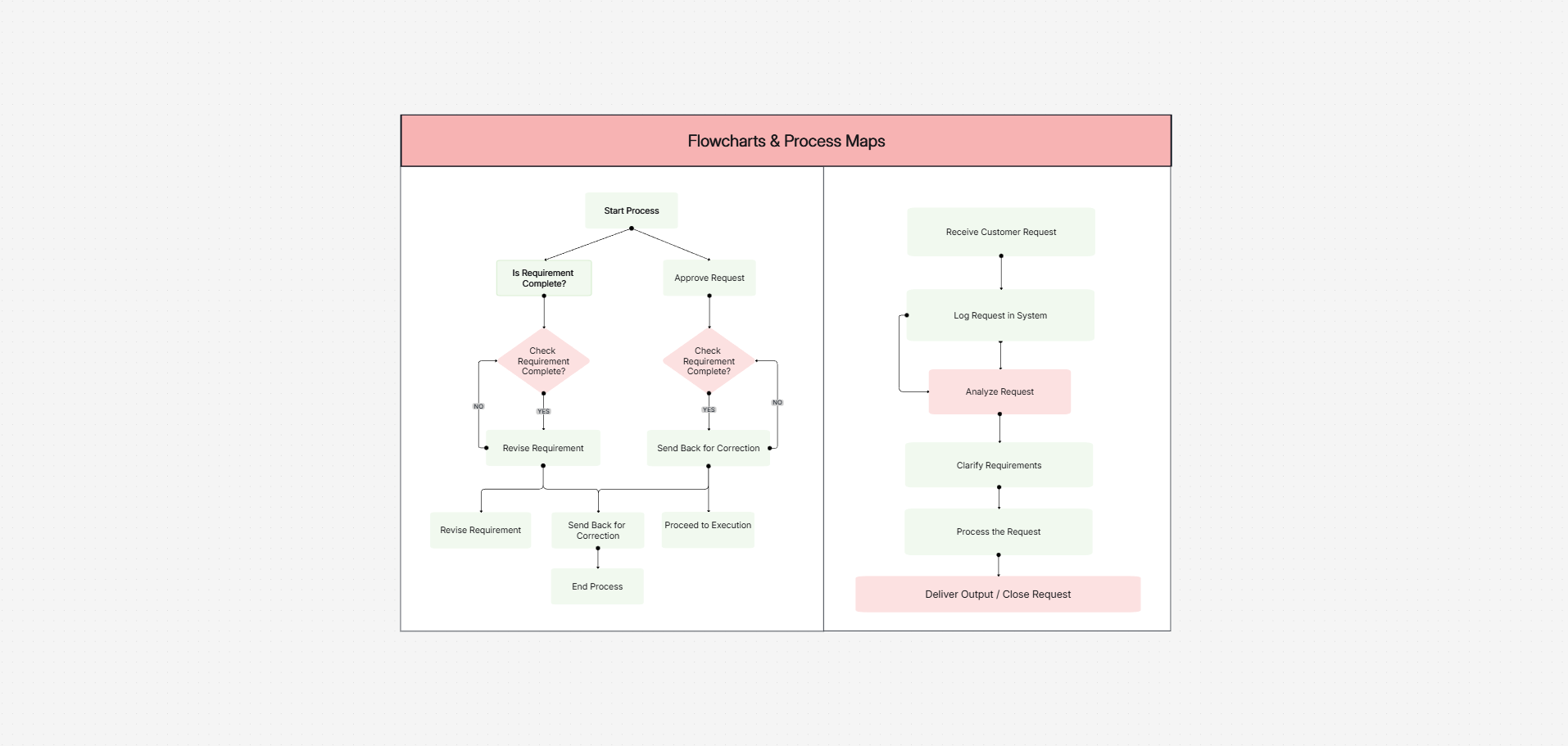
Cloudairy works as both a quick flowchart maker and full flowchart software for teams: standard shapes, swimlanes, and templates keep everyone's diagrams consistent, while real-time editing and comments keep reviews out of email. Start a process map from a prompt with AI, then refine it together on one canvas.
Design flowcharts effortlessly with Cloudairy’s AI-driven tools, offering smart suggestions, customizable templates, and real-time collaboration for streamlined workflows. Switching tools? See why teams pick Cloudairy as their Visio alternative.
Gain access to an extensive and meticulously curated collection of standardized flowchart symbols, encompassing a wide range of elements such as processes, decision points, inputs and outputs, connectors, and more. This diverse library allows you to accurately and effectively represent various workflows, ensuring clarity and precision in your diagrams.

Design flowcharts effortlessly with Cloudairy’s AI-driven tools, offering smart suggestions, customizable templates, and real-time collaboration for streamlined workflows. Switching tools? See why teams pick Cloudairy as their Visio alternative.


No, Cloudairy offers unlimited project creation, allowing you to manage multiple designs simultaneously without restrictions.
Yes, Cloudairy supports the import of various file formats, enabling you to continue working on existing designs within the platform.
You can design a wide range of processes, including business workflows, project plans, system architectures, and more, catering to various applications and industries.
The AI feature analyzes your inputs to suggest optimal layouts and connections, streamlining the diagram creation process and improving accuracy.
Yes, Cloudairy offers comprehensive tutorials and customer support to assist new users in navigating the platform effectively.
Streamline your brainstorming sessions with Cloudairy’s library of mind map templates. From project planning to creative ideation, our templates are tailored to help you organize and visualize your thoughts effortlessly.
Create, edit, and share flowcharts on an infinite canvas with your team — powered by Cloudairy AI.
Sign up freeNo credit card required · SOC 2 Type II & GDPR compliant