You can use Visio online today: Microsoft offers Visio for the web, and the version included with most Microsoft 365 plans covers viewing and basic editing. The catch is that the full editor and complete stencil library sit behind paid Visio plans, sold per user - so most people searching for "Visio online free" end up at a paywall.

Cloudairy is the free online way to get the rest: an AI-native editor that generates flowcharts, ER diagrams, UML, and cloud architecture diagrams from a plain-text prompt. It is free to start in any browser on Windows, Mac, Linux, or Chromebook, with native AWS, Azure, and GCP icons, templates, and unlimited team members.

Concept Map Generator From Text

Visio for the Web (Free Tier) vs Cloudairy (Free Plan): What You Actually Get

Verdict: Both are free ways to diagram in a browser, but they stop at different points. Visio for the web's free tier is a viewer with basic editing - great for reviewing .vsdx files, not for building diagrams. Cloudairy's free plan is a full editor: AI generation, templates, native cloud icons, and real-time collaboration with unlimited members. If you want to create diagrams online free - not just open them - Cloudairy is the stronger choice.

See Cloudairy in Action

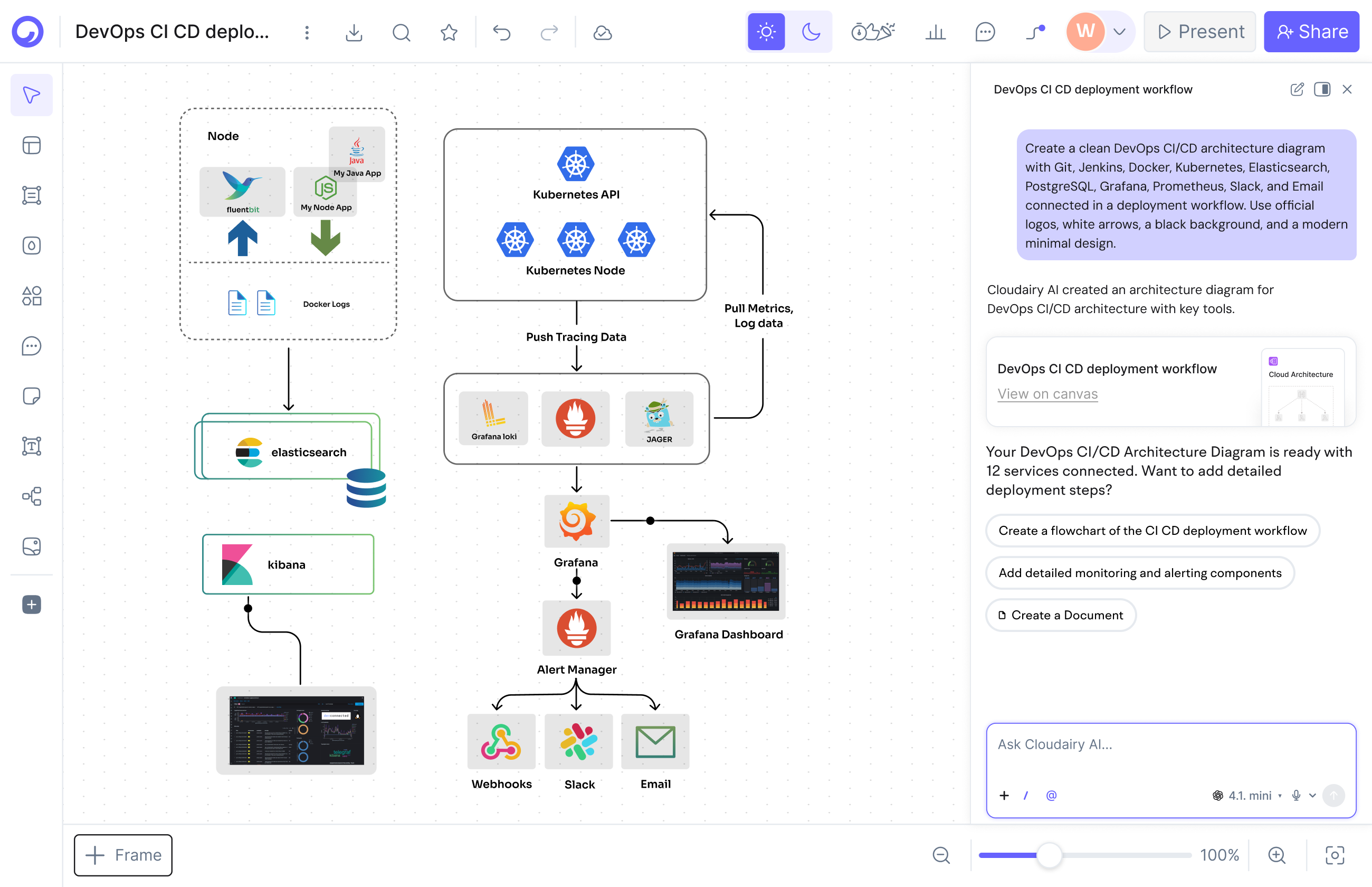
AI Diagram Generation

AI Diagram Generation

Describe your diagram in plain text. AI generates it instantly.

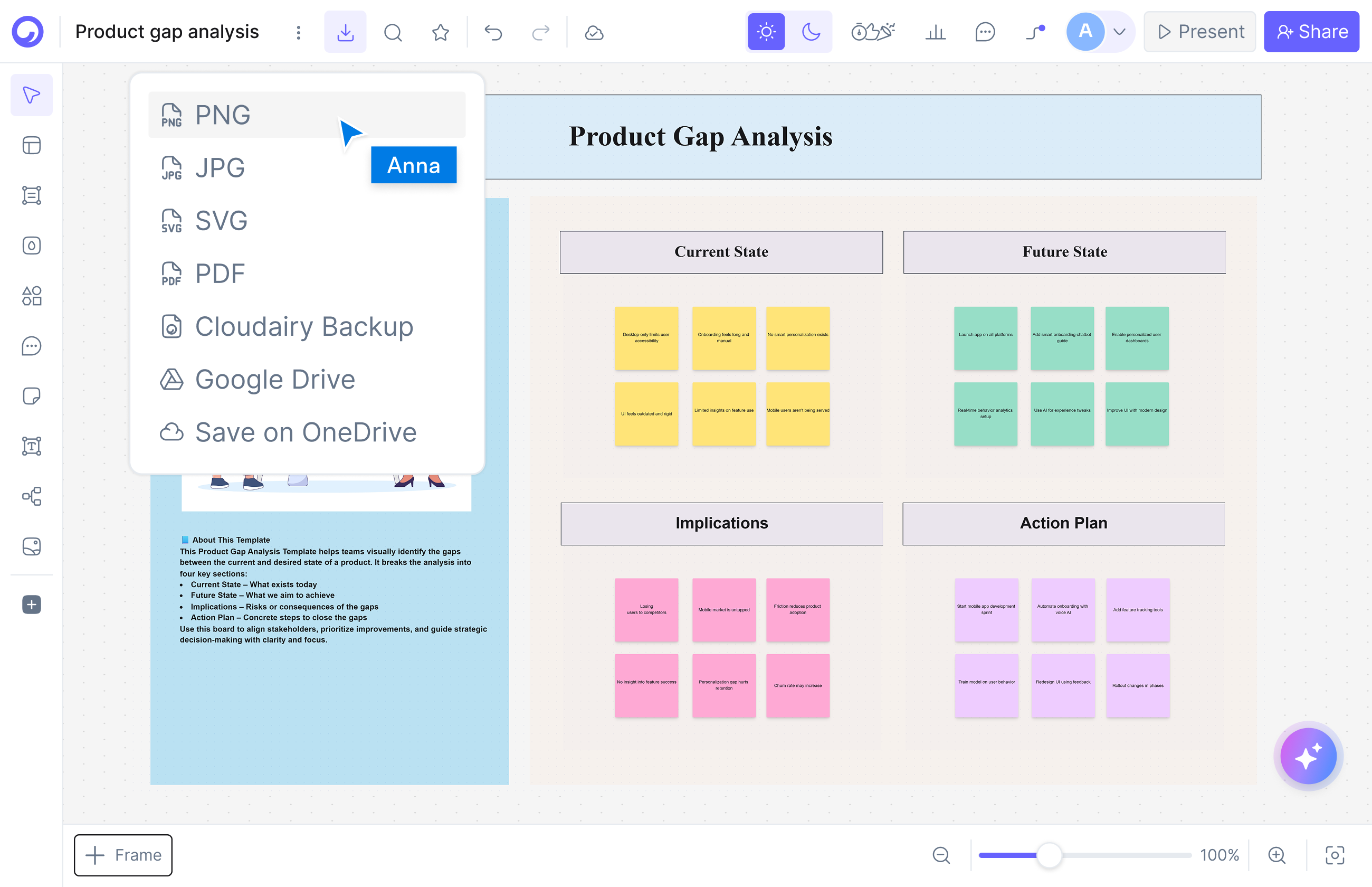
Visual Drag-and-Drop Editor

Visual Drag-and-Drop Editor

Edit any diagram visually. No code syntax required.

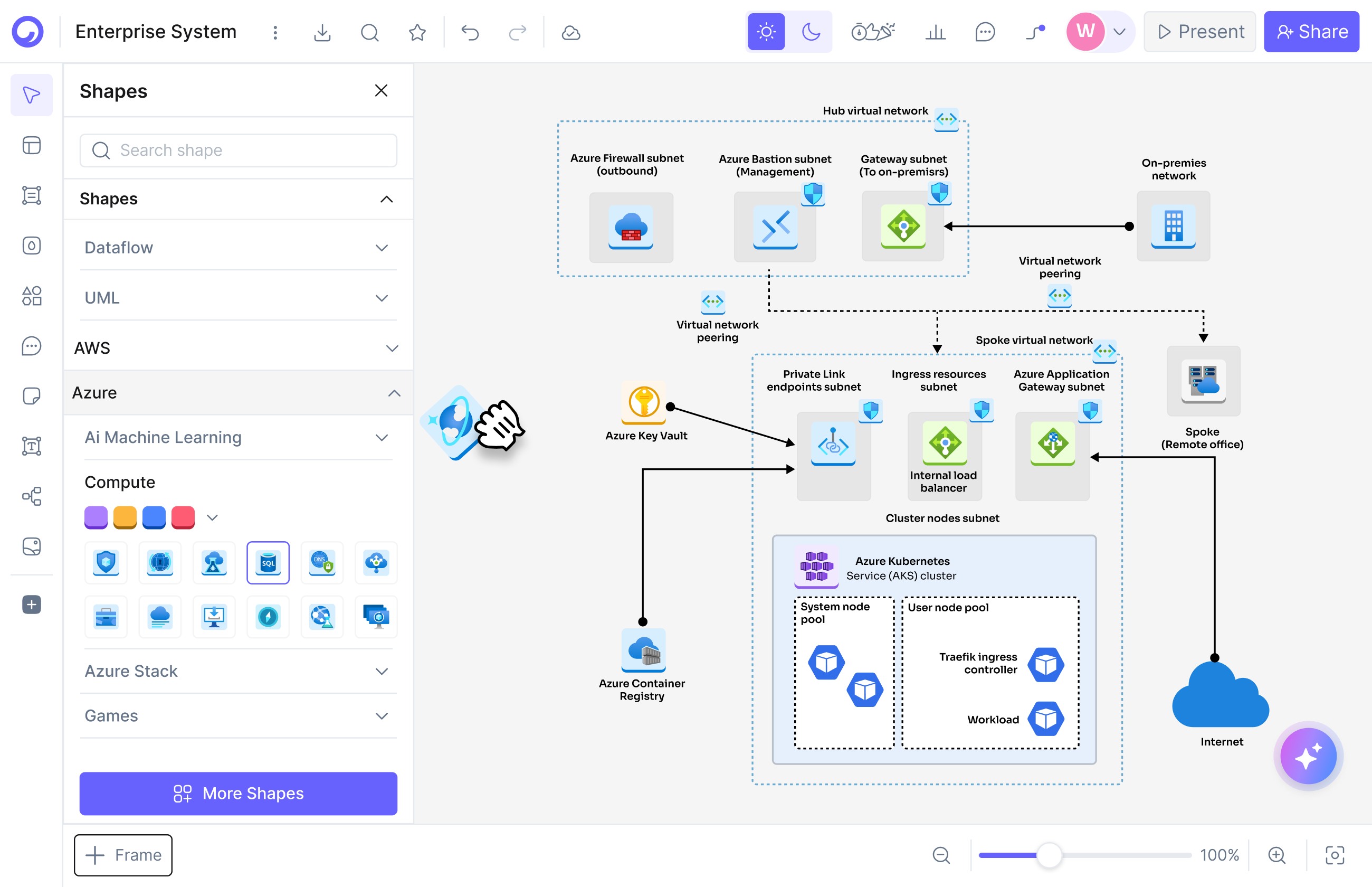
Cloud Architecture Diagrams

Cloud Architecture Diagrams

12,000+ icons including AWS, Azure, GCP, and Kubernetes.

What does using Visio online for free really get you?

What does using Visio online for free really get you?

A viewer with light editing. Visio for the web is real: sign in with a Microsoft account, open .vsdx files, add comments, and make basic edits. The version included with most Microsoft 365 plans is enough to review a colleague's diagram or tweak a label without buying anything.

It is not a free full editor. Building diagrams with the complete shape and stencil library, advanced formatting, and the desktop feature set requires a paid Visio plan, sold per user. That is the wall most "use Visio online for free" searches run into.

So treat the free Visio web tier as what it is - a companion viewer for people who already have Visio files. When you need to create diagrams yourself, a genuinely free online editor like Cloudairy picks up where it stops.

Where does the free Visio web version stop?

The free tier of Visio for the web stops at the basics: a limited set of shapes compared with the desktop app, no complete stencil library, and editing designed for touch-ups rather than building diagrams from scratch.

Anything heavier sits behind paid Visio plans, sold per user: the full web editor, the complete stencil and template library, and advanced formatting. And on a Mac or Chromebook the Visio web app is your only option either way, because the full Visio editor ships as a Windows-only desktop app.

That trade-off is fine for organizations already paying for Visio. If you came here to diagram online free, it means the Visio web app stops exactly where your work starts - which is the gap Cloudairy's free plan fills.

Where does the free Visio web version stop?
What does a free AI-native online editor add?

What does a free AI-native online editor add?

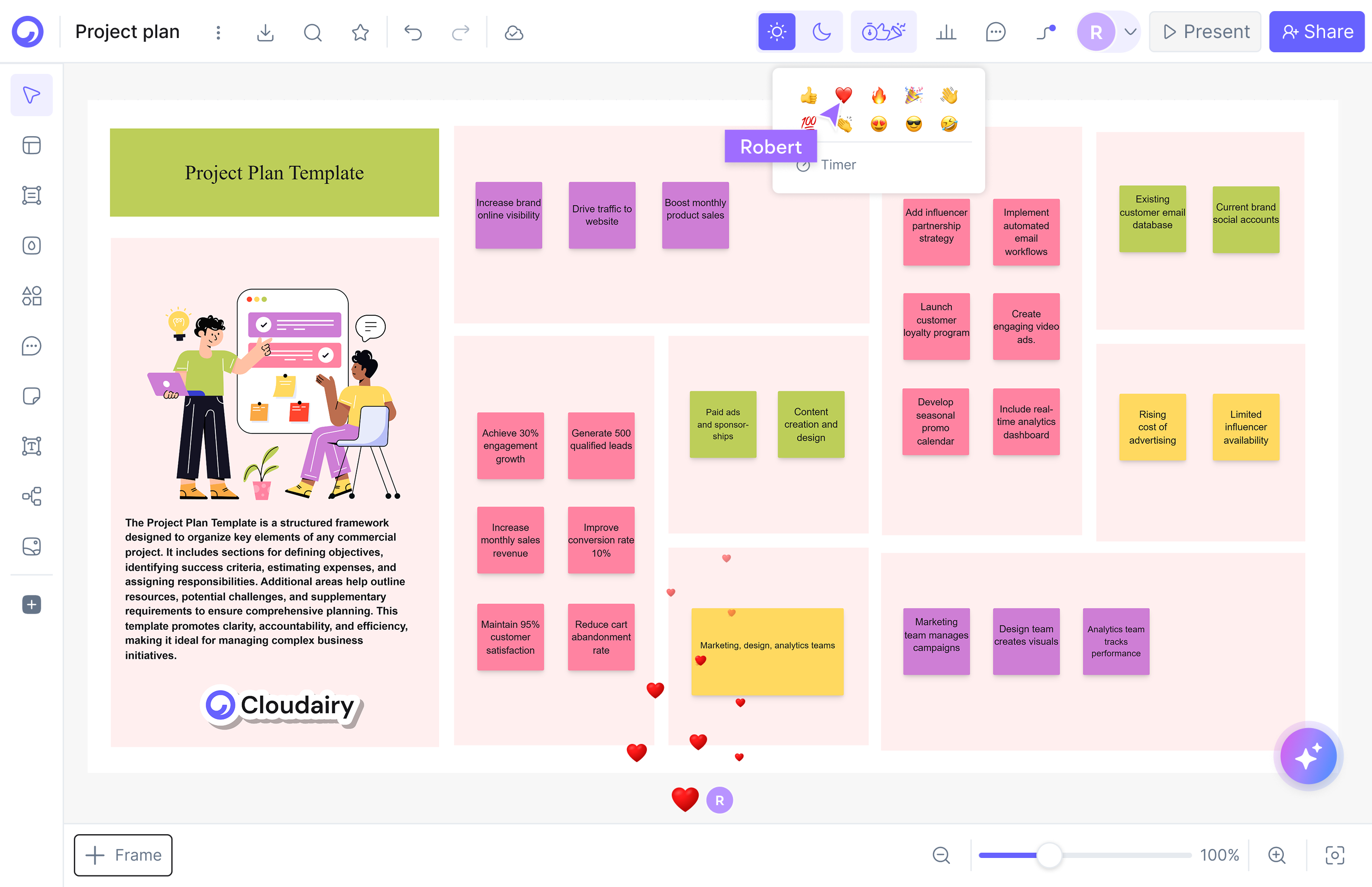
Creation, not just viewing. Cloudairy's free plan includes AI text-to-diagram: describe a flowchart, network diagram, or AWS architecture in plain English and get a fully editable diagram in seconds - 25 AI credits per month at no cost, straight from any browser.

It also covers what the free Visio web tier reserves for paid plans: a full visual editor with templates and 12,000+ shapes and icons, including native AWS, Azure, GCP, and Kubernetes icons for cloud architecture work - plus real-time collaboration built in.

And your existing Visio files are not stranded: import .vsdx diagrams into Cloudairy, or have the AI recreate one from a short description, then keep editing online with your team - no Visio license required.

When should you upgrade from the free plan?

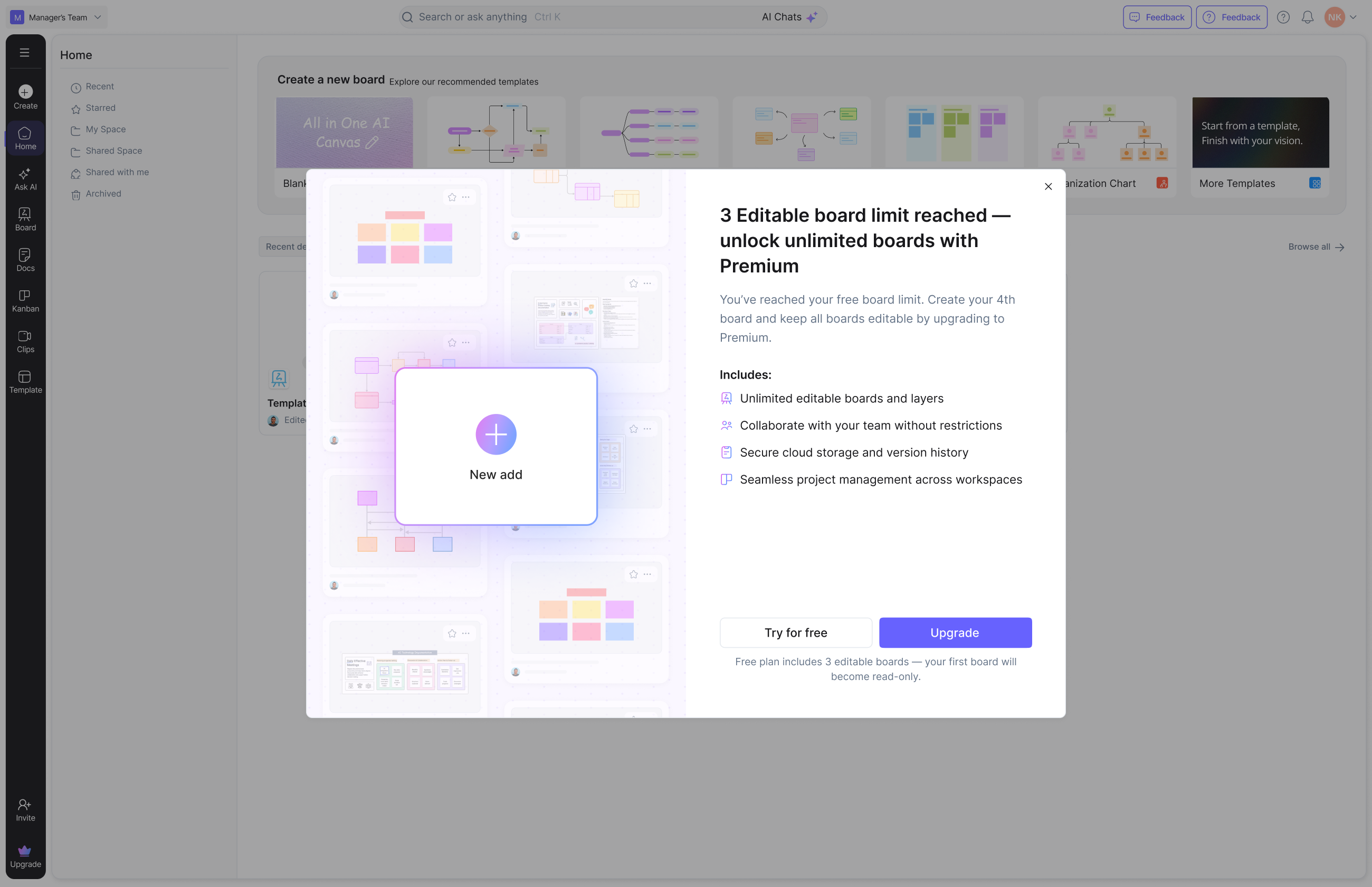
Stay free as long as 3 boards and 25 monthly AI credits cover your work. The free plan already includes real-time collaboration and unlimited team members, so inviting colleagues costs nothing - everyone edits the same board live, in the browser.

Upgrade when you need more room: Pro at $8 per member per month adds more boards and AI credits for growing teams; Business at $16 per member per month adds advanced admin and security controls. Either way it is still a fraction of per-user Visio plans - and everything stays online in any browser, with no license keys to manage.

When should you upgrade from the free plan?

Pro tip: Many teams keep Visio for a few legacy or CAD-heavy files while moving day-to-day diagramming to Cloudairy for AI generation, real-time collaboration, and browser access - so the whole team can contribute, not just Visio license holders.

Start Diagramming Online Free in 3 Steps

1

Open Cloudairy in your browser (free)

Create a free account at cloudairy.com - no credit card, no license key, nothing to install. The free plan includes 3 editable boards and 25 AI credits per month, on Windows, Mac, Linux, or Chromebook.

rotate arrow

Generate your first diagram with AI

Open a new board and describe the diagram you need in plain text, or start from a template. Cloudairy's AI produces a fully editable visual diagram in seconds - flowcharts, network diagrams, cloud architecture, org charts, and more.

2
rotate-arrow
3

Invite your team and collaborate live

Add unlimited teammates on the free plan - nobody needs a license to edit. Refine layouts, colors, and icons together in real time, drop in cloud architecture components (AWS, Azure, GCP), and bring over Visio (.vsdx) files or AI-recreate them as you go - all in the browser.

Already have Visio files? Cloudairy imports .vsdx diagrams (plus Lucidchart and Miro), and everything runs online in the browser - so you are never locked in and your whole team can contribute for free.

Actually Free Online Diagramming - No Visio License Needed

Cloudairy is free to start and runs entirely online - no download, no Windows license, no per-user Visio plan. Sign up, open your browser, and start diagramming on Windows, Mac, Linux, or Chromebook. The free plan includes 3 editable boards, 25 monthly AI credits, and unlimited team members; paid plans are $8/member (Pro) or $16/member (Business) per month.

More Comparisons

Frequently Asked Questions

In a limited way. Microsoft offers Visio for the web, and the version included with most Microsoft 365 plans covers viewing and basic editing - you sign in with a Microsoft account. The full web editor and complete stencil library require a paid Visio plan, sold per user. For a fully free way to diagram online, Cloudairy's free plan works in any browser.

The free Visio web version lets you view diagrams, add comments, and make basic edits with a limited set of shapes compared with the Visio desktop app. It is fine for reviewing a colleague's diagram or fixing a label; creating rich diagrams with the full stencil library requires a paid Visio plan.

Yes. Cloudairy's free plan includes 3 editable boards, 25 AI credits per month, and unlimited team members - no credit card required. It is free to start, not a time-limited trial.

Yes. Import your Visio (.vsdx) diagrams into Cloudairy and keep editing them online, or describe the diagram in plain English and Cloudairy's AI recreates a fully editable version in seconds - no Visio license needed.

Yes. Cloudairy's free plan includes 25 AI credits per month, so you can generate flowcharts, cloud architecture diagrams, mind maps, and more from a plain-text prompt without paying anything.

No. Cloudairy's free plan allows unlimited team members, and everyone edits in the browser with live cursors and comments. Nobody needs a per-seat license just to open, comment on, or edit a diagram.

Yes. Cloudairy runs entirely in the browser on Windows, Mac, Linux, and ChromeOS - there is nothing to install. The Microsoft Visio desktop app is Windows-only, so Mac and Chromebook users are limited to Visio's restricted web experience.

Yes. Cloudairy is certified for SOC 2 Type II, ISO 27001, GDPR, and PCI DSS. Enterprise features include SAML SSO (via Okta, OneLogin, Auth0), SCIM provisioning, audit logs, custom data residency (US or EU), and a 99.9% uptime SLA.

Upgrade to Pro at $8 per member per month for more boards and AI credits, or Business at $16 per member per month for advanced admin controls. The editor stays the same: online, AI-powered, with real-time collaboration on every plan.

Skip the Visio License

Skip the license: generate diagrams from a prompt and edit them visually with your team, free online on Cloudairy.

No credit card required · Free plan: 3 boards + 25 AI credits/month · SOC 2 Type II & GDPR compliant