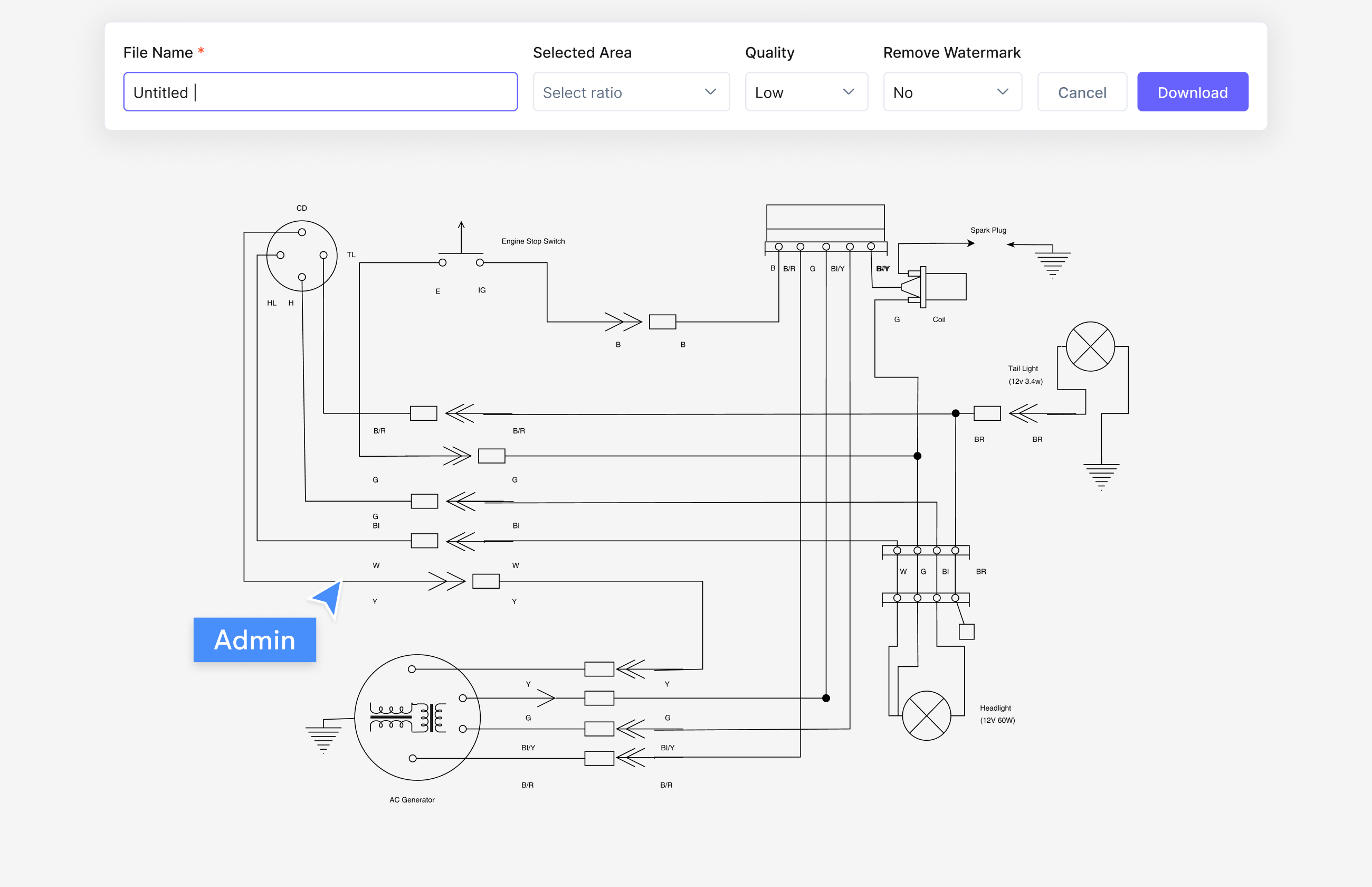
Lucidchart and Microsoft Visio are the two incumbents on nearly every diagramming shortlist: one a browser-based tool famous for real-time collaboration, the other a Windows desktop app with the deepest stencil library in the business.

This page compares the two honestly - pricing, Mac and platform support, collaboration, and AI - then introduces Cloudairy, the modern third option that generates diagrams from a text prompt, runs in any browser, and starts free with unlimited members.

Concept Map Generator From Text

Lucidchart vs Microsoft Visio vs Cloudairy: Comparison at a Glance

Verdict: Lucidchart wins on platform freedom and real-time collaboration; Visio wins on Microsoft ecosystem depth and specialist stencils. Both are per-seat paid tools without AI-native diagram generation - which is exactly the gap Cloudairy fills, free to start.

See Cloudairy in Action

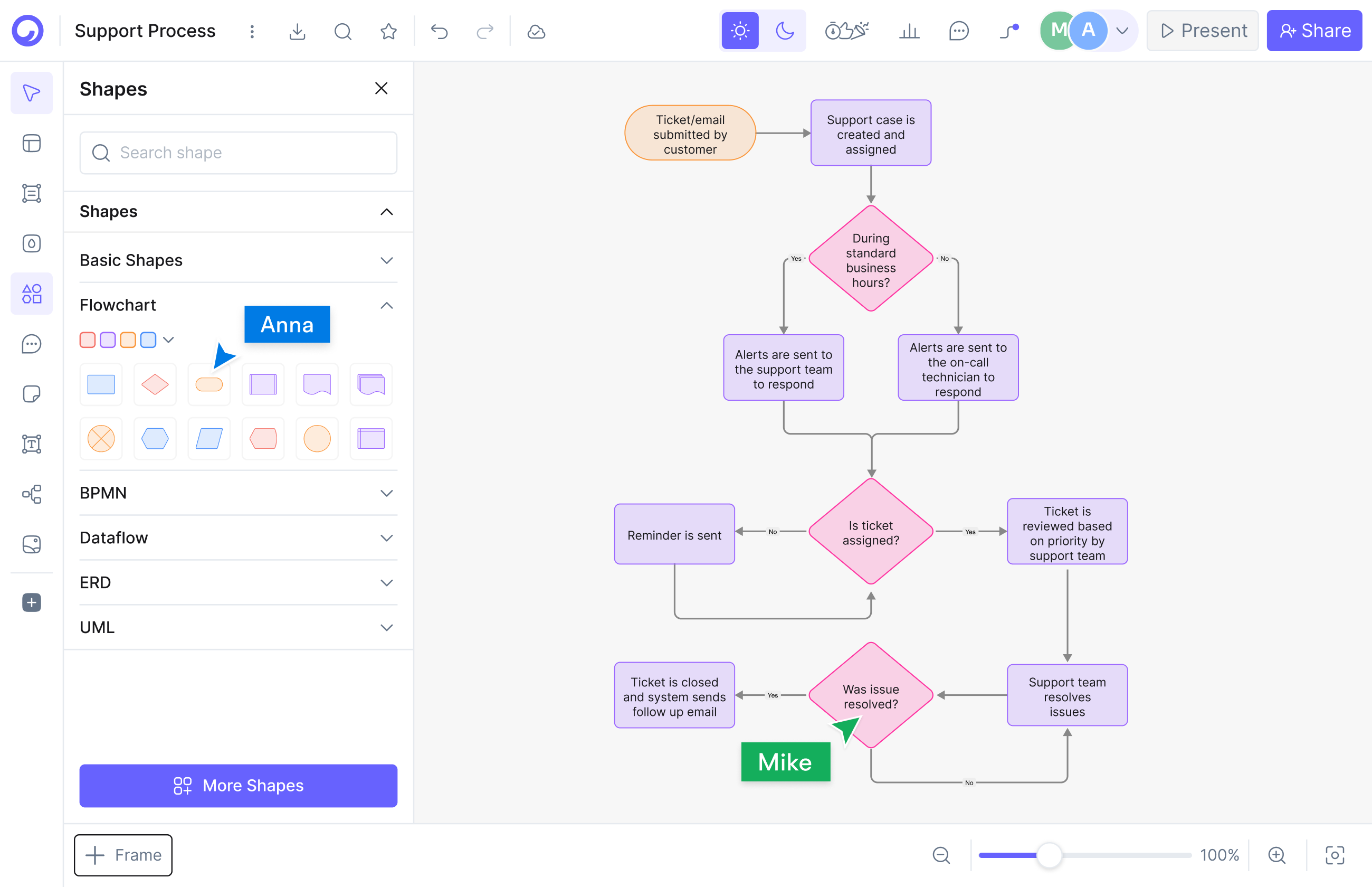
AI Diagram Generation

AI Diagram Generation

Describe your diagram in plain text. AI generates it instantly.

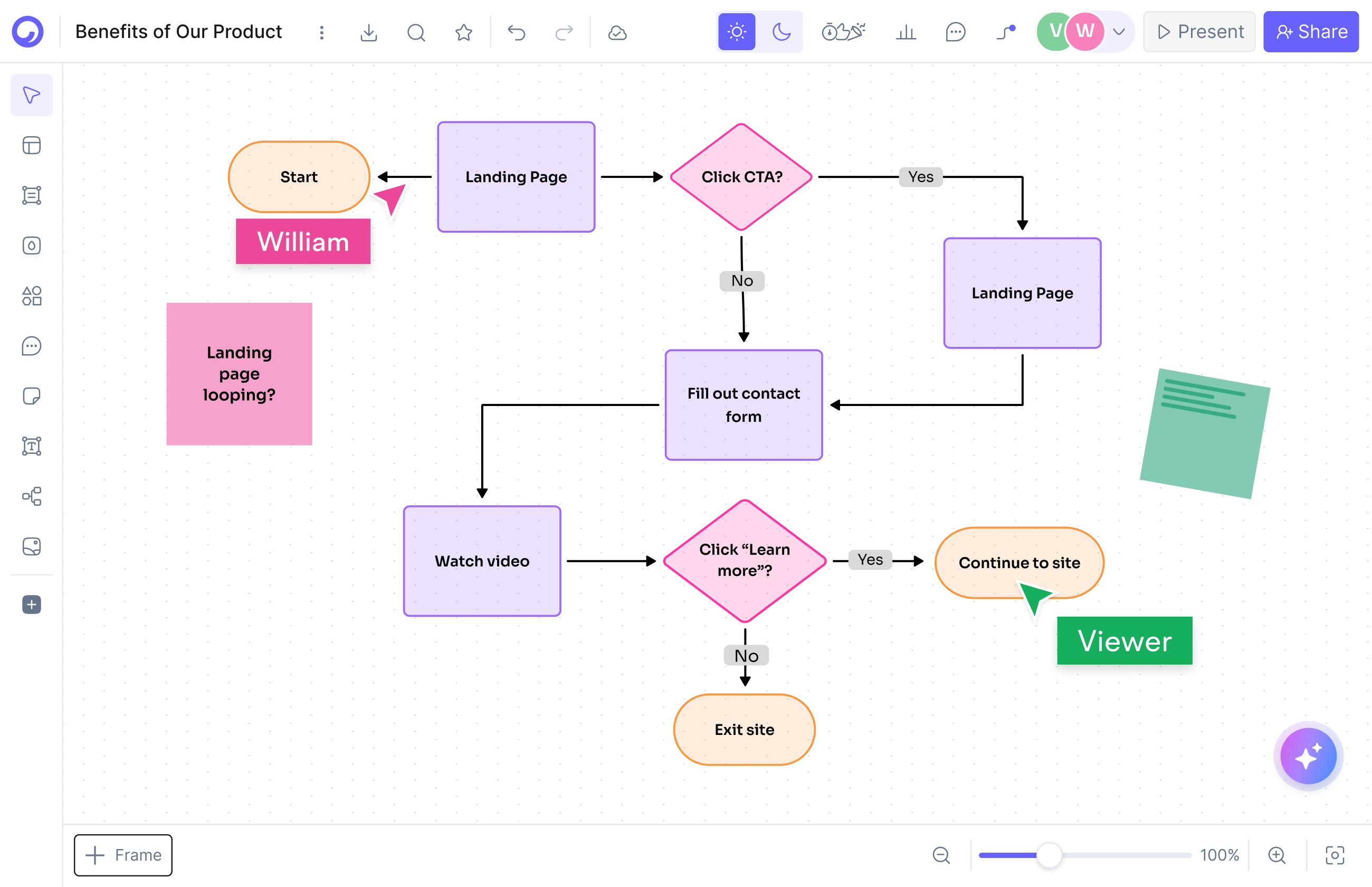
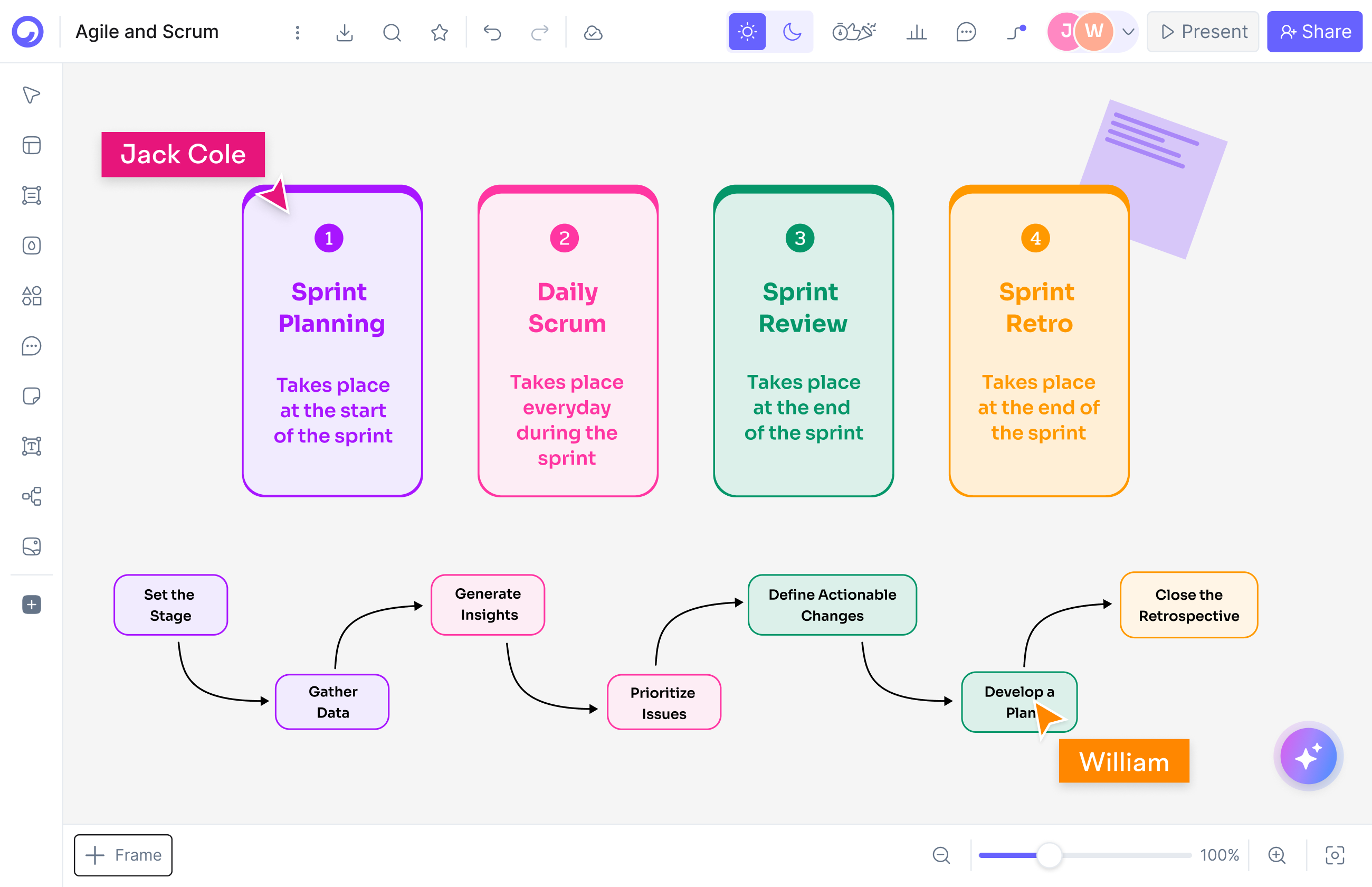
Visual Drag-and-Drop Editor

Visual Drag-and-Drop Editor

Edit any diagram visually. No code syntax required.

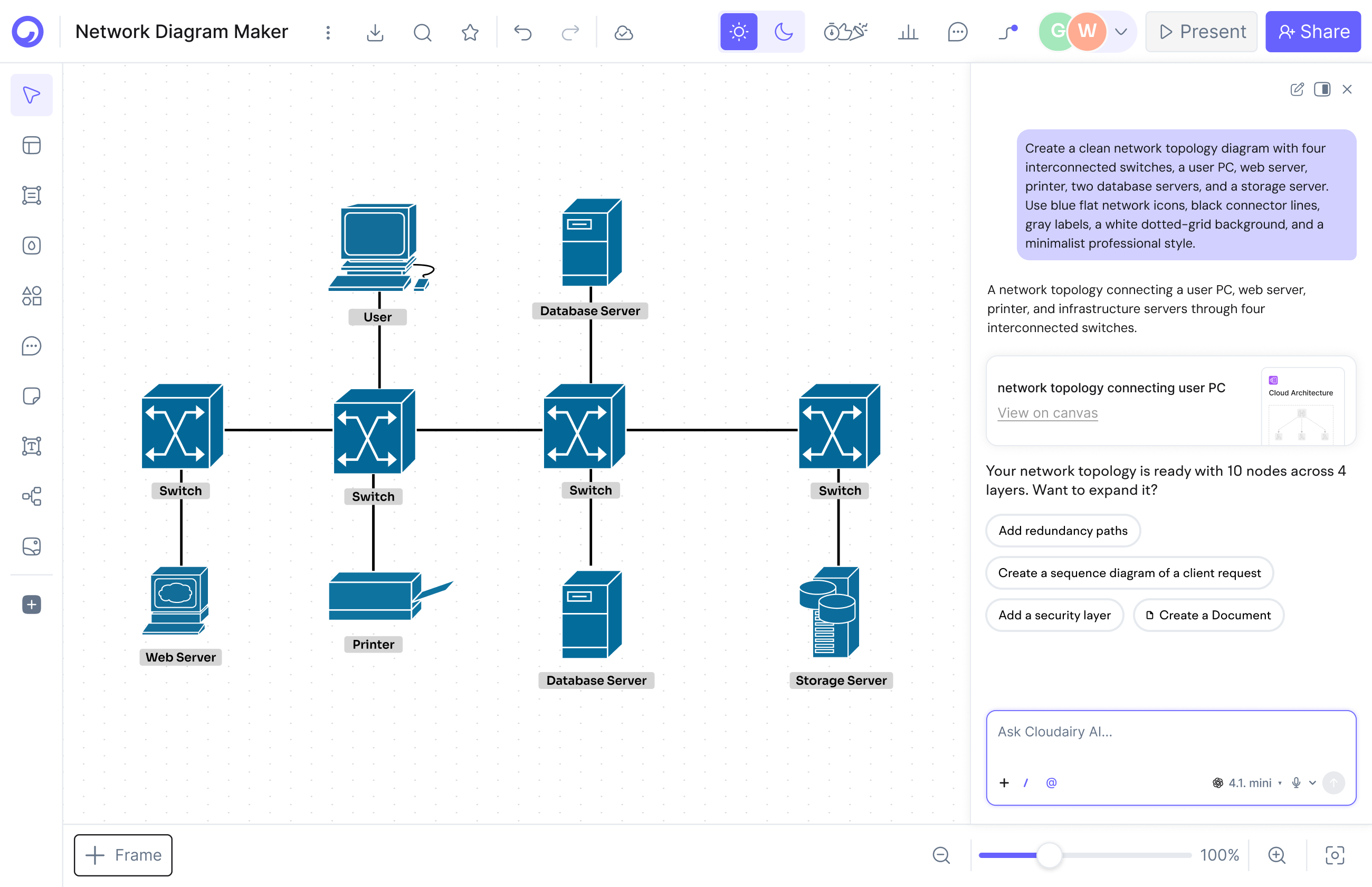
Cloud Architecture Diagrams

Cloud Architecture Diagrams

12,000+ icons including AWS, Azure, GCP, and Kubernetes.

Lucidchart vs Visio: pricing comparison

Lucidchart vs Visio: pricing

Lucidchart costs $9/month for Individual or $10/user/month for Team plans with a 3-user minimum, so a small team starts around $30/month. Visio is sold per user through Microsoft 365 add-on plans. Neither has a meaningful free tier for teams; both bills grow linearly with every seat you add.

The free tiers tell the same story: a free plan capped at 3 documents with 60 objects each on one side - fine for solo testing, tight for real work - and no free plan at all on the other, just a trial and a restricted web version tied to a Microsoft account.

Cloudairy resets the math: the free plan includes 3 boards, 25 monthly AI credits, and unlimited members, and paid plans are $8/member (Pro) or $16/member (Business) - AI generation included, no seat minimums.

Lucidchart vs Visio: Mac and platform support

Lucidchart runs in any browser, so it works the same on Windows, Mac, Linux, and Chromebook. Visio has no native Mac version: the full product is a Windows desktop app, and Mac users are limited to the reduced web version. For mixed-platform teams, that difference alone often decides the debate.

The Windows-first design is deliberate: Microsoft built the desktop app for organizations that live in the Microsoft 365 ecosystem, installed and managed alongside Office, with deep stencil libraries for network, floor plan, and engineering work. If your whole company runs Windows, that trade-off may never hurt you.

Cloudairy takes the browser approach further: the full editor, AI generation, and real-time collaboration run on any OS with nothing to install - and there is a free plan your whole team can join today.

Lucidchart vs Visio: Mac and platform support
Lucidchart vs Visio: collaboration

Lucidchart vs Visio: collaboration

Lucidchart is ahead on collaboration: live co-editing, cursors, and comments are core to the product and work well across large teams. Visio's co-authoring is more limited - it depends on Microsoft 365 and the web app, and the desktop experience still feels single-player. Teams that brainstorm together notice the gap quickly.

In practice, meaningful team use is paywalled on both sides: one locks it behind per-seat plans with a 3-user minimum, the other behind Microsoft licensing. Stakeholders without a seat end up reviewing screenshots instead of the live diagram.

Cloudairy is collaborative by default: live cursors, comments, reactions, and built-in video recording on every plan - including the free one with unlimited members - so developers, designers, and stakeholders work on the same board.

When to pick each - and when to pick neither

Pick Visio if your organization is Microsoft-centric, runs on Windows, and needs its deep stencil library for legacy network or engineering diagrams. Pick Lucidchart if you want browser-based diagramming with strong real-time collaboration on Mac and Windows alike, and you are comfortable paying per seat as the team grows.

Pick neither if what you actually want is speed: both are per-seat paid tools built around manual drawing, with no AI-native generation. Cloudairy generates diagrams from a plain-text prompt, adds whiteboards, docs, and tasks on one canvas, imports from both, and starts free with unlimited members.

When to pick each - and when to pick neither

Pro tip: Or skip the debate. Many teams keep existing licenses for a few legacy files and do day-to-day diagramming in Cloudairy - AI generation, real-time collaboration, and browser access mean the whole team can contribute, not just license holders.

Try the Third Option in 3 Steps

1

Sign up for Cloudairy (free)

Create a free Cloudairy account at cloudairy.com. No credit card required. The free tier includes 3 editable boards, 25 AI credits per month, and unlimited members - enough to rebuild your key diagrams and try it with your whole team.

rotate arrow

Import or recreate your diagrams

Bring boards over from either incumbent, or skip migration entirely: describe the diagram you need in plain text and Cloudairy's AI produces a fully editable version in seconds - flowcharts, network diagrams, architecture, org charts, and more.

2
rotate-arrow
3

Enhance with AI and visual editing

Use Cloudairy's AI to expand your diagrams - describe new sections in plain text and the AI adds them. Customize layouts, colors, and icons in the visual editor, add cloud architecture components (AWS, Azure, GCP), and share with your team for real-time collaboration - all in the browser.

Cloudairy imports from both tools plus Miro and Mermaid, and everything runs in the browser - so you are never locked in and your whole team can contribute.

The Option Lucidchart vs Visio Shoppers Usually Miss

Most teams comparing the two incumbents never see the third option. Cloudairy is an AI-native workspace: describe any diagram in plain text and get an editable version in seconds, then keep whiteboards, docs, and tasks on the same canvas. The free plan includes 3 boards, 25 monthly AI credits, and unlimited members; paid plans are $8/member (Pro) or $16/member (Business) per month.

More Comparisons

Frequently Asked Questions

Lucidchart is better for most modern teams: it runs in any browser, works on Mac, and has stronger real-time collaboration. Visio is better for Microsoft-centric enterprises that need deep stencils and Microsoft 365 integration. Neither generates diagrams from text with AI - if that matters, consider Cloudairy as the third option.

They are broadly comparable. Lucidchart costs $9/month for Individual or $10/user/month for Team plans with a 3-user minimum. Visio is sold per user through Microsoft 365 add-on plans. Both scale per seat as you grow; Cloudairy starts free and its paid plans begin at $8/member.

No. Microsoft has never released a native Mac app - macOS users only get the limited Visio web version. Lucidchart and Cloudairy run in any browser, so both work fully on Mac, Windows, Linux, and ChromeOS with nothing to install.

Yes - it imports .vsdx files directly, so existing desktop diagrams carry over. Cloudairy goes further: import from both tools, or describe the diagram in plain English and its AI recreates a fully editable version in seconds.

Lucidchart - live co-editing with cursors and comments is core to the product, while Visio's co-authoring is limited and tied to Microsoft 365 and the web app. Cloudairy includes real-time collaboration on every plan, including the free tier with unlimited members.

Only in a limited way through add-ons and add-ins - neither tool is AI-native. Cloudairy is built around AI text-to-diagram: describe what you need in plain English and it generates an editable diagram, with 25 free AI credits every month.

Cloudairy. It combines AI diagram generation, whiteboards, docs, and tasks in one browser-based workspace, includes real-time collaboration on every plan, and starts free with unlimited members. Paid plans are $8/member (Pro) or $16/member (Business) per month.

Yes. Cloudairy is certified for SOC 2 Type II, ISO 27001, GDPR, and PCI DSS. Enterprise features include SAML SSO (via Okta, OneLogin, Auth0), SCIM provisioning, audit logs, custom data residency (US or EU), and a 99.9% uptime SLA.

Mostly. Lucidchart's free plan allows 3 documents with up to 60 objects each. Visio has no free plan - just a trial and a limited web version. Cloudairy's free plan includes 3 boards, 25 monthly AI credits, and unlimited members, with no credit card required.

Skip the Lucidchart vs Visio Debate

Generate diagrams from a text prompt, collaborate in any browser, and import from both tools - free to start on Cloudairy.

No credit card required · Free plan: 3 boards + 25 AI credits/month · SOC 2 Type II & GDPR compliant