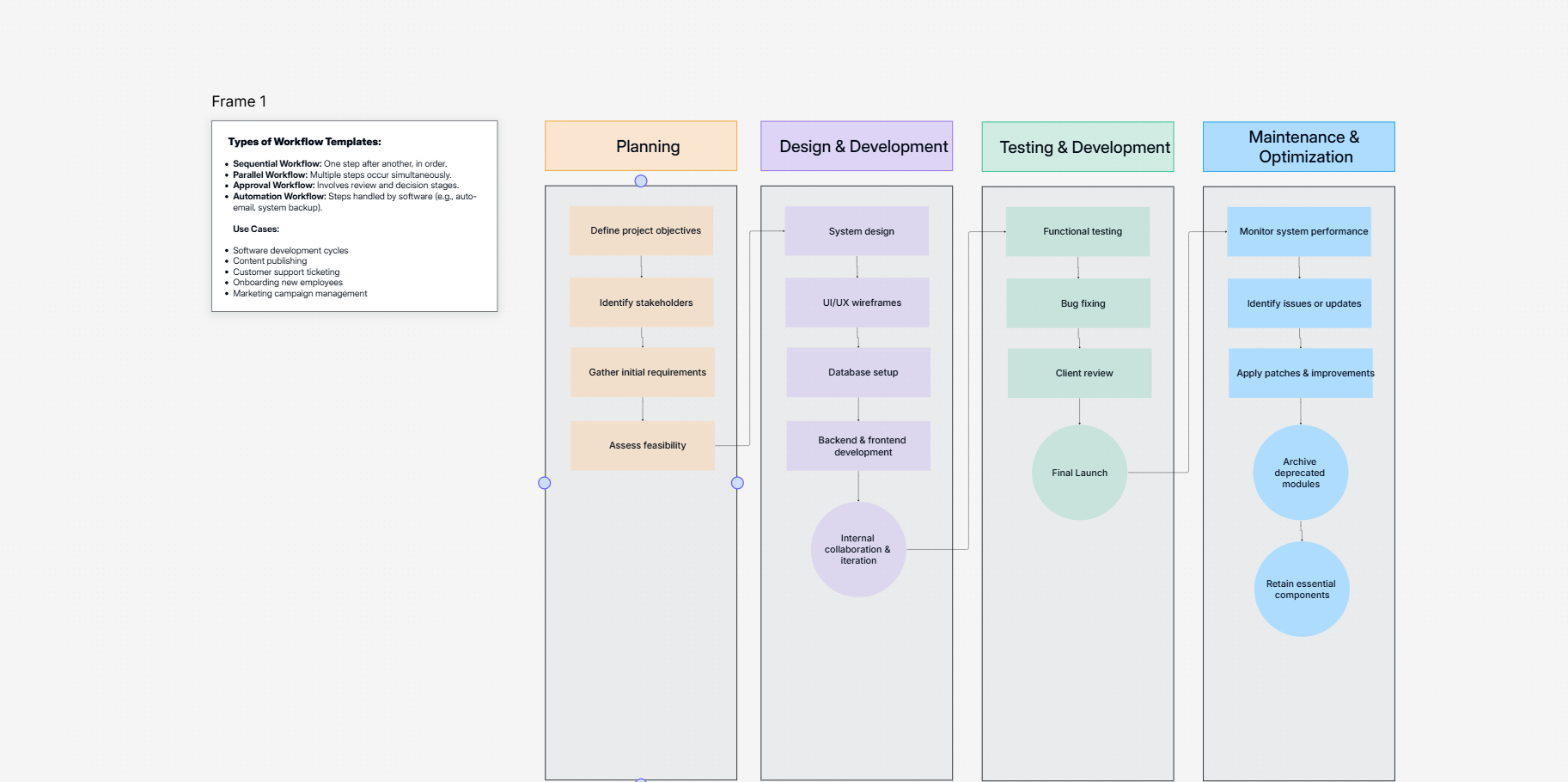
Cloudairy streamlines diagram versioning with automated version control, allowing you to track changes, restore previous iterations, and collaborate seamlessly without losing progress.
Just open the diagram and click on the "Version History" button. You can then explore the timeline of versions and choose the one you'd like to view or revert to.
Yes, our Diagram Version Control enables you to view any two versions side-by-side to identify the specific changes made.
Our system manages concurrent editing effectively. It will either automatically merge the changes or present options for resolving any conflicts that might occur.
Yes, you can retrieve deleted diagrams by going to the "Version History" and reverting to a version where the diagram was still present.
We provide ample version history storage. You can keep a substantial number of versions without worrying about running out of space.
You can check out our help center for comprehensive documentation and tutorials. You can also reach out to our support team for help.
Use Cloudairy’s customizable templates alongside version control for consistent and professional diagrams. Save time and streamline your design process with organized revisions.