Business Workflow Diagram Template

Cloudairy
 Copy link

Get your team started in minutes
Sign up with your work email for seamless collaboration.
Whiteboard
Copy link

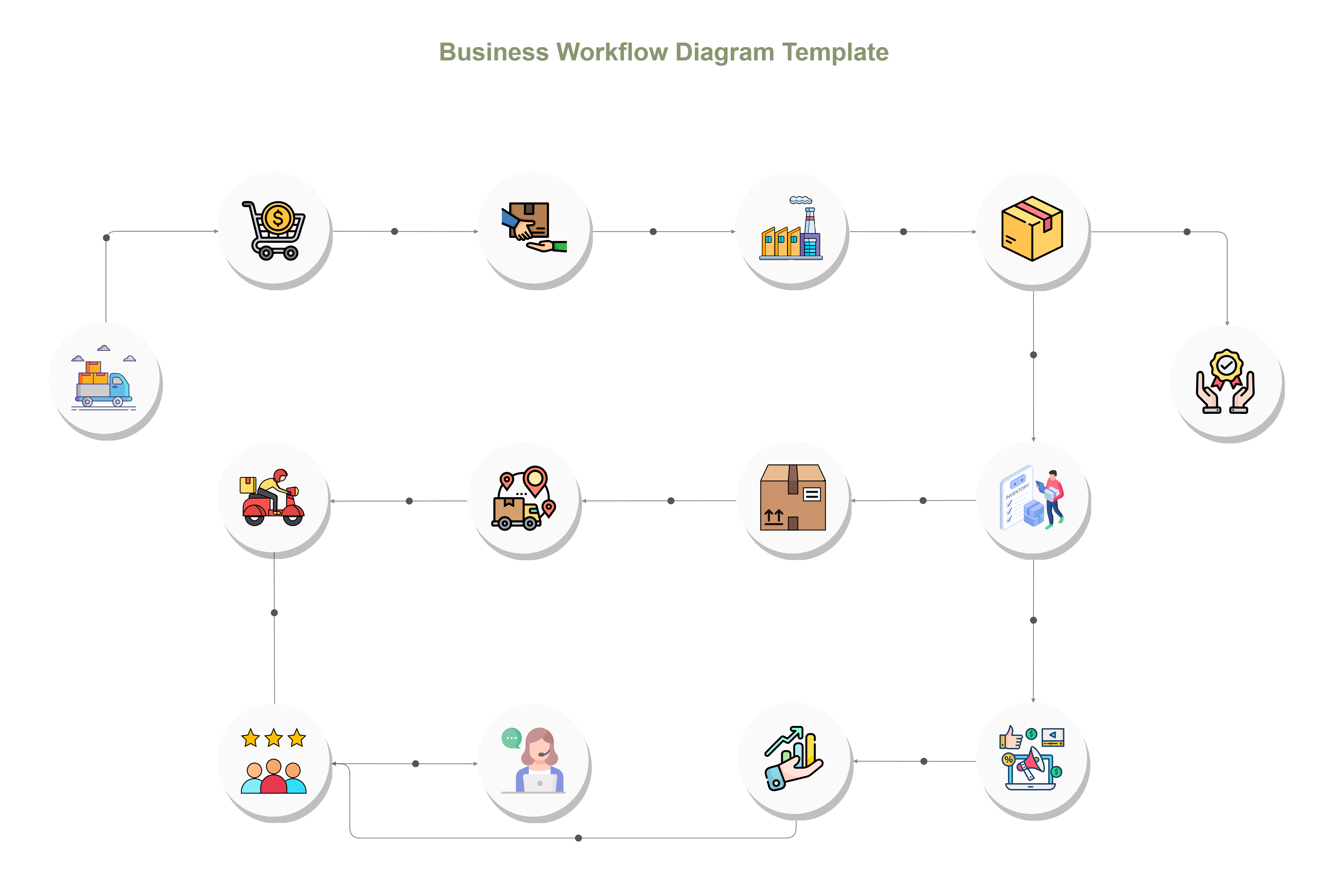
Business Workflow Diagram illustrates the step-by-step flow of business processes, tasks, decisions, and roles, helping teams understand operations, improve efficiency, and identify process gaps.
Business Workflow Diagram illustrates the step-by-step flow of business processes, tasks, decisions, and roles, helping teams understand operations, improve efficiency, and identify process gaps.
The Business Workflow Diagram Template makes it possible for teams to see how work passes through various process stages - from initialization to finalizing. It clarifies roles, duties, and relations among parties, thus providing each stakeholder a precise knowledge of how his/her actions affect business results.
This diagram helps by turning complicated processes into simple connected pieces thereby enhancing productivity, minimizing delays, and ensuring teamwork among different divisions. It is a must-have tool for firms that want to grow their business or set up workflow automation.
Build clear, effective diagrams with Cloudairy’s ready-to-use templates.
This template is equipped with structured elements that make process visualization simple and professional.
Use this template when you need to map, analyze, or redesign core business processes for better efficiency and alignment. It’s ideal for HR teams managing onboarding, operations teams tracking approvals, and project leads standardizing workflows.
If you are now creating daily practices or developing their systems to be as large as the corporations, this illustration will serve the purpose of thoroughly recording all the workflows for their effectiveness and openness.
The template can provide you with bandwidth enough to earmark its backups to your organization’s particular operations and cloud ecosystem.
This template supports diverse organizational needs, helping teams maintain consistency and improve process execution.
1. What is the key purpose of a business workflow diagram?
It provides a means for organizations to clarify task flow and responsibility, thereby guaranteeing that no misunderstandings or overlaps occur in the execution of the processes. This in turn, leads to increased efficiency and less double handling of tasks, thus more accountability among the teams.
2. How does this differ from a process mapping diagram?
The workflow diagram outlines the responsibility for every activity along with the order of execution, while the process map illustrates the steps performed in each stage. Both are essential in the process of optimization and standardization.
3. Can this diagram be used for automation design?
Yes. The template is a great tool for identifying tasks that are repetitive and can be performed automatically using workflow software or through integration with other systems like CRM and ERP.
4. Is it suitable for executive or client presentations?
Definitely. The clear and systematic design of the diagram makes it perfect for process enhancement, reporting the performance, or employee training.
5. Can workflows be linked to KPIs or dashboards?
Yes, Stages can be linked to metrics or dashboards that are updated in real-time, thus enabling the tracking of performance and the analysis of the areas where process improvement is needed.
Loading subcategories...
 Manage all your work in one place
Collaborate with your team
Use Cloudairy for FREE—forever
Explore More