Technical Diagramming
Process Mapping vs Workflow Diagrams: Key Differences


Get your team started in minutes
Sign up with your work email for seamless collaboration.
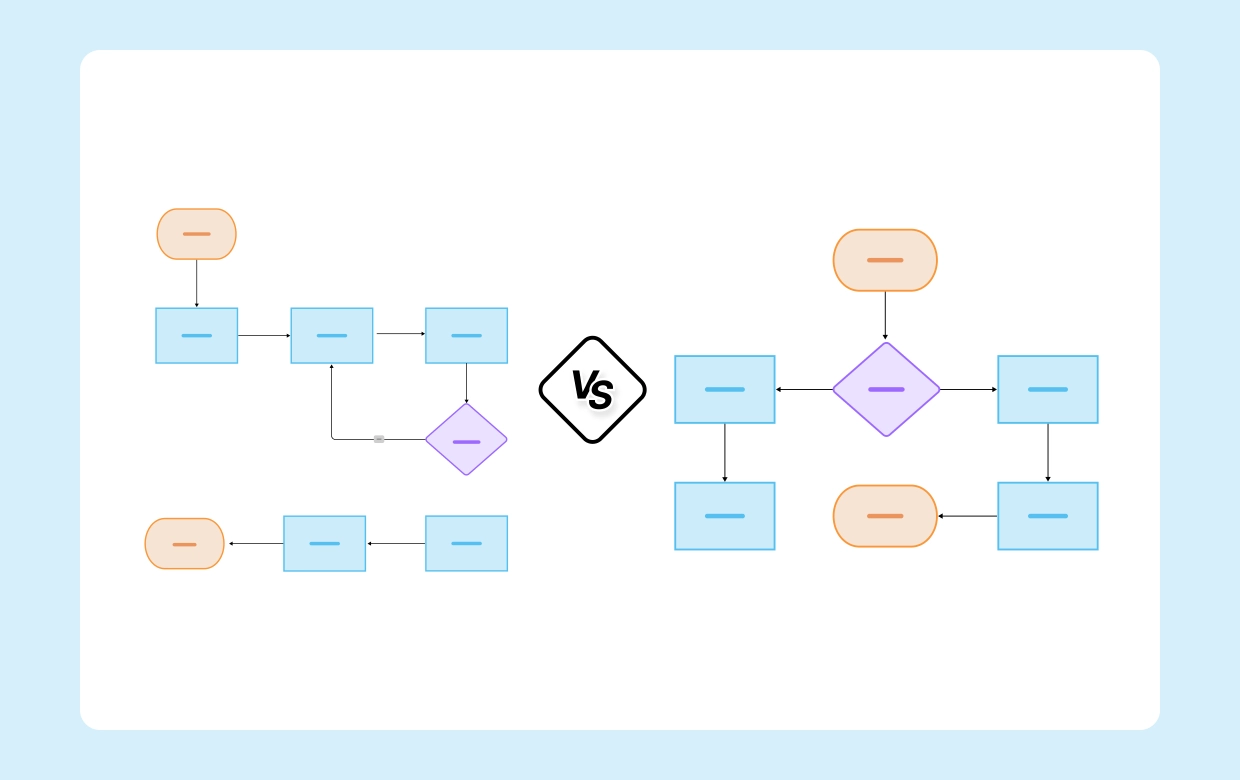
At first glance, one might think that process mapping and workflow diagrams are identical; both indicate the same thing by means of boxes and arrows, that is, the movements of materials and information within the organization. However, each one of the diagrams has its own specific aim.
While the workflow diagram is mainly concerned with who the performing person is and how; in contrast, a process map goes to the very core of the matter and describes what, when, where, why, and how with regard to the whole process. Pointing out the difference is very important for designing systems that are not only efficient but also scalable, automated, and possessing the capability of working together without any hitches.
The Workflow & Process Diagram Maker allows you to generate either of the diagrams effortlessly, or you can browse the Process Mapping Diagram Template for excellent visual examples.
A process map is an intricate illustration that shows in a visual manner all the steps, decisions, and results that are involved in carrying out a process. It does not stop at the simple task flow but also includes the performances that affect it like inputs, outputs, roles, and data points.
The process maps have become a very important tool in the BPM and operational excellence initiatives as they help teams pinpoint the weak areas in the process, eliminate unnecessary steps, and find places where automation or improvement can be done.
Key traits of process maps:
See an example with the Process Mapping Diagram Template.
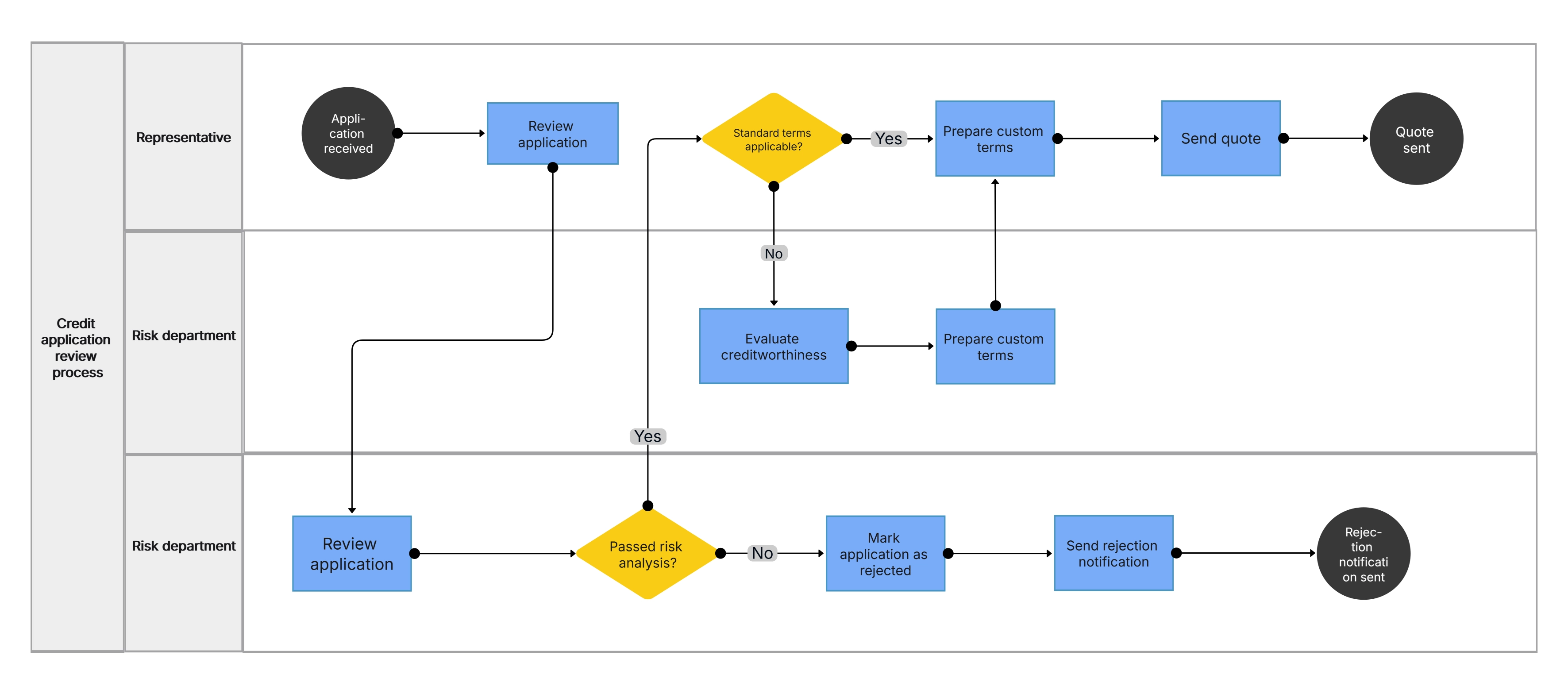
In contrast, a workflow diagram created with Cloudairy reveals the operational flow and illustrates how tasks are transferred among people , systems, or departments. Moreover, it gives a roughly drawn picture of the process carried out, the persons accountable, and the interdependencies.
At the same time, workflow diagrams grant support for both daily management and teamwork, because they convert the most complicated sequences of tasks into the simplest and most manageable ones.
The main features of workflow diagrams are:
Try the Business Workflow Diagram Template to visualize your team’s operational flow.
.webp)
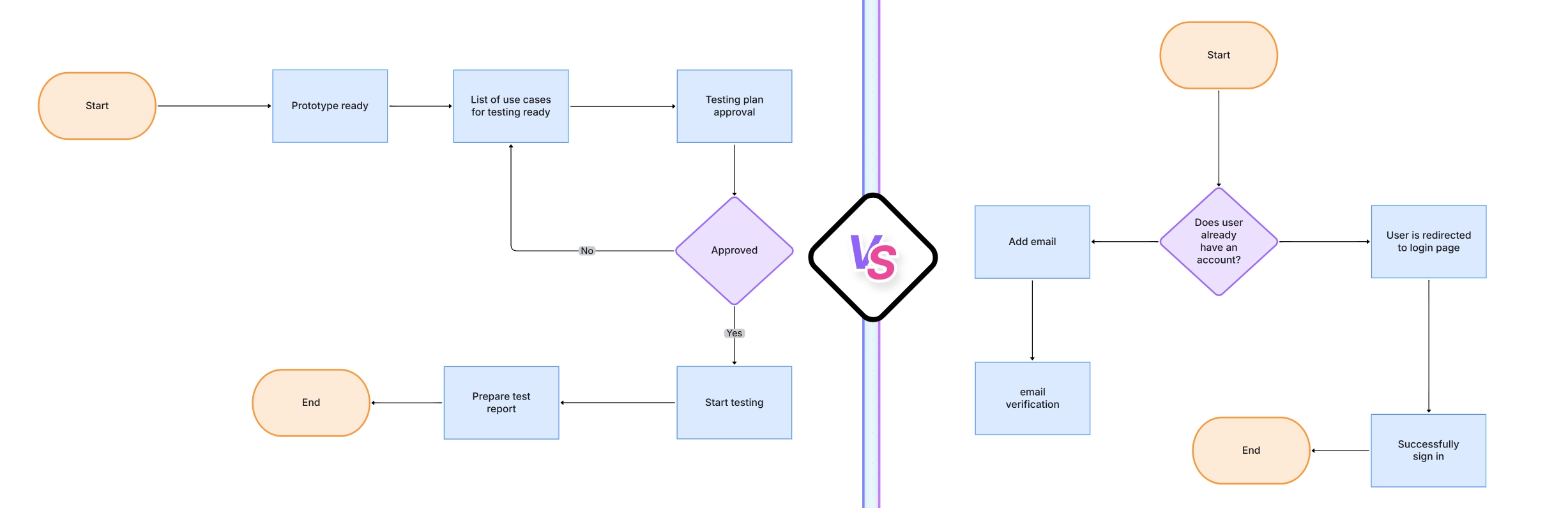
While both visuals complement each other, their goals and use cases differ significantly. The table below summarizes their primary distinctions:
| Aspect | Process Mapping | Workflow Diagram |
| Purpose | Analysis and optimization | Task flow and execution |
| Focus | Steps, decisions, and data | Roles, sequence, and ownership |
| Detail Level | High – includes data, metrics, and logic | Moderate – focuses on actions and order |
| Audience | Analysts, managers, auditors | Teams, project managers, automation users |
| Output | Process improvement insights | Visual task execution roadmap |
Together, they give organizations a complete view — process maps identify inefficiencies, while workflow diagrams operationalize the improved process.
Knowing when to use a process map versus a workflow diagram can make your improvement efforts far more effective.
By using both, you create a continuous improvement loop — from discovery to execution to refinement.
Organizations that use both process mapping and workflow diagrams see measurable improvements in productivity and communication.
Both visuals apply to different business functions but work best together in transformation and optimization projects.
While process mapping focuses on understanding and optimizing processes, workflow diagrams focus on executing and managing them effectively. Both are essential for modern organizations that value efficiency, automation, and continuous improvement.
Start visualizing your processes today with the Process Mapping Diagram Template and streamline operations using the Workflow & Process Diagram Maker. Learn more in the Workflow & Process Diagrams Guide. To understand the fundamentals of visual process flows, you can explore what is a flowchart and how it represents steps, decisions, and outcomes clearly.
1. Can a process map and workflow diagram be combined in one visualization?
2. Which one should I create first?
3. How detailed should a process map be?
4. Are these diagrams only for large organizations?
5. Which tool is best for both?
Start using Cloudairy to design diagrams, documents, and workflows instantly. Harness AI to brainstorm, plan, and build—all in one platform.
Table of Contents

Introduction
 Manage all your work in one placeCollaborate with your teamUse Cloudairy for FREE—forever


 Related Articles
.webp)