Technical Diagramming
Zero Trust Security Architecture Explained


Get your team started in minutes
Sign up with your work email for seamless collaboration.
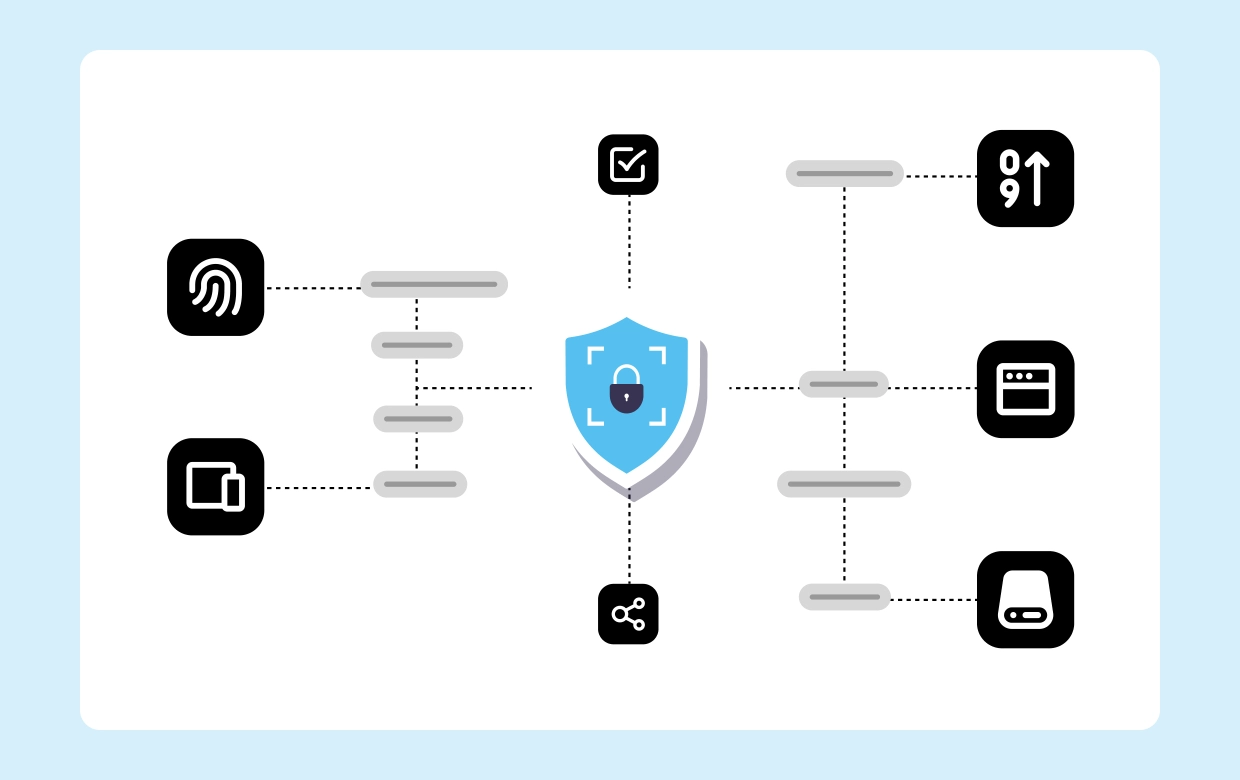
Zero Trust Security Architecture treats every request user, device, workload, or API as untrusted until proven otherwise. Instead of granting wide access based on network location, Zero Trust evaluates identity, device posture, and real-time context for each action. Access is scoped narrowly and re-verified during the session, so compromise doesn’t spread. By placing enforcement close to data and applications, teams gain resilience, reduce lateral movement, and strengthen auditability without slowing development or operations.
Design your model with the Zero Trust Architecture Diagram Template and build it in the Security Architecture Diagram Tool. Link identity flows to the IAM Architecture Diagram, pathways to the Network Security Architecture Diagram, and analytics to the Security Monitoring Architecture Template.
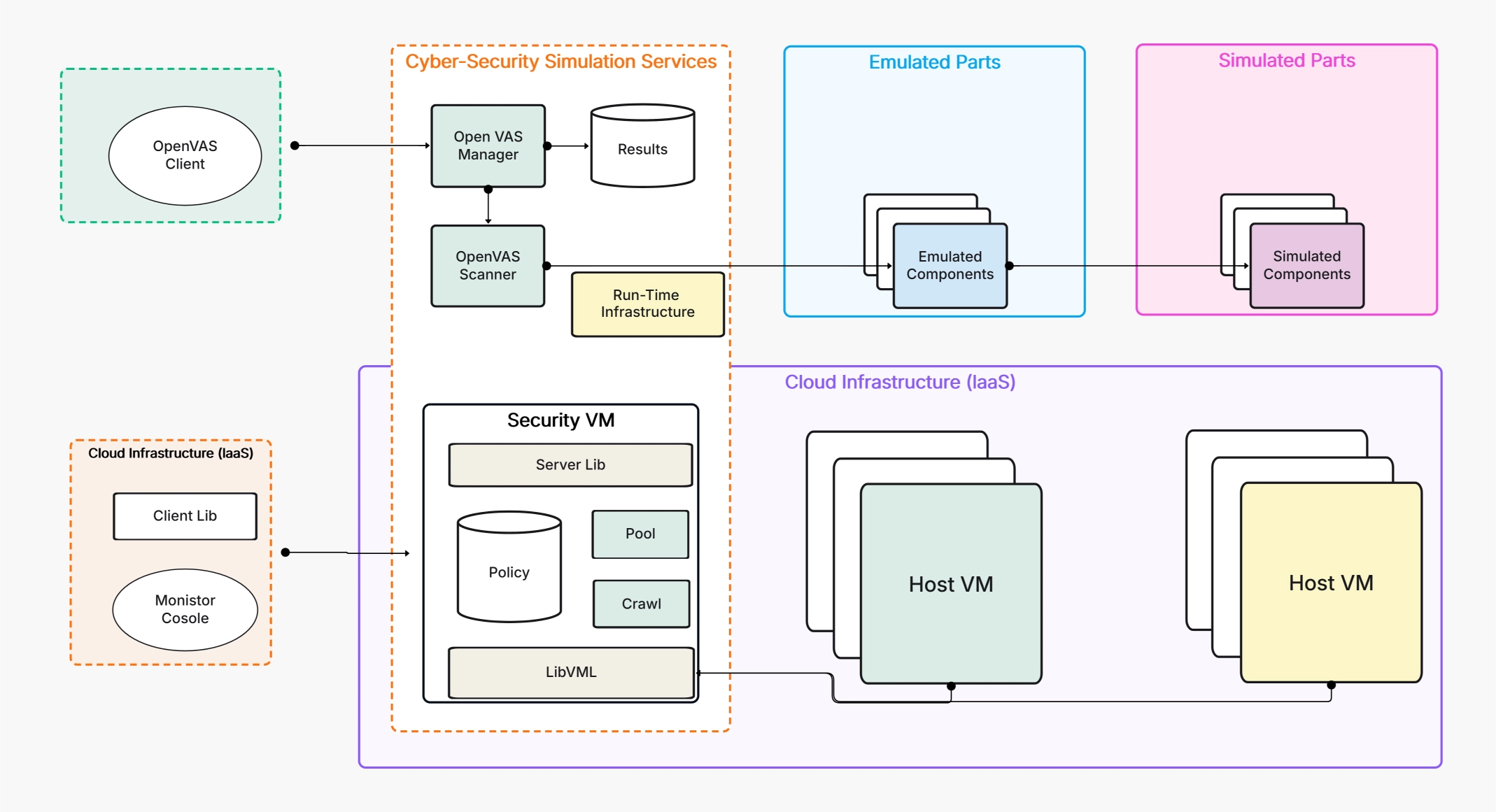
Attackers increasingly target identities and SaaS workflows, while apps span multiple clouds and devices. Zero Trust Security Architecture replaces location-based trust with continuous verification that travels with the user or workload. Short-lived tokens, granular segmentation, and automated revocation compress attacker dwell time and reduce blast radius. Because telemetry is built in, teams gain clearer investigations and faster audits. The result is practical security that aligns with hybrid work, modern DevOps, and regulatory obligations.
Zero Trust focuses on three simple but demanding ideas that guide every design decision. First, verify explicitly: authentication must consider user, device, and context not just a password. Second, enforce least privilege everywhere: permissions are tightly scoped and elevated only when needed, then quickly rolled back. Third, assume breach and monitor continuously: collect rich telemetry, automate responses, and design for containment so incidents remain small and provable. Together, these principles create durable, adaptive security.
Zero Trust begins by validating who or what is requesting access and under which conditions. Users present phishing-resistant MFA; services prove identity with certificates or workload IDs; devices supply posture health for risk scoring. Contextual signals location, behavior, time, and network shape every decision. Verification is not a front-door ritual but a living control that persists across the session, re-checking when risk changes and forcing step-up or re-auth when confidence drops.
Under Zero Trust Security Architecture, the safest permission is the smallest one that works. Policies use roles and attributes to grant only what’s required, then restrict further based on device posture and session risk. High-impact actions, admin tasks, sensitive data exports, production changes trigger time-bound elevation and additional verification. By exposing resources narrowly (often at the app or API layer), you limit lateral movement and keep audit evidence precise and reviewable.
Zero Trust treats compromise as a possibility, so designs emphasize containment and rapid detection. Telemetry from identities, endpoints, networks, and apps flows into centralized analytics that learn normal patterns and flag deviations. Credentials are short-lived; tokens are revocable; segments are tight. When risk spikes, automation can quarantine devices, force re-authentication, or expire sessions. This posture shrinks incident scope, accelerates forensics, and feeds improvements back into policies and controls.
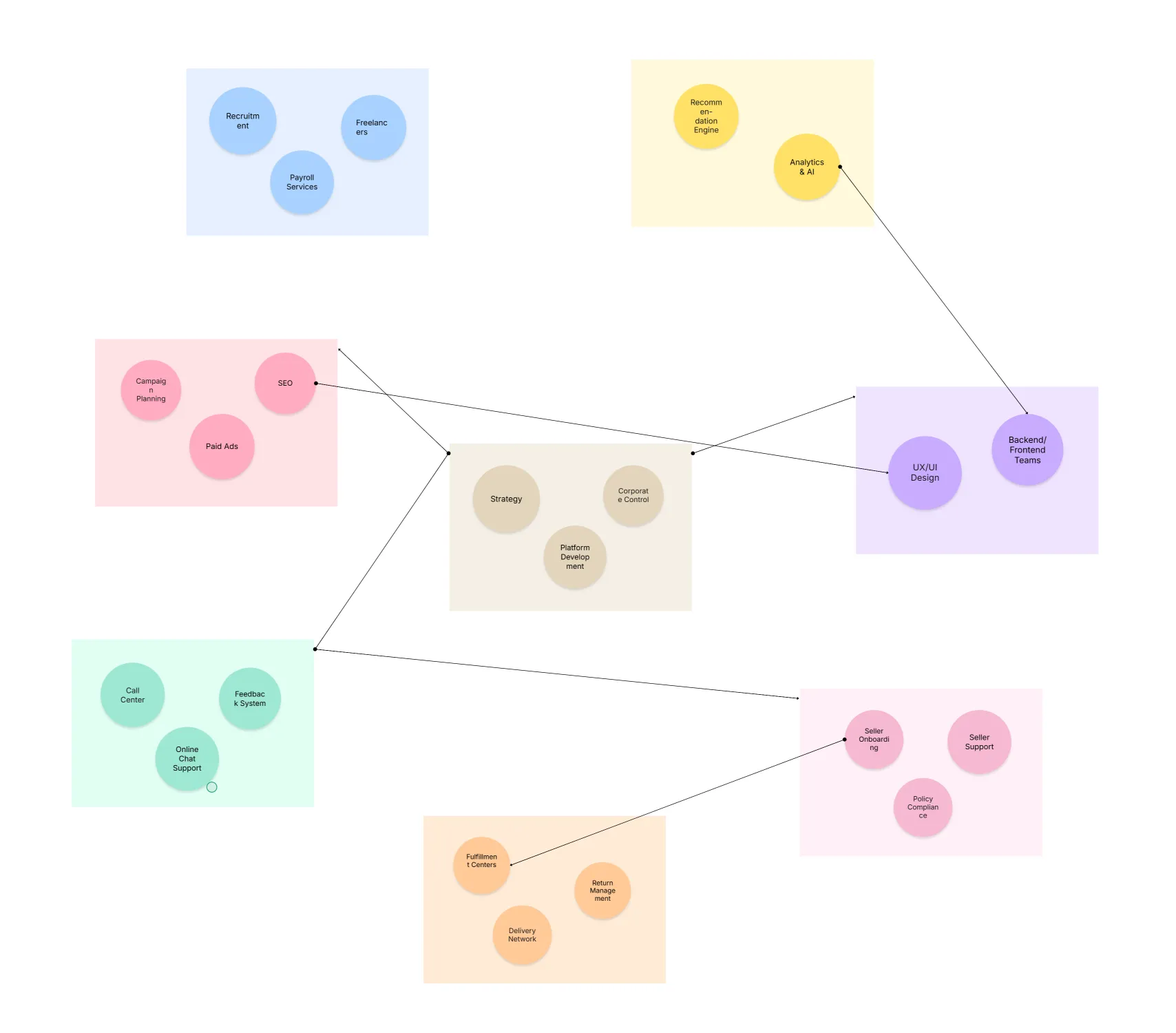
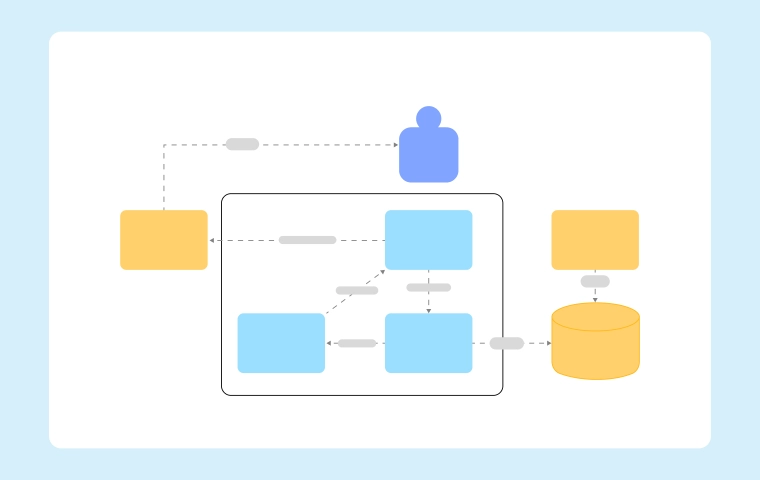
A practical diagram connects identity, device, network, application, data, and monitoring into one enforceable plan. Use it to show where verification happens, where policies execute, and how telemetry returns to analytics. Start with protection surfaces crown-jewel data and critical apps—then extend controls outward. Keep scopes small, tokens short, and enforcement near workloads. The following numbered components map directly to the
Adopt Zero Trust iteratively: choose a high-value slice, prove it, then scale. Anchor every step to measurable outcomes like reduced standing privilege or faster revocation. Publish reference patterns so teams can reuse controls without re-inventing policy. The numbered roadmap below aligns with the Security Architecture Pillar and is easy to execute in the Security Architecture Diagram Tool:
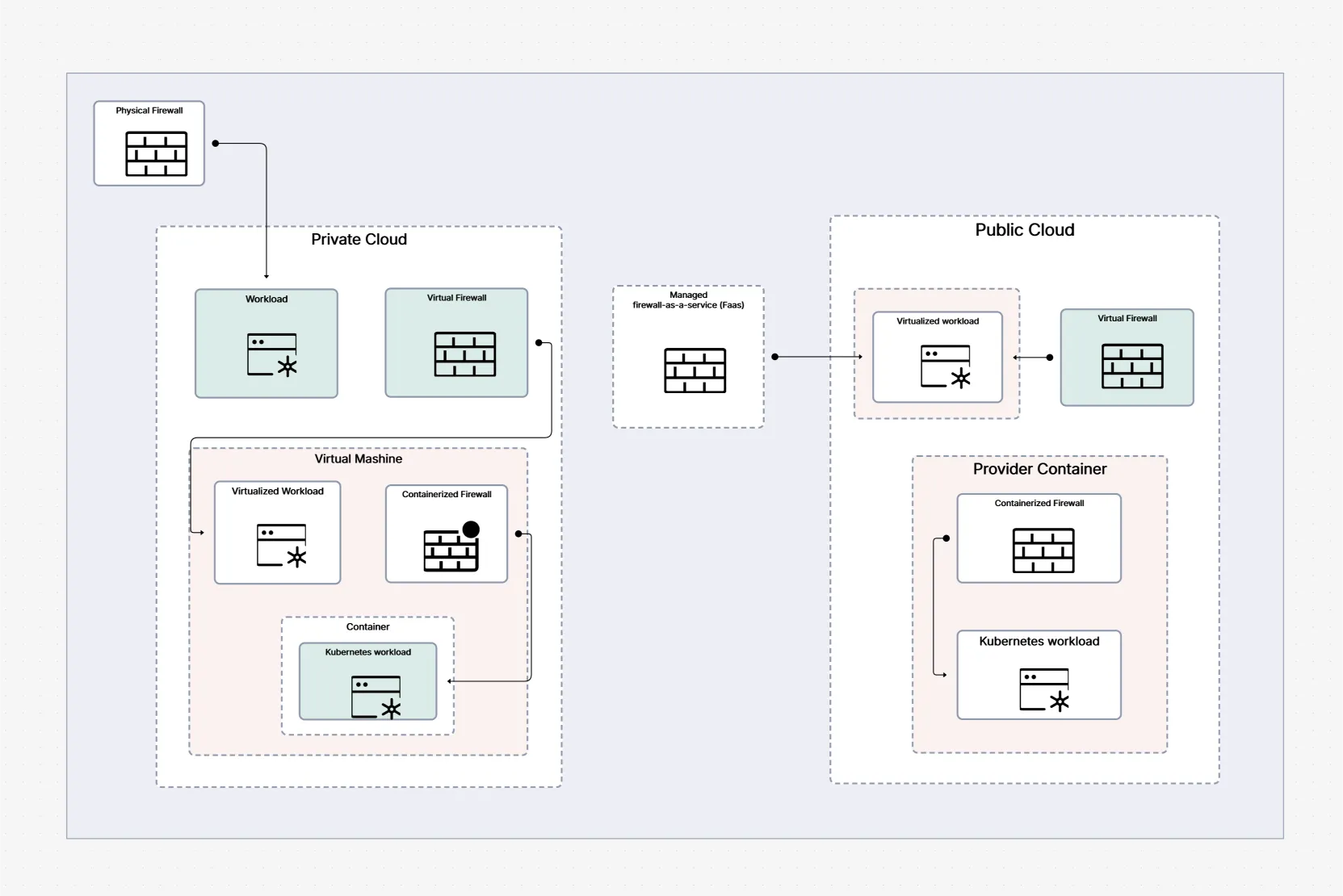
Zero Trust fails when treated as a tool purchase or a “lift-and-shift” of perimeter rules. The model requires identity-first design, small scopes, and short-lived trust. Teams also stumble when telemetry is incomplete, leaving blind spots that attackers exploit. Use the numbered guidance below to keep your rollout practical, measurable, and durable:
Zero Trust Security Architecture succeeds when it becomes a repeatable habit, not a one-time project. Anchor your roadmap to clear protection surfaces, raise identity assurance, and push enforcement closer to apps and data. Then shorten token lifetimes, segment aggressively, and automate response as signals mature. For a fast start, build your model in the Security Architecture Diagram Tool and adapt the Zero Trust Architecture Diagram Template to turn principles into measurable, auditable outcomes.Need a custom version? Use our AI Diagram Generator to create authentication and SSO diagrams in seconds.
1.How is Zero Trust Security Architecture different from perimeter security?
2.Do we need to replace our VPN to adopt Zero Trust?
3.What’s the first control to implement?
4.Can Zero Trust work in multi-cloud and hybrid environments?
5.Where can I get a ready-to-use diagram?
Start using Cloudairy to design diagrams, documents, and workflows instantly. Harness AI to brainstorm, plan, and build—all in one platform.
Table of Contents

Introduction
 Manage all your work in one placeCollaborate with your teamUse Cloudairy for FREE—forever


 Related Articles
.webp)