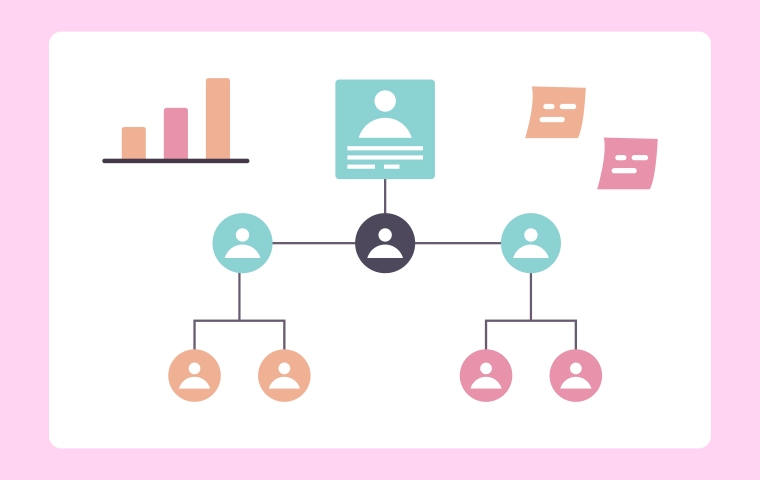
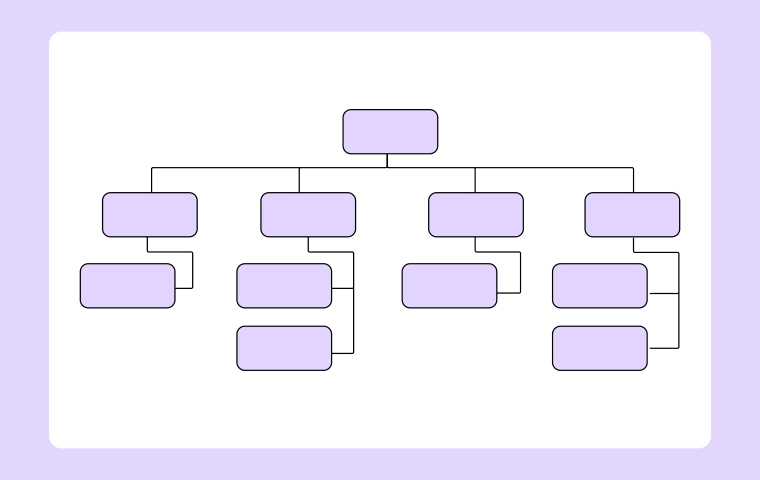
Org Chart
Graphic Organizers: Meaning, Types, and Practical Uses with Cloudairy
.webp)


Get your team started in minutes
Sign up with your work email for seamless collaboration.
In school and work, sorting info clearly helps you understand, plan, and make choices. Info can get really complicated. Just reading text isn't always enough. Graphic organizers fix that. They use pictures to show ideas, data, and connections in a simple way.
This article explains what graphic organizers are. It covers the main types. It shows how they help in class, business plans, and brainstorming. Plus, it tells how Cloudairy lets you make them online fast.
A graphic organizer is a picture tool. It helps sort info, ideas, or concepts neatly. It uses shapes, lines, symbols, and words to show how things connect. You don't read long blocks of text. You see it all visually. That makes it easier to get and remember.
People use them a lot. They make tough topics simple. They add clarity and help you think logically. They work for kids of all ages, pros on projects, and teams with ideas.
Graphic organizers boost understanding and talking things out. They turn info into pictures. This helps you spot patterns, links, and what's most important.
Key reasons they matter:
These perks make them great for school, business, and creative stuff.
Lots of types exist. Each fits a certain job. Here are the top ones.
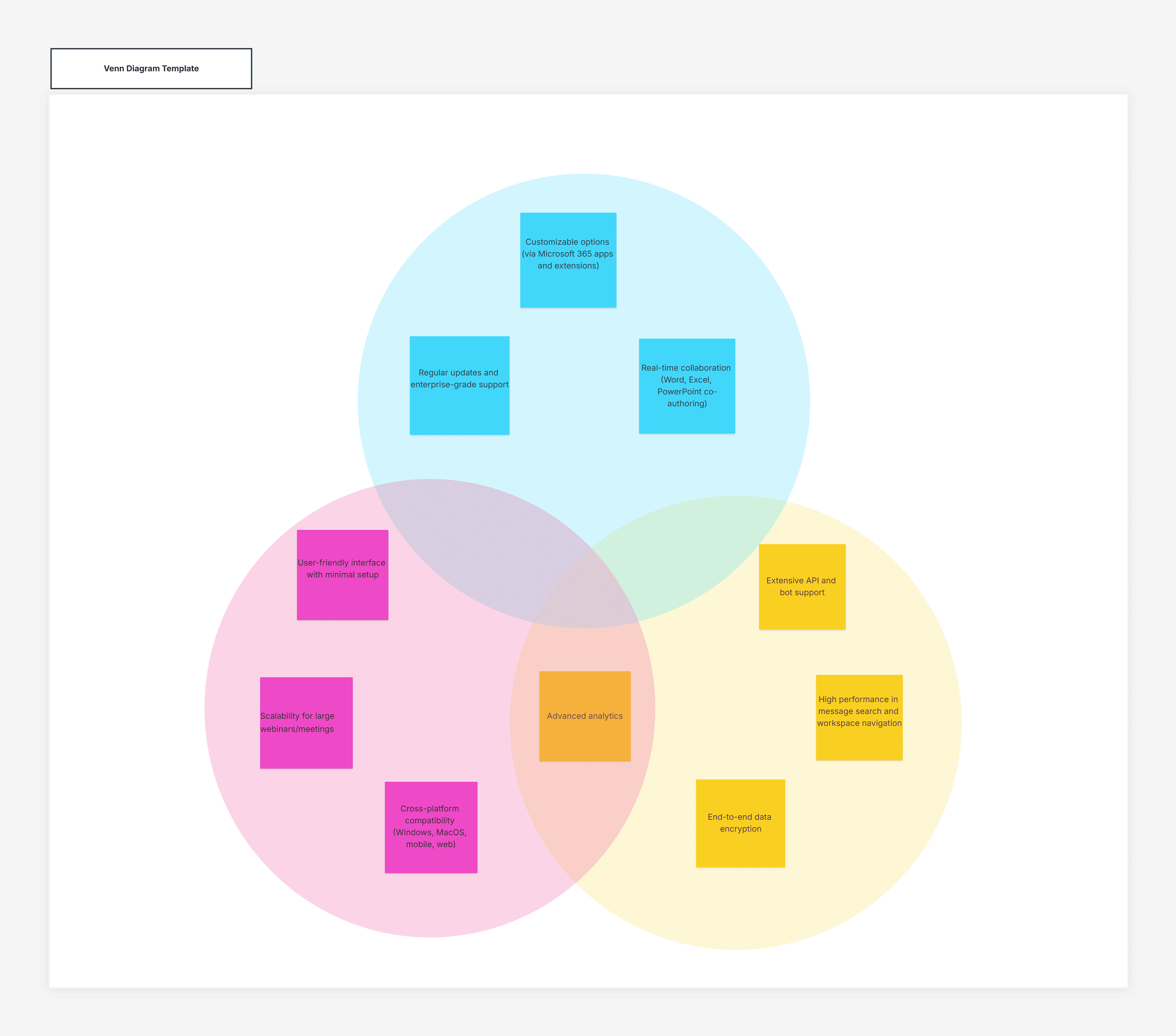
Venn diagrams compare and contrast two or more ideas or things. They use overlapping circles to show what's the same and what's different.
They're super for analyzing, checking, and deciding. You see shared parts and differences clearly. Comparisons get better and more organized with a Venn diagram.
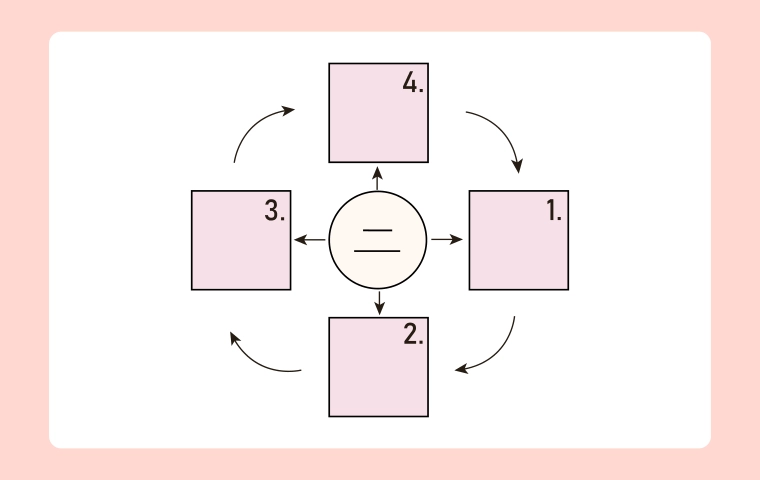
Flowcharts show steps in a process or workflow. They use boxes for actions, diamonds for decisions, and arrows for the flow.
People use them to explain steps, build systems, and fix issues. They show how something works from start to end. You spot ways to improve easily.
Mind maps put a main idea in the center. Related ideas branch out. This matches how we think. It sparks creativity but stays structured.
Use them for brainstorming, project plans, outlines, and tough study topics. Ideas grow free but stay linked to the center.
Charts and tables show data clearly. Think bar charts, pie charts, line graphs, or tables.
They're perfect for summing up data, spotting trends, and making choices based on facts. Common in reports, talks, and business checks.
In class, they're key learning tools. Teachers use them to explain ideas, plan lessons, and get students involved. Kids use them for notes, understanding books, essay plans, and test prep.
They help picture how ideas connect. They improve their grasp and thinking skills. They fit different learning styles, making school more fun and open to all.
In business, they help with big plans, process maps, and teamwork. Flowcharts map workflows. Charts check performance. Mind maps grow ideas and strategies.
Pictures give everyone the same view of goals, tasks, and priorities. This cuts mix-ups and leads to better decisions using a clear Concept Map.
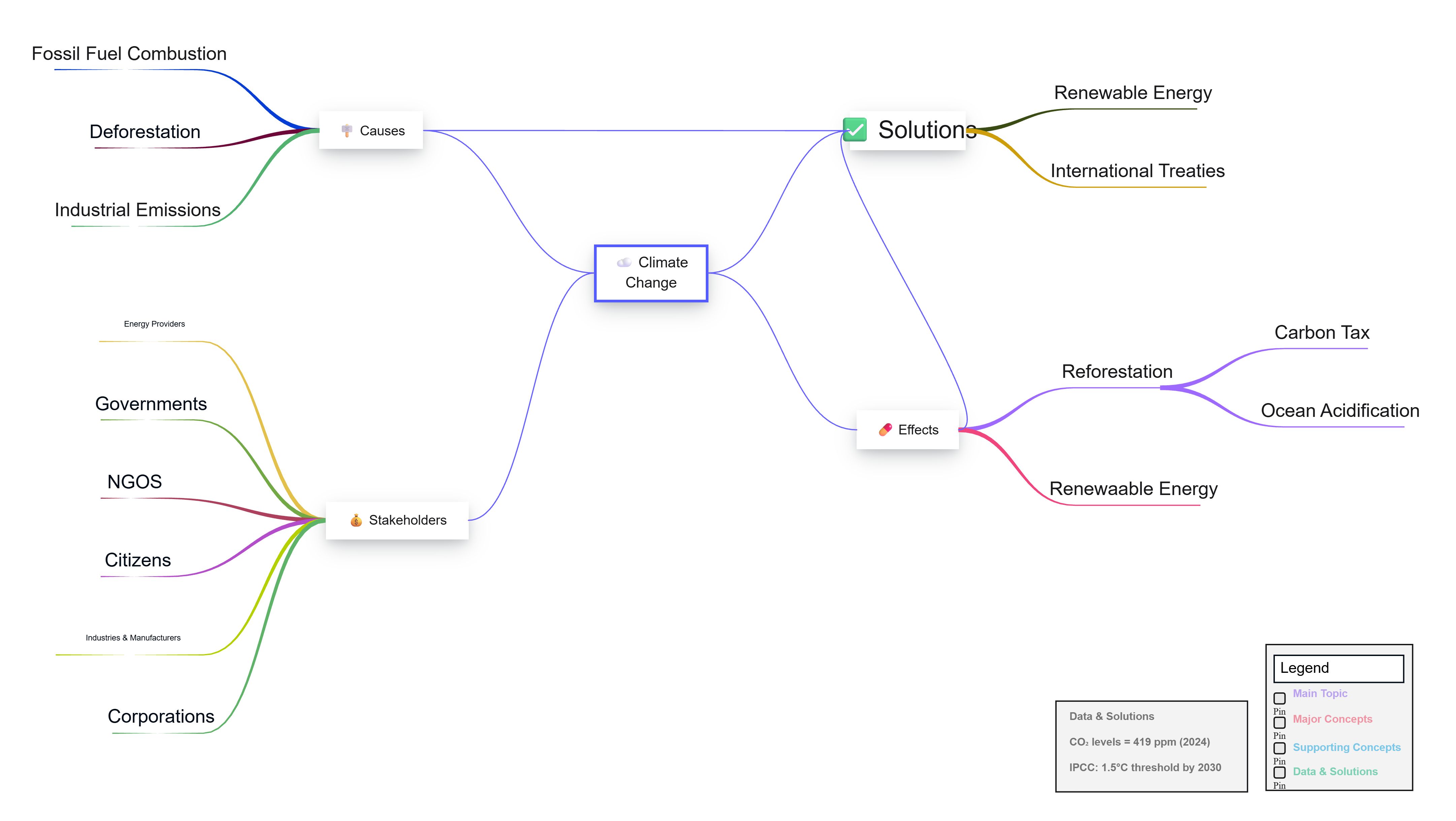
They're awesome for brainstorming and new ideas. They grab thoughts fast and sort them.
Mind maps let you explore freely. Flowcharts check outcomes. Venn diagrams refine by spotting overlaps and differences.
They turn messy thoughts into clear plans you can act on.
Cloudairy makes it simple to build pro graphic organizers online. No tough design needed. Use ready templates, drag-and-drop, and team features. Create, edit, and share in minutes.
It handles types like:
Students, teachers, business folks, or team leaders—all can visualize ideas clearly and work better.
Cloudairy's perks include:
These make it a solid choice for top-quality organizers.
Graphic organizers sort info, boost understanding, and improve communication. Types like Venn diagrams, flowcharts, mind maps, and charts help with learning, planning, and brainstorming everywhere.
Cloudairy makes them quick, easy, and team-friendly. Picture your ideas right, and you think clearer, plan smarter, and share confidently.
1. What is a graphic organizer?
2. What are common types of graphic organizers?
3. Where are graphic organizers used?
4. How do graphic organizers help learning?
5. Can graphic organizers be created online?
6. Does Cloudairy support graphic organizers?
Start using Cloudairy to design diagrams, documents, and workflows instantly. Harness AI to brainstorm, plan, and build—all in one platform.
Table of Contents

Introduction
 Manage all your work in one placeCollaborate with your teamUse Cloudairy for FREE—forever


 Related Articles