Technical Diagramming
AWS vs Azure vs GCP: Cloud Architecture Differences Explained


Get your team started in minutes
Sign up with your work email for seamless collaboration.
As business shifts to the cloud, one of the high-level decisions is making a choice of what provider to deploy. Of the top-notch providers, Amazon Web Services (AWS), Microsoft Azure, and Google Cloud Platform (GCP) are the titans of the current world of cloud computing, while each of their designs of cloud architecture goes a distinctly different route. Each has a differing forte of scalability, methods of integration, cost models, and workloads supported. A judicious understanding of the differing architecture of clouds enables the organization to align technical direction with business intent and avoid expensive mistakes along the way.
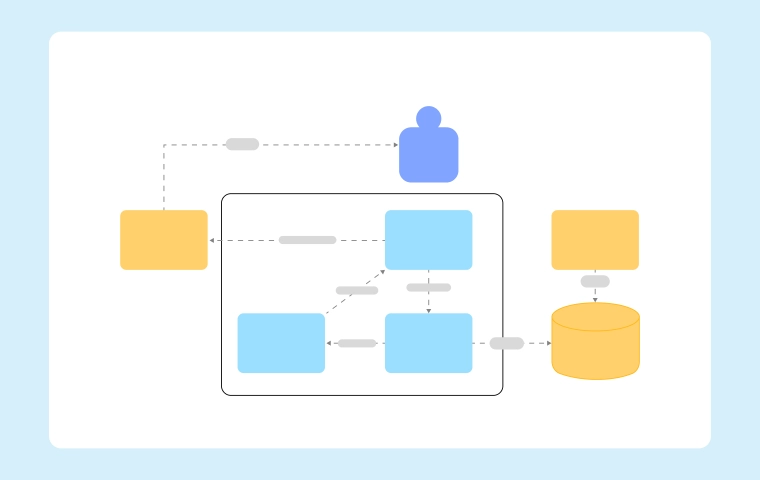
Cloud architecture refers to the design and structure of cloud computing systems, including compute, storage, networking, and security layers. It defines how services interact to deliver applications and data across the cloud. To gain a more thorough understanding, check out our detailed Cloud Architecture: Concepts, Types, and Examples pillar page, which covers vital concepts and various architecture types like hybrid clouds and multiple cloud environments.
You can also try this Cloud Computing Architecture Diagram Template.
 (1).webp)
Amazon Web Services honestly provides the most mature and comprehensive set of reliable cloud services. Its well-structured cloud architecture is thoughtfully designed for global scalability, with multiple availability zones (AZs) per region to ensure resilience and consistent high availability.
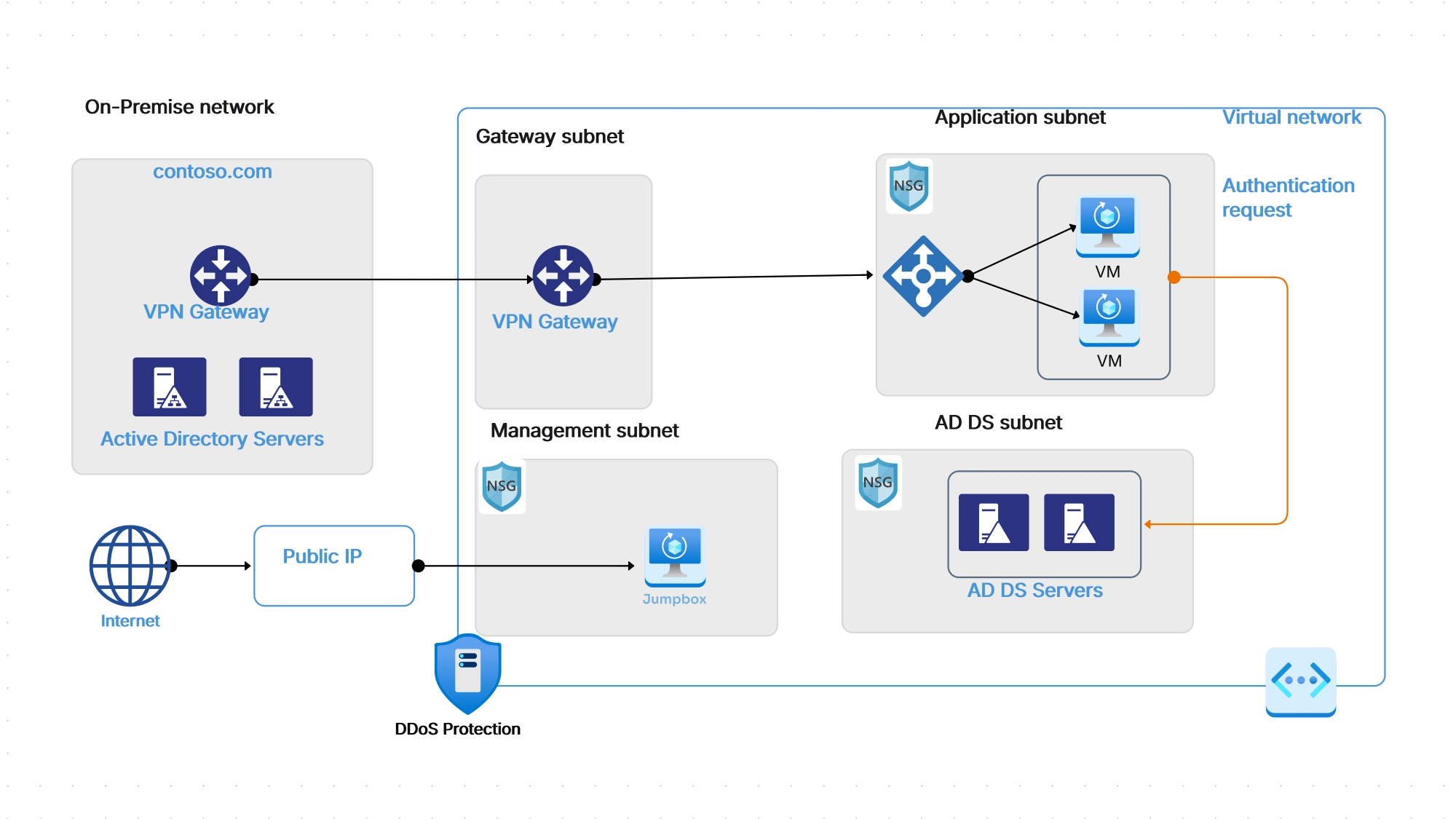
Microsoft Azure cloud architecture, explained simply, puts enterprise integration first—especially for people or companies who already use Microsoft’s powerful tools like Office 365, Windows Server, or Active Directory. Azure works hard to make hybrid compatibility and easy identity management part of its core design, so users don’t have to struggle with basic tasks.
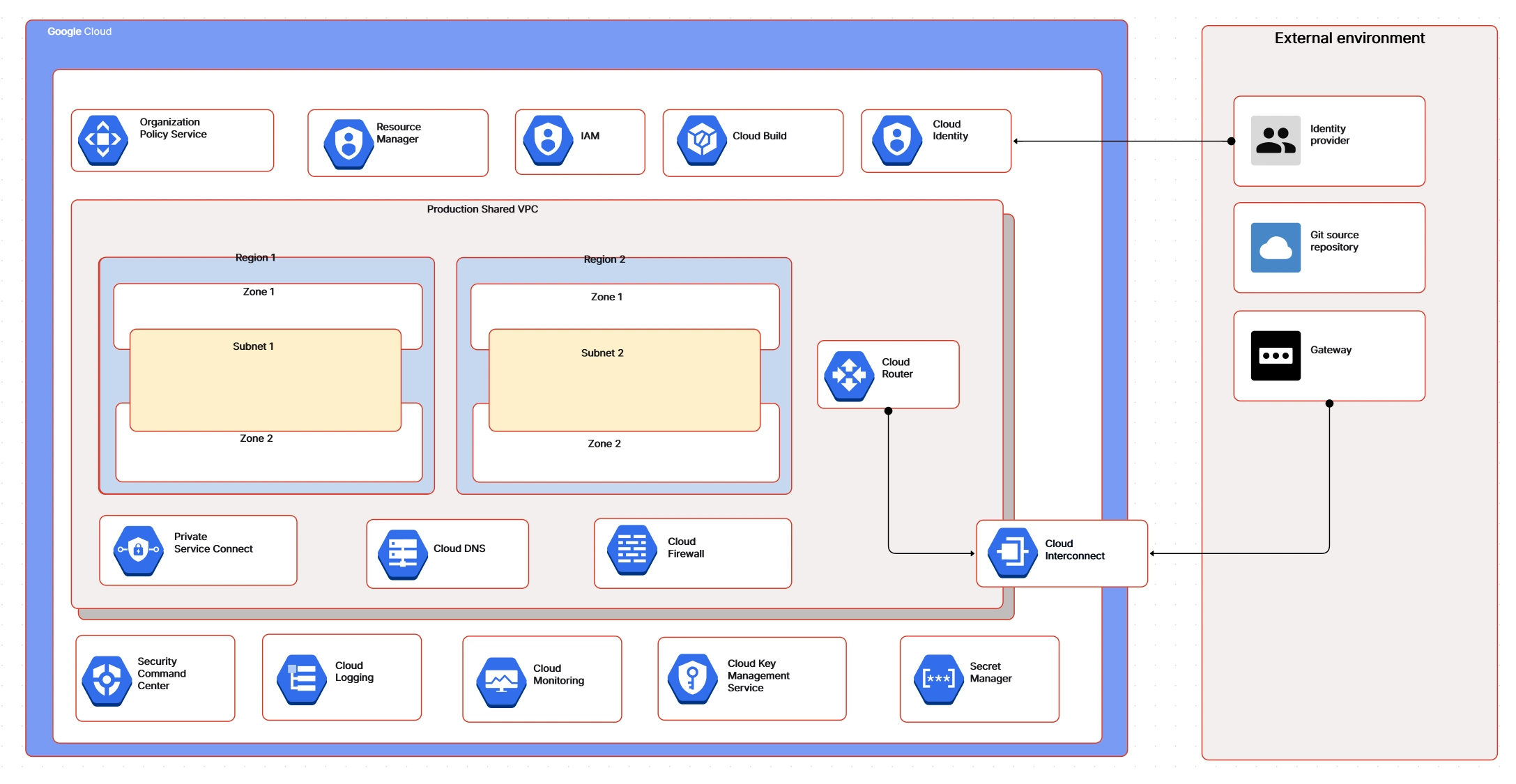
Google Cloud Platform is broadly known for its great simplicity and strong focus on data and AI-driven architectures. google cloud architecture really highlights impressive performance and remarkable efficiency, making it a very popular choice for analytics-heavy workloads you might have.
You can also try this GCP Architecture Diagram
Template.
While AWS, Azure, and GCP share a generally similar layered approach to cloud computing, their architectural strengths actually diverge significantly:
Related templates:
The “best” cloud provider depends on your business priorities:
For larger enterprises I personally know, pursuing multi-cloud strategies with a careful combination of AWS, Azure, and GCP often brings real flexibility along with extra resilience.
To better understand the differences, you can experiment with ready-to-use templates in Cloudairy Cloudchart:
AWS, Azure, and GCP each showcase unique strengths inside evolving cloud architectures. The right selection strongly depends on whether your business values rapid scalability, seamless enterprise integration, or robust advanced analytics. By working through Cloudairy user-friendly Cloud Architecture Diagram Tool and helpful templates, you can design, compare, and adapt architectures faster—helping your organization step forward with renewed confidence.
Start using Cloudairy to design diagrams, documents, and workflows instantly. Harness AI to brainstorm, plan, and build—all in one platform.
Table of Contents

Introduction
 Manage all your work in one placeCollaborate with your teamUse Cloudairy for FREE—forever


 Related Articles
.webp)