50,000 + Trusted Users with
star star star star star

Trusted by Professionals at Leading Companies

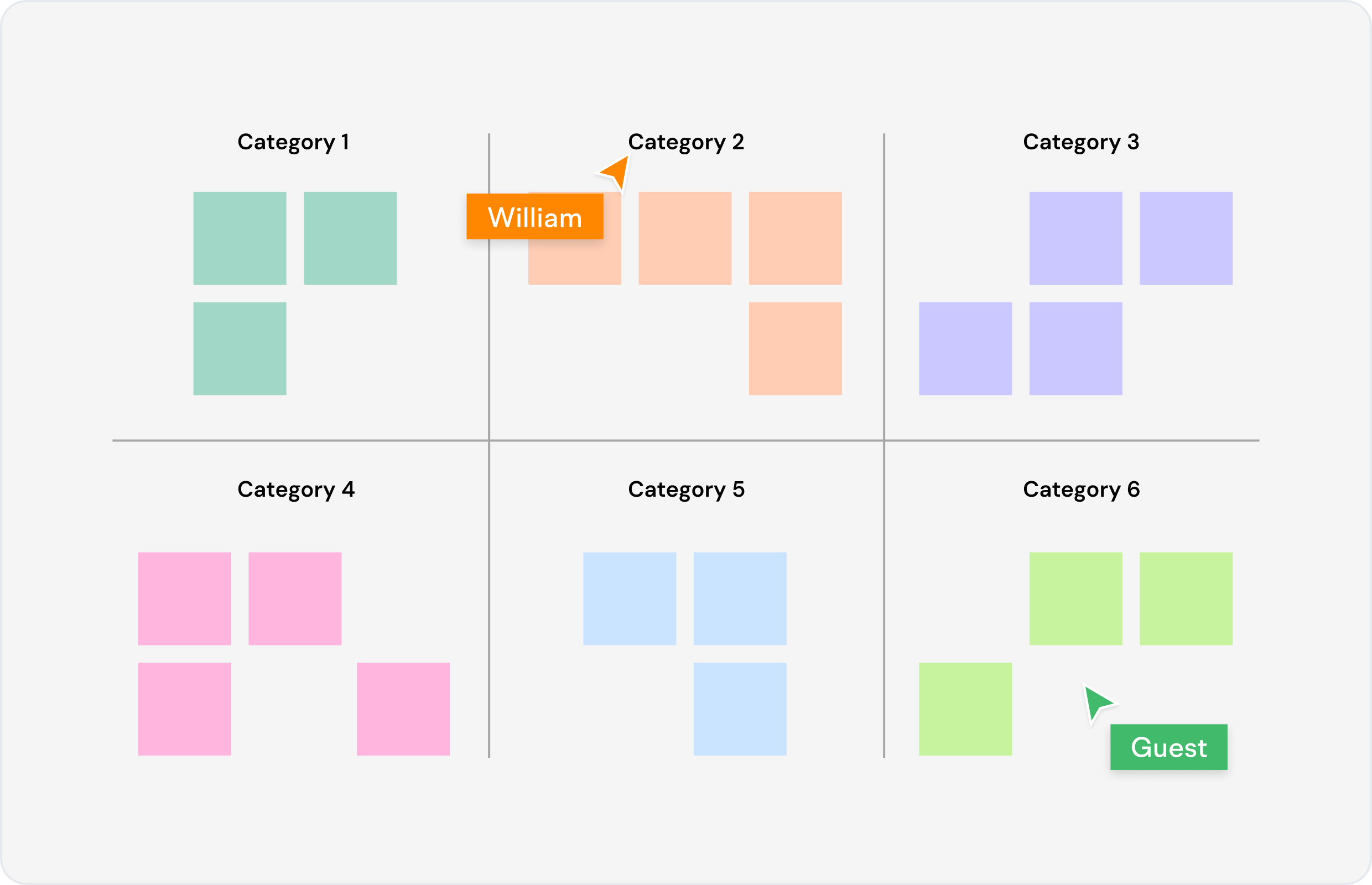
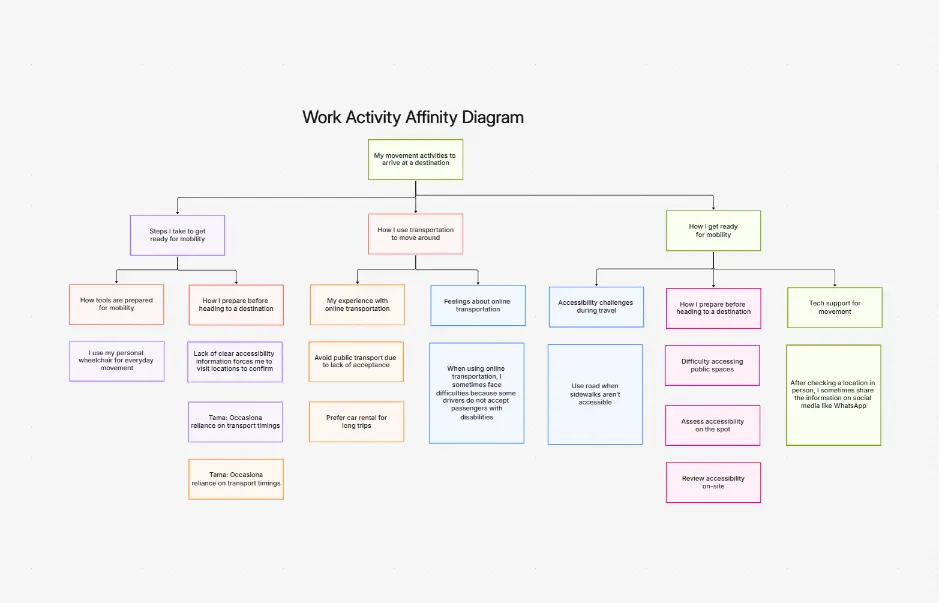
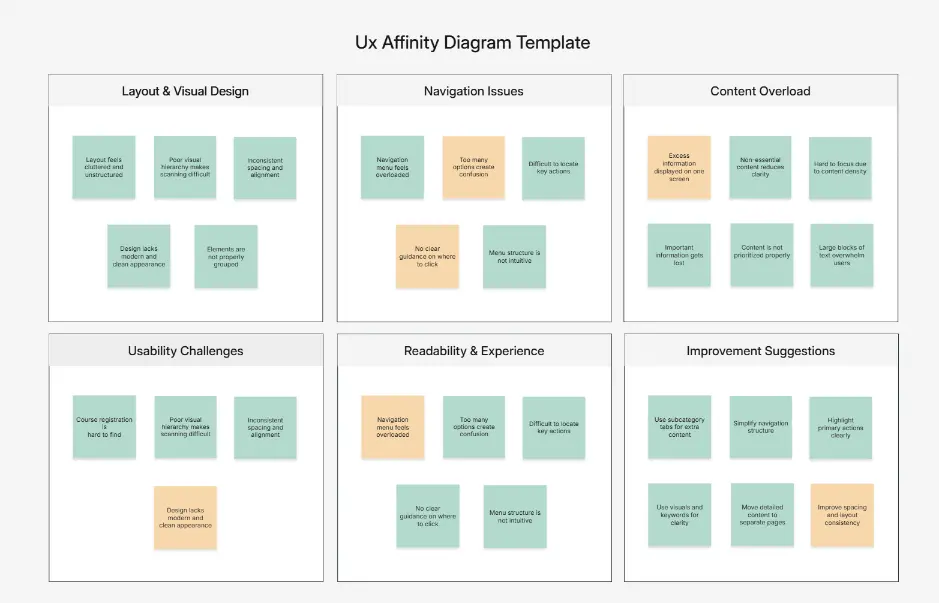
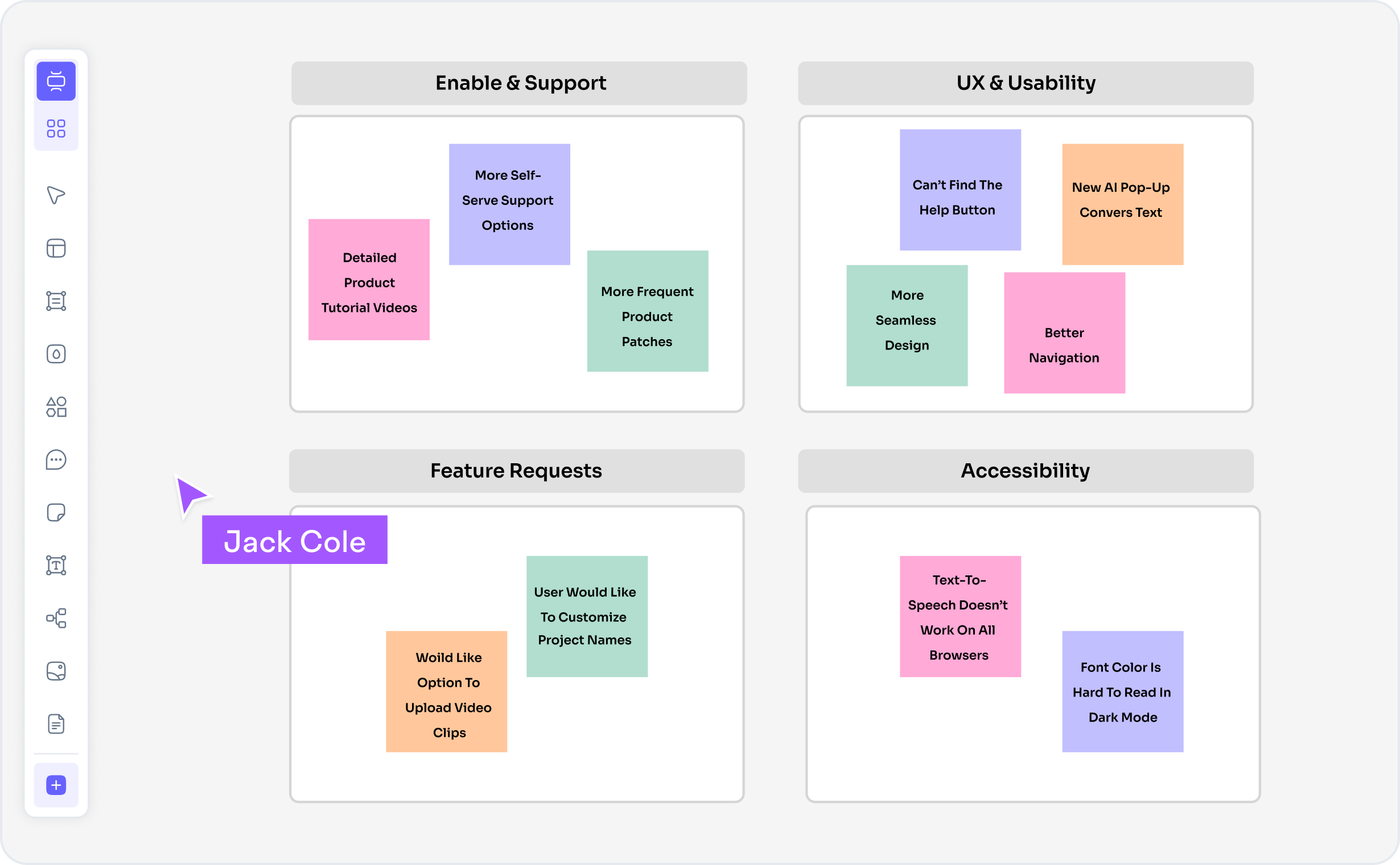
What is an affinity diagram — example showing clustered ideas, themes, and KJ method organization

What Is an Affinity Diagram?

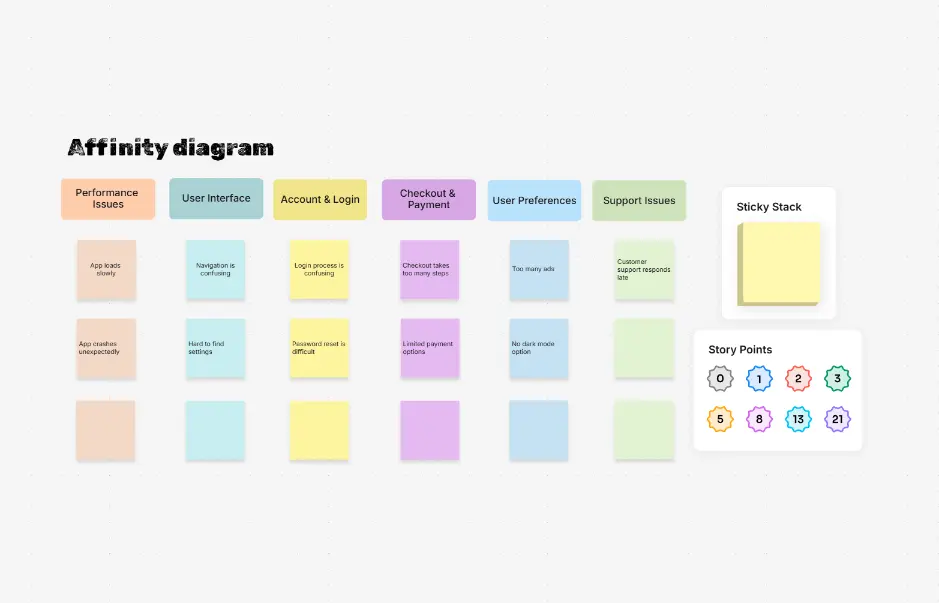
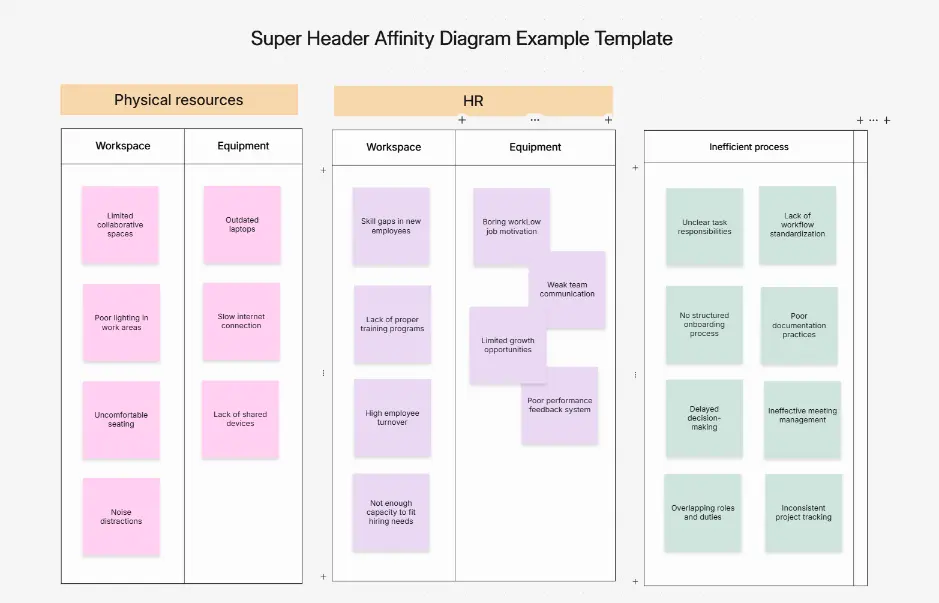
An affinity diagram is a visual clustering technique that groups related ideas, observations, or feedback into themed categories. Developed by Jiro Kawakita as the KJ method, affinity diagrams help UX researchers synthesize qualitative research, product teams prioritize feature requests, and design thinkers identify patterns in brainstorm data. The diagram visually organizes scattered information into structured, meaningful groups that reveal insights and connections.

Affinity diagrams are essential across UX research, product management, design thinking, Six Sigma quality improvement, and organizational change. They transform raw research findings, customer feedback, interview notes, and brainstorm output into actionable insights. The KJ method (Kawakita Jiro technique) was developed in the 1960s for quality management and is now widely used in design sprints, innovation workshops, agile retrospectives, and research synthesis workflows.

Cloudairy's AI Affinity Diagram Maker eliminates manual clustering and card shuffling. Describe your research findings, brainstorm data, or feedback in plain English — "UX research findings from 12 user interviews about checkout experience" — and the AI generates a complete affinity diagram using KJ method layout instantly. Export to PNG for presentations, SVG for editing, or Visio for enterprise integration. Perfect for UX researchers, product managers, design thinkers, Six Sigma practitioners, and innovation teams.

How to Create an Affinity Diagram with AI (4 Steps)

Go from raw research findings to organized affinity diagram in four steps — no manual clustering, no card shuffling, no spreadsheets required.

1

Describe your research findings

Type a plain-English description of your research findings, brainstorm data, or feedback. For example: "User interview findings: 12 interviews with e-commerce users about checkout experience. Common themes: cart abandonment, payment options, shipping clarity, security concerns, form friction" or choose from example prompt chips — UX research synthesis, Product feedback analysis, Brainstorm organization, Six Sigma root cause analysis.

2

Click Generate Diagram

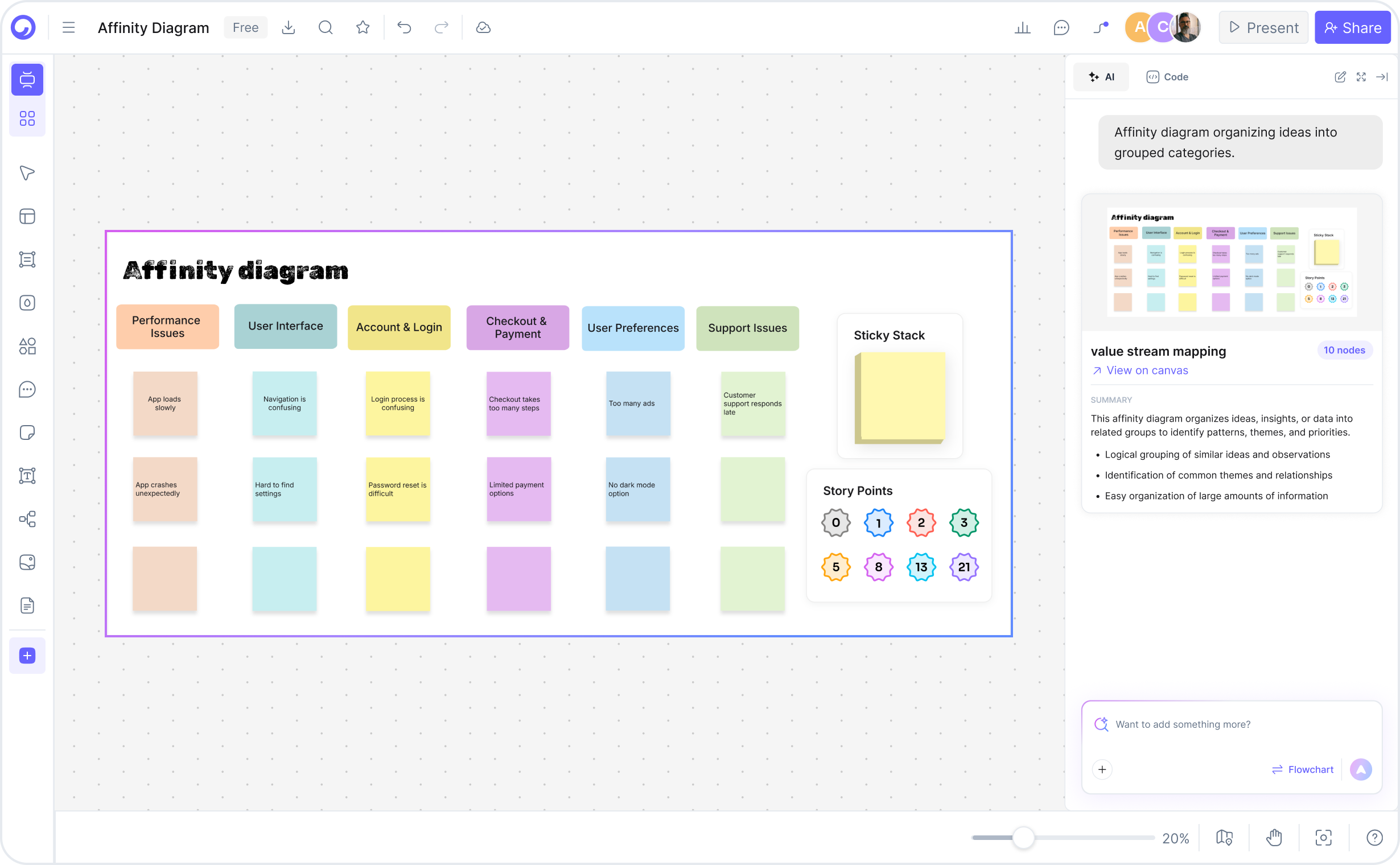
Cloudairy's AI instantly analyzes your input, identifies clusters and themes, and generates an affinity diagram using KJ method layout. Related ideas automatically group together, themes emerge, and the diagram structure reflects patterns in your data — all in seconds.

3

Review and refine

Use Cloudairy's drag-and-drop editor to reorganize clusters, rename groups, color-code by priority or category, add notes and observations, and collaborate with team members in real-time. See changes instantly as you edit.

4

Export and share

Download as PNG for presentations and reports, SVG for further editing in design tools, Visio for enterprise integration with business documentation, or share via link for team collaboration and stakeholder feedback.

How to create an affinity diagram with Cloudairy — four steps from research to export

Start Creating Your Affinity Diagram Free

Join UX researchers, product managers, and design thinkers worldwide who use Cloudairy to create professional affinity diagrams in seconds. AI generation. KJ method templates. Real-time collaboration. Multi-format export.

No credit card required • Start creating in seconds

Why Use Cloudairy as Your Affinity Diagram Tool

Cloudairy is the only AI affinity diagram maker that combines AI text-to-diagram generation with KJ method templates, auto-clustering, drag-and-drop editing, real-time collaboration, and export to PNG, SVG, and Visio — all on a single platform.

AI Prompt-to-Diagram Generation

AI Prompt-to-Diagram Generation

Describe your brainstorm data, research findings, or feedback in plain language. Cloudairy's AI understands research context, user quotes, observations, and generates a properly clustered affinity diagram in seconds. No template selection or manual clustering required.

Auto-Grouping & Clustering

Auto-Grouping & Clustering

Cloudairy automatically identifies related ideas, themes, and patterns. Groups are labeled descriptively. Cluster names reflect thematic content. Users can adjust grouping logic and refine results in the drag-and-drop editor.

KJ Method Templates

KJ Method Templates

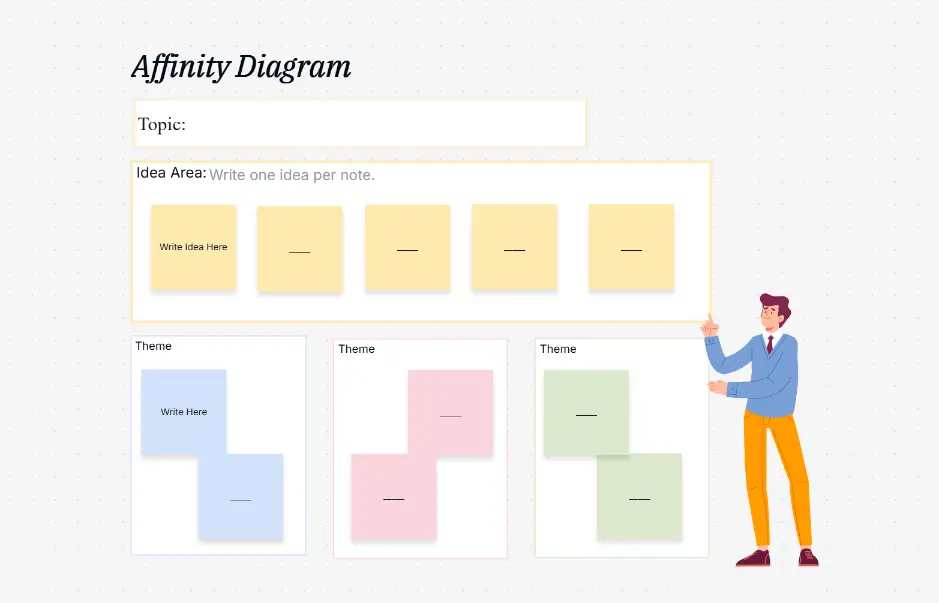
Pre-built templates for common use cases: UX research synthesis, product feedback analysis, brainstorm organization, Six Sigma root cause analysis, design thinking ideation, agile retrospectives. Templates include example clusters and labeling conventions.

Drag-and-Drop Editing

Drag-and-Drop Editing

Full visual editor for affinity diagrams. Move clusters, rename groups, add/remove ideas, color-code by priority/category, add icons or visual indicators, insert notes and observations. Real-time rendering as you edit.

Real-Time Collaboration

Real-Time Collaboration

Invite team members by email. Set permissions (view-only, edit, comment). See live updates as team members modify the diagram. Comments and @mentions for collaborative refinement. Perfect for distributed UX research teams.

Export to PNG, SVG, or Visio

Export to PNG, SVG, or Visio

PNG export for presentations and reports. SVG export for further editing in design tools. Visio export for enterprise integration with business process documentation. All export formats preserve cluster structure, labels, colors, and metadata.

Affinity Diagram Examples — Real-World Use Cases

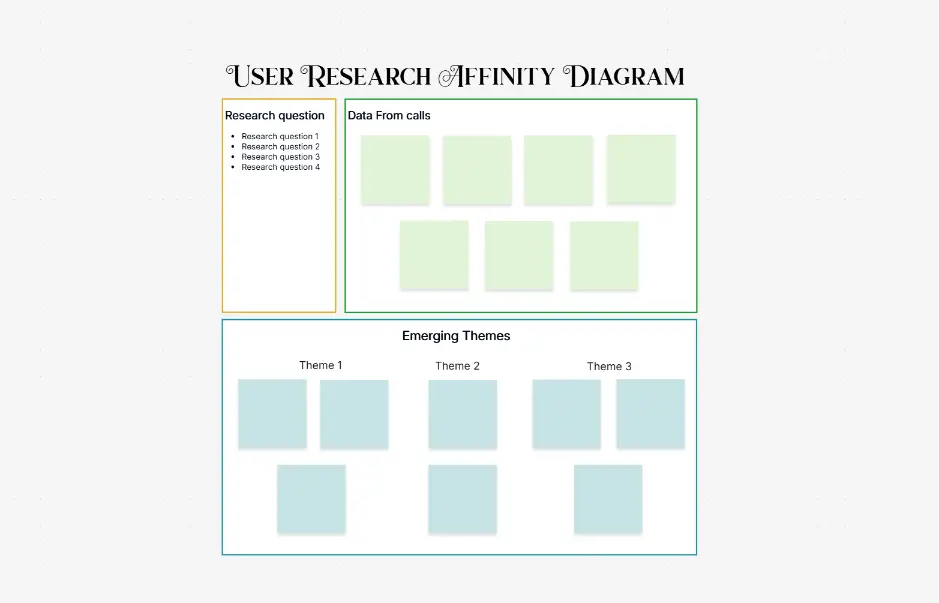
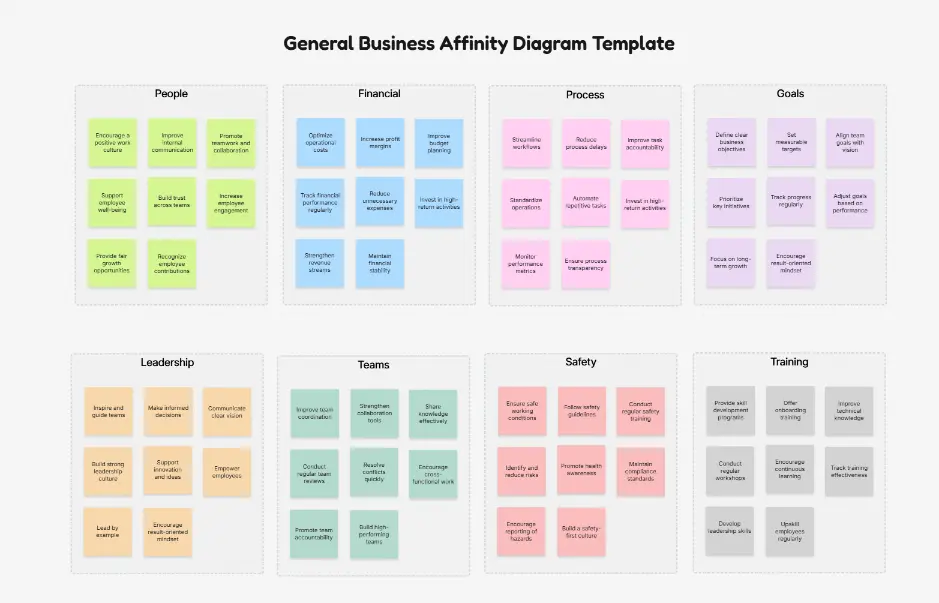
Explore professionally designed affinity diagram examples across UX research, product management, design thinking, and quality improvement. Each example is fully editable, AI-extendable, and ready to adapt for your research or project needs.

Cloudairy vs Competitors — Affinity Diagram Tools Compared

See how Cloudairy's AI affinity diagram maker compares to traditional collaboration platforms, design tools, and enterprise diagramming solutions.

Feature Cloudairy Lucidchart Miro Mural SmartDraw Creately
AI Generation from Text Yes No No No No No
KJ Method Templates Yes Limited Yes Yes Limited Limited
Auto-Clustering Yes No No No No No
Free Tier (No Signup) Yes Limited (signup required) Limited (signup required) Limited (signup required) No Limited (signup required)
Real-Time Collaboration Yes Yes Yes Yes Yes Yes
Export to PNG, SVG, Visio Yes (All) Yes Limited Limited Yes Yes
Learning Curve Low Medium Medium Medium Medium Medium

Who Uses Affinity Diagrams?

UX Researchers

Synthesize qualitative research findings from user interviews, usability tests, contextual inquiry, and surveys. Group themes, identify patterns, validate insights. Export for stakeholder presentations and documentation.

Product Managers

Analyze feature requests, user feedback, competitive intelligence, and market research. Cluster by theme or priority. Identify high-impact features and pain points. Use for roadmap planning and executive alignment.

Design Thinkers & Innovation Teams

Organize brainstorm output from ideation sessions, innovation workshops, and design sprints. Group ideas by theme, feasibility, or strategic fit. Identify high-potential concepts for prototyping.

Agile & Scrum Teams

Facilitate retrospectives by clustering feedback into themes (what went well, improvements, action items). Identify team communication gaps, process issues, and wins. Document team learning.

Six Sigma & Quality Improvement Practitioners

Conduct root cause analysis using fishbone/Ishikawa methodology. Organize brainstorm input from cross-functional teams. Cluster potential causes, identify core issues, prioritize improvements.

Consultants & Business Analysts

Organize client interviews, workshop findings, and stakeholder feedback. Create structured analysis for strategy recommendations, organizational assessment, change management planning.

MBA & Design Students

Learn affinity diagramming, design thinking, UX research methodology. Practice on real-world scenarios. Free tier + no signup = classroom adoption. Export work for assignments and portfolios.

Organizational Change & HR Teams

Analyze employee feedback from surveys, focus groups, and change initiatives. Cluster concerns, priorities, and opportunities. Identify organizational themes and development areas.

UX researchers, product managers, design thinkers, and teams using Cloudairy for affinity diagrams

Frequently Asked Questions

An affinity diagram is a visual clustering technique that groups related ideas, observations, or feedback into themed categories. Developed by Jiro Kawakita as the KJ method, affinity diagrams help UX researchers synthesize qualitative research, product teams prioritize feature requests, and design thinkers identify patterns in brainstorm data.

The KJ method is a brainstorm data organization technique developed by Jiro Kawakita in the 1960s. It involves writing ideas on cards, grouping related ideas, and organizing them hierarchically to identify themes and patterns. Affinity diagrams are the visual representation of KJ method output.

Describe your research findings, brainstorm data, or feedback in the AI prompt. Cloudairy generates a diagram in seconds, auto-clustering ideas into themed groups. Edit using the drag-and-drop editor, refine cluster names, add notes, and export to PNG, SVG, or Visio.

Yes. Cloudairy exports affinity diagrams as Visio files (.vsdx format). Open them in Visio, edit cluster structure, colors, and labels, and integrate into enterprise documentation. PNG and SVG export also available for presentations and further editing.

No. Cloudairy's free tier lets you generate, edit, and export unlimited affinity diagrams without creating an account. Sign up only if you want to save diagrams, collaborate with team members, or access advanced features.

Yes. Cloudairy supports real-time collaboration. Invite team members by email, set permissions (view-only, edit, comment), and work together on affinity diagrams live. Changes sync instantly across all participants.

Affinity mapping is a UX research technique where researchers cluster observations and quotes from qualitative research into themed groups. This helps identify patterns, validate insights, and communicate findings to stakeholders. Affinity diagrams are the visual output of affinity mapping.

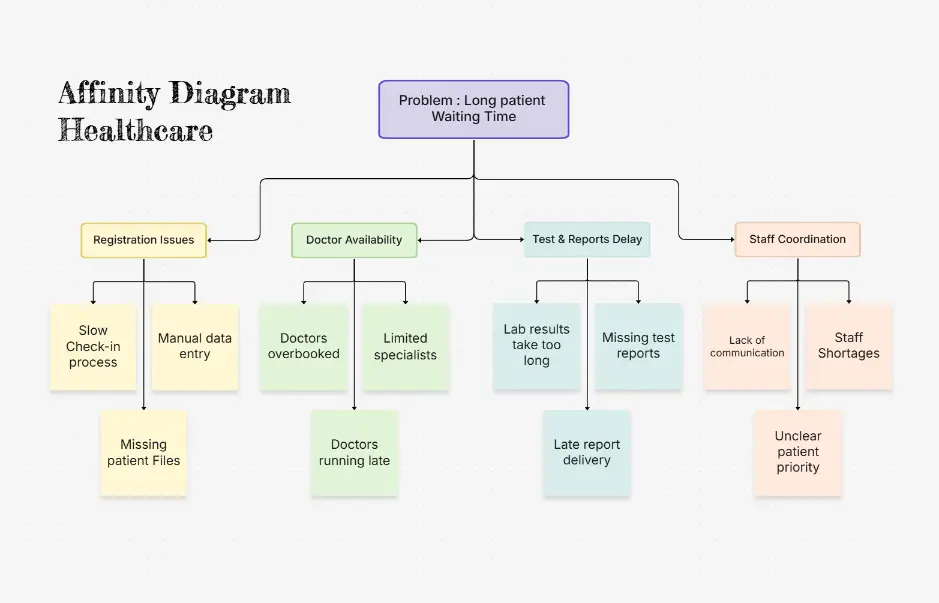
In Six Sigma, affinity diagramming is used for root cause analysis. Teams brainstorm potential causes of a problem, write them on cards, and group related causes into categories. This visual organization helps identify core issues and prioritize improvement efforts.

Success Stories from Our Community

See how cloud architects, solutions engineers, and DevOps teams use Cloudairy to create Azure architecture diagrams faster and with better results.

As a cloud architect, I need precision and speed. Cloudairy helps me design complex Azure architectures in minutes without losing detail or accuracy. The official Azure icons save me hours every week.

Cloudairy makes Azure solution design so simple. I can create client-ready architecture diagrams instantly and focus on delivering value instead of spending hours formatting Visio files.

I'm studying for AZ-305 and Cloudairy helps me visualize Azure reference architectures instantly. I can generate a landing zone diagram from a single sentence and use it as a study aid.

I use Cloudairy to teach Azure architecture in my courses. The AI generator lets students produce real-world diagrams on the first day instead of spending weeks learning Visio.

Our team uses Cloudairy to document every Azure deployment. The Visio export means our diagrams drop straight into client deliverables without any reformatting. Huge time saver.

Secure, compliant, and enterprise-ready

Cloudairy safeguards your work with enterprise-grade security, compliance, and access controls — so your teams can create, collaborate, and scale with confidence.

SOC 2 Type II
SOC 2 Type Ⅱ

Cloudairy is SOC 2 Type Ⅱ certified and penetration tested annually, ensuring your architecture diagrams and data meet the highest standards for security and reliability.

GDPR
GDPR

We comply with the European Union General Data Protection Regulation (GDPR) and extend it to all our customers even those outside of the EU.

ISO 27001
ISO 27001

Our Information Security Management System is ISO 27001 certified — the leading global standard for information security.

Flexible Pricing for Every Team

Free

Discover what Cloudairy can do for you. Start for free

$0

for unlimited members
Try for free

Upgrade now

Show key features

up-arrow

Includes:

Starter

Unlock unlimited and private boards with important features

$4

per member / month

billed annually

monthly

Show key features

up-arrow

Includes everything in Free, plus:

money-back

Business

MOST POPULAR

Ideal for agencies or growing businesses managing multiple projects.

$5

per member / month
billed annually

Show key features

up-arrow

Includes everything in starter, plus:

Enterprise Plan

For large organizations needing scalability, control, and security.

contact-pricing
Contact for pricing
Contact us

Upgrade now

Show key features

up-arrow

Includes everything in Business, plus: