50,000 + Trusted Users with
star-img star-img star-img star-img star-img

Trusted by Professionals at Leading Companies

What is a Fishbone Diagram?

What is a Fishbone Diagram?

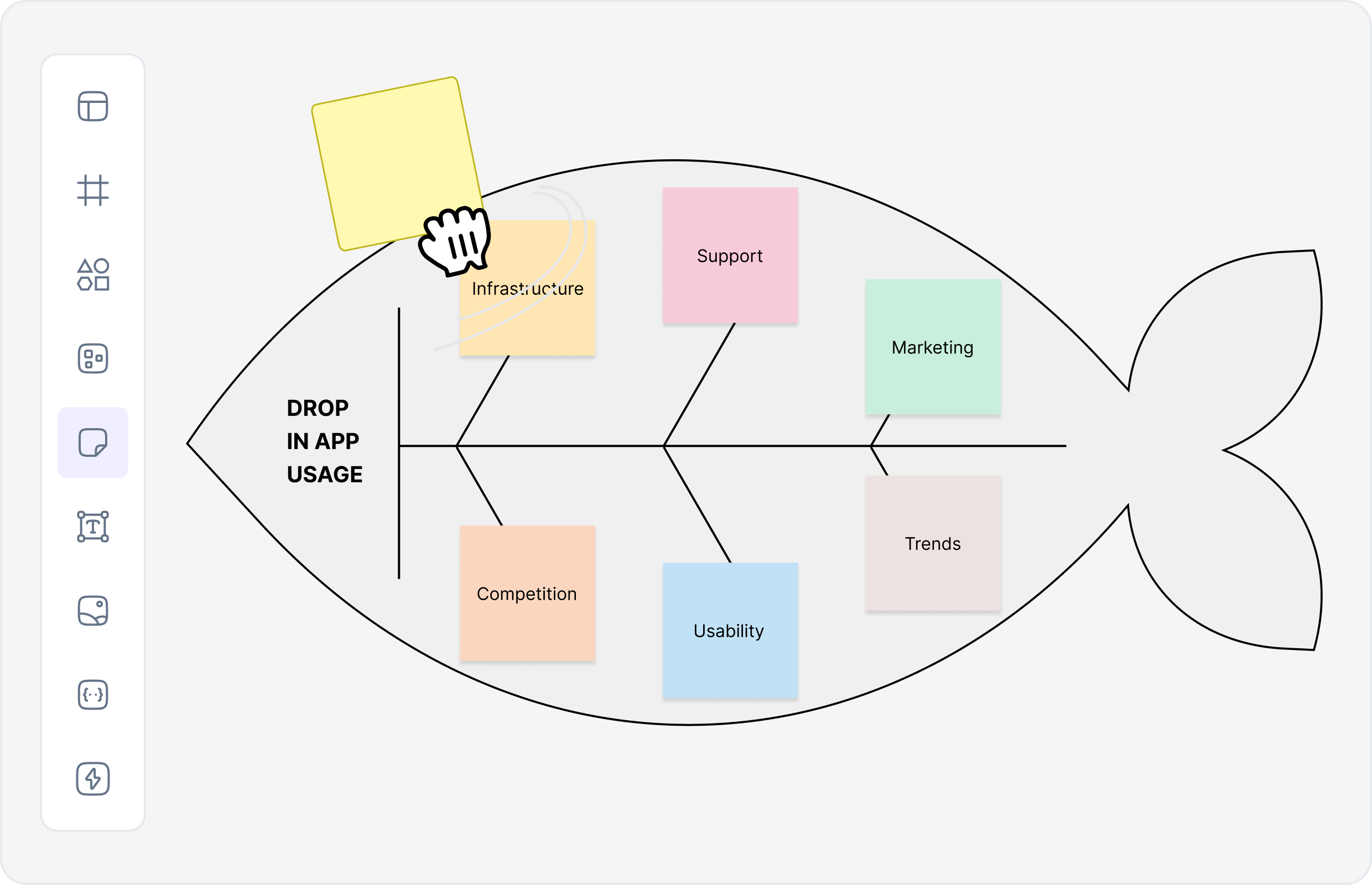
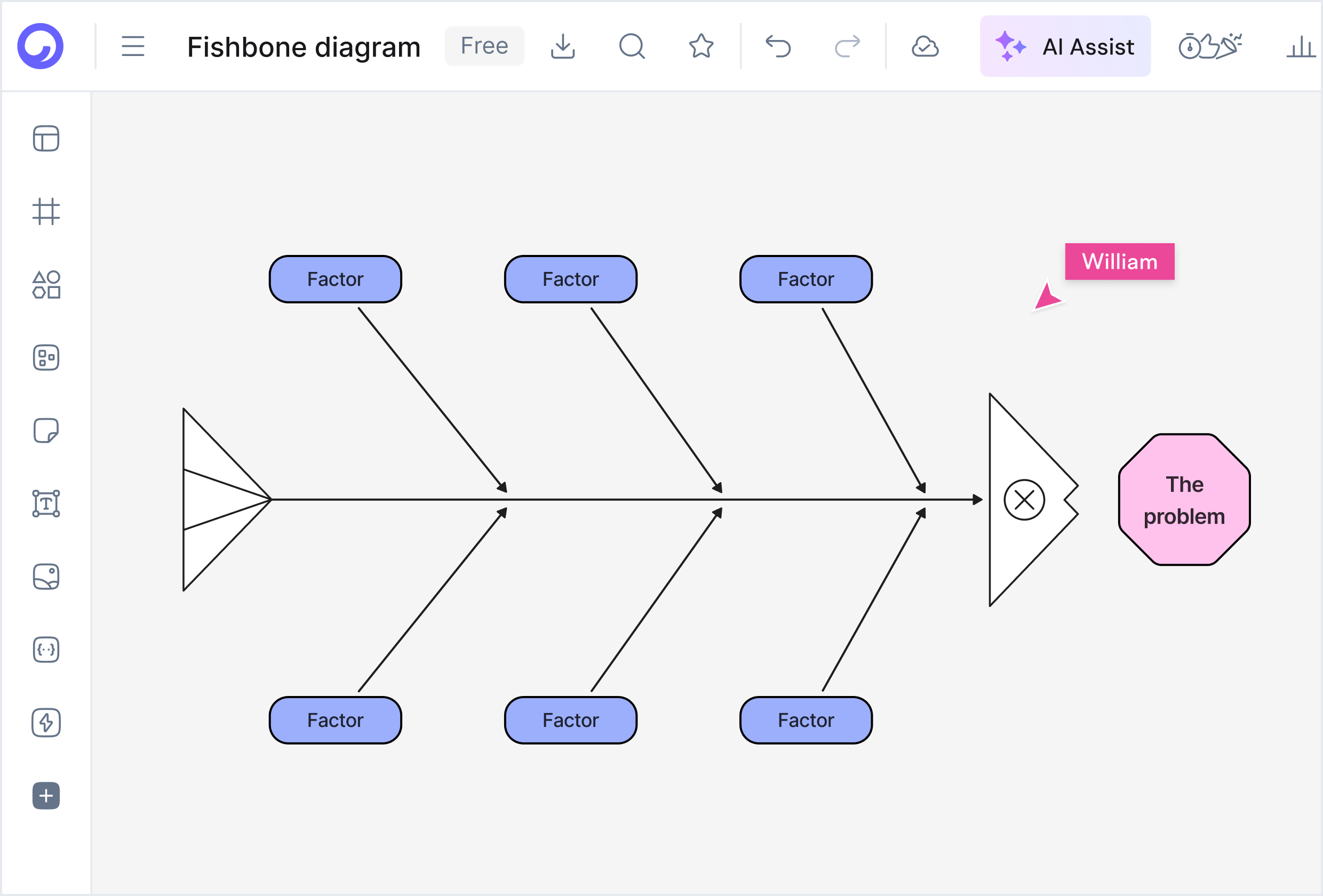
A fishbone diagram is a visual framework used to analyze the root causes of a specific problem. Also referred to as a fish bone diagram, cause and effect fishbone diagram, or Ishikawa cause-and-effect diagram, it organizes possible causes into categories that branch off a central problem statement.

If you're searching what is a fishbone diagram, the simplest explanation is that it helps teams move from symptoms to true causes in a structured, repeatable way. Our fishbone diagram maker makes it easy to create fishbone diagrams and perform root cause analysis.

Use our fishbone diagram generator to create professional Ishikawa diagrams quickly. Whether you need a fishbone diagram template or want to start with a blank fishbone diagram, our fishbone diagram creator online helps you visualize cause-and-effect relationships effectively.

Fishbone Diagram Definition (Ishikawa Diagram)

Fishbone diagram definition: A cause and effect diagram that visually maps all potential causes of a problem, grouping them into logical categories such as People, Process, Tools, Environment, or Materials.

The diagram resembles a fish skeleton—hence the name fishbone diagram drawing—with the "head" representing the problem and the "bones" representing contributing factors. This is why it's also called a fish bone diagram drawing or Ishikawa diagram.

Our fishbone diagram generator helps you create professional cause and effect diagrams. Use our free fishbone diagram maker to create fishbone diagrams online, or explore fishbone diagram examples to get started quickly.

Fishbone Diagram Definition (Ishikawa Diagram)

How to Create a Fishbone Diagram with AI

This workflow follows best practices used by modern fishbone diagram generator tools. Our AI fishbone diagram generator makes it easy to create professional Ishikawa diagrams quickly.

How to Create a Fishbone Diagram with AI

1. Choose a Fishbone Diagram Template

Start with a fishbone diagram template or cause and effect diagram template based on your use case. Our fishbone diagram generator free includes multiple template options, or use our free fishbone diagram template for quick starts.

2. Describe the Problem

Enter the issue you want to analyze (for example: "late deliveries" or "high defect rate"). Our AI fishbone diagram generator online free analyzes your description and suggests relevant categories.

3. Let the AI Generate Causes

The AI fishbone diagram generator automatically suggests categories and causes using structured logic. Our AI fishbone diagram maker uses artificial intelligence to create comprehensive cause and effect diagrams.

4. Refine and Customize

Edit branches, rename categories, or add deeper cause layers using the fishbone diagram creator. Our fishbone diagram maker online provides full editing capabilities for your Ishikawa diagram.

5. Export or Share

Download as PDF using an AI fishbone diagram generator pdf, or share links for team collaboration. Our fishbone diagram tool supports multiple export formats for documentation and sharing.

Why Use an AI Fishbone Diagram Generator?

Eliminates Manual Drawing

No more manual drawing and formatting - our AI fishbone diagram generator creates diagrams instantly

Ensures Logical Structure

Well-structured cause grouping with our fishbone diagram maker ensures accurate analysis

Speeds Up Analysis

Accelerate root cause analysis sessions with our fishbone diagram generator

Improves Clarity

Better clarity and decision-making with visual cause and effect diagrams

Free and Advanced Options

Supports both Ishikawa diagram online free use cases and advanced analysis features

Why Use an AI Fishbone Diagram Generator?

Create a Fishbone Diagram in Seconds with an AI Fishbone Diagram Generator

Start from a fishbone diagram template, generate an Ishikawa cause and effect diagram, collaborate online, and export your analysis as a PDF—fast, clear, and structured. Our fishbone diagram maker helps you create professional cause and effect diagrams quickly.

No credit card required • Start creating in seconds

Types of Fishbone (Cause and Effect) Diagrams

Different problems require different structures. With a fishbone diagram maker, you can create various types of cause and effect diagrams. Our fishbone diagram generator supports all these formats.

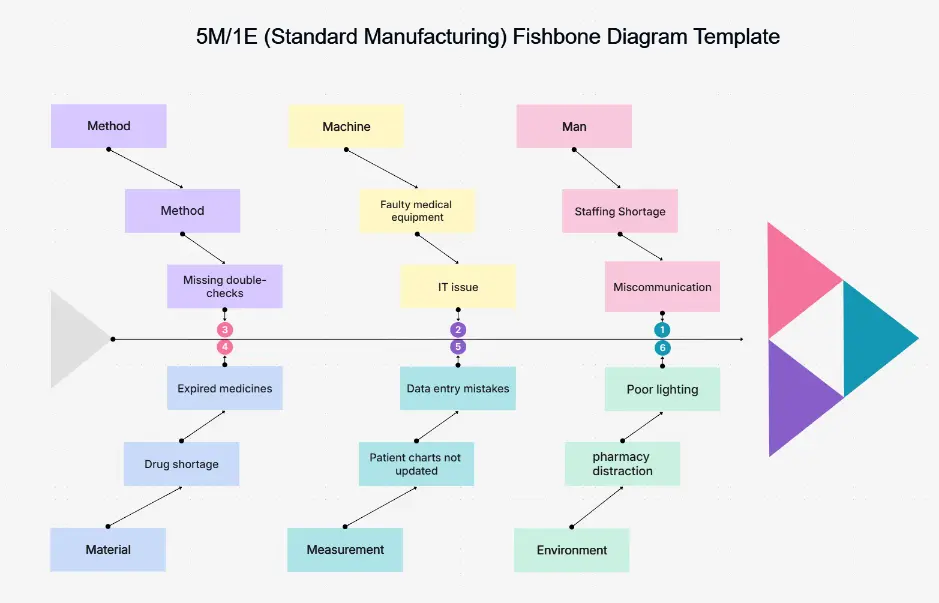
Classic Ishikawa Diagram

Classic Ishikawa Diagram

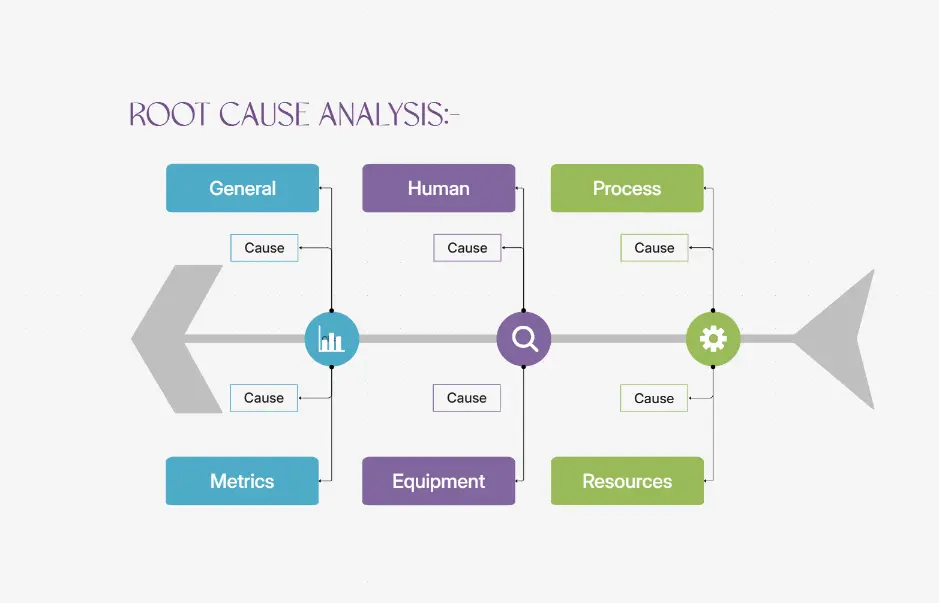
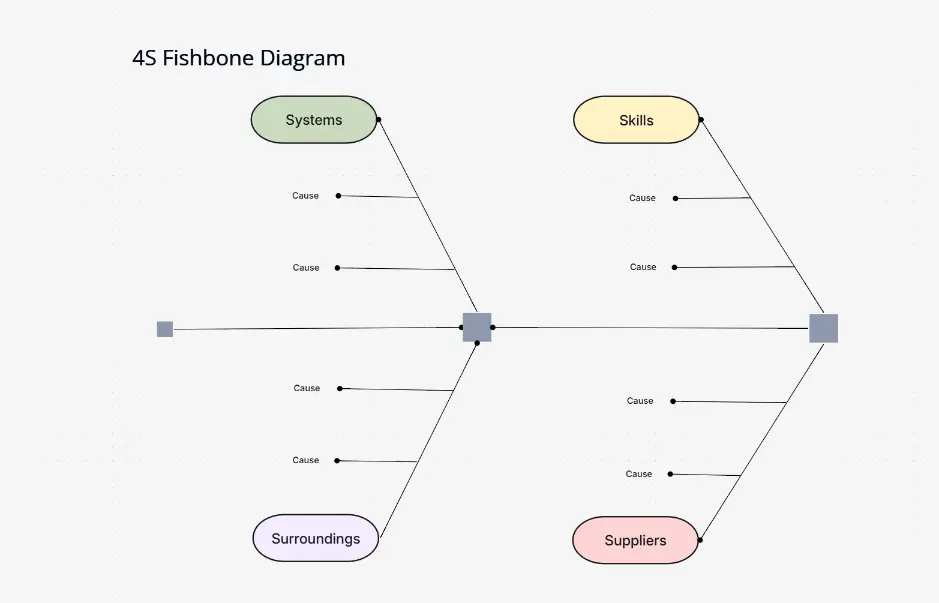
The standard Ishikawa fishbone diagram example using common categories like Methods, Machines, People, Materials, Measurement, and Environment. Use our Ishikawa diagram maker to create this classic format.

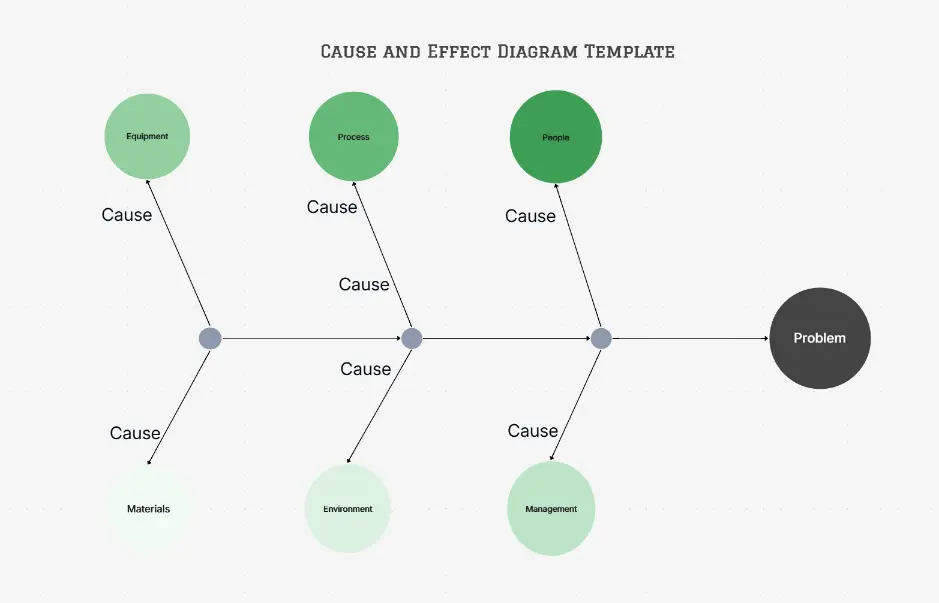
Cause and Effect Diagram Template

Cause and Effect Diagram Template

A reusable cause and effect diagram template for quality analysis, incident reviews, and process improvement. Our cause and effect diagram template library includes multiple options.

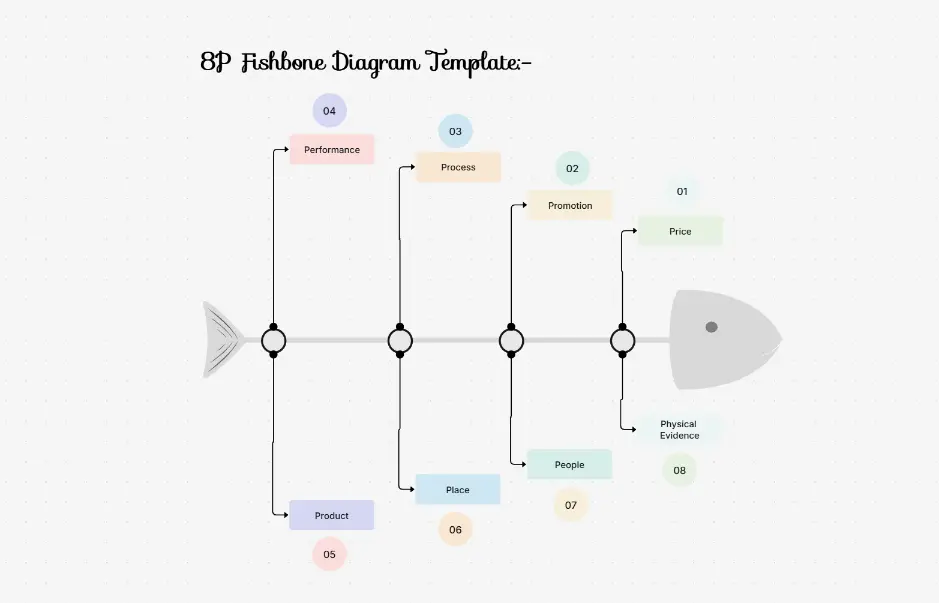
Fishbone Cause and Effect Diagram (Custom Categories)

Fishbone Cause and Effect Diagram (Custom Categories)

Customize categories to fit product issues, customer complaints, or operational failures. Create a cause and effect fishbone diagram tailored to your specific needs.

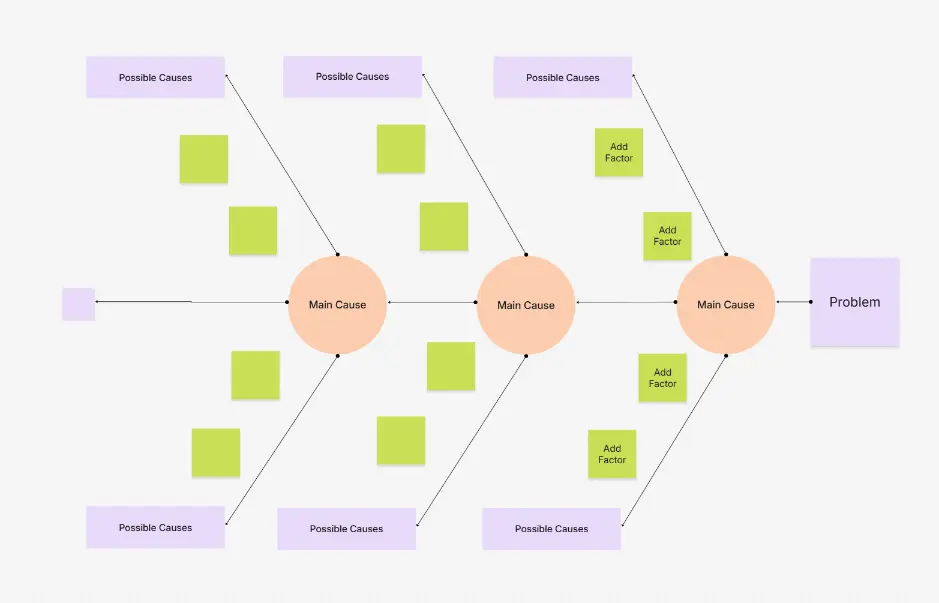
Blank Fishbone Diagram

Blank Fishbone Diagram

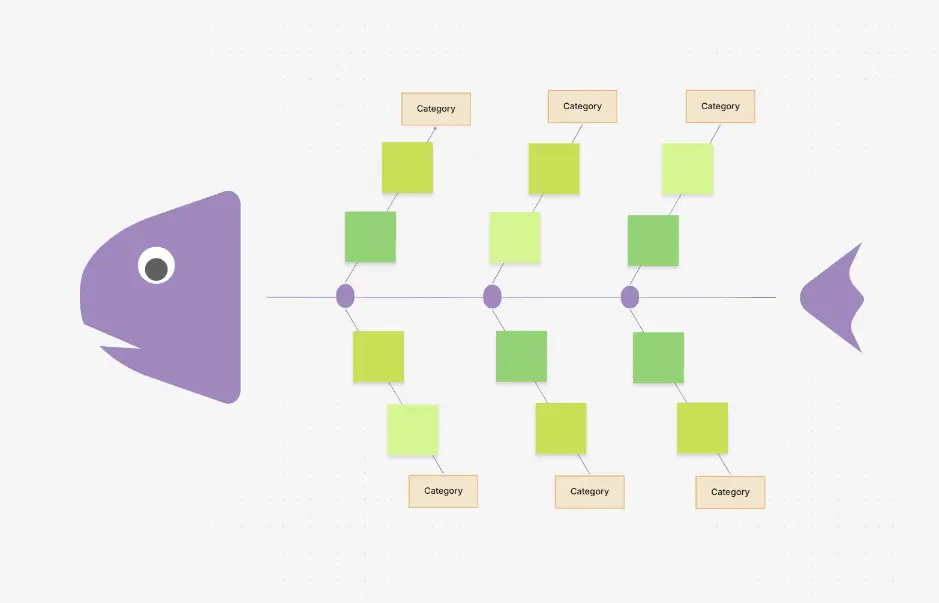
A free fishbone diagram template or blank layout for manual brainstorming sessions. Start with a blank fishbone diagram and build your Ishikawa cause and effect diagram from scratch.

Blank Fishbone Diagram

Blank Fishbone Diagram

A free fishbone diagram template or blank layout for manual brainstorming sessions. Start with a blank fishbone diagram and build your Ishikawa cause and effect diagram from scratch.

AI-Generated Fishbone Diagram

AI-Generated Fishbone Diagram

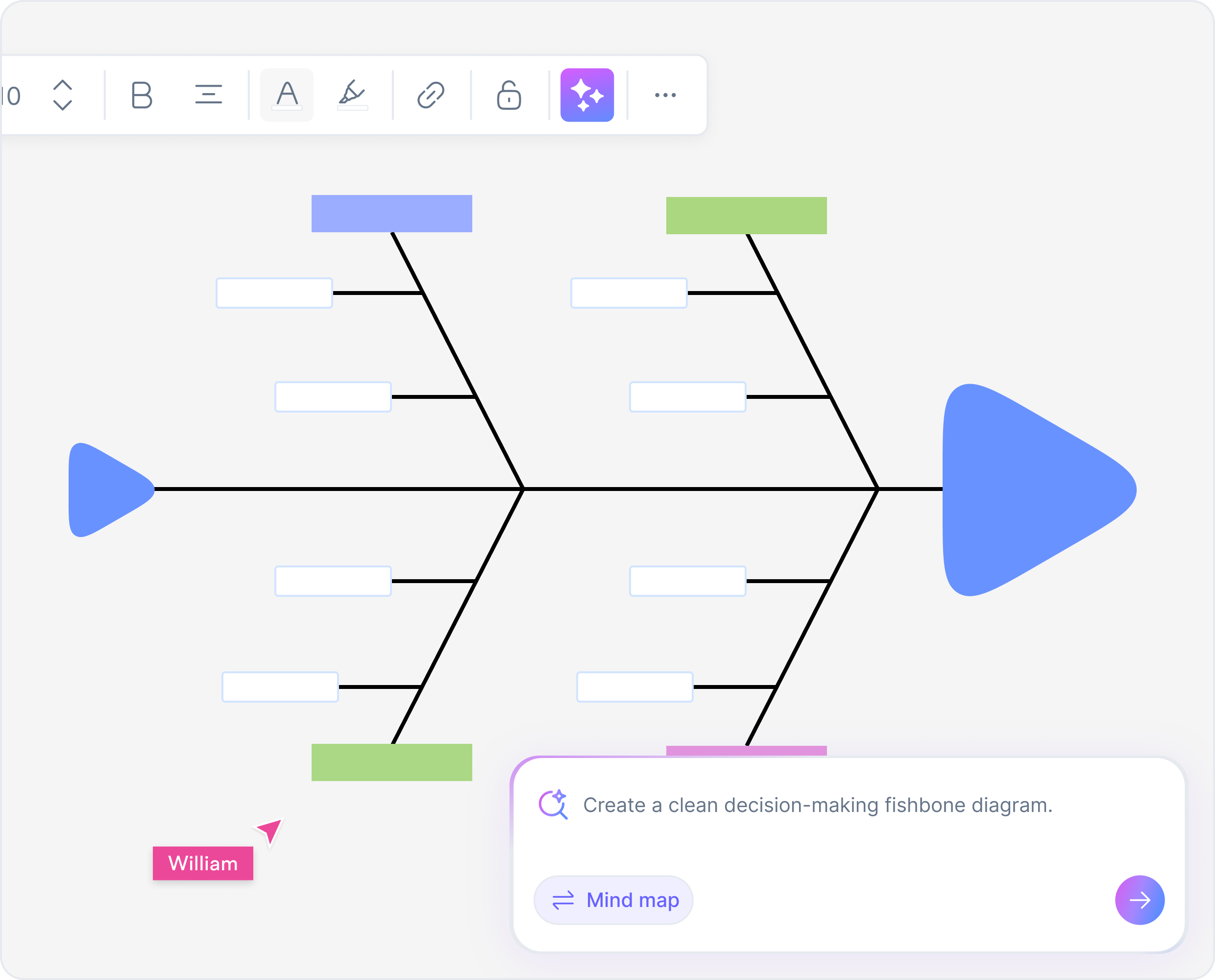
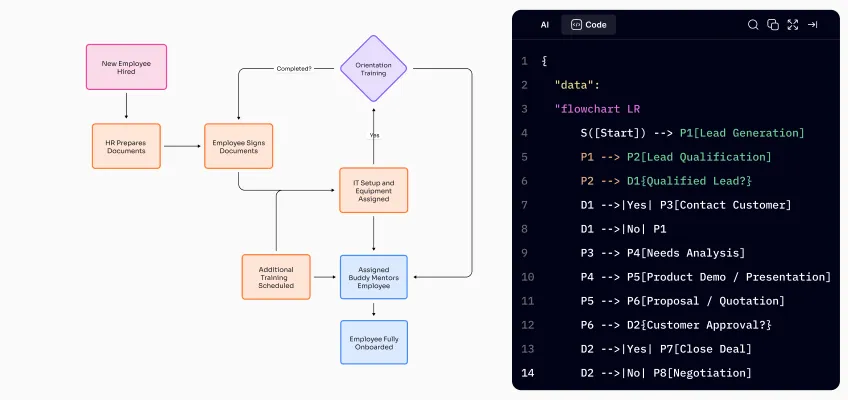
An AI fishbone diagram generator that converts problem descriptions into structured diagrams automatically. Our AI fishbone diagram maker uses artificial intelligence to create professional diagrams instantly.

Fishbone Diagram Examples You Can Generate

Use these fishbone diagram examples as starting points or references. Browse our collection of fishbone diagram examples to see how our fishbone diagram maker works in practice.

Root Cause Analysis Example for Production Defects

Analyze manufacturing issues using an Ishikawa fishbone diagram example. This fishbone diagram example demonstrates quality control analysis.

Cause and Effect Diagram for Customer Churn Analysis

Identify reasons for customer churn using a cause and effect fishbone diagram. Use our fishbone diagram generator to analyze customer issues.

Ishikawa Diagram Example for Software Incident Postmortems

Analyze software incidents using an Ishikawa diagram maker. This fishbone diagram example shows how to perform IT root cause analysis.

Fishbone Diagram Drawing for Delayed Project Delivery

Identify causes of project delays using fishbone diagram drawing techniques. Create a fishbone diagram to analyze project management issues.

Cause and Effect Fishbone Diagram for Quality Failures

Analyze quality issues using a cause and effect fishbone diagram. Use our fishbone diagram creator to identify quality control problems.
Fishbone Diagram Examples You Can Generate

When to Use a Fishbone Diagram

A fishbone diagram is ideal when you need structured analysis instead of assumptions. Using a fishbone diagram online helps teams collaborate and align faster during problem-solving workshops. Our fishbone diagram maker makes it easy to create fishbone diagrams for these scenarios:

Quality Control and Six Sigma Initiatives

Quality Control and Six Sigma Initiatives

Use an Ishikawa diagram maker for Six Sigma projects and quality management

Incident and Outage Root Cause Analysis

Incident and Outage Root Cause Analysis

Create cause and effect diagrams to analyze incidents systematically

Process Improvement and Optimization

Process Improvement and Optimization

Use fishbone diagram generator to identify process bottlenecks

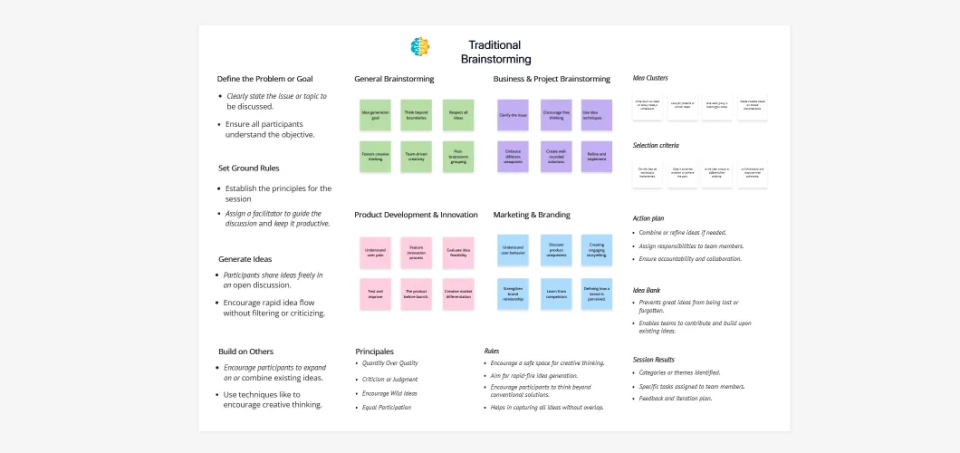
Team Brainstorming and Retrospective Sessions

Team Brainstorming and Retrospective Sessions

Use our fishbone diagram creator online for collaborative root cause analysis

Team Brainstorming and Retrospective Sessions

Team Brainstorming and Retrospective Sessions

Use our fishbone diagram creator online for collaborative root cause analysis

Product Defects and Customer Complaints

Product Defects and Customer Complaints

Analyze product issues using cause and effect fishbone diagrams

Fishbone Diagram Template Library

Speed up analysis with ready-made templates. Our fishbone diagram template collection includes various cause and effect diagram templates for different use cases.

Loading templates...

FAQs About Fishbone Diagrams

A fishbone diagram is used to identify and analyze the root causes of a problem by visually mapping cause-and-effect relationships. Our fishbone diagram maker helps you create these diagrams quickly for quality control, incident analysis, and process improvement.

Yes. Fishbone diagram, Ishikawa diagram, and cause and effect diagram all refer to the same root cause analysis method. Our Ishikawa diagram maker creates the same type of cause and effect diagrams, whether you call it a fishbone diagram or Ishikawa diagram.

Yes. Many tools offer a fishbone diagram generator free or free fishbone diagram maker with templates and basic export options. Our fishbone diagram generator free provides access to fishbone diagram templates and basic features. You can also use our Ishikawa diagram online free for quick analysis.

Yes. An AI fishbone diagram generator or AI fishbone diagram maker can analyze text input and generate structured diagrams instantly. Our AI fishbone diagram generator online free uses artificial intelligence to create professional cause and effect diagrams from your problem descriptions.

Yes. Most modern tools support exporting using an AI fishbone diagram generator pdf option for documentation and sharing. Our fishbone diagram tool allows you to export your diagrams as AI fishbone diagram generator PDF format for reports, presentations, and documentation.

Success Stories from Our Community

See how professionals and learners across industries use Cloudairy to transform ideas into results. From students and educators to architects and managers, our users achieve more with the power of AI-driven creativity.

As a cloud architect, I need precision and speed. Cloudairy helps me design complex multi-cloud architectures in minutes without losing detail or accuracy.

Cloudairy makes solution design so simple. I can create client-ready diagrams instantly and focus on delivering value instead of spending time on formatting.

As a student, Cloudairy makes my assignments so much easier. I can generate flowcharts and mind maps instantly, which helps me study smarter.

I use Cloudairy in my classes to teach system design. It's intuitive for students and powerful enough for real-world projects.

Cloudairy has completely changed how I manage projects. The AI-driven diagrams save me hours every week, and my team collaborates more efficiently than ever.

Secure, compliant, and enterprise-ready

Cloudairy safeguards your work with enterprise-grade security, compliance, and access controls -so your teams can create, collaborate, and scale with confidence.

SOC 2 Type
SOC 2 Type Ⅱ

Cloudairy is SOC 2 Type Ⅱ and penetration tested annually, ensuring your data meets the highest standards for security and reliability.

SSO Image

Coming Soon

GDPR

We comply with the European Union General Data Protection Regulation (GDPR) and extend it to all our customers even those outside of the EU

Access Controls
ISO 27001

Our Information Security Management System is ISO 27001 certified the leading global standard for information security.

Flexible Pricing for Every Team

Free

Discover what Cloudairy can do for you. Start for free

$0

for unlimited members
Try for free

Upgrade now

Show key features

up-arrow

Includes:

Starter

Unlock unlimited and private boards with important features

$4

per member / month

billed annually

monthly

Show key features

up-arrow

Includes everything in Free, plus:

money-back

Business

MOST POPULAR

Ideal for agencies or growing businesses managing multiple projects.

$5

per member / month
billed annually

Show key features

up-arrow

Includes everything in starter, plus:

Enterprise Plan

For large organizations needing scalability, control, and security.

Contact for pricing
Contact us

Upgrade now

Show key features

up-arrow

Includes everything in Business, plus: