50,000 + Trusted Users with
star star star star star

Trusted by Professionals at Leading Companies

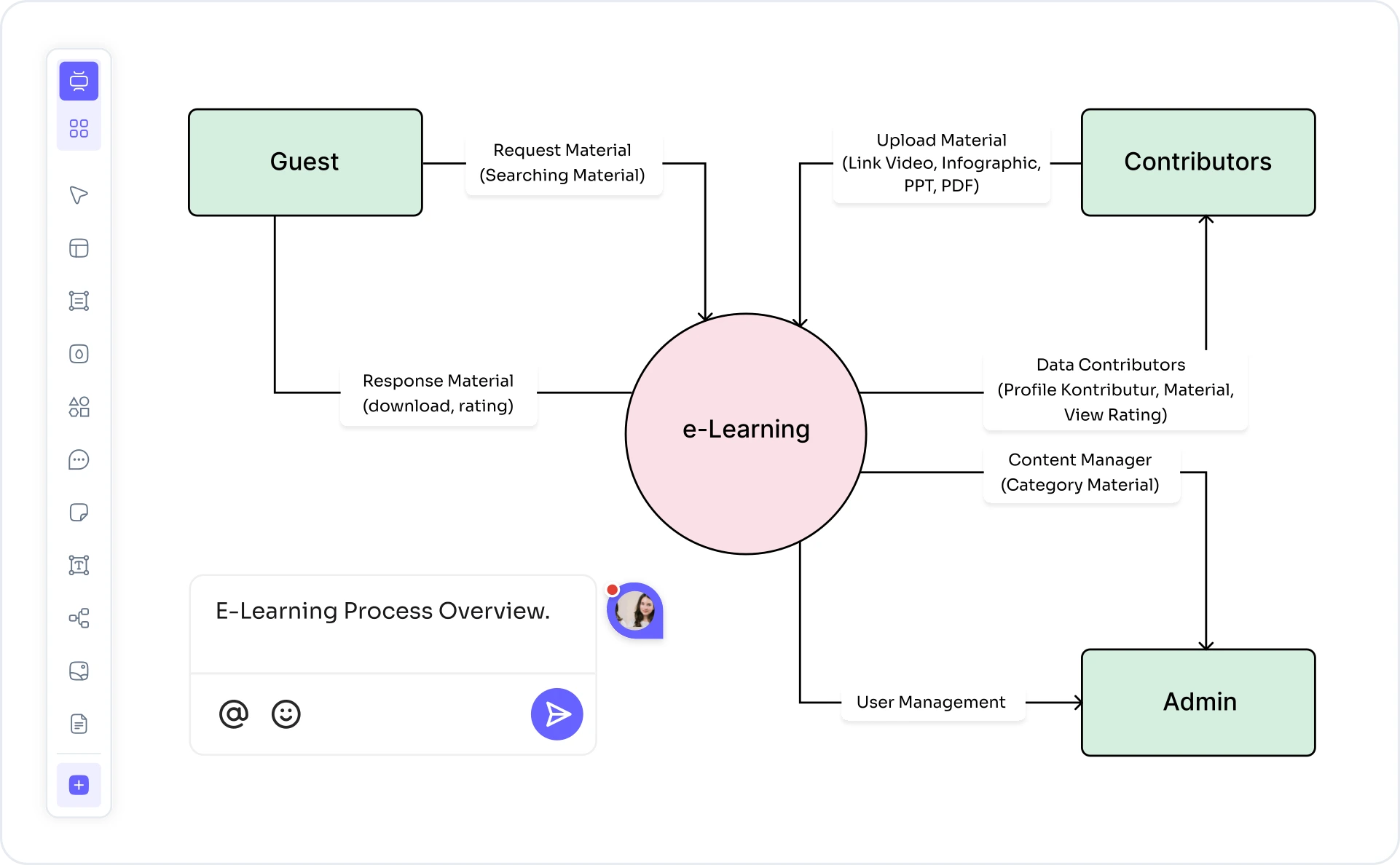
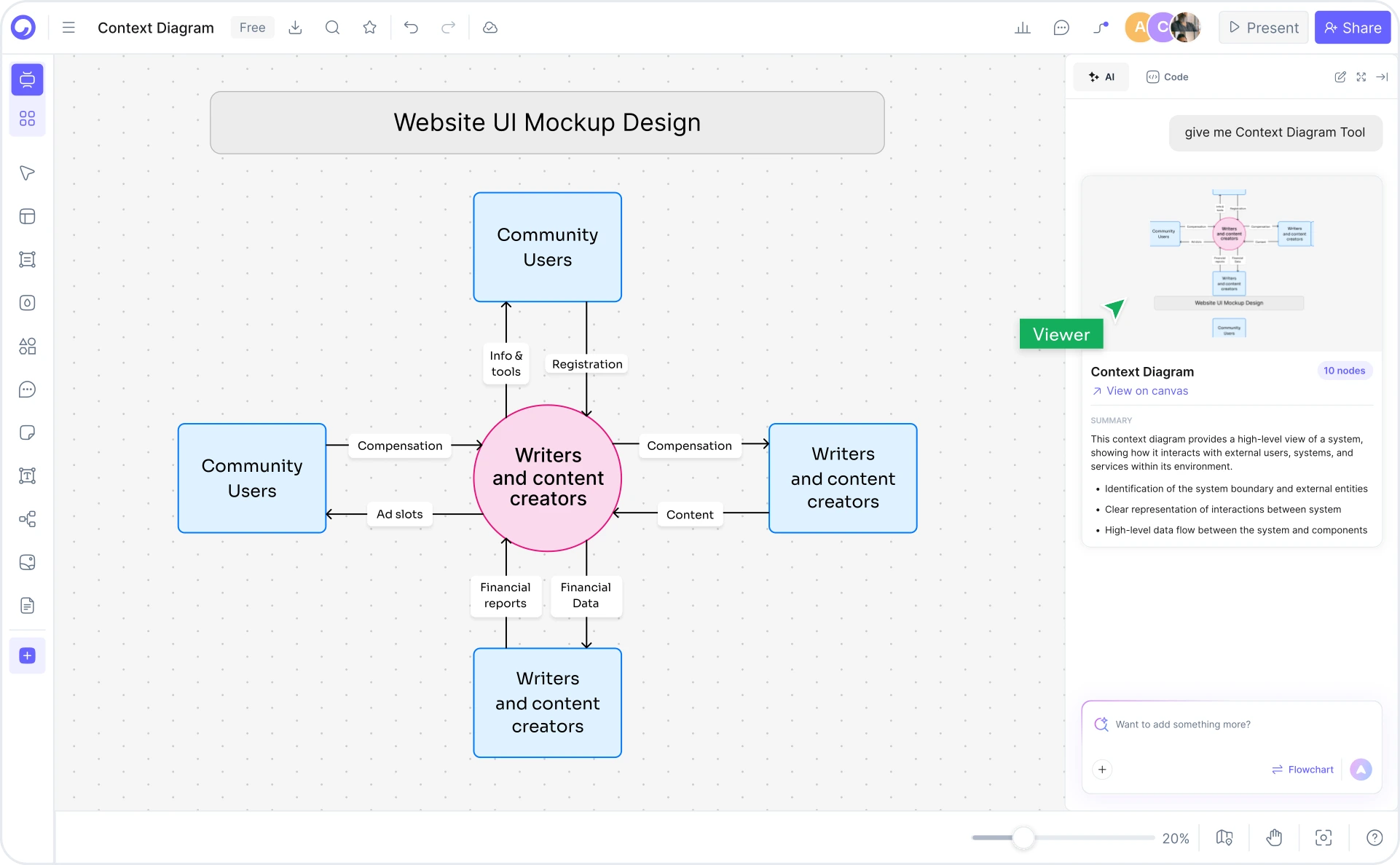
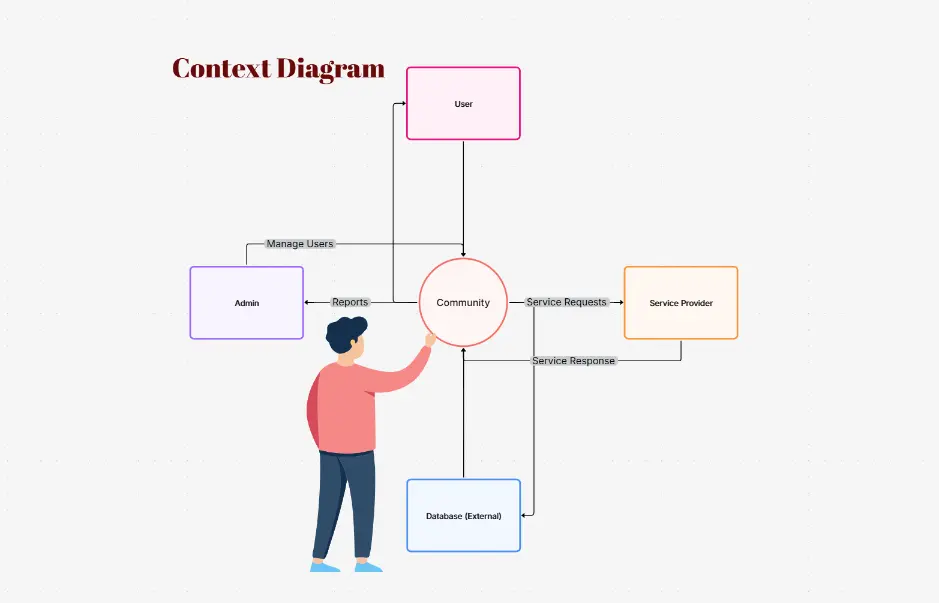
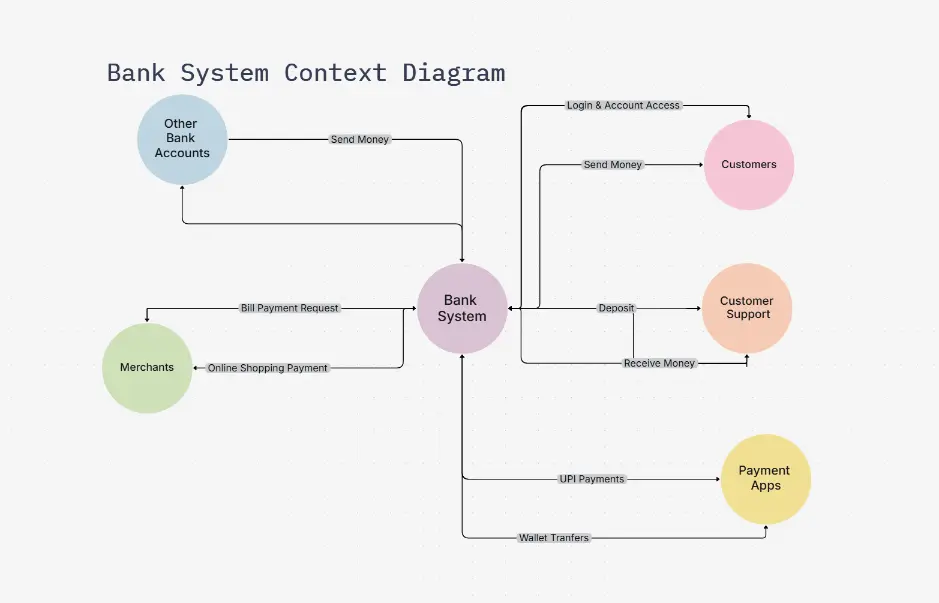
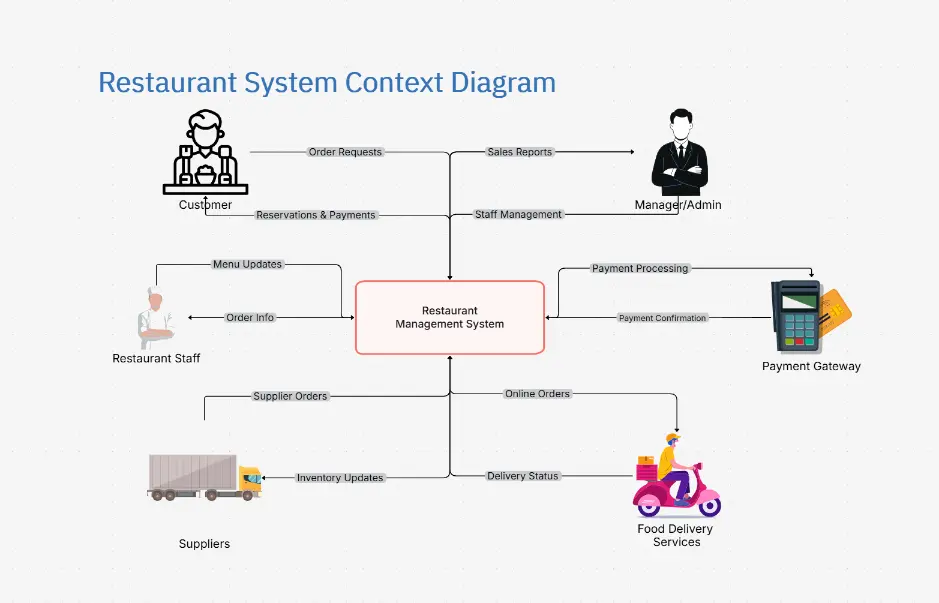
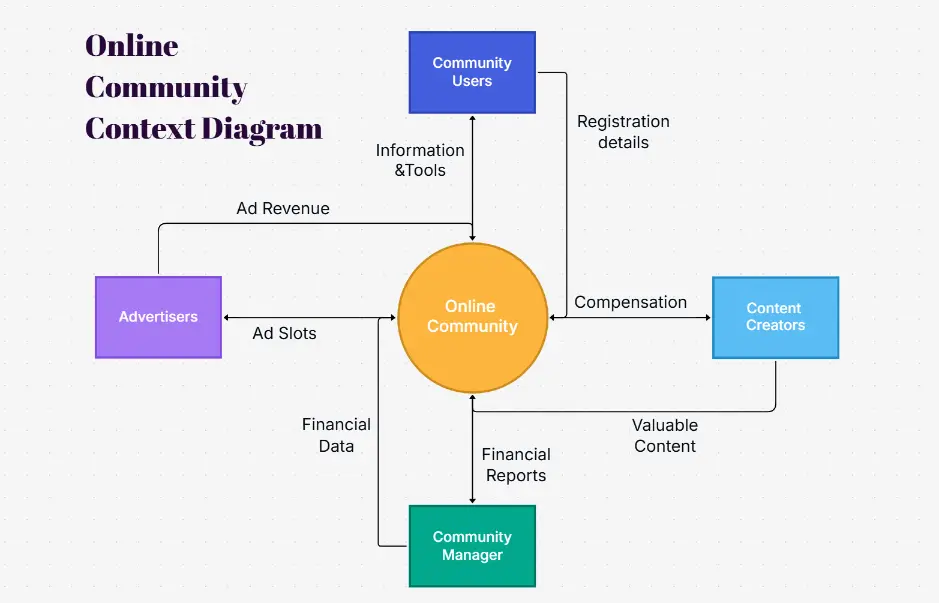
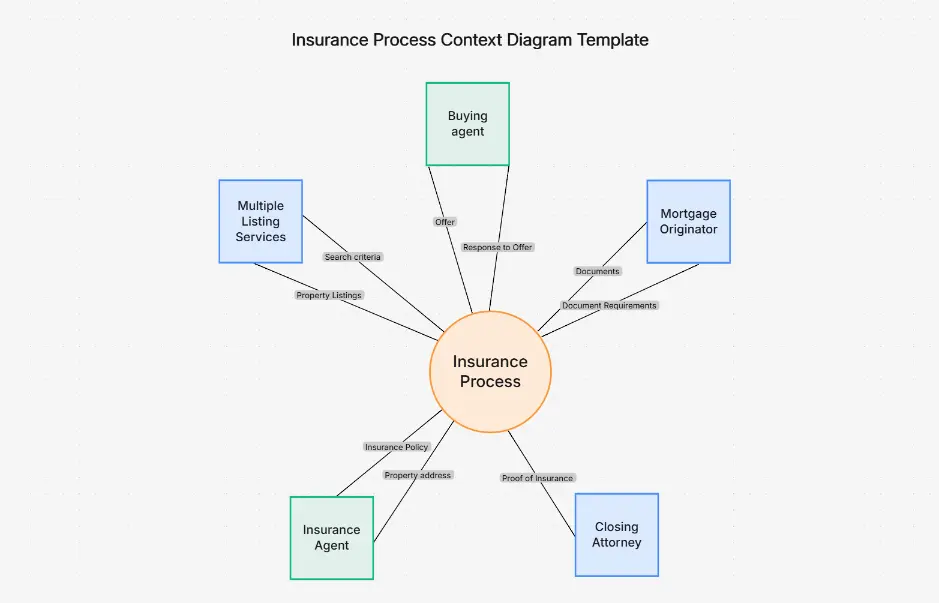
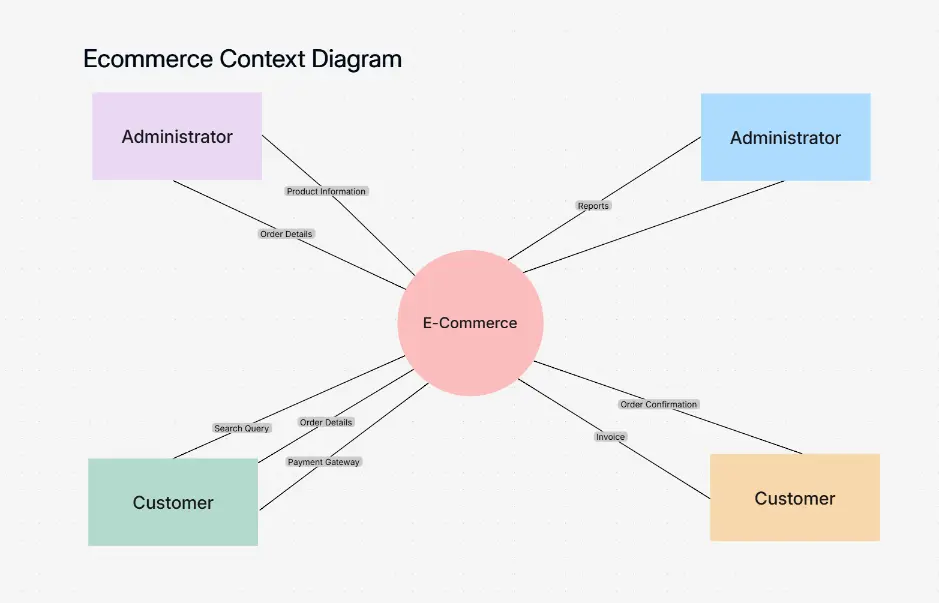
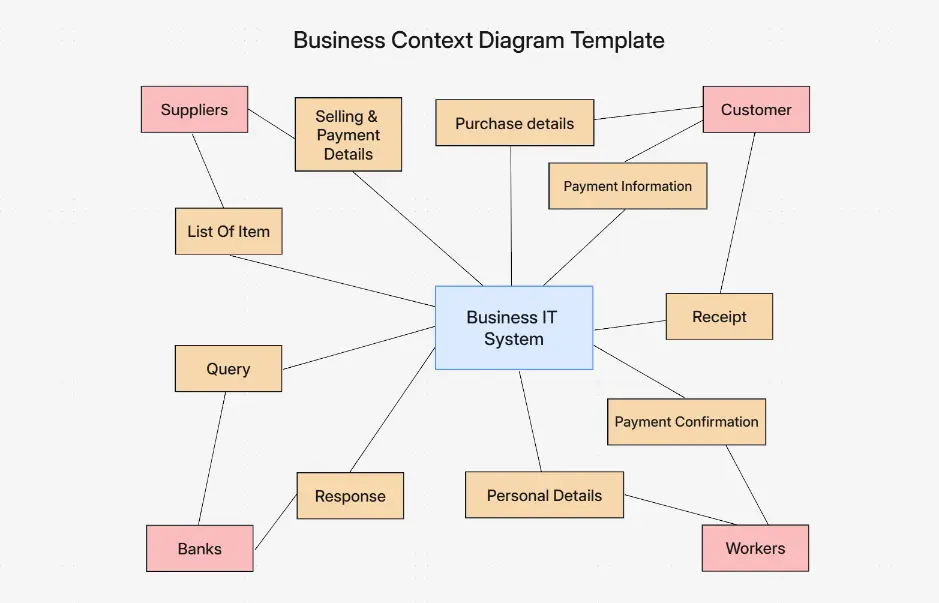
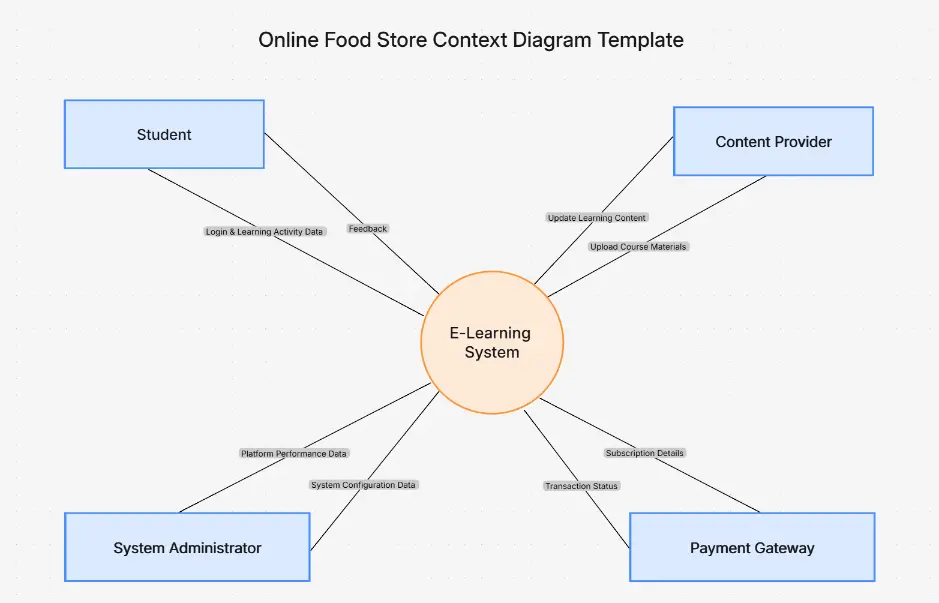
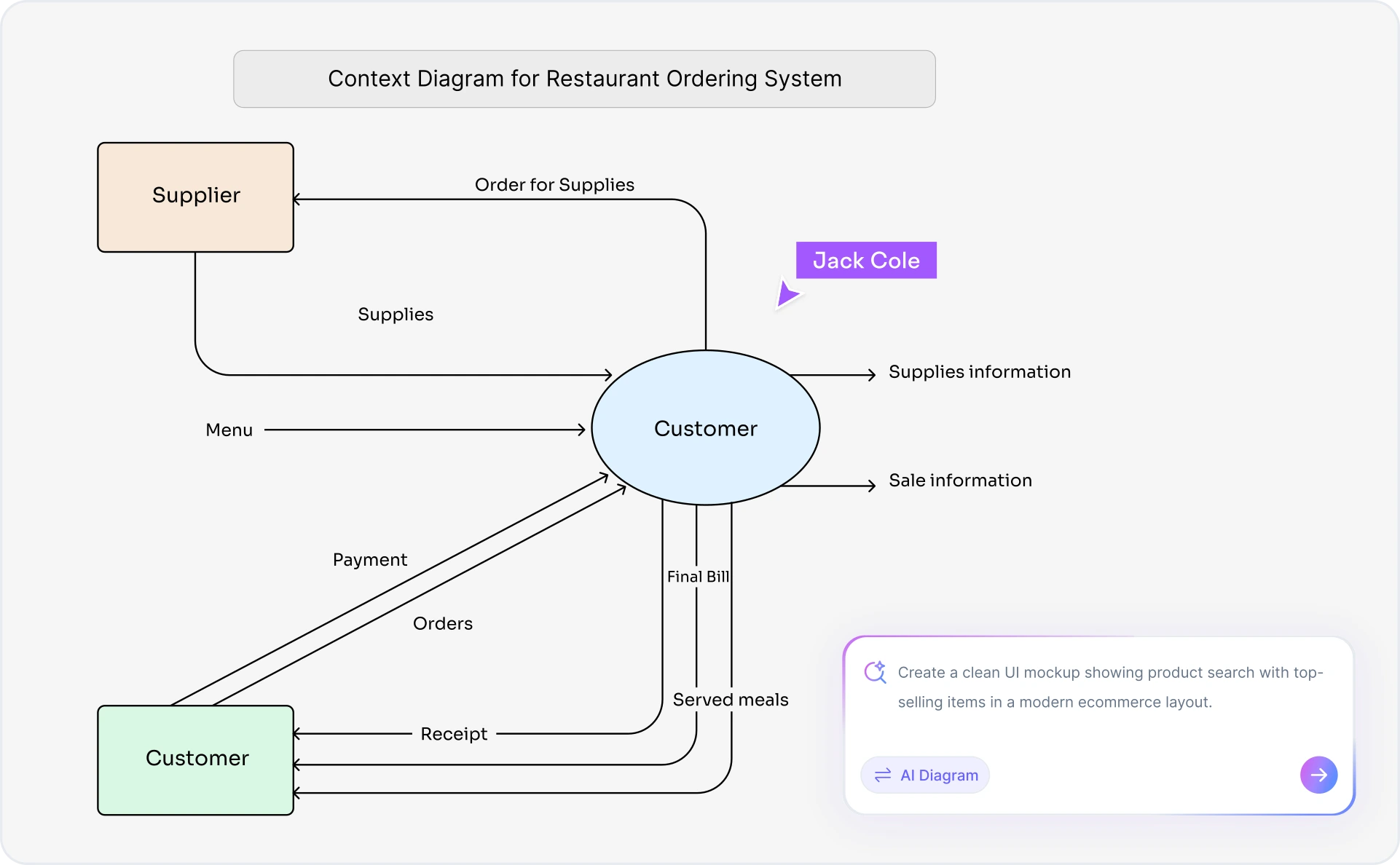
Context diagram with system-of-interest centered and 6 external entities showing data flows

What Is a Context Diagram?

A context diagram is a high-level visual model that defines the boundary of a system and shows how it interacts with its environment. Also called a DFD Level 0, scope diagram, or environment diagram, it places the system-of-interest at the center and surrounds it with external entities — the people, organizations, and external systems that send data to or receive data from the system — connected by labeled data flows.

Context diagrams are the first deliverable in any structured requirements document (IIBA BABOK, SWEBOK). They establish scope, align stakeholders on what the system does and does not do, and serve as the foundation for every lower-level DFD and requirements specification that follows. A correct context diagram has exactly one process symbol, no data stores, and no internal detail.

Cloudairy is the only AI-native context diagram tool. Describe your system in plain English — "online banking system" or "e-commerce order management platform" — and Cloudairy generates a structurally correct context diagram in one shot: system-of-interest centered, external entities auto-classified, information flows labeled. Use the data flow diagram maker to decompose further, or switch to C4 system context diagram mode for software architecture documentation.

How to Make a Context Diagram with AI (3 Steps)

Go from system description to a structurally correct context diagram in three steps — no diagram expertise required, no blank canvas, no manual entity classification.

1

Describe your system

Type your system name or a plain-English description into the AI prompt box. For example: "Online banking system" or "E-commerce order management platform." Cloudairy identifies the system-of-interest and discovers all external actors automatically.

2

Click Generate

Cloudairy's AI instantly builds a structurally correct context diagram: the system-of-interest is centered, external entities are classified as people, internal systems, or external systems, and every data flow is labeled with the information exchanged.

3

Customize and switch modes

Refine the AI-generated diagram in the editor. Rename entities, relabel data flows, recolor boundaries, and rearrange layout. Switch between classic DFD level-0 style, C4 system context mode, or a structured engineering view with one click — all from the same diagram.

4

Export or share

Export to Visio (.vsdx), PNG, SVG, or PDF for use in BABOK requirements docs, SWEBOK specs, or stakeholder presentations. Or share a live link for collaborative review — no account required for viewers.

How to make a context diagram with Cloudairy AI — three steps from description to export

Start Building Your Context Diagram Free

Join thousands of systems engineers, business analysts, and architects who use Cloudairy to create context diagrams in seconds. AI generation. Correct structure. Real-time collaboration.

No credit card required • Start creating in seconds

Features of Cloudairy's AI Context Diagram Generator

Cloudairy is the only AI-native context diagram tool. It auto-enforces correct structure — system-of-interest centered, external entities classified, data flows labeled — so you get a BABOK-compliant diagram on the first try.

AI Structured Context Diagram Generation

Structured AI Generation

Unlike generic AI diagram tools, Cloudairy enforces the correct context diagram structure: one system-of-interest at center, external entities around it, and bidirectional data flows with information names. No post-edit cleanup required.

Auto-Classified External Entities

Auto-Classified External Entities

Cloudairy automatically identifies and classifies every external actor as a person, internal system, or external system — the three entity types defined in BABOK and IIBA standards. No manual category assignment needed.

C4 and DFD Level-0 Modes

C4 & DFD Level-0 Modes

Switch between classic DFD level-0 notation and C4 System Context diagram style with one click. Both modes use the same underlying data so you can share different views for different audiences — BA teams vs software architects.

Labeled Data Flows

Labeled Data Flows

Every data flow is automatically labeled with the information exchanged — login credentials, order details, payment confirmation — making your context diagram immediately useful for requirements analysis, interface identification, and scope discussions.

Export to Visio and PDF

Export to Visio & PDF

Export your context diagrams to Visio (.vsdx), PNG, SVG, or PDF for inclusion in BABOK requirements documents, SWEBOK specifications, or client deliverables. No lock-in — your diagrams remain fully portable.

Real-Time Collaboration

Real-Time Collaboration

Review and refine context diagrams live with your team. Live cursor presence, inline comments, and shareable view-only links keep systems engineers, business analysts, and stakeholders aligned — no account required for viewers.

Cloudairy vs. Other Context Diagram Tools

See how Cloudairy compares to the tools currently ranking for context diagram maker.

Capability Cloudairy Visio Lucidchart draw.io Eraser Hava
AI prompt → context diagram Yes No No No Partial No
Auto-classified external entities Yes Manual Manual Manual No Manual
System-of-interest auto-centered Yes No No No No No
Data flow labels auto-generated Yes Manual Manual Manual Partial Manual
C4 system context mode Yes No No No No No
DFD level-0 mode Yes Manual Manual Manual No No
Export to Visio (.vsdx) Yes Yes Yes Yes No No

Who Uses Context Diagrams?

Business Analysts

Context diagrams are the first deliverable in IIBA BABOK requirements documents. Generate a BABOK-compliant context diagram from a system description in seconds, then export to your requirements spec.

Systems Engineers

Context diagrams are the entry point for every structured SWEBOK requirements analysis. Use Cloudairy to generate context models for complex systems, define system boundaries, and identify all interface requirements.

Software Architects

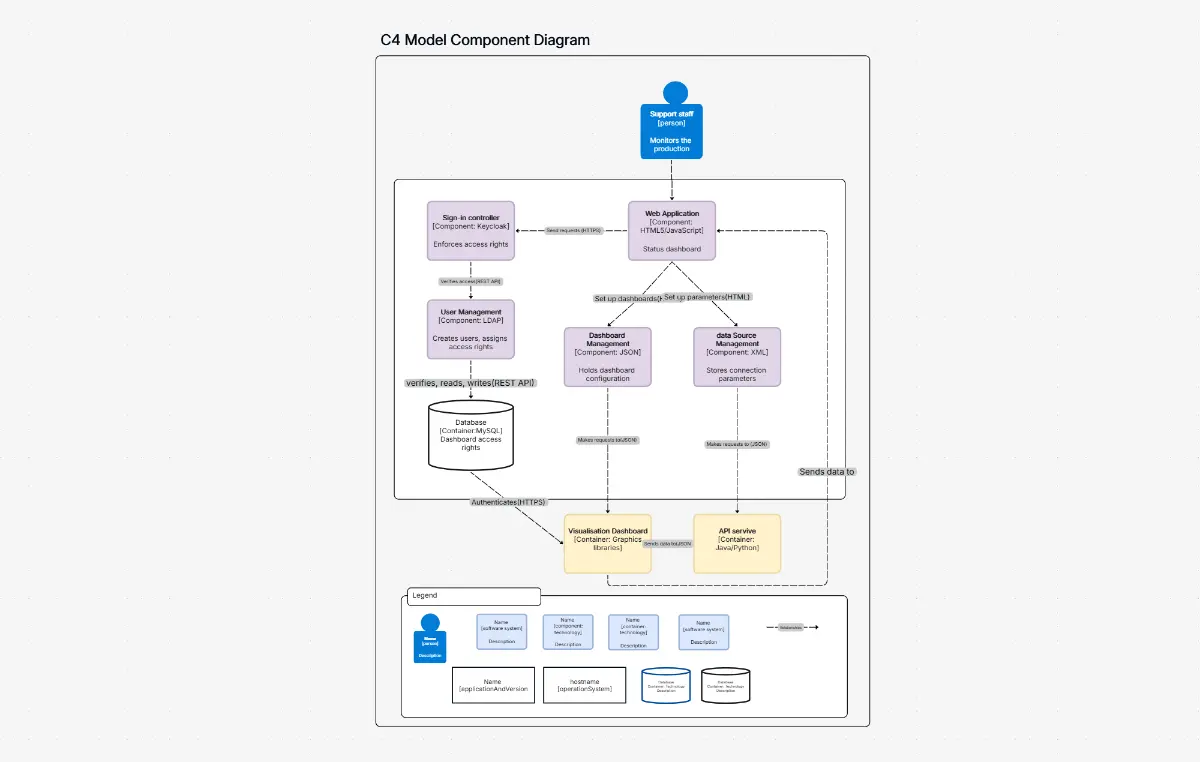
Use the C4 System Context mode to produce Level 1 C4 diagrams that show people, software systems, and relationships. Generate the context diagram first, then decompose into C4 Container and Component diagrams.

Students & Educators

Context diagrams appear in virtually every systems analysis and software engineering course. Generate correct context diagram examples from textbook scenarios in seconds — ideal for assignments, exams, and classroom demonstrations.

IT Consultants & Solution Providers

Produce context diagrams for client engagements quickly. The AI generates a complete system context from a brief description so you spend time on requirements workshops, not the drawing board.

Systems engineers, business analysts, and architects using Cloudairy context diagram maker

Frequently Asked Questions

A context diagram contains three elements: (1) the system-of-interest — a single process symbol at the center representing the system being analyzed; (2) external entities — people, organizations, or external systems that interact with the system; and (3) data flows — labeled arrows showing information moving between the system and each external entity. There are no internal processes or data stores in a context diagram.

A context diagram is a DFD Level 0 — the highest-level view showing only the system boundary and its external interactions with no internal detail. A full DFD decomposes the system into processes, data stores, and internal flows at Level 1 and below. The context diagram establishes scope; lower-level DFDs explain how the system works internally. Cloudairy generates both from a single description.

In systems analysis, the four core diagram types are: (1) Context diagram (DFD Level 0) — system boundary and external entities; (2) DFD Level 1 — internal processes and data stores; (3) Entity-Relationship Diagram — data structure and relationships; (4) Use Case Diagram — actor-system interactions. Cloudairy supports all four with AI generation from plain-English descriptions.

A context diagram is also called a DFD Level 0, system context diagram, scope diagram, context model, level-0 diagram, blackbox diagram, or environment diagram. In the C4 model it is called a System Context diagram. All refer to the same concept: a single diagram showing the system-of-interest and its external actors without internal detail.

With Cloudairy: (1) Type your system name or description into the AI prompt box — e.g., 'online banking system'. (2) Click Generate — Cloudairy auto-centers the system-of-interest, classifies all external entities, and labels data flows. (3) Edit and refine in the drag-and-drop editor. (4) Export to Visio (.vsdx), PNG, SVG, or PDF, or share a live link with stakeholders.

They convey the same concept — system boundary plus external actors — but use different notation. A traditional context diagram (BABOK / SWEBOK) uses circles and labeled arrows. A C4 System Context diagram uses colored boxes with technology labels and relationship descriptions. Cloudairy supports both styles from the same diagram with a one-click mode switch.

Success Stories from Our Community

See how systems engineers, business analysts, and architects use Cloudairy to create context diagrams faster and with better results.

The only tool that generates a structurally correct context diagram on the first try. System-of-interest centered, external entities classified — exactly what BABOK requires. I had a diagram ready in 60 seconds.

As a systems engineer, I produce context diagrams for every requirements document. Cloudairy saves me hours every week — describe the system, click Generate, and I have a SWEBOK-compliant diagram instantly.

I teach systems analysis and Cloudairy is the first tool my students can actually use on day one. They generate correct context diagrams from textbook scenarios and immediately understand the concept.

I needed a C4 System Context diagram for a software architecture review. Cloudairy generated it from a two-sentence description, with the right notation, in under a minute. Incredible tool.

Context diagrams are the first thing every client sees in our requirements documents. Cloudairy lets me generate a polished, stakeholder-ready diagram from a quick description and export it straight to Visio.

Secure, compliant, and enterprise-ready

Cloudairy safeguards your work with enterprise-grade security, compliance, and access controls — so your teams can create, collaborate, and scale with confidence.

SOC 2 Type II
SOC 2 Type Ⅱ

Cloudairy is SOC 2 Type Ⅱ certified and penetration tested annually, ensuring your architecture diagrams and data meet the highest standards for security and reliability.

GDPR
GDPR

We comply with the European Union General Data Protection Regulation (GDPR) and extend it to all our customers even those outside of the EU.

ISO 27001
ISO 27001

Our Information Security Management System is ISO 27001 certified — the leading global standard for information security.

Flexible Pricing for Every Team

Free

Discover what Cloudairy can do for you. Start for free

$0

for unlimited members
Try for free

Upgrade now

Show key features

up-arrow

Includes:

Starter

Unlock unlimited and private boards with important features

$4

per member / month

billed annually

monthly

Show key features

up-arrow

Includes everything in Free, plus:

money-back

Business

MOST POPULAR

Ideal for agencies or growing businesses managing multiple projects.

$5

per member / month
billed annually

Show key features

up-arrow

Includes everything in starter, plus:

Enterprise Plan

For large organizations needing scalability, control, and security.

contact-pricing
Contact for pricing
Contact us

Upgrade now

Show key features

up-arrow

Includes everything in Business, plus: