What’s New In Cloudairy — Introducing Cloudairy 2.0

By Cloudairy Team
December 18, 2025
7 min read


Get your team started in minutes
Sign up with your work email for seamless collaboration.
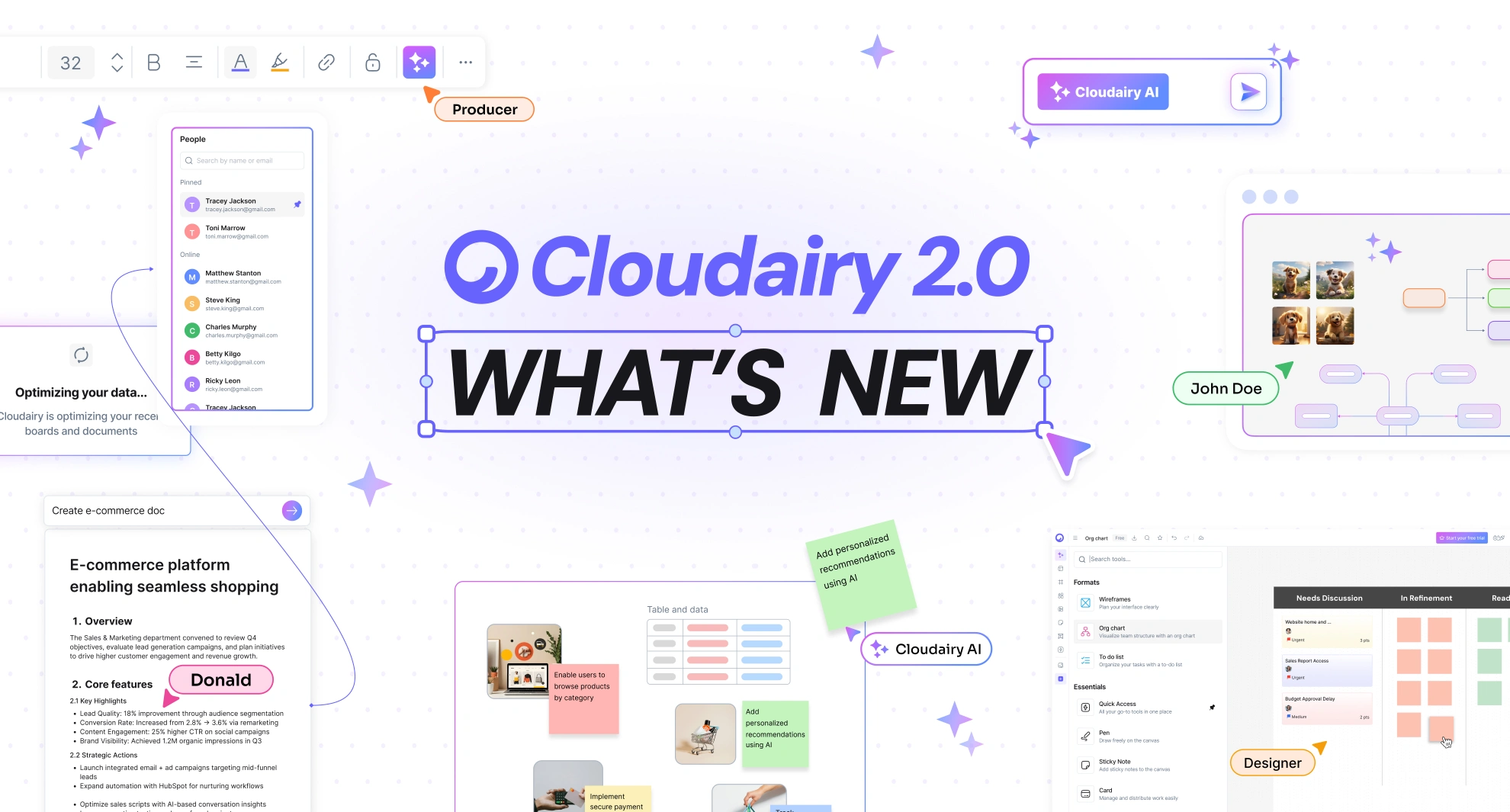
Cloudairy 2.0 introduces a fully upgraded AI engine that improves every part of your workflow. AI is no longer a tool you call occasionally. It’s a companion that supports every stage from idea to execution.
Cloudairy 2.0 introduces a fully upgraded AI engine that improves every part of your workflow. AI is no longer a tool you call occasionally. It’s a companion that supports every stage from idea to execution.
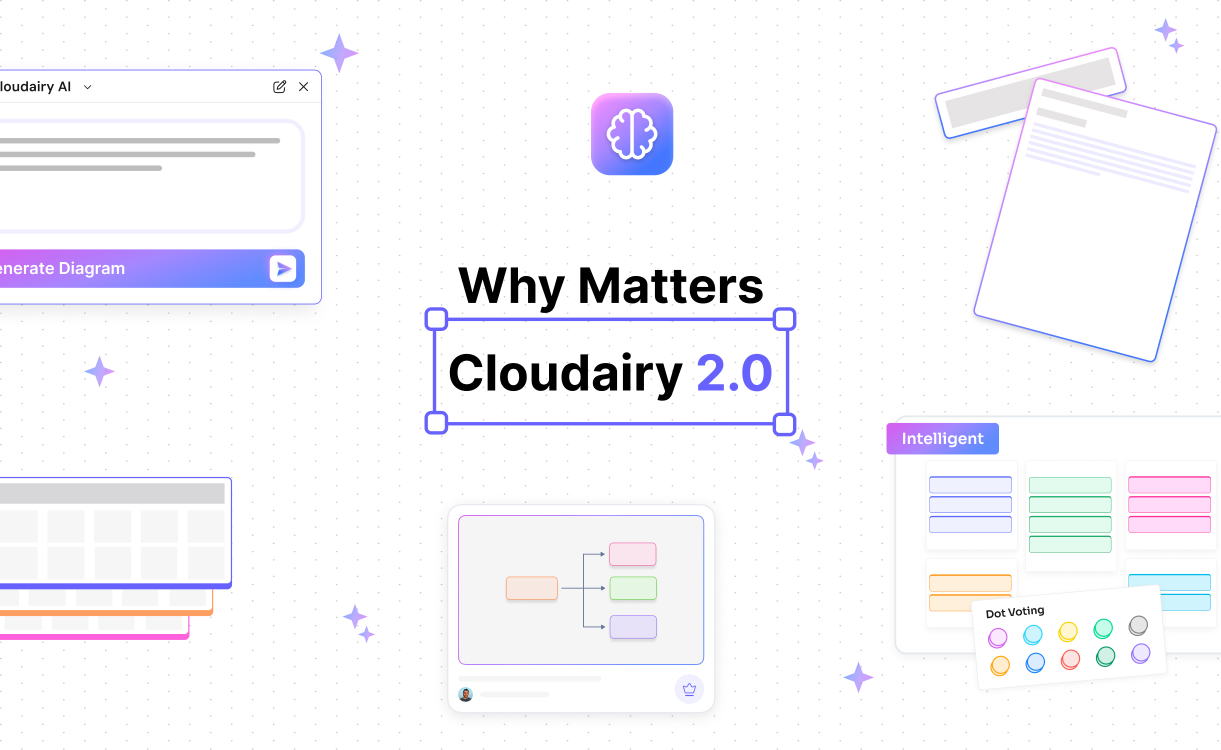
Cloudairy 2.0 is officially live, and it marks our biggest step forward in building an all-in-one AI intelligent canvas that empowers teams to design, brainstorm, plan, document, and deliver all in one unified workspace. Cloudairy 2.0 combines powerful AI generation, an expanded visual toolkit, enhanced collaboration capabilities, smarter interaction tools, and new enterprise-grade security foundations.
Here’s everything that’s new.
Cloudairy 2.0 brings major improvements to the heart of the platform: the canvas itself. You can build anything—from system architecture to user flows, wireframes, org charts, product plans, and brainstorm boards.
Cloudairy 2.0 gives you a complete visual creation environment without the need for external design or diagramming tools.
Cloudairy 2.0 elevates team collaboration, giving you everything you need to brainstorm, run workshops, align decisions, and deliver outcomes together.
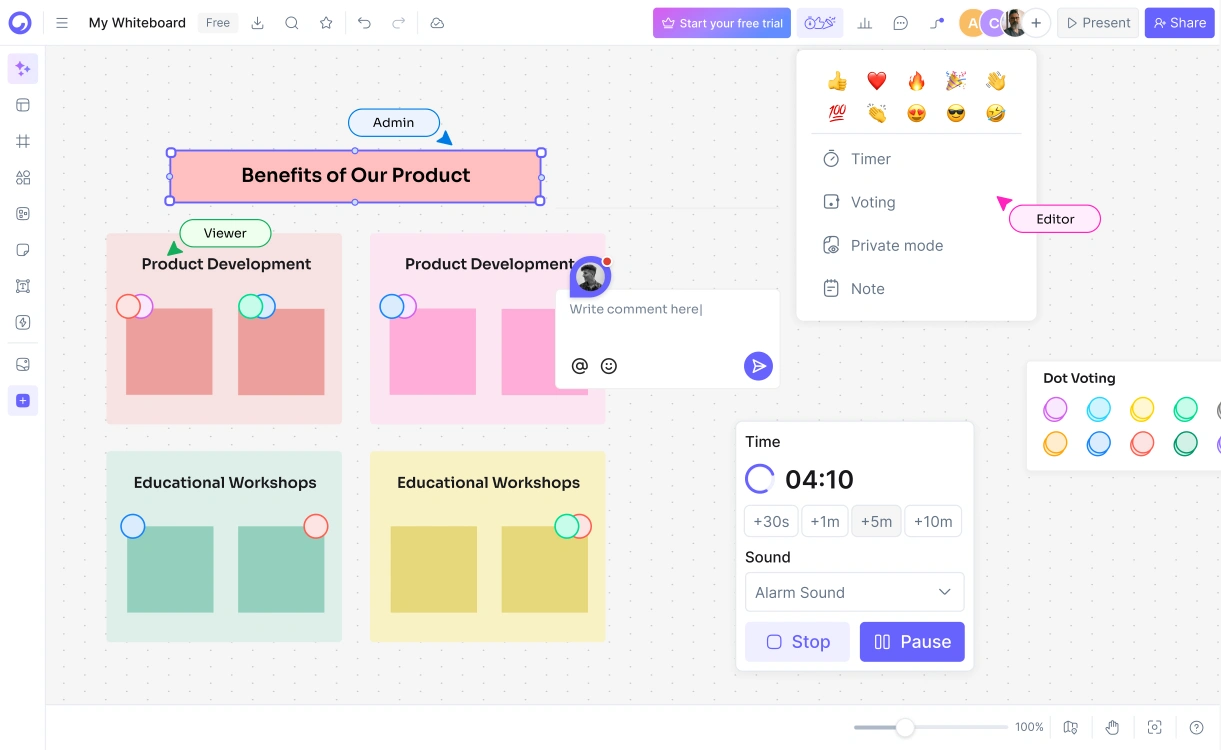
Cloudairy 2.0 turns your workspace into a live, shared environment where ideas grow through conversation, feedback, and structured participation.
Cloudairy 2.0 expands your creative expression with tools that help ideas come alive.
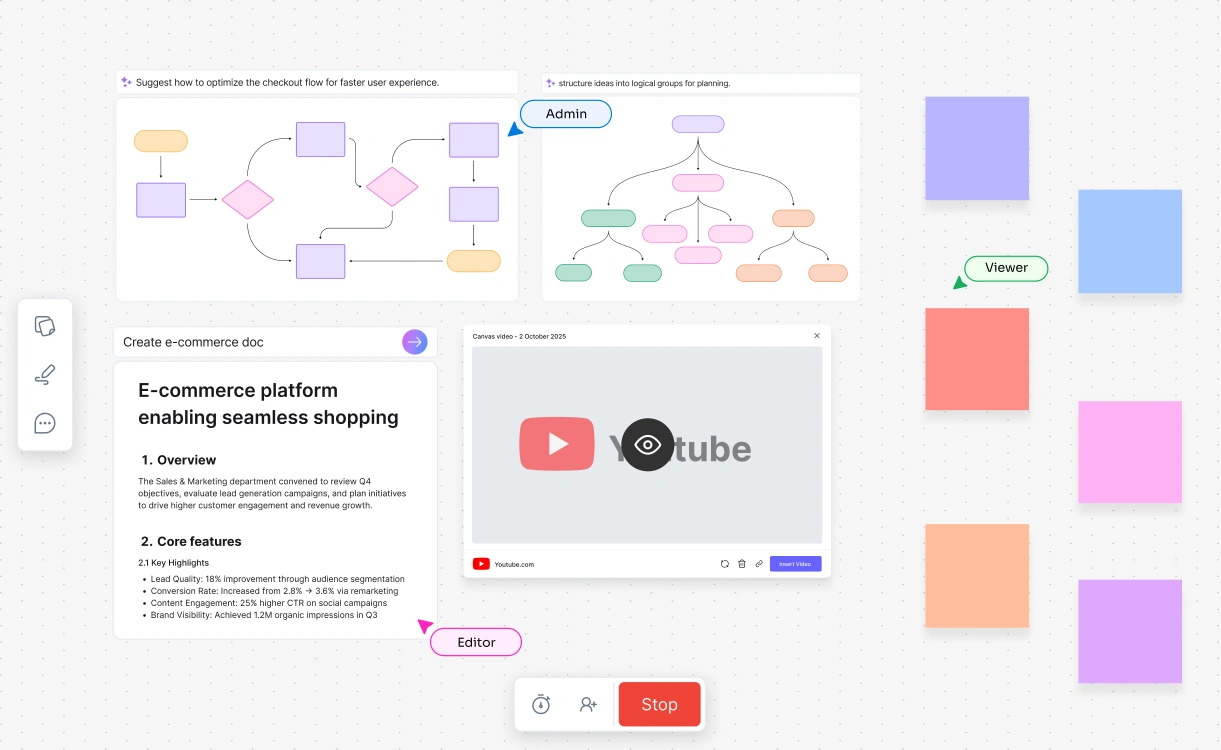
These tools make the canvas not just a design space, but a living environment for communication and storytelling.
.webp)
Cloudairy 2.0 makes it easier than ever to share your work with clients, teammates, or stakeholders.
No matter how your team shares or archives content, Cloudairy has you covered.
Cloudairy 2.0 strengthens its foundation by meeting global security standards to support enterprise-grade work.

Your data, diagrams, and collaborative workspaces remain protected with the highest level of security controls and continuous monitoring.
Cloudairy 2.0 is more than a feature upgrade. It is a reimagining of how teams ideate, design, plan, and collaborate. Instead of relying on separate apps for diagrams, docs, whiteboards, wireframes, and presentations, Cloudairy brings everything together into one intelligent, AI-driven canvas that adapts to your workflow.
Whether you are architecting cloud systems, running Agile ceremonies, planning product features, designing workflows, or brainstorming ideas, Cloudairy 2.0 gives you the tools to create and deliver faster with clarity and confidence.
Start using Cloudairy to design diagrams, documents, and workflows instantly. Harness AI to brainstorm, plan, and build—all in one platform.
Table of Contents

Introduction
 Manage all your work in one placeCollaborate with your teamUse Cloudairy for FREE—forever


.png)
.png)
.webp)