
CLOUDAIRY 1.0Mac · Windows · signed by Cloudairy LLC
Cloudairy for desktop.Every artifact, one app.
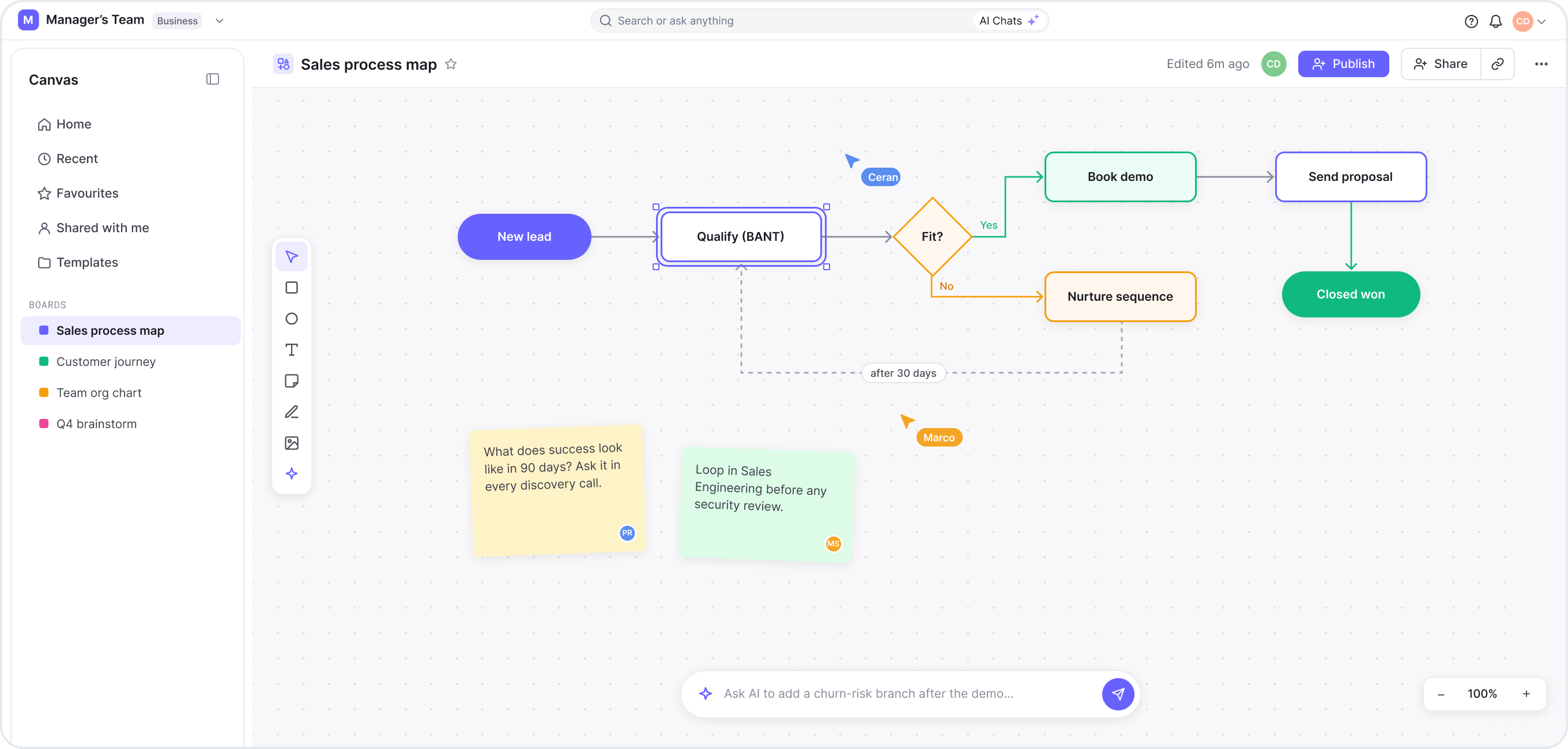
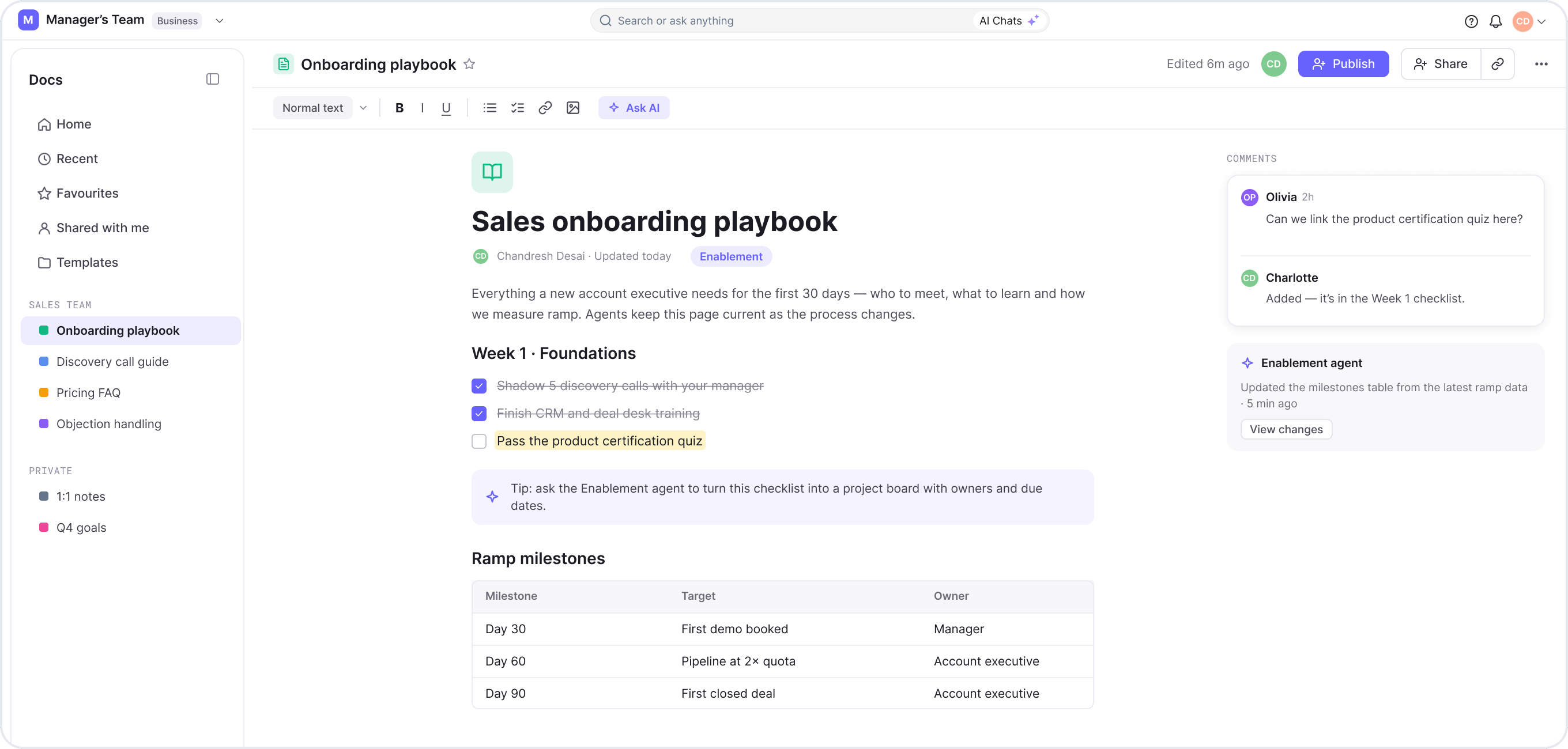
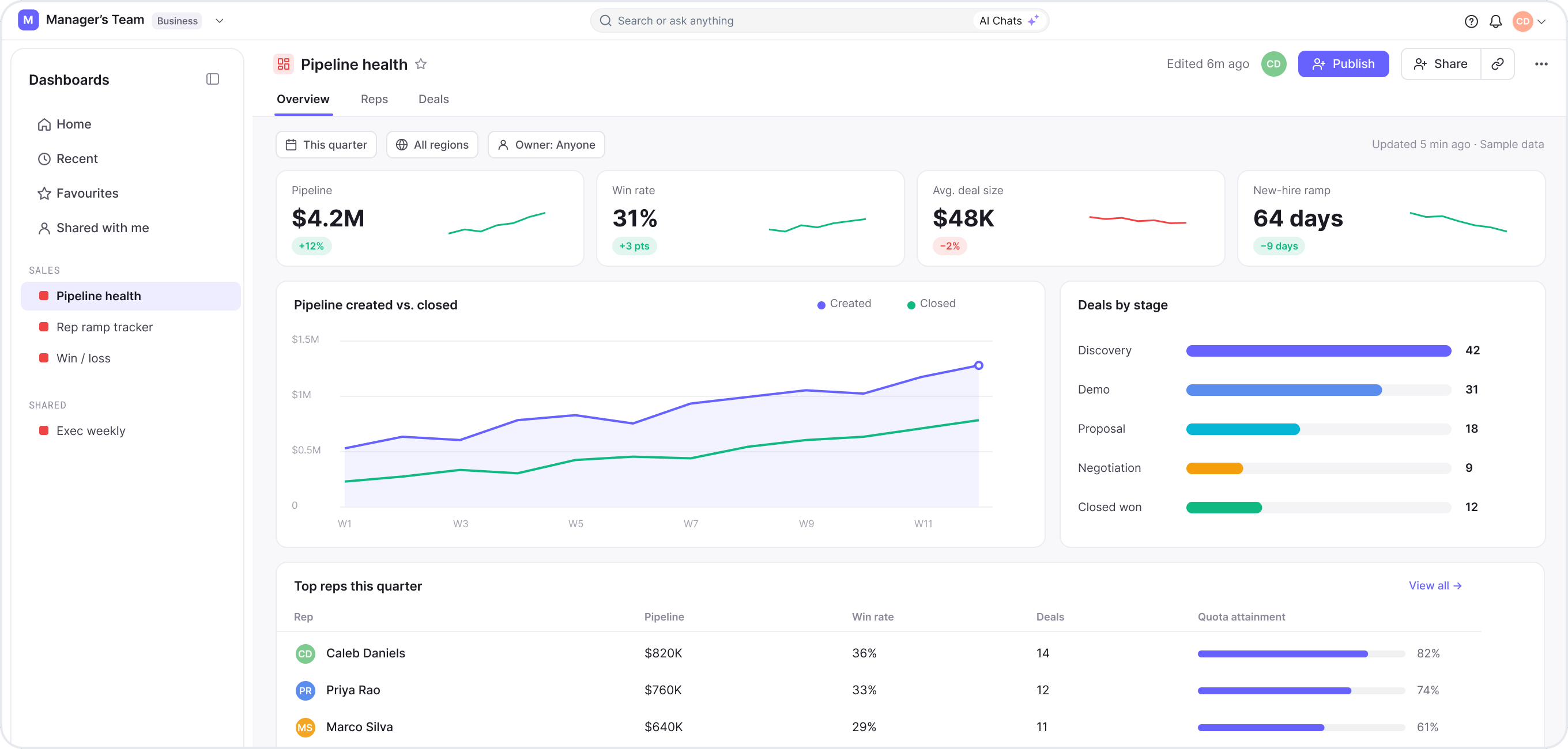
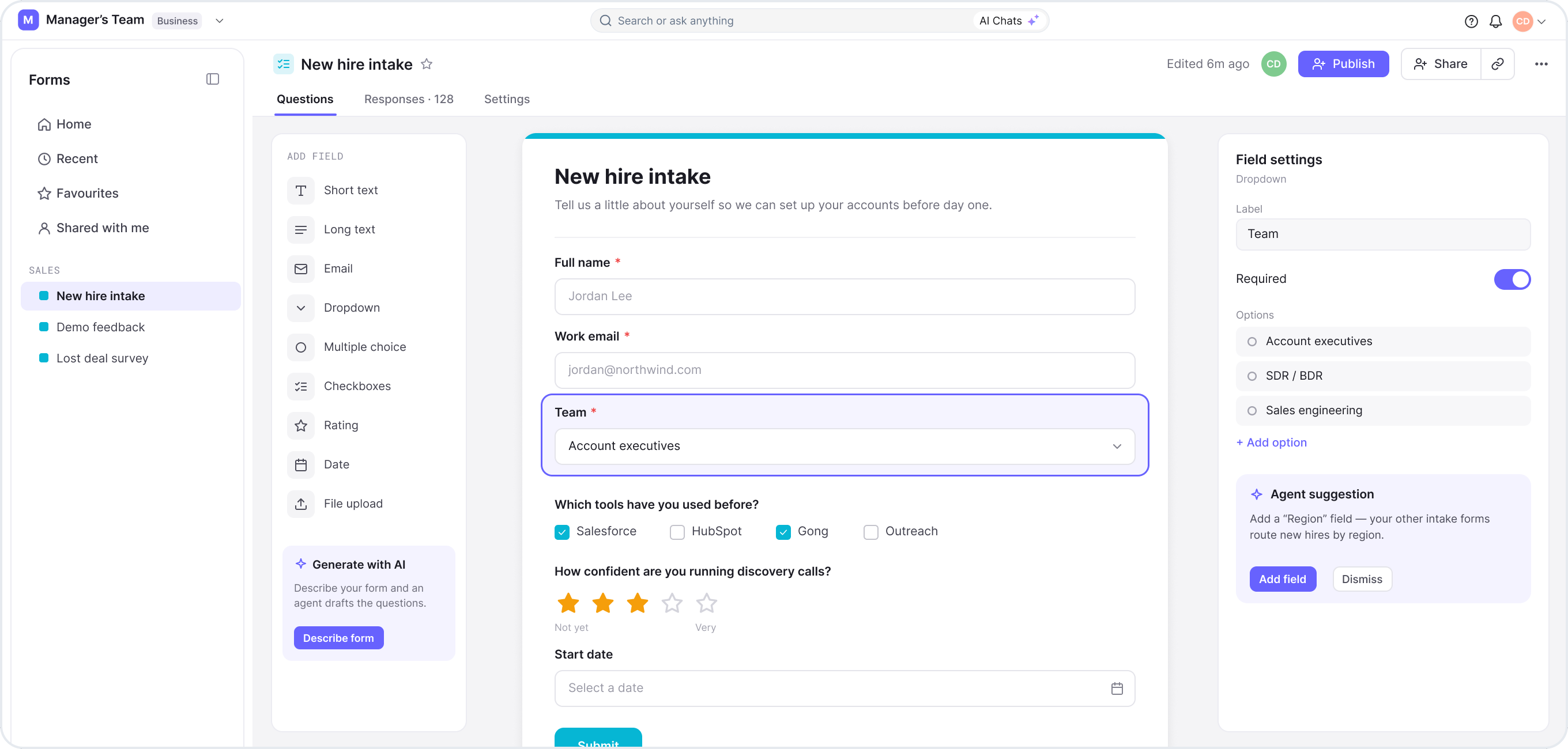
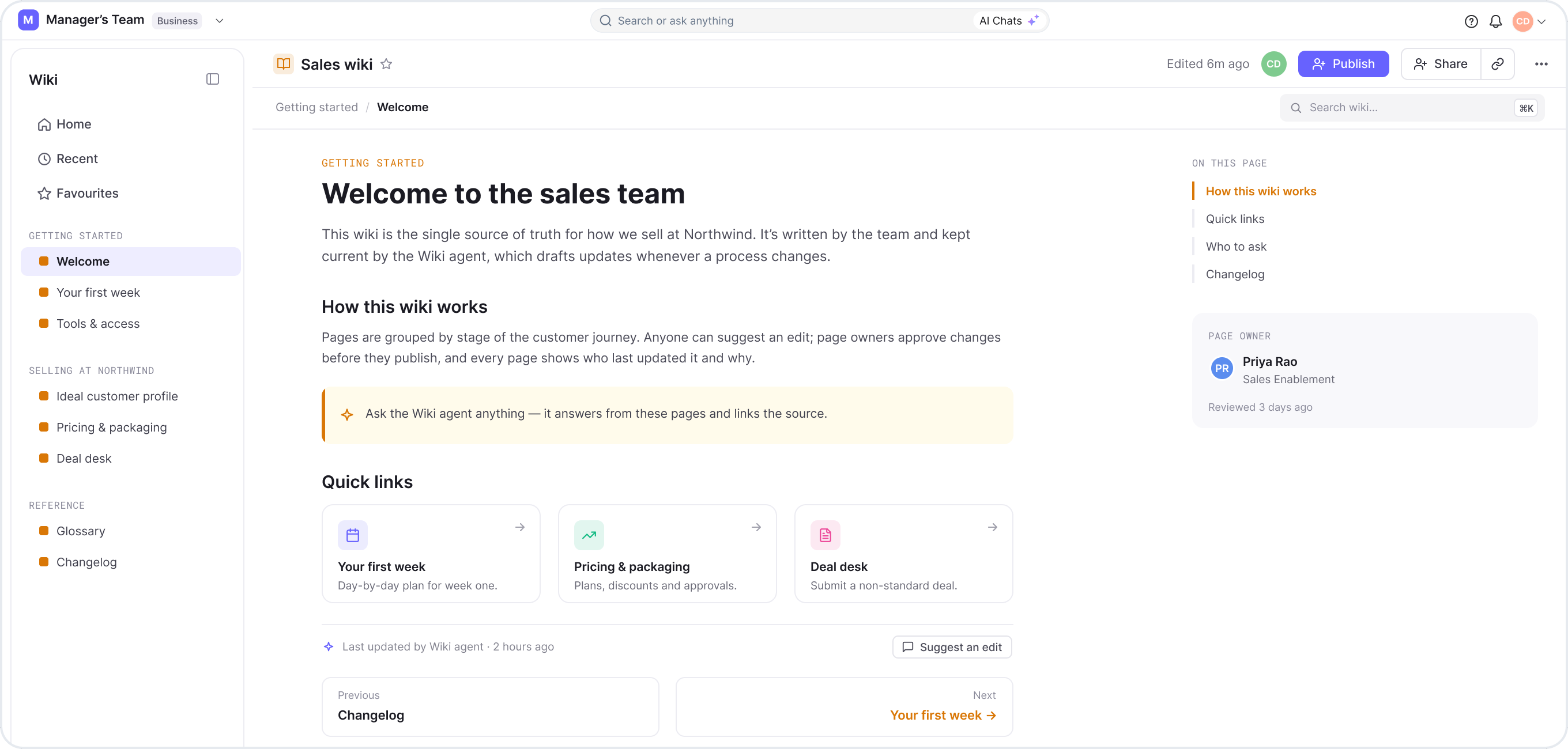
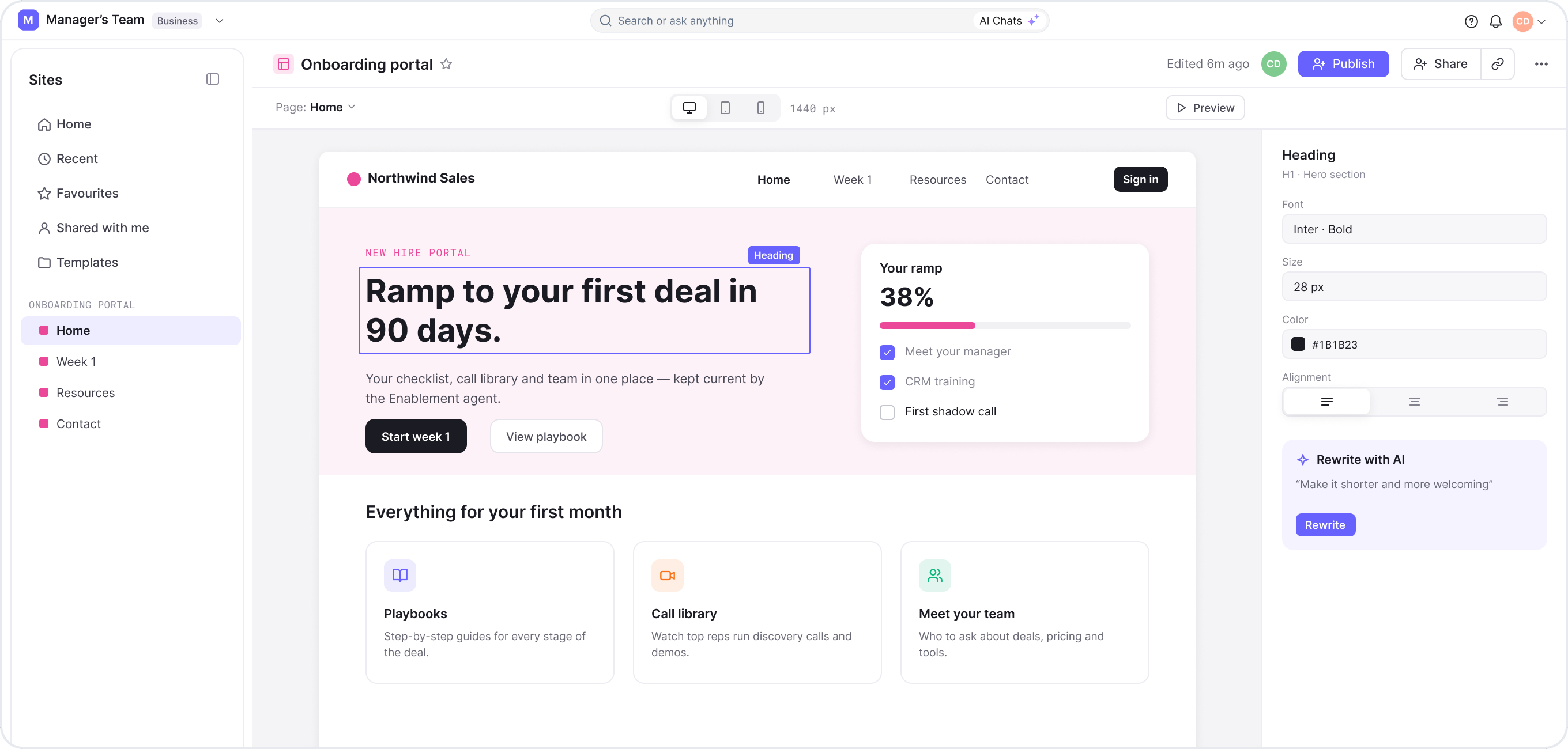
Canvas, docs, projects, dashboards, forms and more, side by side in tabs, with desktop notifications and automatic updates. Sign in with the account you already use.
Free · signed by Cloudairy LLC · or use it in your browser
What you get with the desktop app
Everything you do in Cloudairy on the web, in an app that lives in your dock.
Tabs for everything
Keep boards, docs and projects open side by side in tabs, and switch between them without hunting through browser windows.
Sign in with your browser
Sign in through your default browser with email, Google, Microsoft, Slack or your company SSO, then confirm the matching code.
Native notifications
Get desktop notifications for new inbox items on Mac and Windows, with an unread count on the Cloudairy icon in your Mac dock.
Automatic updates
The app checks for new versions in the background and installs them on restart, so you are always on the latest release.
Your existing workspace
Same account, same workspaces and the same work as Cloudairy on the web. Nothing to import or sync.
Mac and Windows
One Mac download runs natively on Apple silicon and Intel. One Windows installer covers x64 and Arm PCs. Both are signed by Cloudairy LLC.
System requirements
One download per system, for every common processor.
Mac
macOS 12 Monterey or later, on Apple silicon (M1 and later) or Intel. The app is universal, so there is one download for both.
Windows
64-bit Windows 10 or Windows 11, on x64 or Arm. One installer sets up the right version for your PC.
Account
A Cloudairy account. Use the one you already have, or create one for free when you sign in.
Frequently asked questions
How do I sign in to the desktop app?
Click Sign in and the app opens Cloudairy in your default browser. Sign in there the way you normally do, with email, Google, Microsoft, Slack or your company SSO. The browser then shows a short code; check that it matches the code in the app and confirm, and the app signs you in.
Do I need a new account for the desktop app?
No. The desktop app uses your existing Cloudairy account, with the same workspaces, boards, docs and projects you already have on the web. If you do not have an account yet, you can create one for free when you sign in.
How does the app stay up to date?
The app updates itself. It checks for new versions in the background, downloads them and installs the update the next time you restart the app, so you do not need to download it again.
Which computers are supported?
Any Mac running macOS 12 Monterey or later, on Apple silicon (M1 and later) or Intel, and any PC running 64-bit Windows 10 or Windows 11, on x64 or Arm. There is one Mac download and one Windows installer; each covers both processor types.
Is there a Windows version?
Yes. Download the Windows installer from this page. It runs on 64-bit Windows 10 and Windows 11, on both x64 and Arm PCs, and is signed by Cloudairy LLC.