Drag-and-Drop Editing
Intuitive controls that make diagram creation feel effortless. Move, resize, and arrange elements with precision and ease.


Cloudchart's drag-and-drop interface eliminates the complexity of traditional diagram tools. Whether you're a beginner or an expert, creating professional diagrams has never been easier.

Seamless Movement
Click and drag any element to move it anywhere on your canvas. Snap-to-grid and alignment guides ensure perfect positioning.
Smart Resizing
Resize elements from any corner or edge while maintaining proportions. Hold Shift for perfect squares and circles.
Instant Feedback
See changes in real-time as you drag and resize. No lag, no waiting - just smooth, responsive editing.
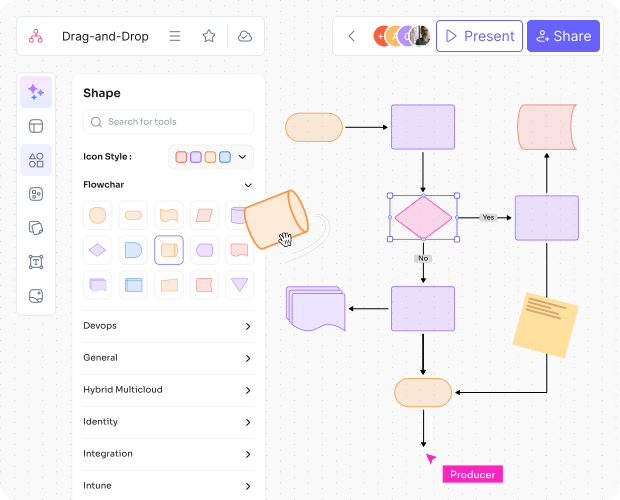
Multi-Select & Group
Select multiple elements with Shift+Click or drag a selection box. Group them together for easier manipulation.
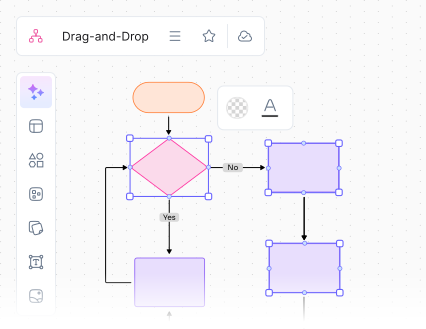
Smart Alignment
Automatic alignment guides appear as you drag elements near each other. Perfect for creating clean, professional layouts.
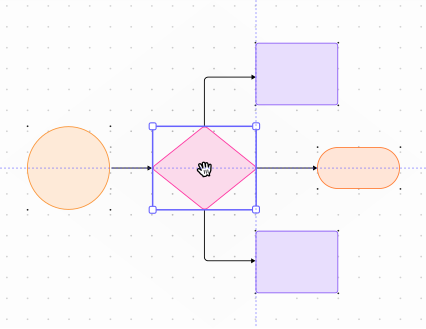
Snap-to-Grid
Enable grid snapping for precise positioning. Customize grid size and toggle snapping on/off as needed.
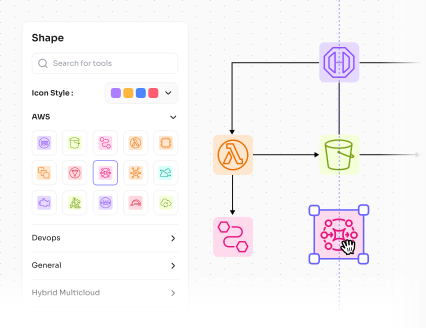
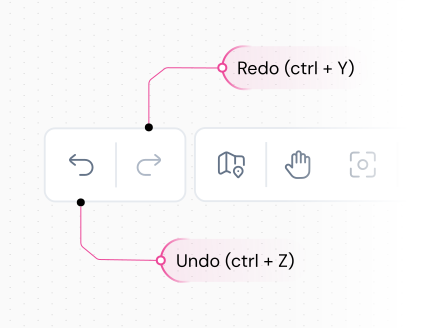
Undo/Redo
Every drag, resize and arrangement action can be undone or redone. Never lose your work with unlimited undo history.
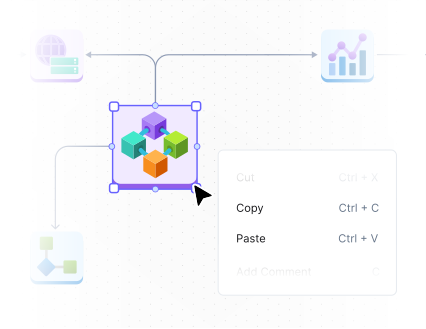
Copy & Paste
Quickly duplicate elements with Ctrl+C/Ctrl+V or drag with Alt key. Perfect for creating repetitive patterns and structures.
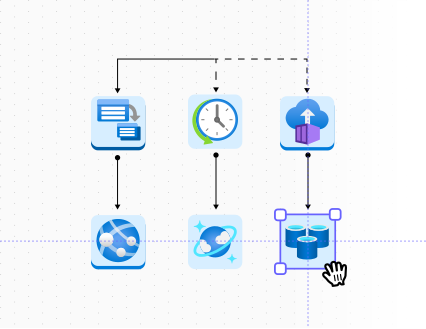
Precise Positioning
Use arrow keys for pixel-perfect positioning or enter exact coordinates. Achieve professional precision with ease..

Flowcharts
Arrange process steps and decision points with perfect alignment

System Architecture
Position components and services with precise spacing

Organization Charts
Create hierarchical structures with automatic spacing

Network Diagrams
Connect devices and nodes with clean, organized layouts

Lightning Fast
No lag, no waiting. Experience smooth, responsive editing that keeps up with your creative flow.

Pixel Perfect
Achieve professional precision with smart snapping, alignment guides, and exact positioning controls.

Intuitive Design
No learning curve required. The interface feels natural and responsive from the first click.

Undo Anything
Never worry about mistakes. Unlimited undo/redo history lets you experiment freely.

Team Friendly
Everyone on your team can use it immediately. No training required, just start creating.

Professional Results
Create diagrams that look like they were made by a professional designer, not a tool.
Experience Drag-and-Drop Editing Today
Join thousands of users who have discovered how easy diagram creation can be with Cloudchart's intuitive drag-and-drop interface.
No credit card required • 14-day free trial • Cancel anytime
