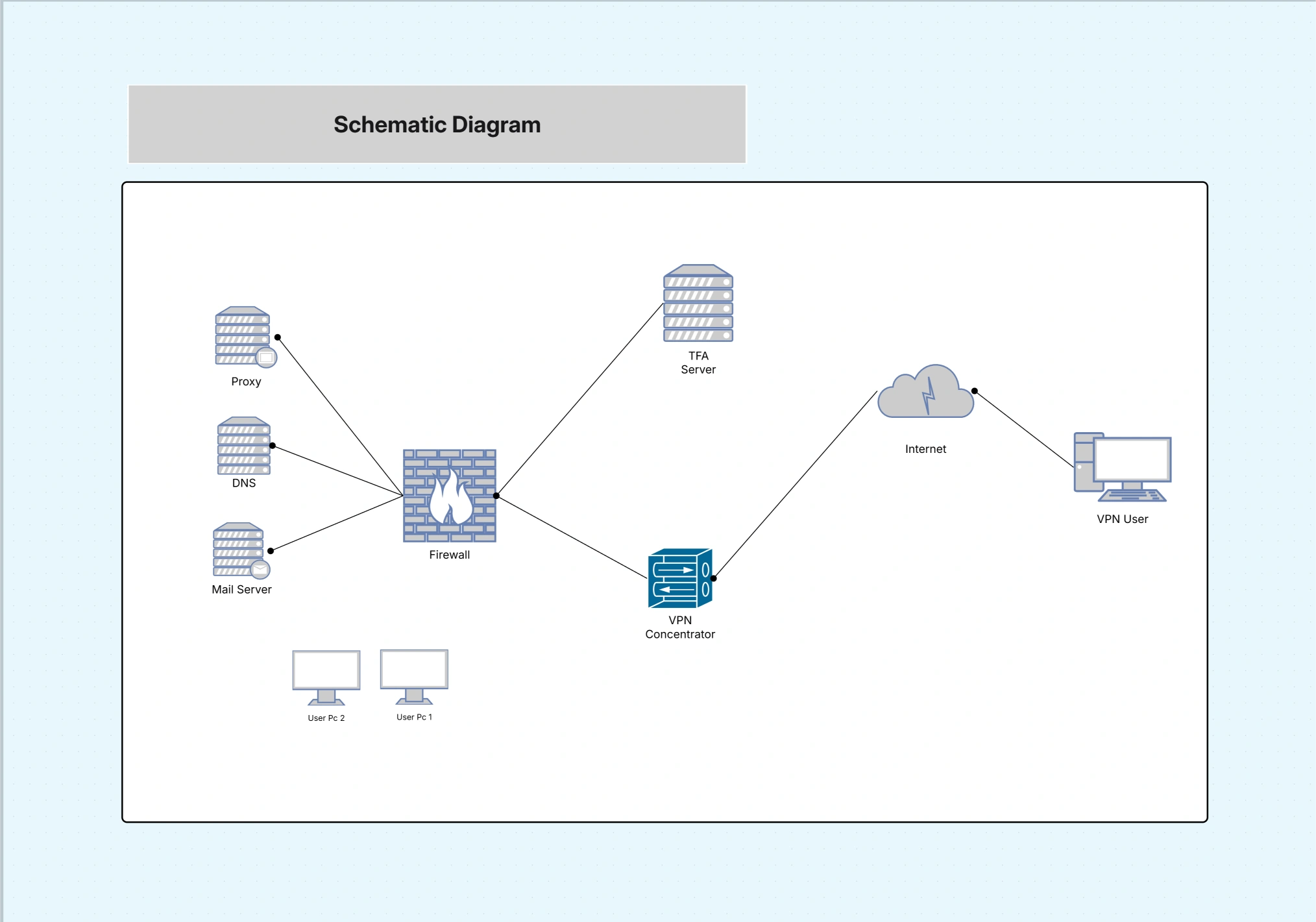
Schematic Diagram Template

Cloudairy
 Copy link

Get your team started in minutes
Sign up with your work email for seamless collaboration.
Whiteboard
Copy link

Schematic Diagram Template for System and Circuit Design helps clearly represent components,connections,and signal flow,making it easier to design,analyze, and communicate electrical and system layouts.
Schematic Diagram Template for System and Circuit Design helps clearly represent components,connections,and signal flow,making it easier to design,analyze, and communicate electrical and system layouts.
The Schematic Diagram Template allows the team to depict intricate systems, circuits, or processes by means of symbolic representation. It is meant to show the logical interaction of components or subsystems rather than the physical one, which makes the diagram very useful for technical communication and design documentation.
In all fields starting from electrical engineering and manufacturing to IT infrastructure and mechanical systems, schematic diagrams turn the most complex and difficult-to-understand workflows into a single, clear visual.
All needed visual elements and structural support for the creation of precise and detailed displays are being involved.
Use this template whenever you need to document or design system relationships, create technical manuals, or explain operational logic visually. It’s perfect for engineers, architects, product designers, and IT professionals who deal with layered systems.
Schematic diagrams are considered to be very useful in demonstrating both conceptual and technical structures where accuracy as well as visual clarity are of equal significance.
Easily adapt this schematic framework to your unique system requirements or presentation style.
In the design and layout of prints, schematic diagramming provides mechanisms to visually represent a wide range of linear or cyclical activities.
1. What’s the difference between a schematic diagram and a circuit diagram?
A schematic focuses on the logical flow and relationship of system components, while a circuit diagram shows physical connections. Schematics are used for planning, while circuit diagrams support implementation.
2. Can this template be used for both electrical and process design?
Yes. The template is highly adaptable — you can use it to design electrical circuits, mechanical systems, process flows, or even hybrid systems combining multiple domains.
3. Is the schematic diagram suitable for presentations and documentation?
Absolutely. It provides a clean, standardized layout perfect for reports, technical proposals, and training documentation.
4. Can I add external file references or component data sheets?
Yes. You can link or embed files, making your schematic interactive and ideal for digital workflows or audits.
5. Does it support collaborative editing for engineering teams?
Yes. Multiple users can collaborate in real-time, ensuring synchronized updates and version control for shared design documentation.
Loading subcategories...
 Manage all your work in one place
Collaborate with your team
Use Cloudairy for FREE—forever
Explore More