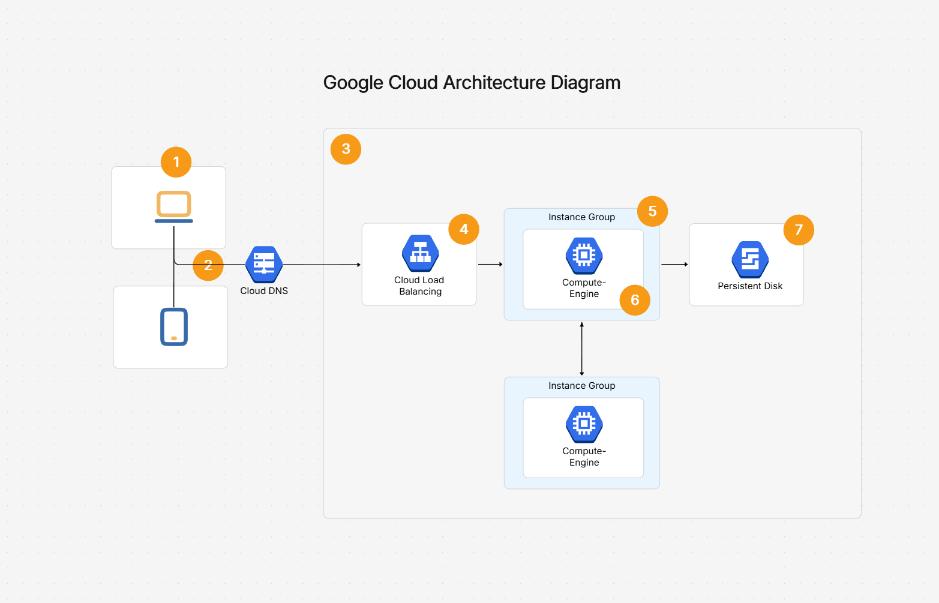
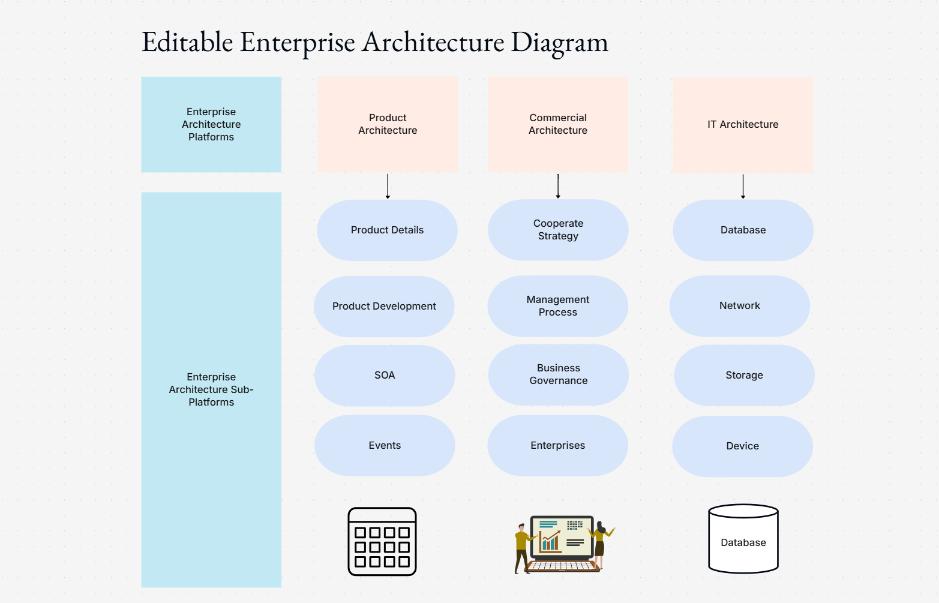
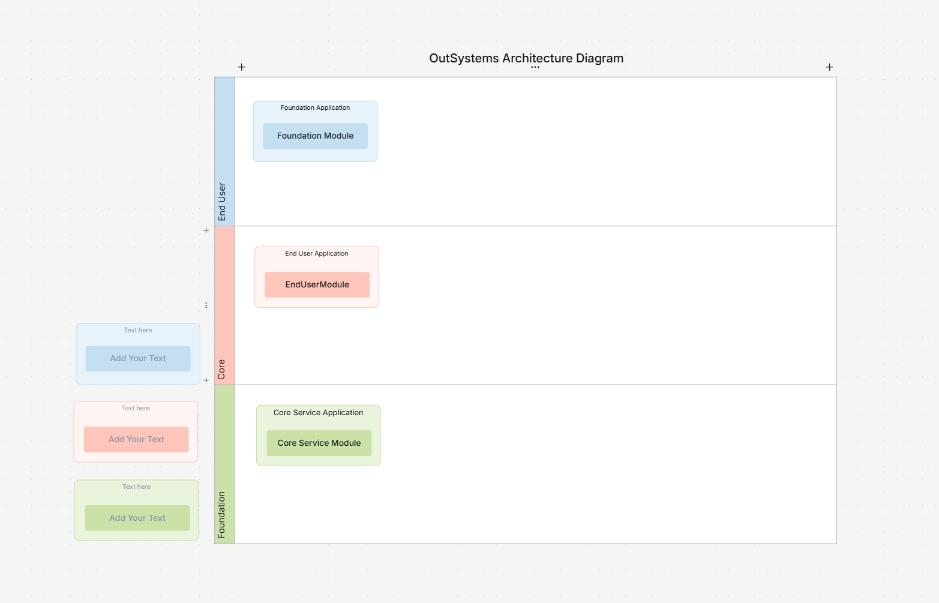
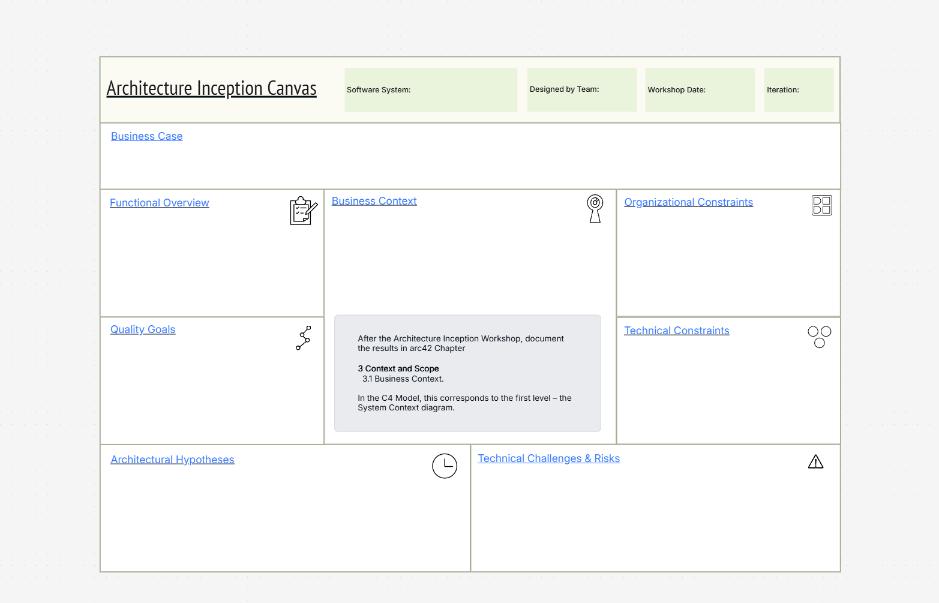
50,000 + Trusted Users with
star star star star star

Trusted by Professionals at Leading Companies

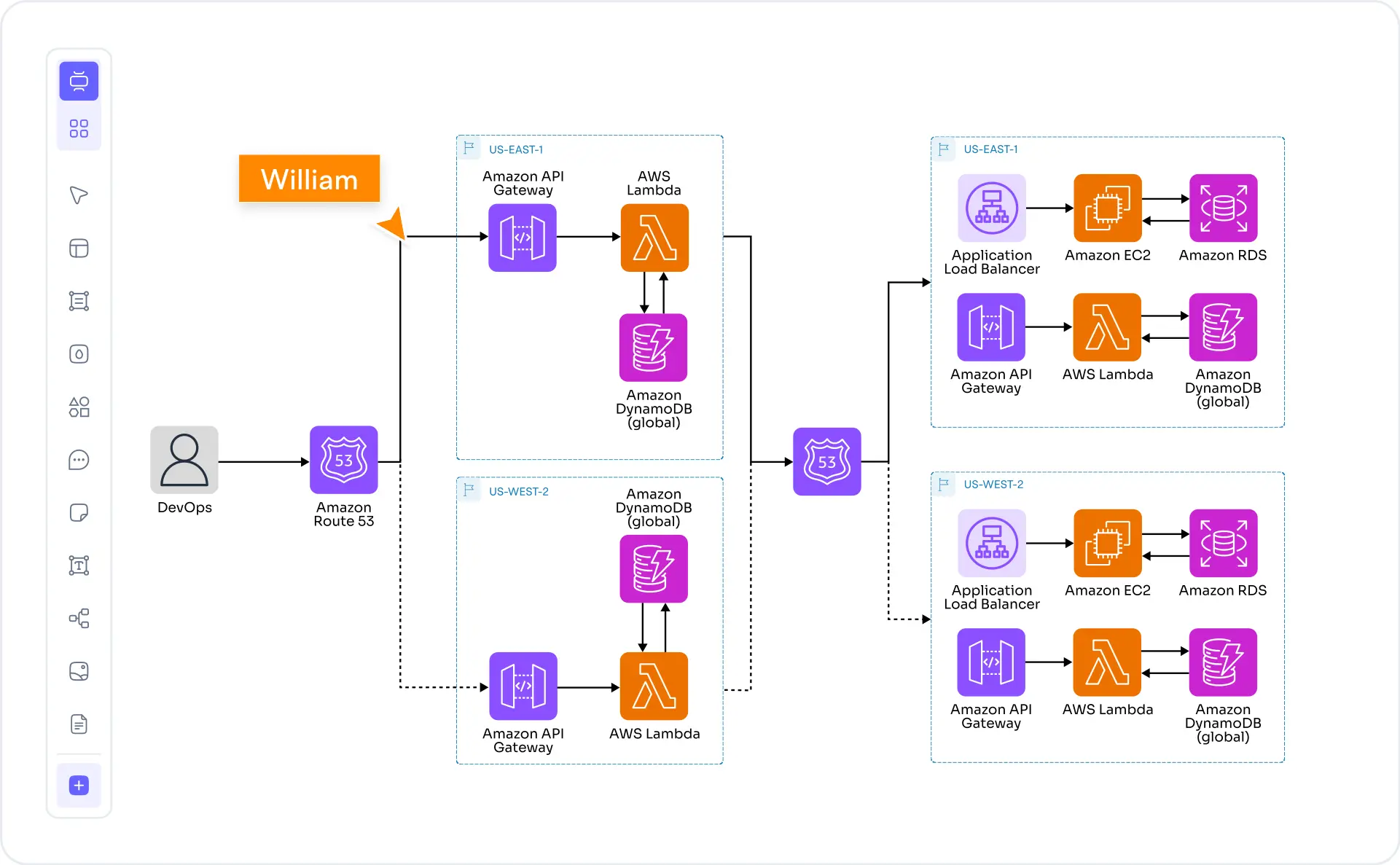
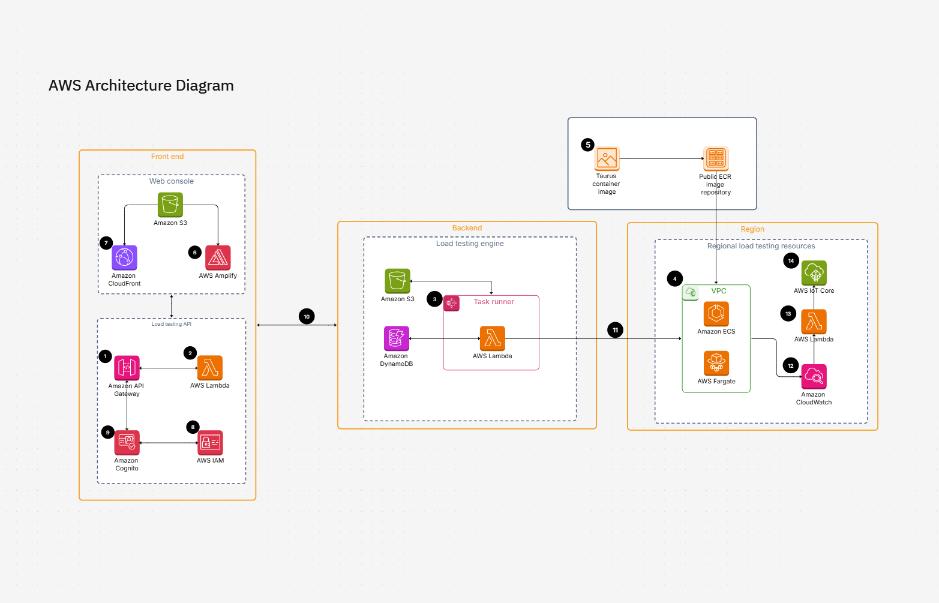
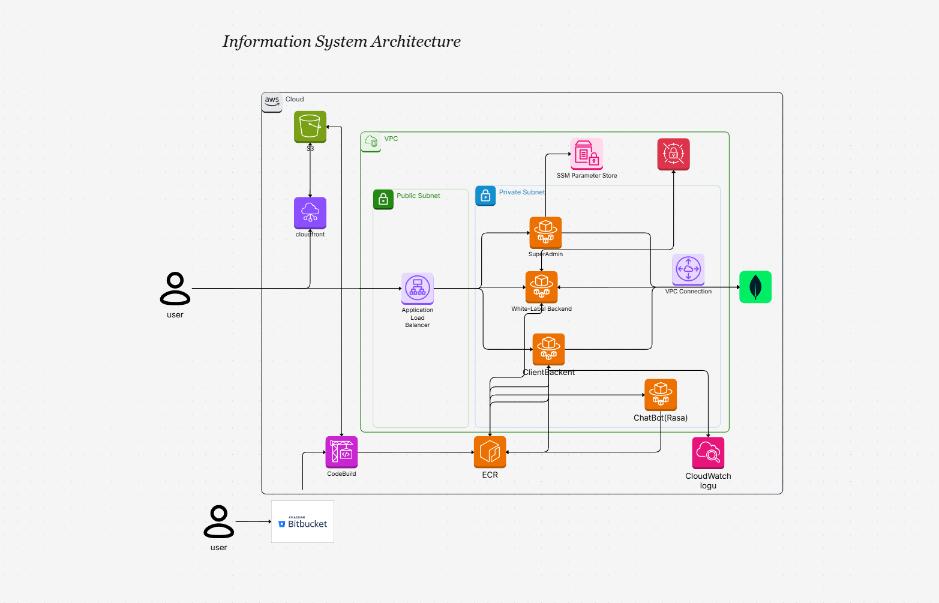
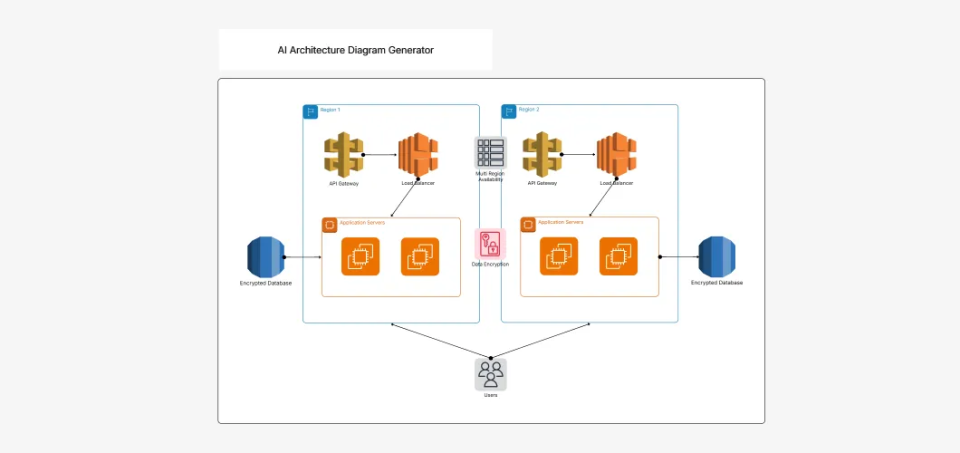
What is an AWS architecture diagram — example showing AWS services connected in a multi-tier VPC architecture

What Is an AWS Architecture Diagram?

An AWS architecture diagram is a visual representation of your Amazon Web Services cloud infrastructure. It maps the relationships between AWS services — EC2 instances, VPCs, load balancers, databases, S3 buckets, Lambda functions, and security boundaries — so that your team, stakeholders, and auditors can understand how your system is structured and how data flows through it.

Well-designed AWS diagrams use the official AWS Architecture Icons Q4 set, clear VPC and subnet boundaries, and standardized notation. They serve as the source of truth for architecture reviews, compliance documentation, Well-Architected Framework assessments, and change-management discussions.

Cloudairy's AI AWS Architecture Diagram Maker goes beyond static templates. Describe your architecture in plain English — "three-tier web app on EC2 with ALB, RDS, and CloudFront" — and the AI produces a ready-to-edit diagram instantly. You can then layer in VPC boundaries, security groups, and region containers without starting from a blank canvas. Pair your AWS diagrams with an AI cloud architecture generator for multi-cloud views, or use the network diagram maker for detailed topology maps.

How to Make an AWS Architecture Diagram with Cloudairy

Go from idea to professional AWS diagram in four steps — no Visio license, no stencil download, and no AWS account hookup required.

1

Describe your AWS architecture

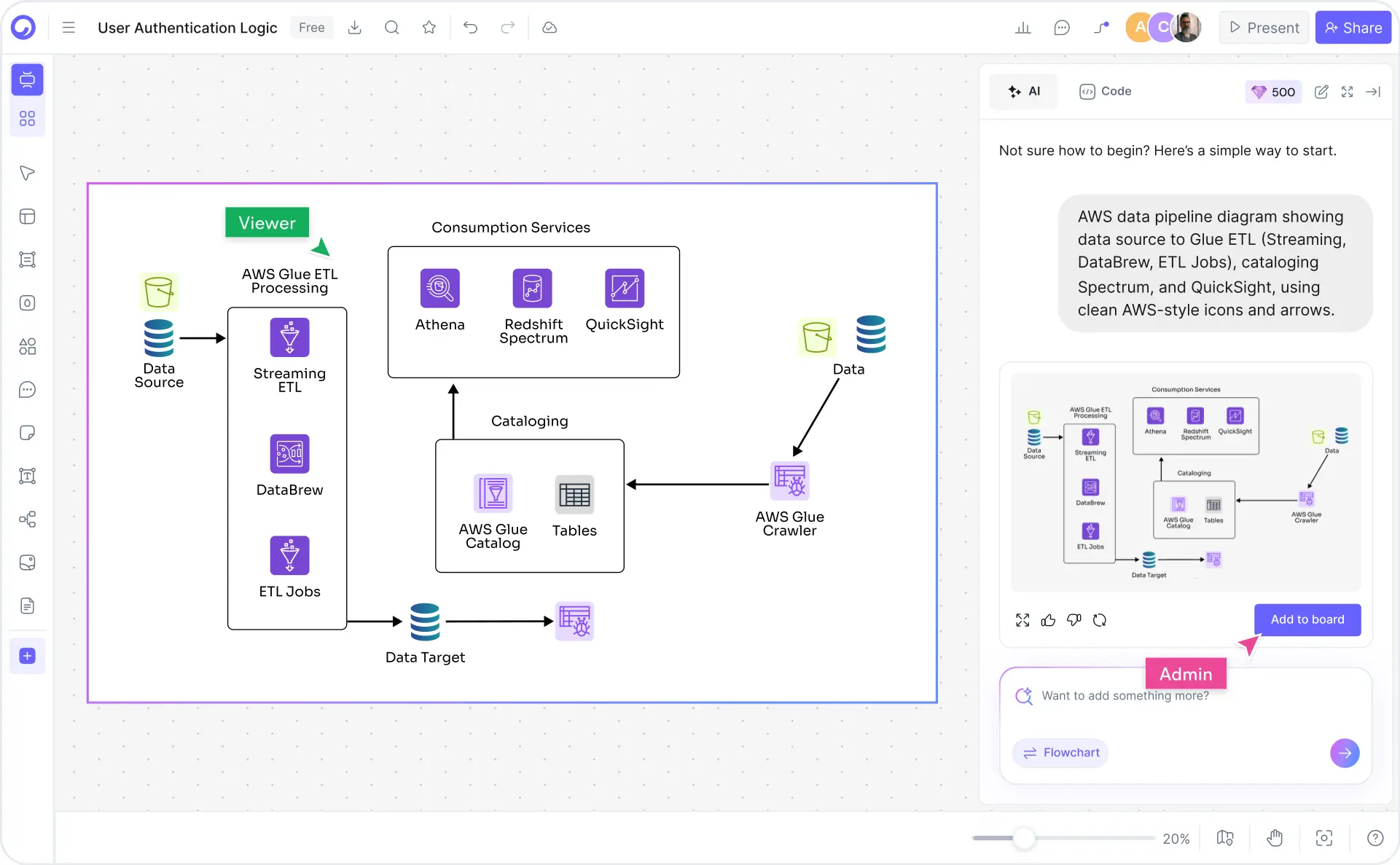
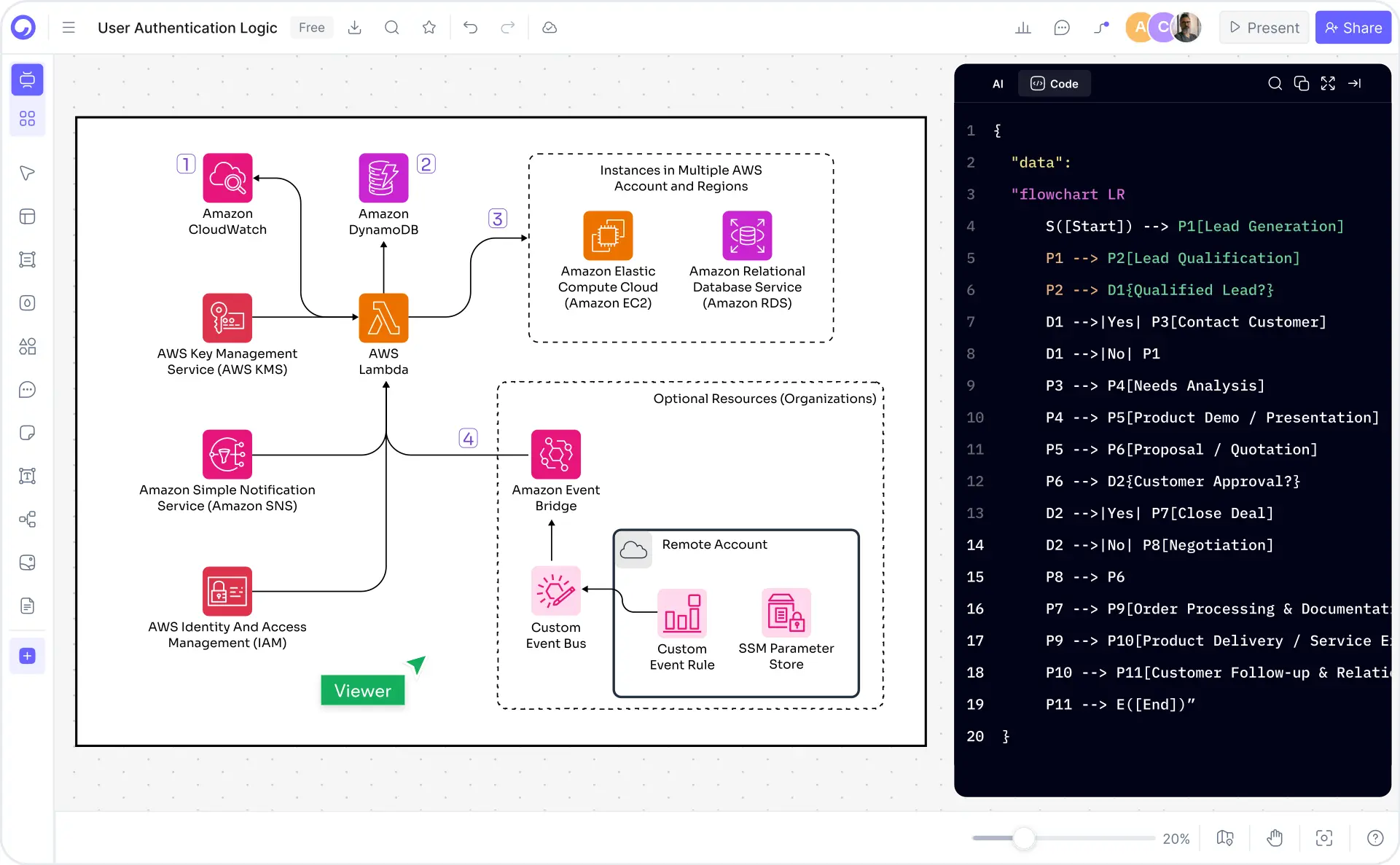
Type a plain-English description in the AI prompt box. For example: "Serverless API with Lambda, API Gateway, DynamoDB, and CloudWatch monitoring in a single VPC." Or choose one of the example prompt chips — three-tier web app, EKS microservices, multi-region DR, data pipeline, VPC with subnets.

2

Click Generate

Cloudairy's AI instantly builds the diagram using the official AWS Architecture Icons Q4 set. Services are correctly shaped and labeled, connections reflect real traffic flows, and VPC or region boundaries are drawn automatically.

3

Customize — drag, drop, and annotate

Refine the AI-generated diagram in Cloudairy's editor. Drag services to rearrange layout, recolor VPCs and subnets, add annotation labels, insert security group boundaries, or swap icons from the full AWS icon library covering Compute, Networking, Storage, Database, Analytics, AI/ML, Security, and DevOps.

4

Export or share

Export to Visio (.vsdx), draw.io (.drawio), PNG, SVG, or PDF. Or copy a shareable live link for view-only or collaborative editing with your team — no account required for viewers.

How to make an AWS architecture diagram with Cloudairy — four steps from prompt to export

Start Building Your AWS Diagram Free

Join thousands of cloud architects, solutions engineers, and DevOps teams who use Cloudairy to create AWS architecture diagrams in seconds. Official AWS icons. AI generation. Real-time collaboration.

No credit card required • Start creating in seconds

Why Use Cloudairy as Your AWS Architecture Diagram Tool

Cloudairy is the only tool that combines an AI prompt-to-diagram experience with the full AWS Architecture Icons Q4 set, real-time collaboration, and frictionless Visio export — all on a single platform.

AI Prompt-to-Diagram

AI Prompt-to-Diagram

Describe your AWS architecture in natural language and get a complete, properly structured diagram in seconds. No templates to search, no shapes to drag from scratch. The AI understands AWS service relationships, VPC boundaries, and data flows.

Full AWS Architecture Icons Q4 Set

Full AWS Architecture Icons Q4 Set

Access 600+ official AWS Architecture Icons Q4 covering Compute, Networking, Storage, Database, Analytics, AI/ML, Security, and DevOps. No stencil download or plug-in required. Icons are always up-to-date with the latest AWS service releases.

Real-Time Collaboration

Real-Time Collaboration

Work on the same AWS diagram simultaneously with your team. Live cursor presence, inline comments, and @mentions keep architects, engineers, and stakeholders aligned. Share view-only or edit links with no account required for viewers.

Pre-Built AWS Templates

Pre-Built AWS Templates

Start from professionally designed templates for common AWS patterns: three-tier web apps, serverless APIs, EKS microservices, multi-region DR, data pipelines, VPC networking, and AWS certification paths. Each template is fully editable and AI-extendable.

Two-Way Import and Export

Two-Way Import & Export

Import existing diagrams from draw.io (.drawio). Export finished diagrams to Visio (.vsdx), draw.io (.drawio), PNG, SVG, or PDF. No lock-in — your AWS diagrams stay portable across tools.

Version History and Sharing

Version History & Sharing

Track every change with full version history and branching. Roll back to any previous version, compare edits, and share specific diagram versions for architecture reviews. Shareable view-only links require no login from recipients.

Cloudairy vs. Other AWS Diagram Tools

See how Cloudairy compares to the tools currently ranking for AWS architecture diagrams.

Capability Cloudairy Cloudcraft draw.io Eraser Lucidchart Hava
AI prompt → AWS diagram Yes No No Yes Limited No
Full AWS Q4 icon set Yes Yes Partial Partial Yes Yes
No AWS account needed Yes Yes Yes Yes Yes No
Real-time collaboration Yes Paid Limited Yes Yes No
Export to Visio (.vsdx) Yes No Yes No Yes No
Free tier available Yes Limited Yes Yes Limited No
Version history & branching Yes No No No Limited No

Who Uses Cloudairy for AWS Architecture Diagrams?

AWS Solutions Architects

Design multi-tier cloud infrastructure, propose AWS migration architectures, and document Well-Architected Framework reviews. Generate complete diagram drafts with AI, then refine and export to Visio for formal deliverables.

DevOps & Platform Engineers

Document CI/CD pipelines, EKS cluster topologies, and VPC networking. Keep AWS infrastructure diagrams in sync with code using shareable live links and version history.

Solutions Engineers & Consultants

Build client-facing AWS proposal diagrams quickly. The AI generates a complete architecture from a brief description so you spend time on the proposal, not the drawing. Export to Visio or PDF for client-ready deliverables.

AWS Certification Candidates

Prepare for SAA-C03, SAP-C02, DVA-C02, and other AWS certification exams by visualizing service relationships, VPC designs, and reference architectures. Generate study diagrams from exam topics in seconds.

Startups & Development Teams

Prototype and document AWS architectures as you build. Use AI to quickly sketch a serverless backend, EKS cluster, or data pipeline architecture and iterate as your infrastructure evolves.

AWS solutions architects, DevOps engineers, and cloud teams using Cloudairy for AWS architecture diagrams

Frequently Asked Questions

AWS offers Workload Discovery (docs.aws.amazon.com), which auto-imports from your account but requires IAM permissions, has no AI generator, and limited manual editing. For a free AI-powered AWS diagram maker with the full AWS icon set and no account connection required, Cloudairy is the purpose-built choice.

Popular tools include Cloudairy (AI-powered, full AWS Q4 icon set, free), Cloudcraft (AWS-specific but no AI), draw.io (no AI, manual icon import), Lucidchart (limited AI, account hookup for import), and Eraser (AI but thin AWS icon coverage). Cloudairy is the only free tool combining AI generation with the complete official AWS icon set.

With Cloudairy: (1) Describe your AWS architecture in plain English — e.g., "Three-tier web app on EC2, ALB, and RDS with CloudFront and Route 53." (2) Click Generate — Cloudairy's AI builds the diagram with official AWS icons, correct service names, and logical groupings. (3) Customize using drag-and-drop. (4) Export to Visio, draw.io, PNG, SVG, or PDF, or share a live link.

Cloudairy is the best app to draw AWS architecture diagrams. It combines AI generation from plain-English prompts, the full AWS Architecture Icons Q4 set (600+ icons), real-time collaboration, and export to Visio and draw.io — all free to start with no AWS account required.

Yes. Cloudairy offers a free tier with AI-powered AWS diagram generation using the official AWS icon set and PNG export. No credit card required and no AWS account hookup needed. Premium plans unlock Visio export (.vsdx), unlimited boards, and full team collaboration.

Yes. Cloudairy includes the full AWS Architecture Icons Q4 set with 600+ icons across Compute, Networking, Storage, Database, Analytics, AI/ML, Security, and DevOps categories. No plug-in, stencil download, or AWS account is required — icons are built directly into the editor.

Yes. Cloudairy supports AWS VPC diagrams with public and private subnet shapes, security group boundaries, NAT Gateways, Internet Gateways, Direct Connect, and all official AWS networking icons. You can also use Cloudairy's dedicated network diagram maker for more detailed topology work.

Yes. Cloudairy supports two-way export to Visio (.vsdx) and draw.io (.drawio), plus PNG, SVG, and PDF. You can also import existing draw.io files into Cloudairy for editing — a frictionless migration path for teams already using draw.io.

Success Stories from Our Community

See how cloud architects, solutions engineers, and DevOps teams use Cloudairy to create AWS architecture diagrams faster and with better results.

As a cloud architect, I need precision and speed. Cloudairy helps me design complex AWS architectures in minutes without losing detail or accuracy. The official AWS Q4 icons save me hours every week.

Cloudairy makes AWS solution design incredibly simple. I can create client-ready architecture diagrams instantly and focus on delivering value instead of spending hours drawing shapes in draw.io.

I'm studying for SAA-C03 and Cloudairy helps me visualize AWS reference architectures instantly. I can generate a three-tier VPC diagram from a single sentence and use it as a study aid.

I use Cloudairy to teach AWS architecture in my courses. The AI generator lets students produce real-world VPC and service diagrams on the first day instead of spending weeks learning Visio.

Our team uses Cloudairy to document every AWS deployment. The Visio export means our diagrams drop straight into client deliverables without any reformatting. Huge time saver.

Secure, compliant, and enterprise-ready

Cloudairy safeguards your work with enterprise-grade security, compliance, and access controls — so your teams can create, collaborate, and scale with confidence.

SOC 2 Type II
SOC 2 Type Ⅱ

Cloudairy is SOC 2 Type Ⅱ certified and penetration tested annually, ensuring your architecture diagrams and data meet the highest standards for security and reliability.

GDPR
GDPR

We comply with the European Union General Data Protection Regulation (GDPR) and extend it to all our customers even those outside of the EU.

ISO 27001
ISO 27001

Our Information Security Management System is ISO 27001 certified — the leading global standard for information security.

Flexible Pricing for Every Team

Free

Discover what Cloudairy can do for you. Start for free

$0

for unlimited members
Try for free

Upgrade now

Show key features

up-arrow

Includes:

Starter

Unlock unlimited and private boards with important features

$4

per member / month

billed annually

monthly

Show key features

up-arrow

Includes everything in Free, plus:

money-back

Business

MOST POPULAR

Ideal for agencies or growing businesses managing multiple projects.

$5

per member / month
billed annually

Show key features

up-arrow

Includes everything in starter, plus:

Enterprise Plan

For large organizations needing scalability, control, and security.

contact-pricing
Contact for pricing
Contact us

Upgrade now

Show key features

up-arrow

Includes everything in Business, plus: