1,000,000+ Trusted Users with
Rating star Rating star Rating star Rating star Rating star

Trusted by Professionals at Leading Companies

What Is a Plot Diagram (and an AI Plot Generator)?

What Is a Plot Diagram (and an AI Plot Generator)?

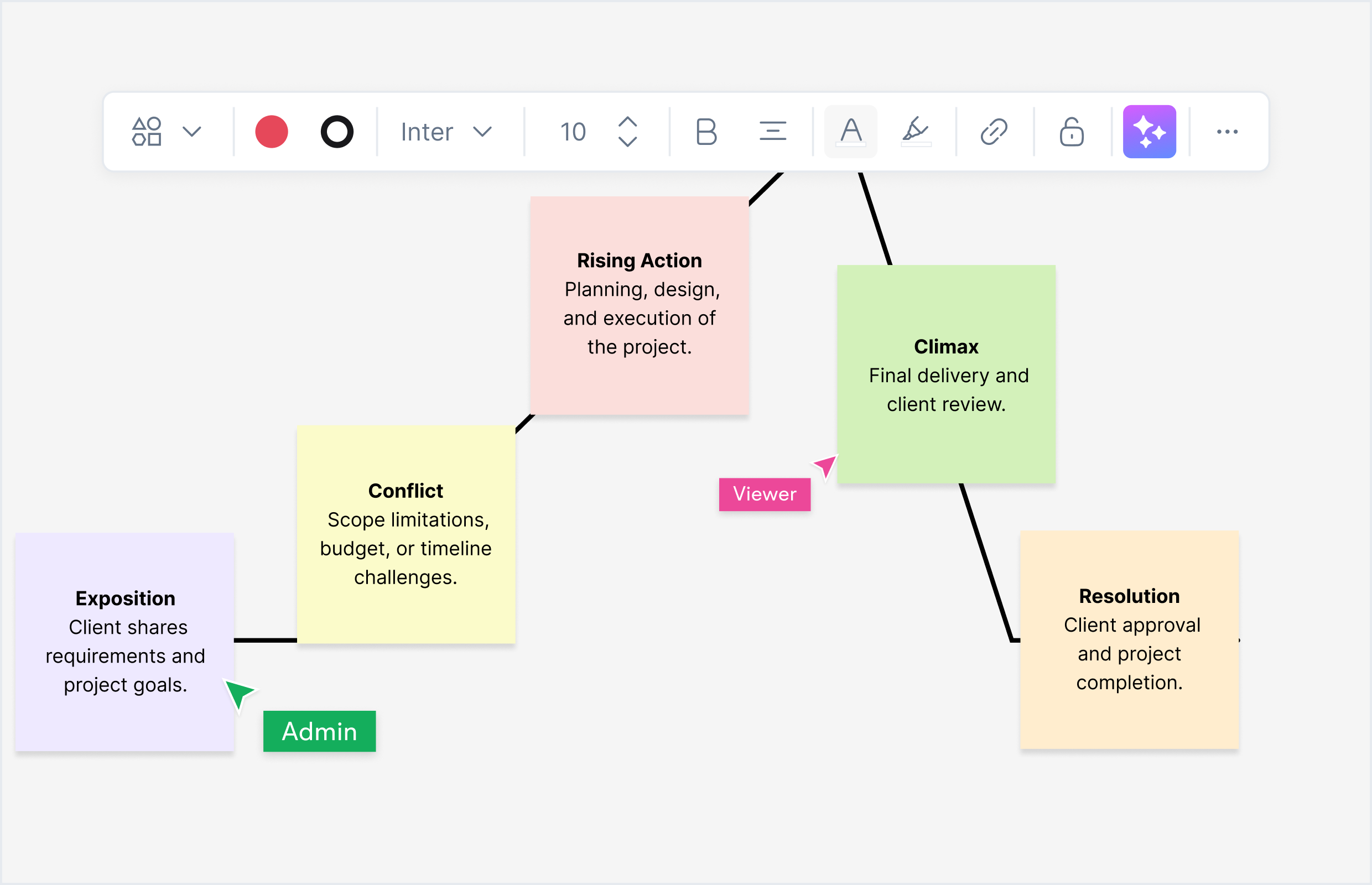
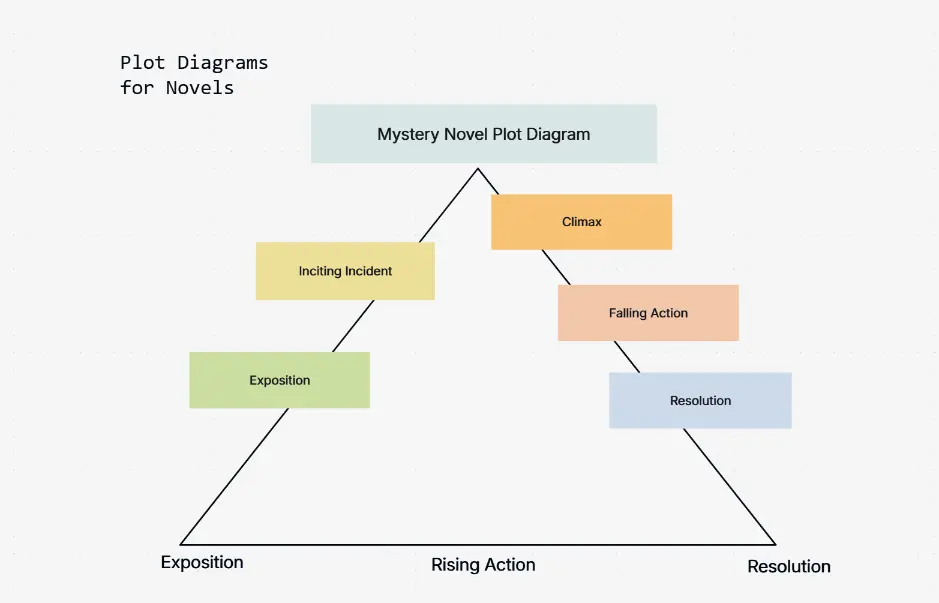
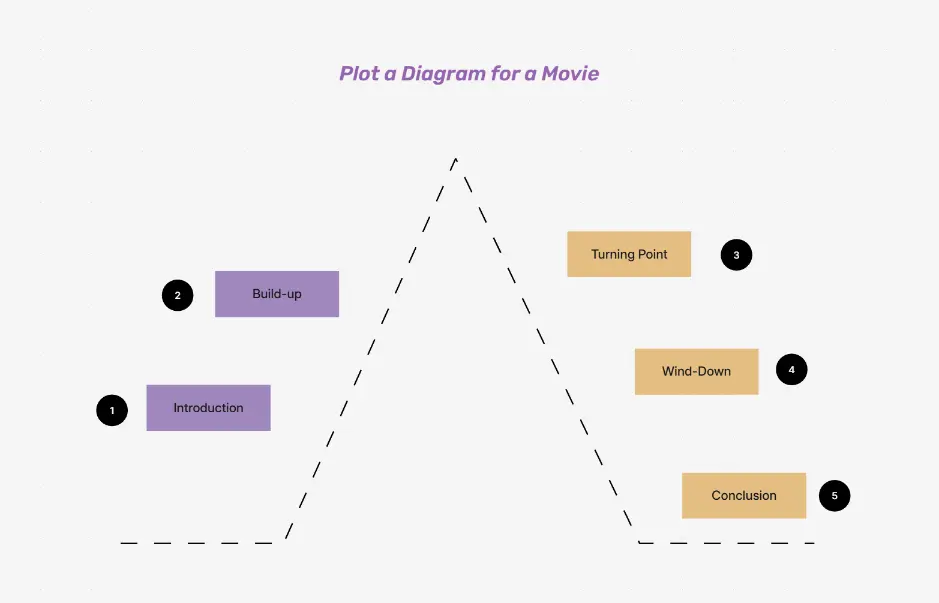
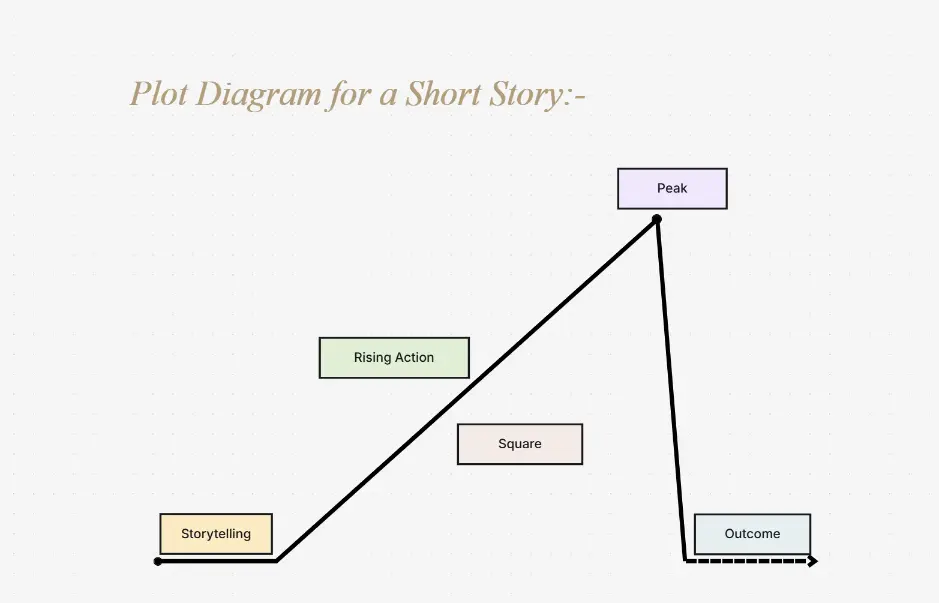
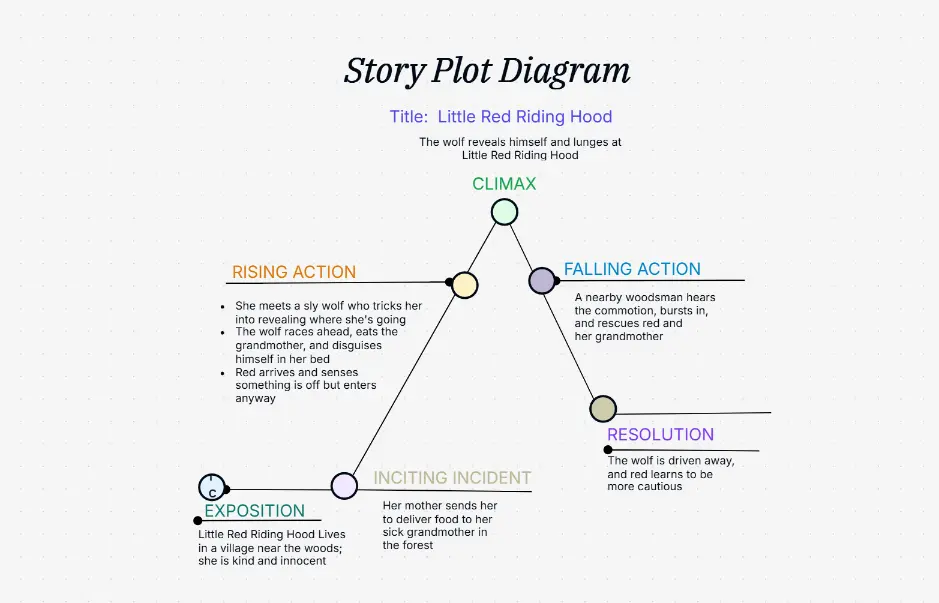
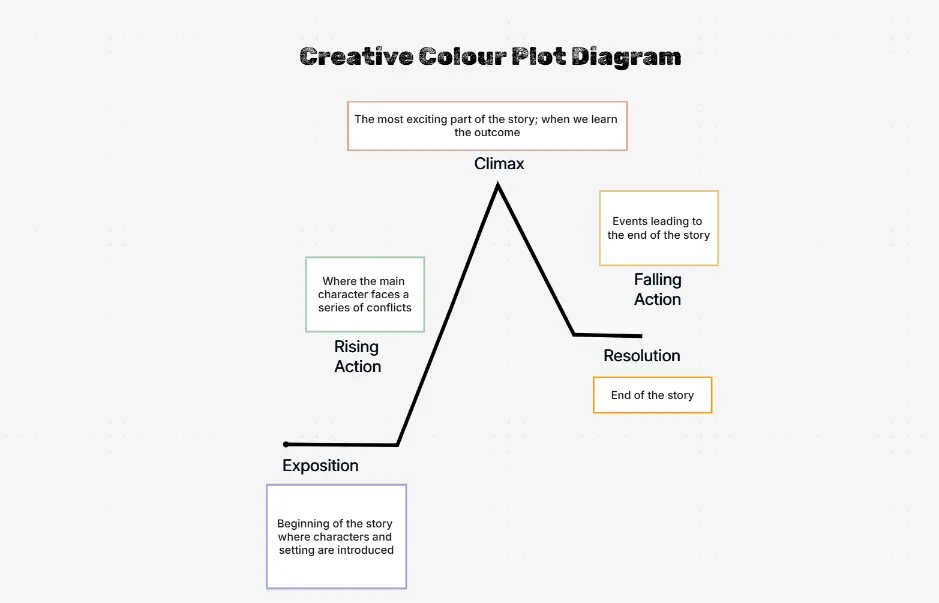
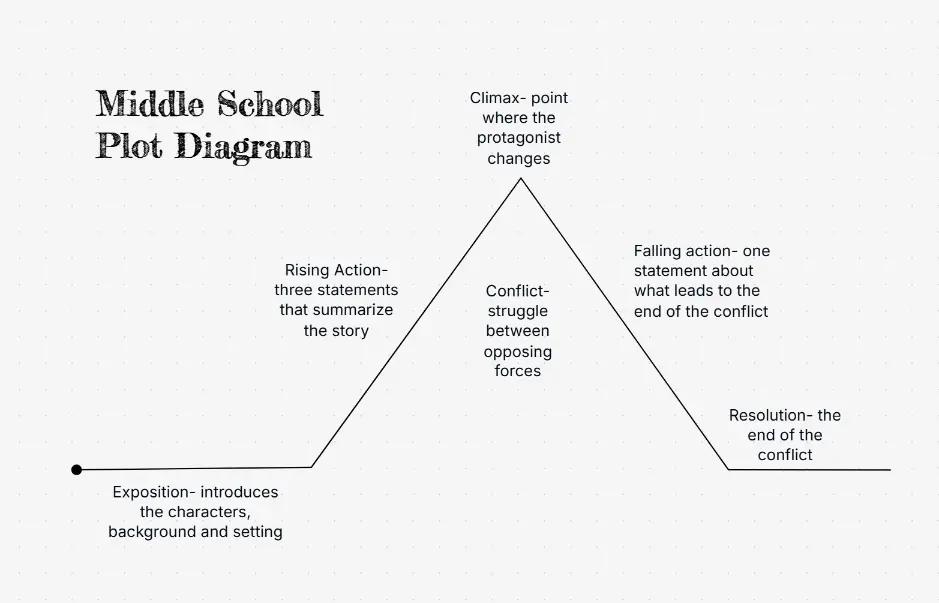
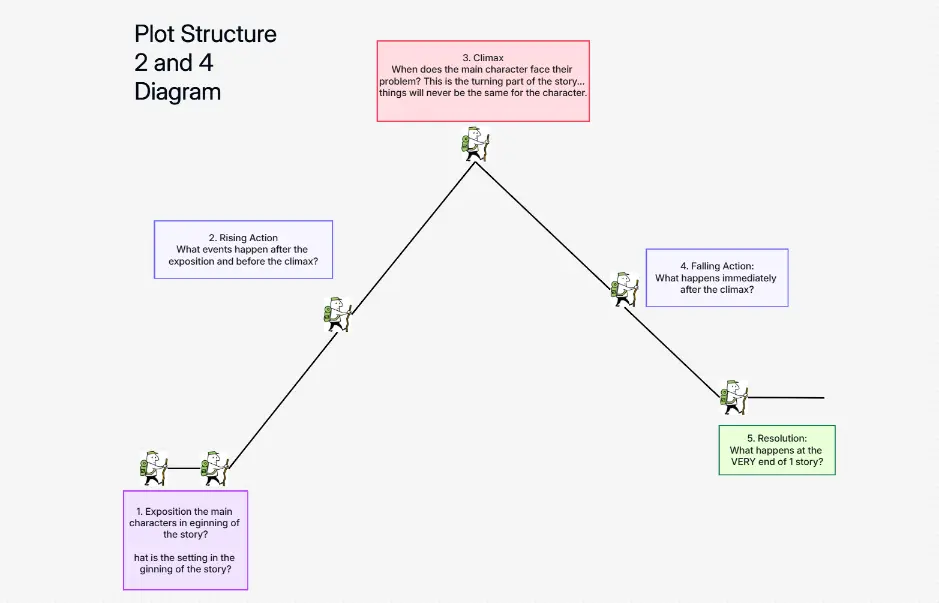
A plot diagram shows how a story unfolds over time: setup, conflict, turning points, climax, and resolution. Teachers often use Freytag’s pyramid; writers may think in three-act structure or hero’s journey beats. An AI plot diagram generator reads your plain-language summary and sketches that arc for you, so you spend less time drawing triangles and more time refining the narrative.

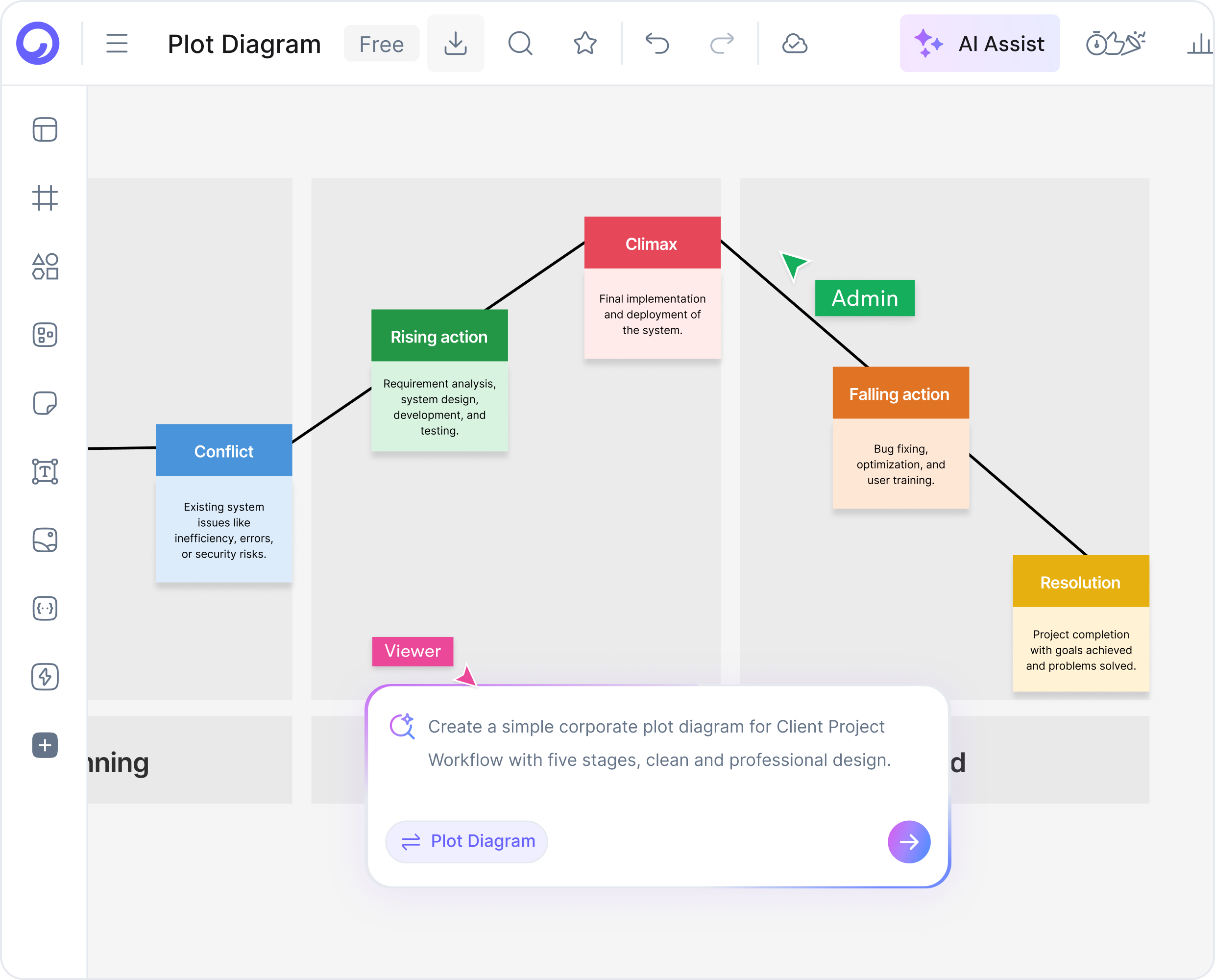
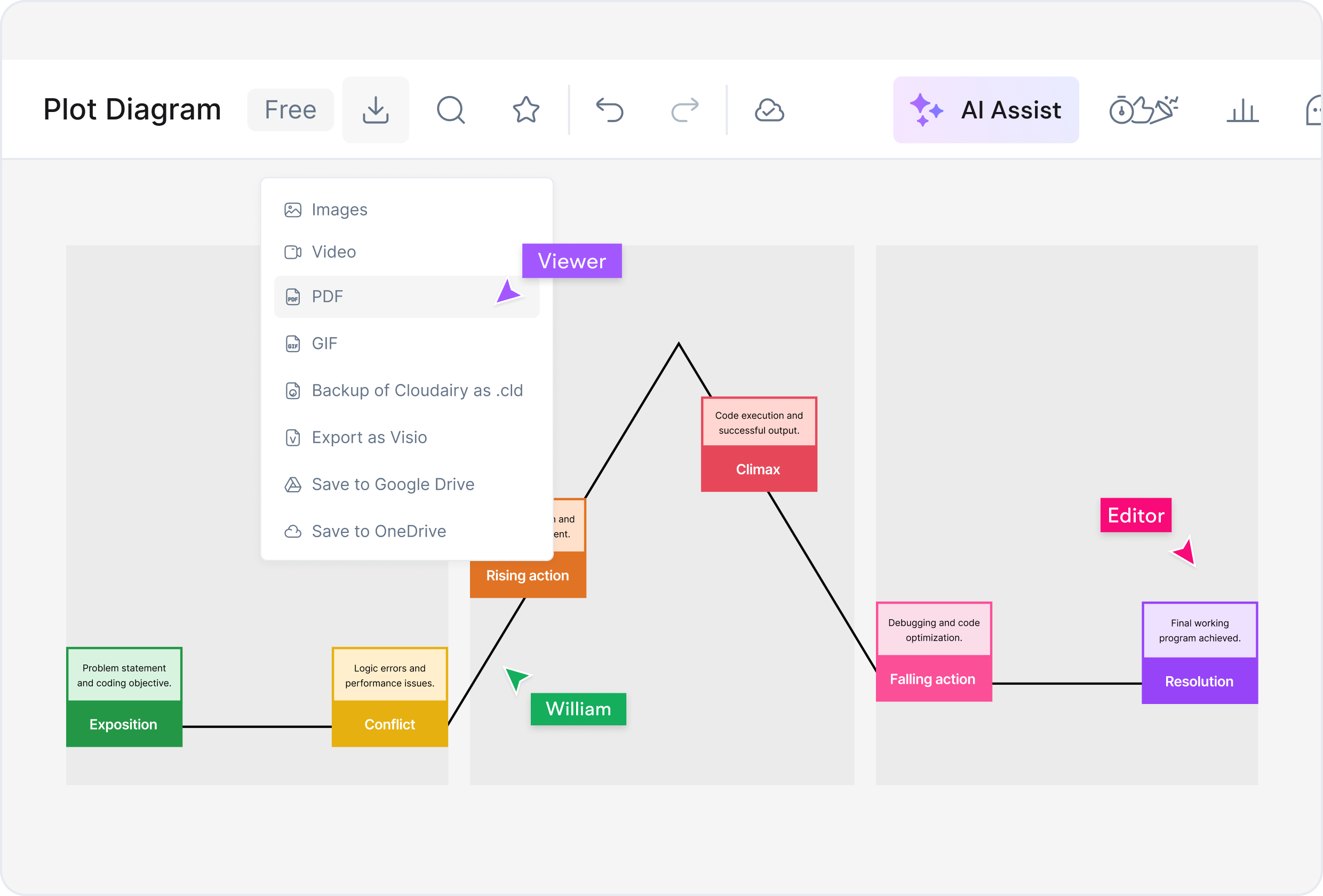
Cloudairy’s AI looks for inciting incidents, rising tension, midpoint shifts, and the final confrontation. It labels each segment and keeps the diagram consistent with how literary and film craft are taught. You can adjust labels, reorder beats, or switch templates without redrawing the whole chart from scratch.

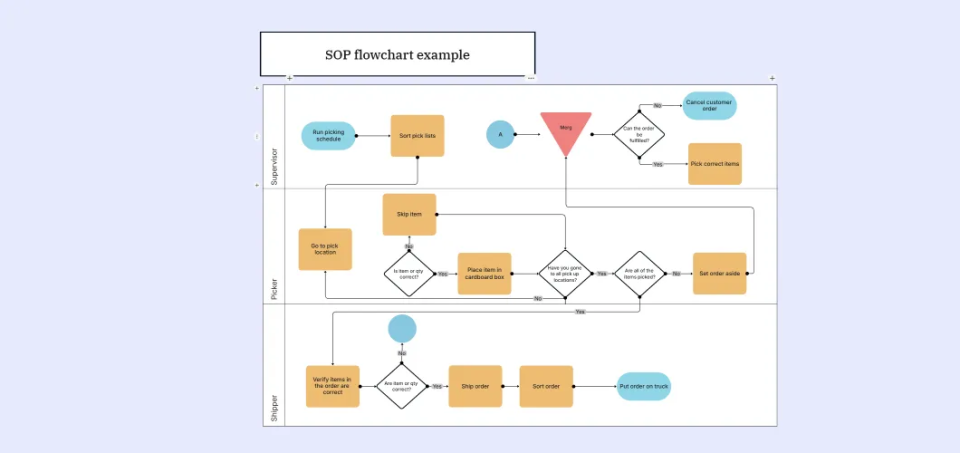
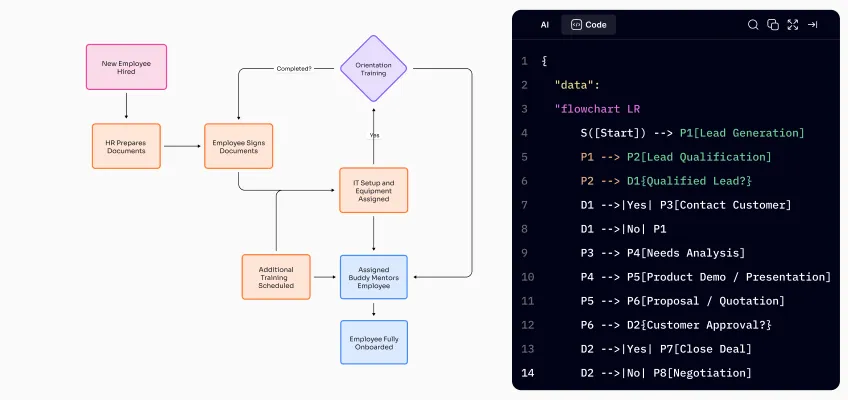
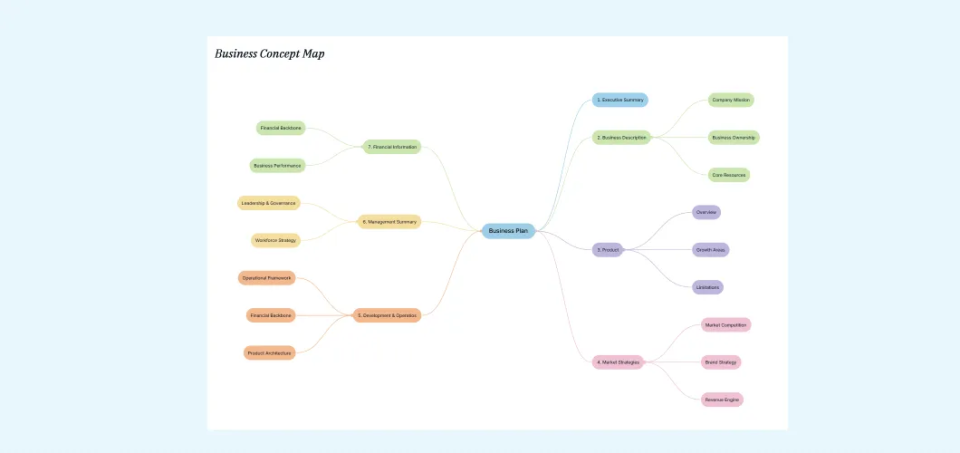
Plot diagrams pair naturally with other Cloudairy tools. Branch into mind maps for brainstorming, outline sequences with flowcharts for cause and effect, and document cast relationships alongside your arc using concept maps.

How to Create a Plot Diagram with AI

Cloudairy is built for anyone who needs a clear visual of narrative structure — from first draft to final critique:

English & literature teachers

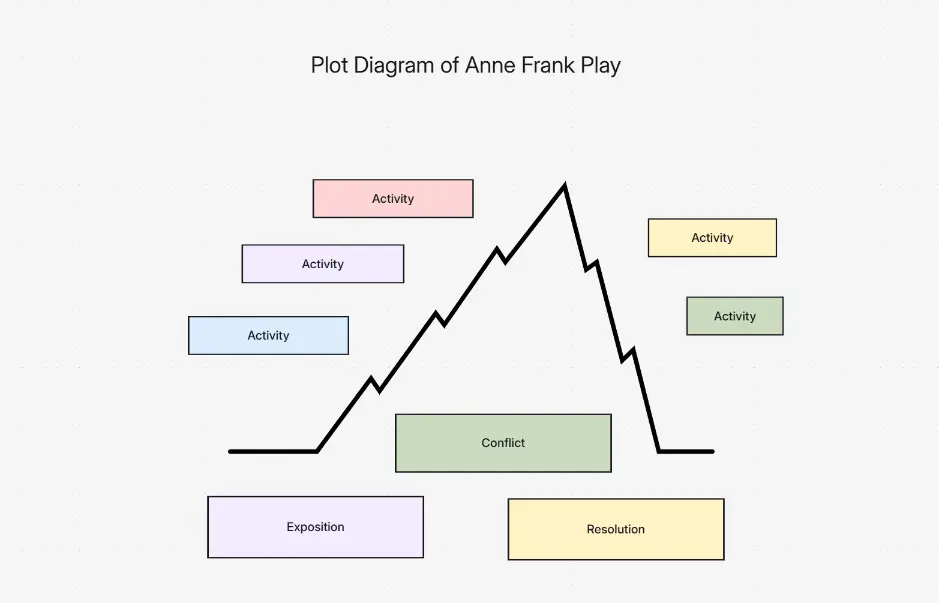
Model Freytag’s pyramid for class novels, compare student short stories, and give feedback that references concrete story beats. Pair diagrams with mind maps for themes and symbols.

Creative writers & novelists

See pacing gaps before you revise. Drop in a paragraph-level synopsis and get a draft arc you can align with Save the Cat or three-act beat sheets.

Screenwriters & storytellers

Communicate act breaks and midpoint twists to producers or room partners. Export clean PDFs for pitch decks and treatments, then iterate in the same workspace.

Students & book clubs

Break down assigned reading for essays and presentations. A shared plot diagram makes group discussion easier to follow than scattered notes alone.

Editors & content leads

Give authors a single-page view of where tension rises and falls. Use it alongside AI writing tools for structural notes without rewriting their prose for them.

Game & experience designers

Map player-facing story beats and branching beats before you wire quests. Connect narrative arcs to broader flowcharts for decision trees when plots split.

How to Create a Plot Diagram with AI

Map Your Story Arc in One Session

Turn a rough synopsis into a polished plot diagram you can share with students, co-writers, or stakeholders. Cloudairy combines AI speed with a full visual editor so every beat stays under your control.

No credit card required • Start creating in seconds

Why Cloudairy for Plot Diagrams & Narrative Arcs

AI-assisted story mapping saves hours compared with drawing arcs by hand in slide decks. Here is why educators and writers pick Cloudairy for plot diagrams:

Instant story beat generation icon

Instant story beats

Paste a synopsis and receive a structured plot diagram in seconds instead of rebuilding triangles in PowerPoint for every draft. Iterate versions as your outline changes.

No learning curve — easy plot diagram creation

No diagram jargon required

You do not need to memorize Freytag labels before you start. Describe characters, conflict, and turning points in everyday language and let AI suggest the right structure.

Consistent and professional plot diagram output

Classroom-ready clarity

Diagrams follow consistent spacing, typography, and hierarchy so every student sees the same model when you teach narrative arc vocabulary across units.

Unlimited plot diagram variations at scale

Many drafts, one workspace

Duplicate arcs for alternate endings, POV shifts, or parallel timelines without redrawing from zero. Compare structures side by side on Cloudairy’s canvas.

Export and integrate plot diagrams with writing tools

Works with your writing stack

Export PNG or PDF for Google Docs and Word, or continue in Cloudairy alongside AI writing assistants and story generators for a full creative loop.

Link narrative arcs to concept maps and worldbuilding

Link plot to worldbuilding

Pair narrative arcs with concept maps for factions, lore, and subplots so readers can see how setting supports each beat.

Expand plot diagrams into flowcharts and production documents

From beat sheet to production docs

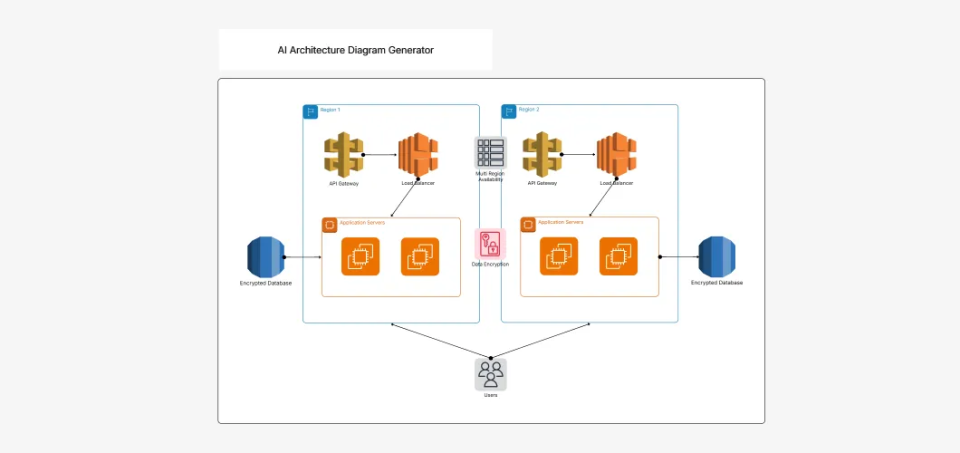
Once the arc feels right, expand into flowcharts for branching plots or architecture-style maps when your narrative involves systems and operations.

Share and collaborate on plot diagrams in real time

Shareable & presentation friendly

Export crisp assets for LMS uploads, critique groups, or studio notes. Invite collaborators to comment directly on the same Cloudairy board.

From Plot Diagram to Full Story Documentation

A single arc rarely lives alone. Cloudairy lets you grow a plot diagram into the rest of your creative or academic toolkit:

Capture character motivations and relationships beside your arc with the AI Concept Map Generator. Link themes, symbols, and conflicts back to each beat on the diagram.

When your narrative includes branching choices or interactive beats, mirror them with AI flowcharts so decision paths stay as clear as the main dramatic spine.

Brainstorm alternate timelines or sequel hooks using AI mind maps, then fold the strongest ideas into an updated plot diagram for v2 of your outline.

Draft scenes, treatments, and study guides faster with the AI Story Generator and AI writing workspace — always using your diagram as the single source of structural truth.

Publishing lesson packets or writer’s bibles? Export diagrams and companion docs together so peers see both the narrative arc and the prose that supports it without juggling multiple apps.

From Plot Diagram to Full Story Documentation

Frequently Asked Questions

A plot diagram is a visual map of a story’s structure: exposition, rising action, climax, falling action, and resolution. Educators, writers, and analysts use it to teach narrative craft and break down fiction or film.

Describe your story, outline, or beat sheet in a few sentences. Cloudairy’s AI identifies key beats and lays them out as a plot diagram you can refine, style, and export as PNG, SVG, or PDF.

Yes. You can start for free with core AI diagram features; paid plans add collaboration, advanced exports, and team controls. No design skills are required to generate your first diagram.

Cloudairy supports Freytag’s pyramid (five-part dramatic arc), three-act structure, hero’s journey beats, and other common narrative models so you can match classroom or studio terminology.

Yes. Export high-quality PNG, SVG, or PDF files for slides, handouts, manuscripts, or story bibles. Share links with collaborators when you work on Cloudairy’s shared canvas.

Trust is the foundation

Secure, compliant, and enterprise-ready.

Cloudairy safeguards your work with enterprise-grade security, compliance, and access controls — so your teams can create, collaborate, and scale with confidence.

Visit the Trust Center

Encryption at rest and in transit

Every board, doc and file is encrypted with AES-256 at rest and TLS 1.2+ in transit.

Role-based access control

Workspace, team and guest roles so the right people see the right work, with SSO and SCIM on Enterprise.

Your data, your control

Export or delete your content whenever you want — your work is never used to train models.

  • Independently audited Annual attestation SOC 2 TYPE II
  • Information security Certified ISMS ISO 27001
  • EU data protection GDPR compliant GDPR COMPLIANT

SOC 2 Type II · GDPR · ISO 27001 · Penetration tested annually