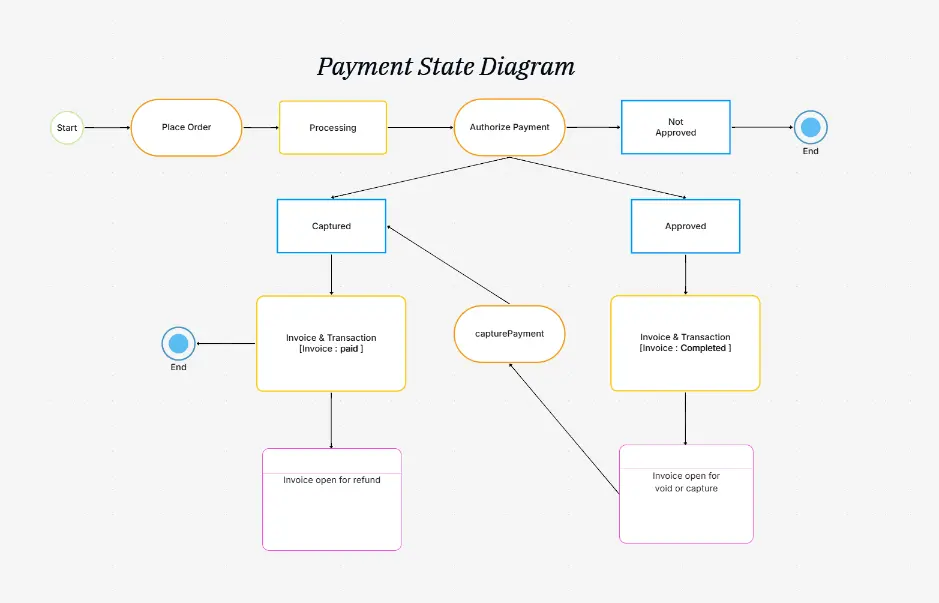
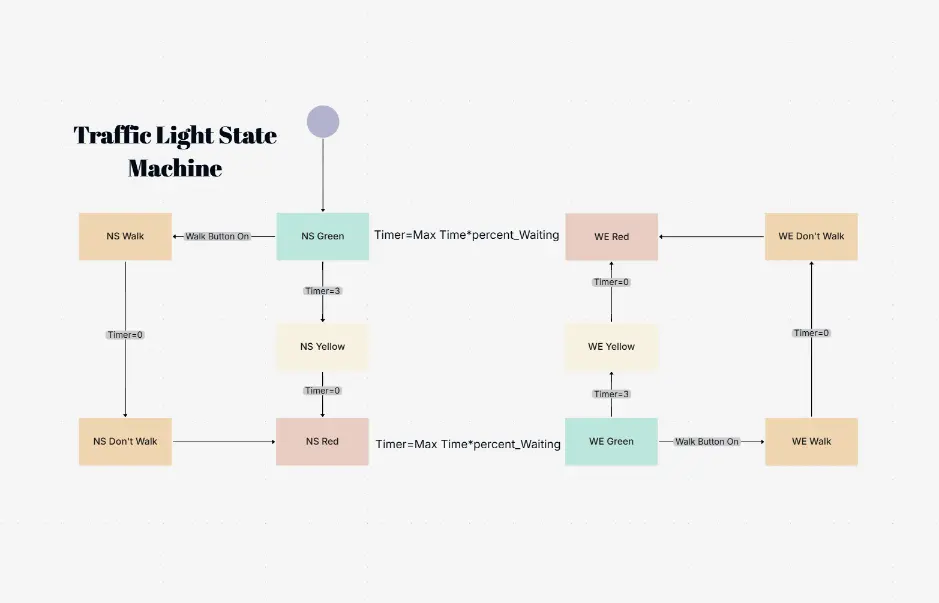
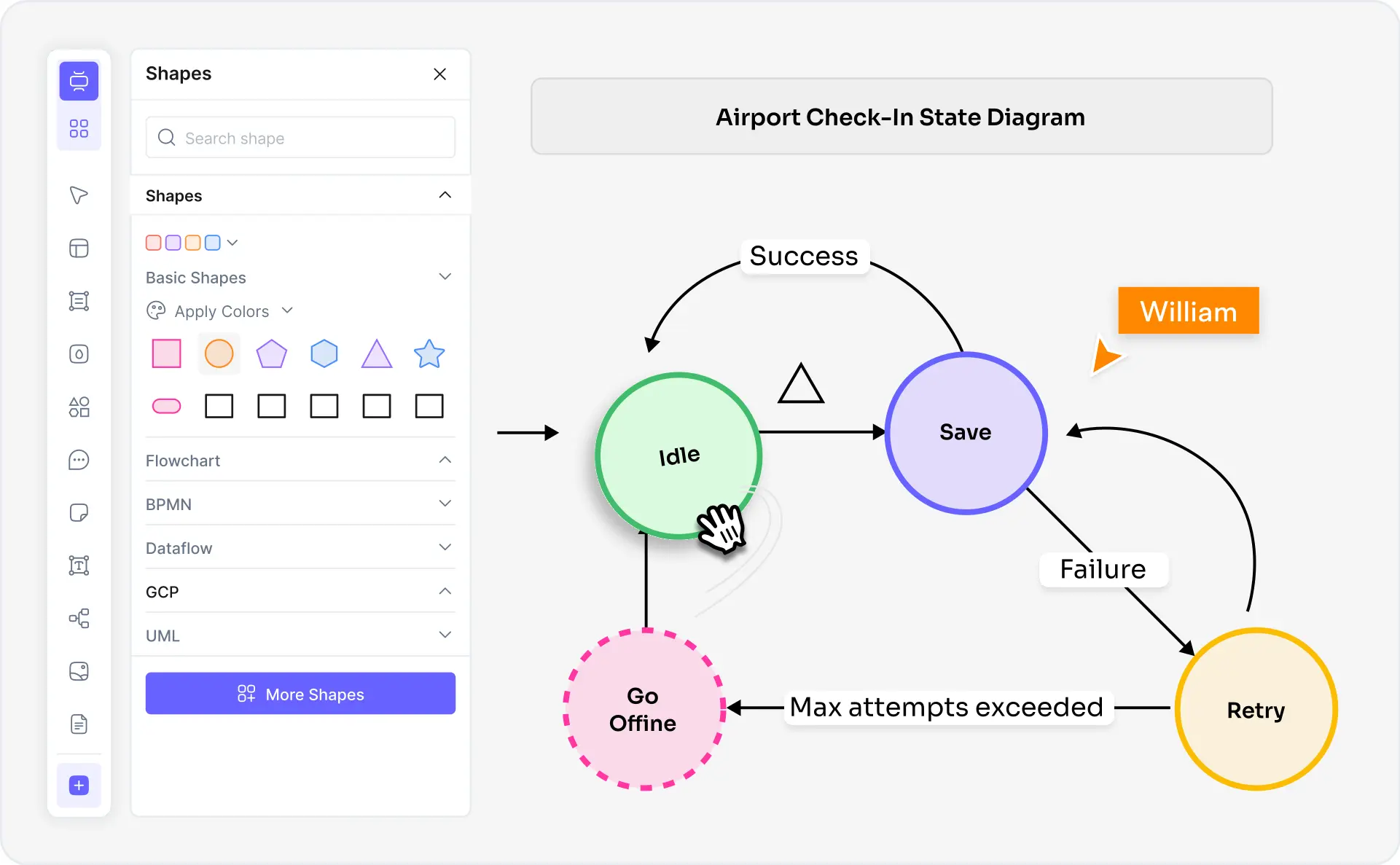
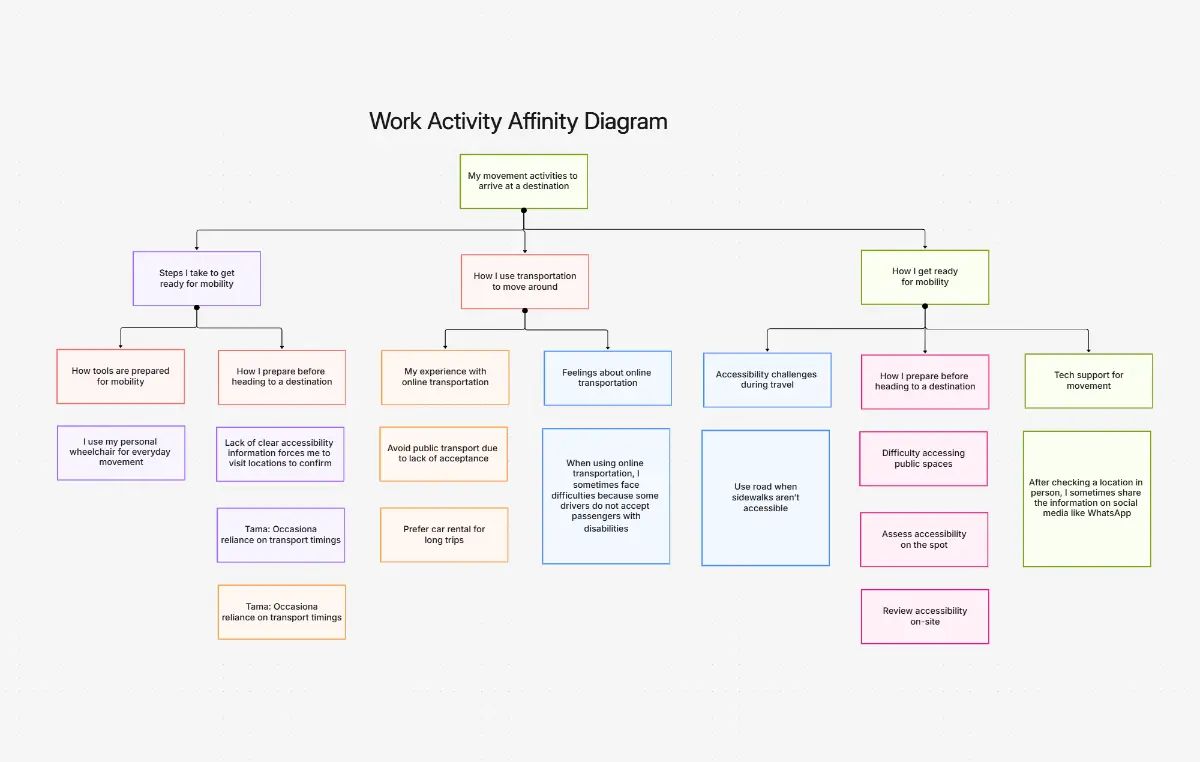
50,000 + Trusted Users with
star star star star star

Trusted by Professionals at Leading Companies

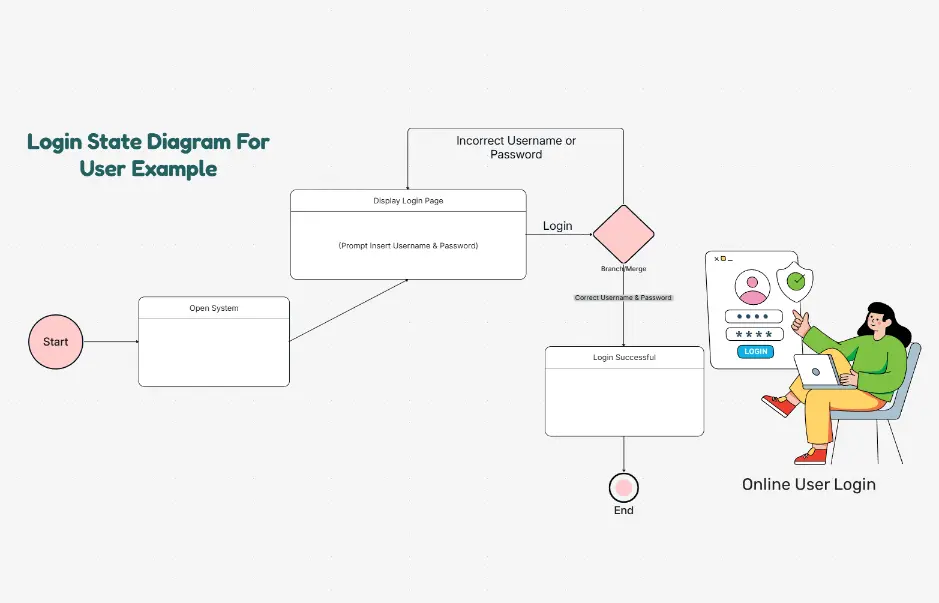
What is a state diagram — example showing a user login flow with states, transitions, and guard conditions

What Is a State Diagram?

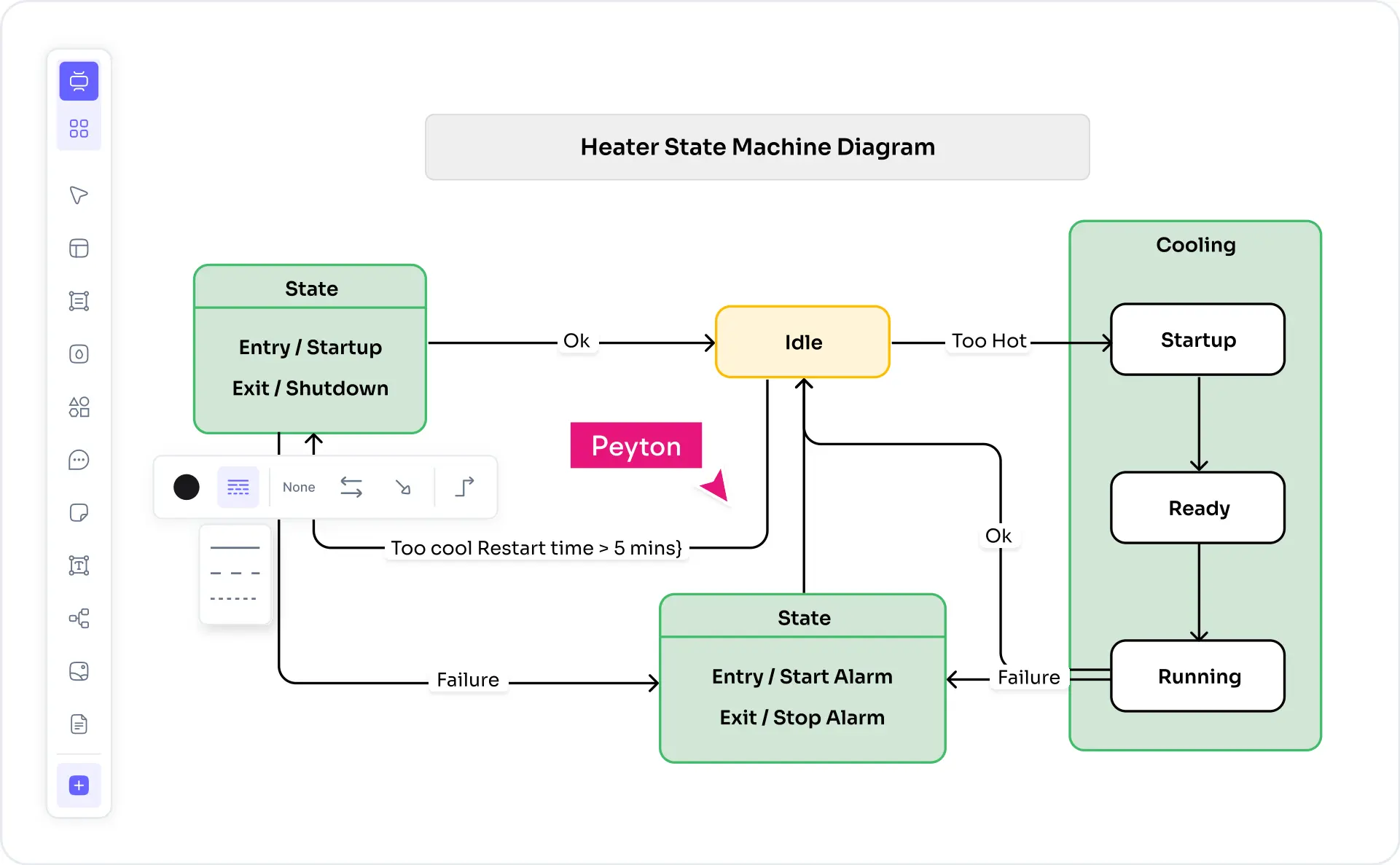
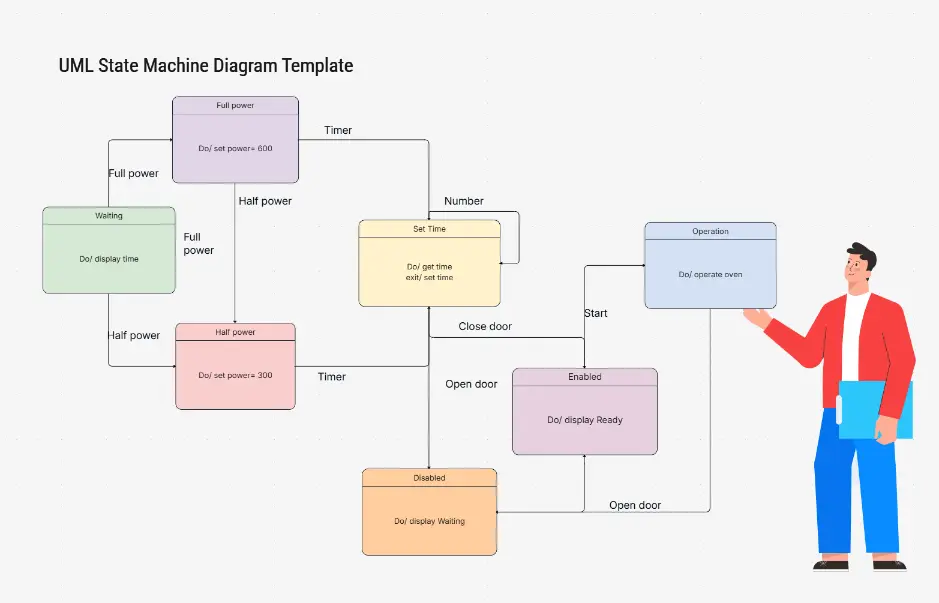
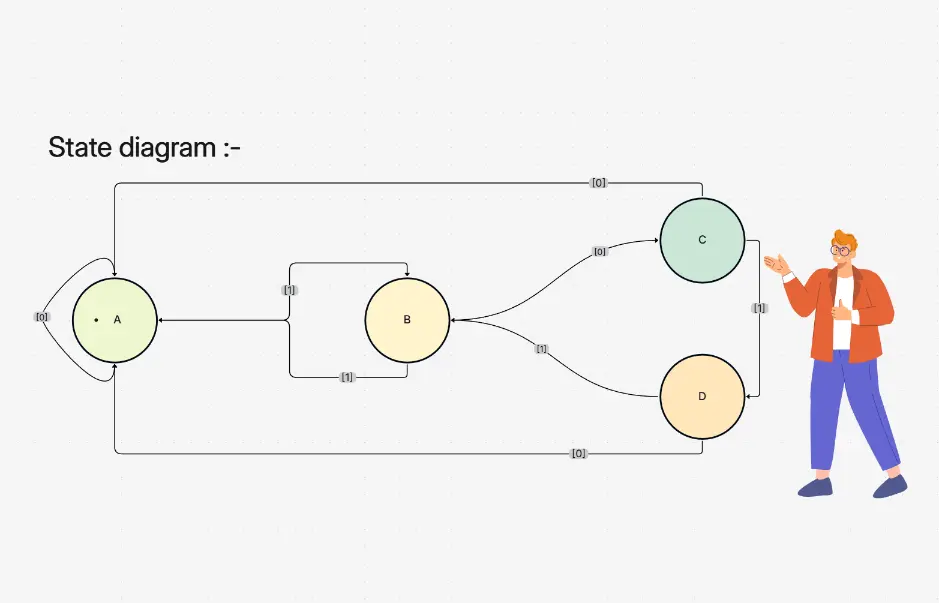
A state diagram (also called a UML state machine diagram or statechart) is a visual representation of an object's lifecycle — the states it can be in and the transitions it makes in response to events. Originated by David Harel and standardized in UML 2.5, state diagrams use rounded rectangles for states, labeled arrows for transitions, guard conditions in square brackets, and initial/final pseudo-states to model deterministic and nondeterministic behavior.

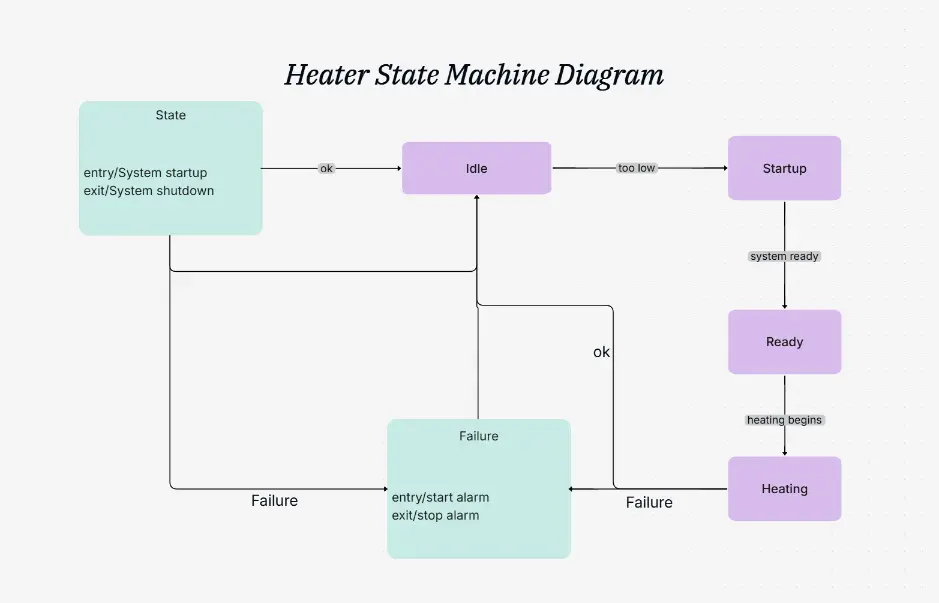
State diagrams serve two main audiences. Software engineers use UML statecharts to model object lifecycle, protocol design, UI component behavior, and embedded control logic — with support for composite states, concurrent orthogonal regions, history states, and entry/exit actions. Digital logic and embedded systems engineers use finite state machines (FSM) — Mealy machines and Moore machines — to design hardware controllers, communication protocols, and real-time systems.

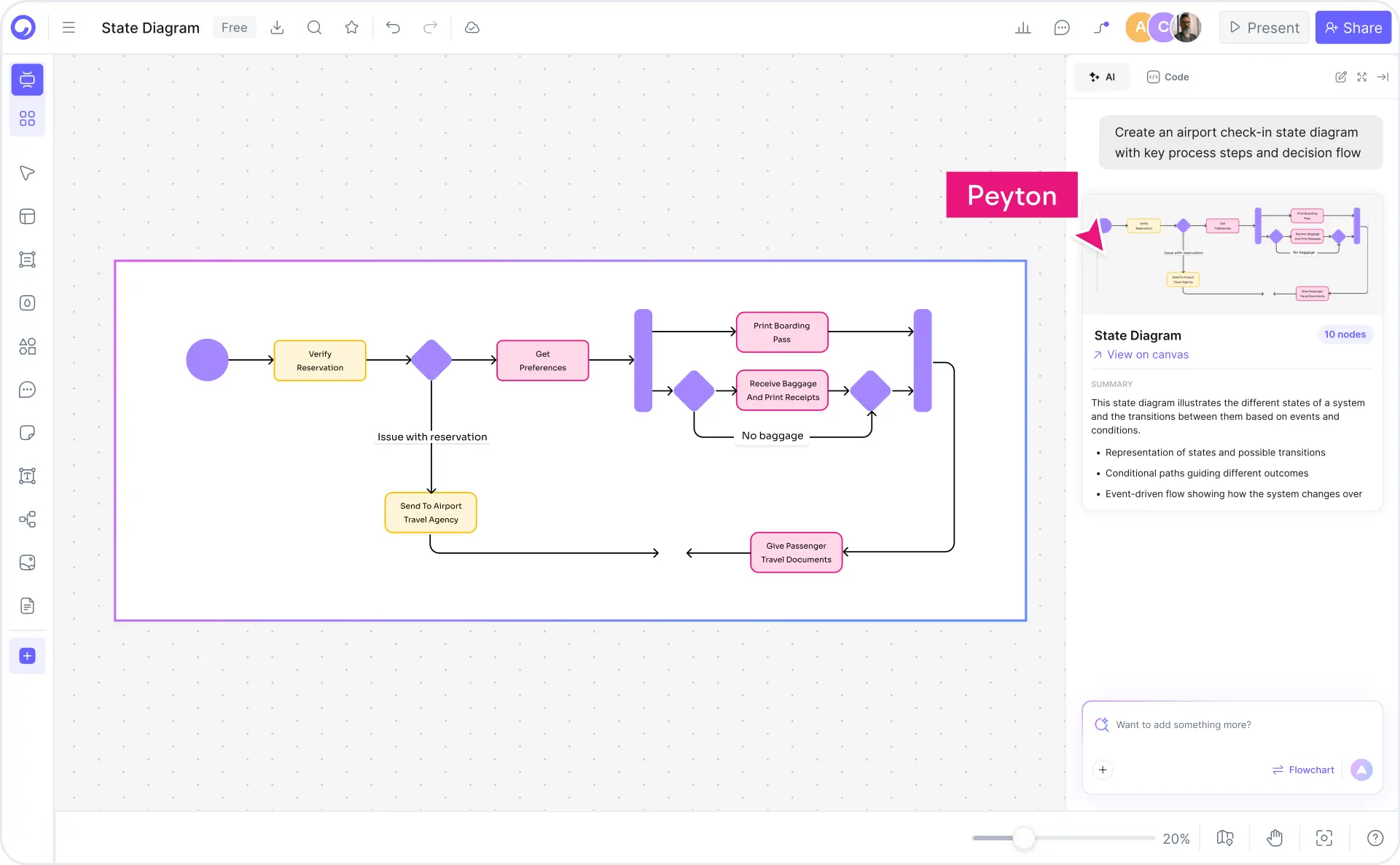
Cloudairy's AI State Diagram Maker goes beyond static templates. Describe your system in plain English — "login flow with account locked state after 3 failed attempts" — and the AI generates a complete UML statechart with correct notation instantly. Switch between UML 2.5 statechart and FSM notation, export to Visio or draw.io for documentation, or generate PlantUML and Mermaid syntax for docs-as-code workflows. Pair with the use case diagram maker for behavioral context, or the sequence diagram maker for interaction detail.

How to Create a State Diagram with Cloudairy

Go from system description to professional UML state diagram in four steps — no Visio license, no PlantUML syntax knowledge, and no blank canvas required.

1

Describe your system behavior

Type a plain-English description in the AI prompt box. For example: "Traffic light controller with red, yellow, and green states" or "User login flow with locked state after 3 failed attempts." Or choose an example prompt — TCP connection lifecycle, order processing, vending machine FSM, elevator system, game character states.

2

Click Generate

Cloudairy's AI identifies states, transitions, events, guard conditions, and actions. States appear as rounded rectangles with proper UML notation. Transitions are labeled with event [guard] / action. Initial and final pseudo-states are placed automatically.

3

Customize — drag, drop, and refine

Refine the AI-generated diagram in Cloudairy's visual editor. Add composite states with sub-states, concurrent orthogonal regions, history states (shallow or deep), entry/exit actions, internal transitions, and junction/choice pseudo-states. Switch between UML statechart and FSM notation.

4

Export or share

Export to Visio (.vsdx), draw.io (.drawio), PlantUML (@startuml syntax), Mermaid (stateDiagram-v2), SVG, or PNG. Or share a live link for collaborative editing — no account required for viewers.

How to create a state diagram with Cloudairy — four steps from prompt to export

Start Building Your State Diagram Free

Join thousands of software engineers, embedded systems designers, game developers, and CS students who use Cloudairy to create UML state diagrams and FSM diagrams in seconds. AI generation. UML 2.5 notation. Real-time collaboration.

No credit card required • Start creating in seconds

Why Use Cloudairy as Your State Diagram Maker

Cloudairy is the only state diagram tool combining AI prompt-to-diagram generation with full UML 2.5 statechart notation, FSM support, auto-generated state transition tables, and multi-format export — all on a single platform.

AI State Diagram Generator

AI State Diagram Generator

Describe your system in plain English and get a complete UML state diagram in seconds. The AI understands states, transitions, events, guard conditions, and actions — no UML syntax knowledge required.

UML 2.5 Statechart Notation

UML 2.5 Statechart Notation

Full UML 2.5 support: composite states, orthogonal concurrent regions, shallow and deep history states, junction and choice pseudo-states, entry/exit actions, and internal transitions. More complete than any top-10 competitor.

FSM Diagram Support

FSM Diagram Support (Mealy & Moore)

Create finite state machine diagrams with Mealy machines (output on transition) and Moore machines (output on state). Essential for embedded systems engineers, digital logic designers, and CS coursework.

State Transition Table

State Transition Table — Auto-Generated

Cloudairy automatically generates a state transition table alongside the visual diagram. Table shows current state, event/input, guard condition, action, and next state. Downloadable as CSV for documentation and test case derivation.

Multi-Format Export

Multi-Format Export

Export to Visio (.vsdx), draw.io (.drawio), PlantUML (@startuml syntax), Mermaid (stateDiagram-v2), SVG, and PNG. PlantUML and Mermaid output enables docs-as-code workflows in GitHub, Confluence, and Notion.

Real-Time Collaboration

Real-Time Collaboration

Work on the same state diagram simultaneously with your team. Live cursor presence, inline comments, and @mentions keep engineers, architects, and stakeholders aligned. Share view-only or edit links with no account required for viewers.

Cloudairy vs. Other State Diagram Tools

See how Cloudairy compares to the tools currently ranking for state diagram maker.

Capability Cloudairy Eraser.io Creately draw.io PlantUML Vexlio
AI prompt → diagram Yes Yes No No No No
UML 2.5 statechart notation Yes Partial Yes Yes Yes Partial
FSM (Mealy/Moore) support Yes No Manual Manual Yes (code) No
Composite/concurrent states Yes No Manual Manual Yes (code) No
Export to Visio (.vsdx) Yes No No No No No
PlantUML / Mermaid export Yes Yes No No N/A No
Real-time collaboration Yes Yes Yes Limited No No
Free tier available Yes Limited Limited Yes Yes No

Who Uses Cloudairy for State Diagrams?

Software Engineers

Model object lifecycle, protocol design, UI component behavior, and service state machines. Generate UML statecharts with composite states and concurrent regions from system descriptions in plain English.

Embedded Systems Engineers

Design FSM controllers for hardware, firmware, and real-time systems. Create Mealy and Moore machine diagrams with auto-generated state transition tables for specification documents and FPGA design reviews.

Game Developers

Model character behavior, game AI state machines, animation state controllers, and NPC behavior trees. Generate game state diagrams from behavior descriptions without touching PlantUML syntax.

CS Students

Complete digital logic coursework, software engineering assignments, and UML exam prep. Generate FSM diagrams and UML statecharts from homework descriptions in seconds — including Mealy/Moore machine conversions.

QA Engineers

Derive test cases from state transition tables. Generate state diagrams from system specifications to identify missing transitions, unreachable states, and edge cases — reducing test coverage gaps before release.

Software engineers, embedded systems designers, and game developers using Cloudairy state diagram maker

Frequently Asked Questions

Cloudairy is the best free AI-powered state diagram maker. It combines AI prompt-to-diagram generation with full UML 2.5 statechart notation, FSM support (Mealy and Moore machines), and export to Visio, draw.io, PlantUML, and Mermaid — capabilities no other top-ranked tool offers together in a single free product.

With Cloudairy: (1) Describe your system behavior in plain English in the AI prompt box. (2) Click Generate — Cloudairy identifies states, transitions, events, and guard conditions automatically. (3) Edit using the visual editor — add composite states, history states, or concurrent regions. (4) Export to Visio, draw.io, PlantUML, Mermaid, SVG, or PNG.

A state diagram (UML state machine diagram) models the lifecycle of a single object — how it moves between states in response to events. An activity diagram models the flow of a process or algorithm — sequential steps, decisions, and parallel flows. Use a state diagram when focusing on object behavior; use an activity diagram when mapping a workflow or business process.

States are conditions or modes an object can be in (shown as rounded rectangles). Transitions are the arrows between states triggered by events. Events are the triggers that cause transitions. Guard conditions are boolean expressions in square brackets that must be true for a transition to fire. Actions are behaviors executed on entry, exit, or during a transition. Initial and final pseudo-states mark the start and end of the lifecycle.

Yes. Cloudairy's AI generates complete UML state machine diagrams and FSM diagrams from plain English descriptions. Describe your system — "login flow with locked state after 3 failed attempts" — and the AI identifies states, transitions, events, guard conditions, and actions automatically.

A statechart (Harel statechart) is the extended formalism that adds hierarchy (composite states), concurrency (orthogonal regions), and history states to basic FSMs. A UML state machine diagram implements the statechart formalism in UML 2.5 notation. The terms are often used interchangeably in software engineering. Cloudairy supports full UML 2.5 statechart notation including all advanced features.

In Cloudairy: (1) Type a description like "Traffic light FSM with red, yellow, and green states" or "Mealy machine for a door lock". (2) AI generates the FSM with states, inputs, outputs, and transitions. (3) Choose between Moore machine (output depends on state) or Mealy machine (output depends on state and input) notation. (4) Export as PNG, SVG, or download as PlantUML code for documentation.

Cloudairy supports direct export to Visio (.vsdx) format. After generating or editing your state diagram, click Export → Visio (.vsdx). The exported file opens in Microsoft Visio with all states, transitions, and labels preserved. Premium plans include Visio export; the free tier exports to PNG, SVG, and Mermaid syntax.

Success Stories from Our Community

See how software engineers, embedded systems designers, and CS students use Cloudairy to create state diagrams and FSM diagrams faster.

As a software engineer, I model complex state machines for our authentication service. Cloudairy generates a complete UML statechart with composite states and guard conditions from my description — what used to take hours in Visio now takes minutes.

I design FSM controllers for embedded systems. Cloudairy lets me generate Mealy machine diagrams with state transition tables from a text description. The PlantUML export means the diagram lives in our codebase alongside the code.

My digital logic professor assigned FSM homework weekly. Cloudairy let me visualize Moore and Mealy machines from my descriptions instantly. I understood the concepts better because I could experiment with the diagrams.

I use state diagrams to document game character AI. Cloudairy generates multi-state behavior trees from my descriptions in seconds — way faster than drawing in draw.io or writing PlantUML by hand.

Our QA team uses Cloudairy state diagrams to derive test cases. We describe the expected behavior and get a complete state transition table with every possible edge case. Test coverage went up significantly.

Secure, compliant, and enterprise-ready

Cloudairy safeguards your work with enterprise-grade security, compliance, and access controls — so your teams can create, collaborate, and scale with confidence.

SOC 2 Type II
SOC 2 Type Ⅱ

Cloudairy is SOC 2 Type Ⅱ certified and penetration tested annually, ensuring your architecture diagrams and data meet the highest standards for security and reliability.

GDPR
GDPR

We comply with the European Union General Data Protection Regulation (GDPR) and extend it to all our customers even those outside of the EU.

ISO 27001
ISO 27001

Our Information Security Management System is ISO 27001 certified — the leading global standard for information security.

Flexible Pricing for Every Team

Free

Discover what Cloudairy can do for you. Start for free

$0

for unlimited members
Try for free

Upgrade now

Show key features

up-arrow

Includes:

Starter

Unlock unlimited and private boards with important features

$4

per member / month

billed annually

monthly

Show key features

up-arrow

Includes everything in Free, plus:

money-back

Business

MOST POPULAR

Ideal for agencies or growing businesses managing multiple projects.

$5

per member / month
billed annually

Show key features

up-arrow

Includes everything in starter, plus:

Enterprise Plan

For large organizations needing scalability, control, and security.

contact-pricing
Contact for pricing
Contact us

Upgrade now

Show key features

up-arrow

Includes everything in Business, plus: