50,000 + Trusted Users with
star star star star star

Trusted by Professionals at Leading Companies

What is a pyramid diagram — example showing classic hierarchy pyramid with layered levels and labels

What Is a Pyramid Diagram?

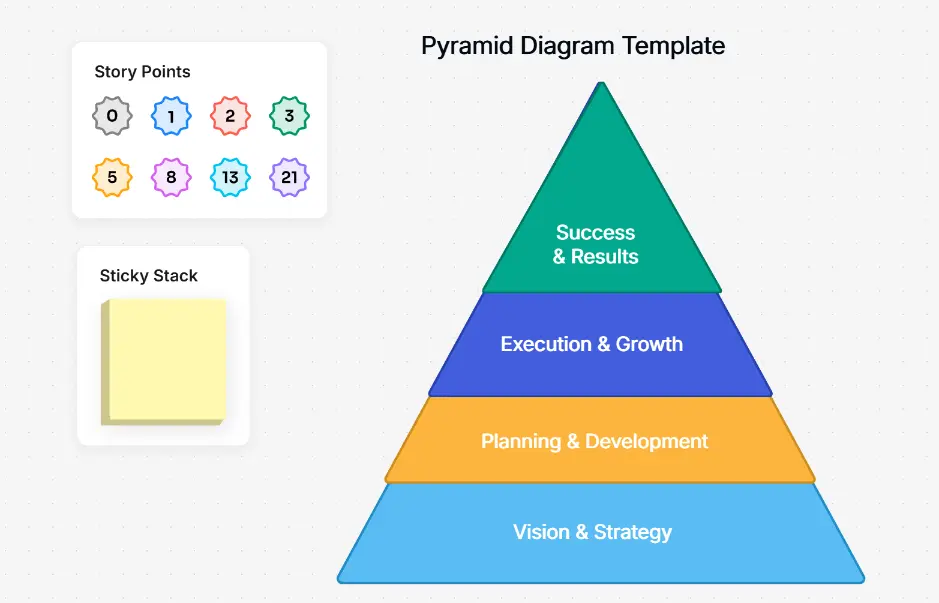
A pyramid diagram is a triangular visual representation that shows hierarchical relationships, proportional data, or layered concepts. The widest layer at the base represents the largest or most foundational element, while each ascending layer narrows to represent progressively smaller or more refined elements. Pyramid diagrams are universally recognized for communicating hierarchy, priority, and proportion at a glance — making them a staple in business presentations, education, and consulting.

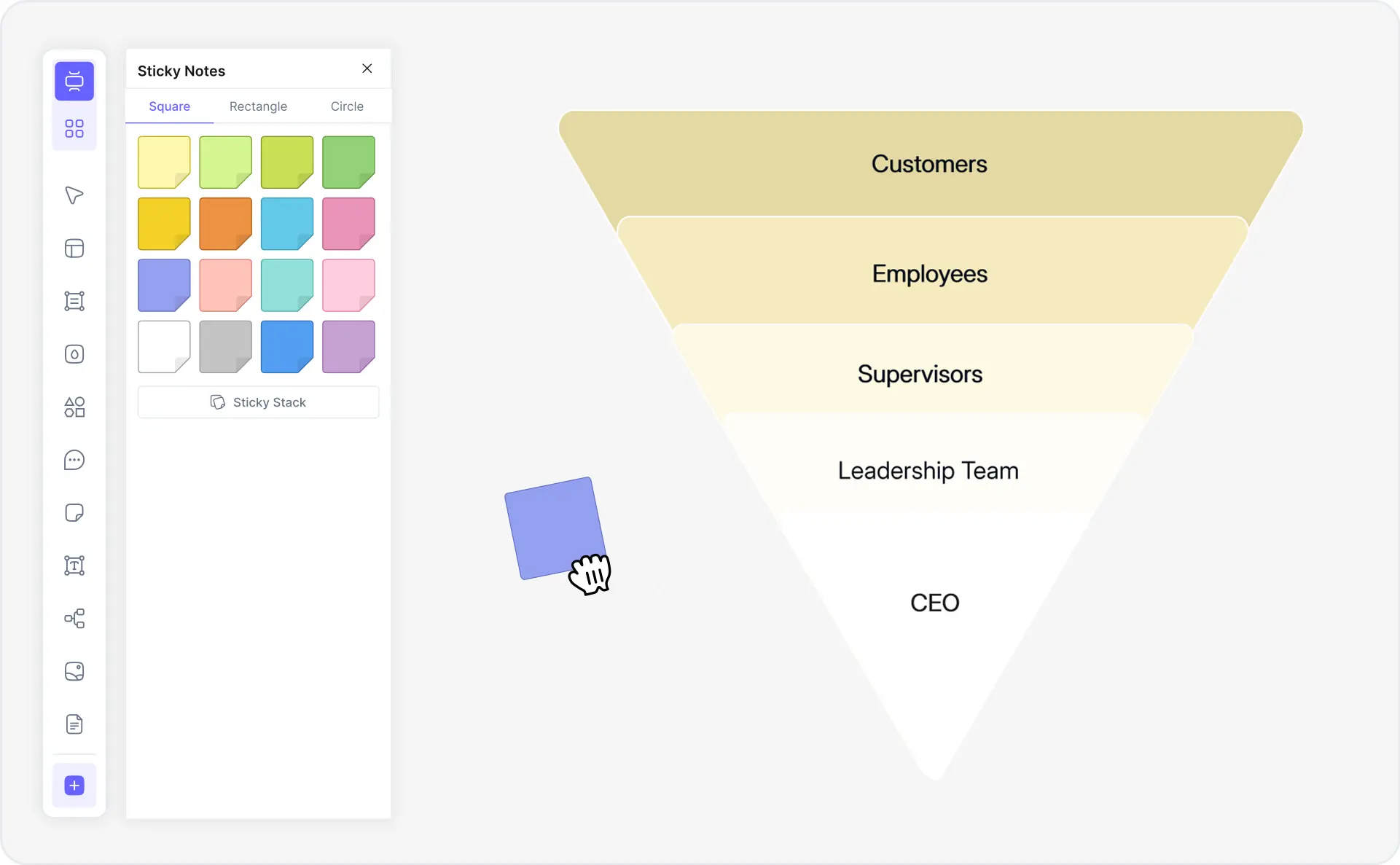
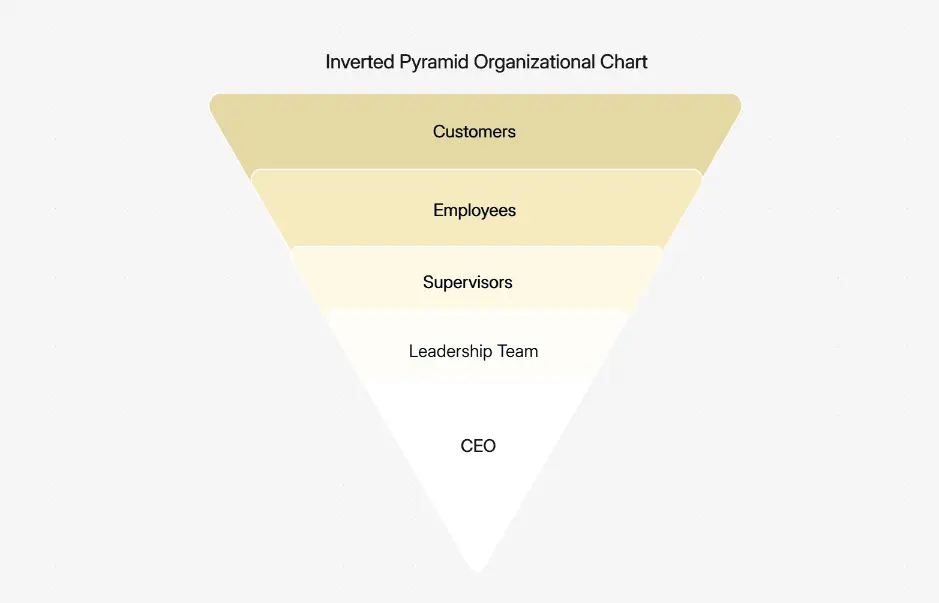
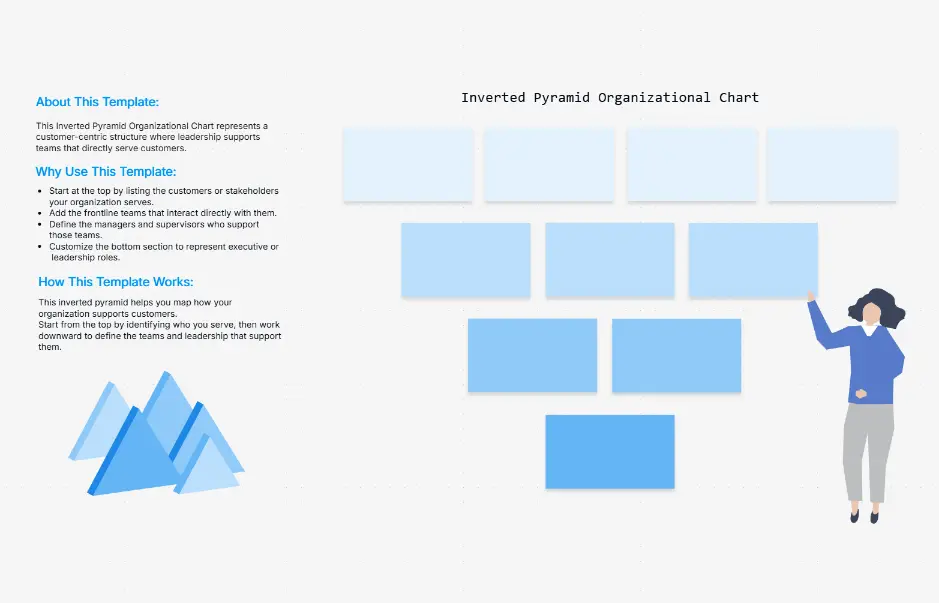
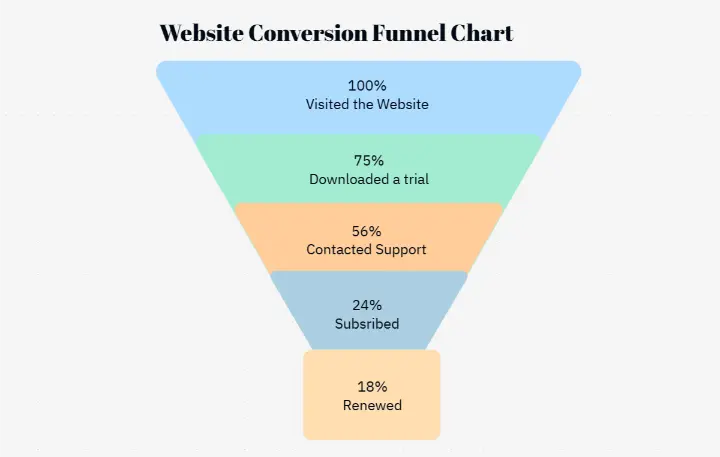
Pyramid diagrams are used across business strategy (value pyramids, strategic priority frameworks), psychology and education (Maslow's hierarchy of needs, Bloom's taxonomy), nutrition (food pyramid), organizational design (hierarchy charts, reporting structures), marketing (funnel visualization, brand pyramid), and ecology (energy pyramids, food chain pyramids). The inverted pyramid is especially common in marketing funnel visualization, while classic pyramids anchor frameworks like Maslow's hierarchy in presentations worldwide.

Cloudairy's AI Pyramid Diagram Maker eliminates manual shape-building entirely. Describe your hierarchy levels in plain English — "Create a 5-level Maslow's hierarchy pyramid" — and the AI generates a formatted, color-coded pyramid diagram in under one minute. Unlike general diagramming tools or template-only tools like Canva, Cloudairy offers six distinct pyramid types: classic, inverted, layered, segmented, 3D, and stepped — with full customization and real-time collaboration built in.

How to Make a Pyramid Diagram with AI (3 Steps)

Go from hierarchy concept to professional pyramid diagram in three steps — no manual shape-building, no design experience required.

1

Describe your hierarchy levels

Type a plain-English description of your pyramid structure. For example: "Create a 5-level Maslow's hierarchy pyramid" or "Build a 4-layer marketing funnel with awareness at the top." Or choose a prompt chip — Maslow's hierarchy, food pyramid, org hierarchy, marketing funnel, brand pyramid, Bloom's taxonomy, value pyramid, energy pyramid.

2

AI generates your pyramid diagram

Cloudairy's AI instantly generates a formatted, color-coded pyramid diagram with correctly sized layers, proportional layout, and labels — all automatically. Choose from classic, inverted, layered, segmented, 3D, or stepped pyramid types to match your visualization need.

3

Customize and export

Refine layer colors, font styles, labels, icons, and layer heights in Cloudairy's visual editor. Share with teammates for collaborative brainstorming or export to PNG, SVG, or PDF for presentations, reports, and documents. Import/export to Visio and draw.io also supported.

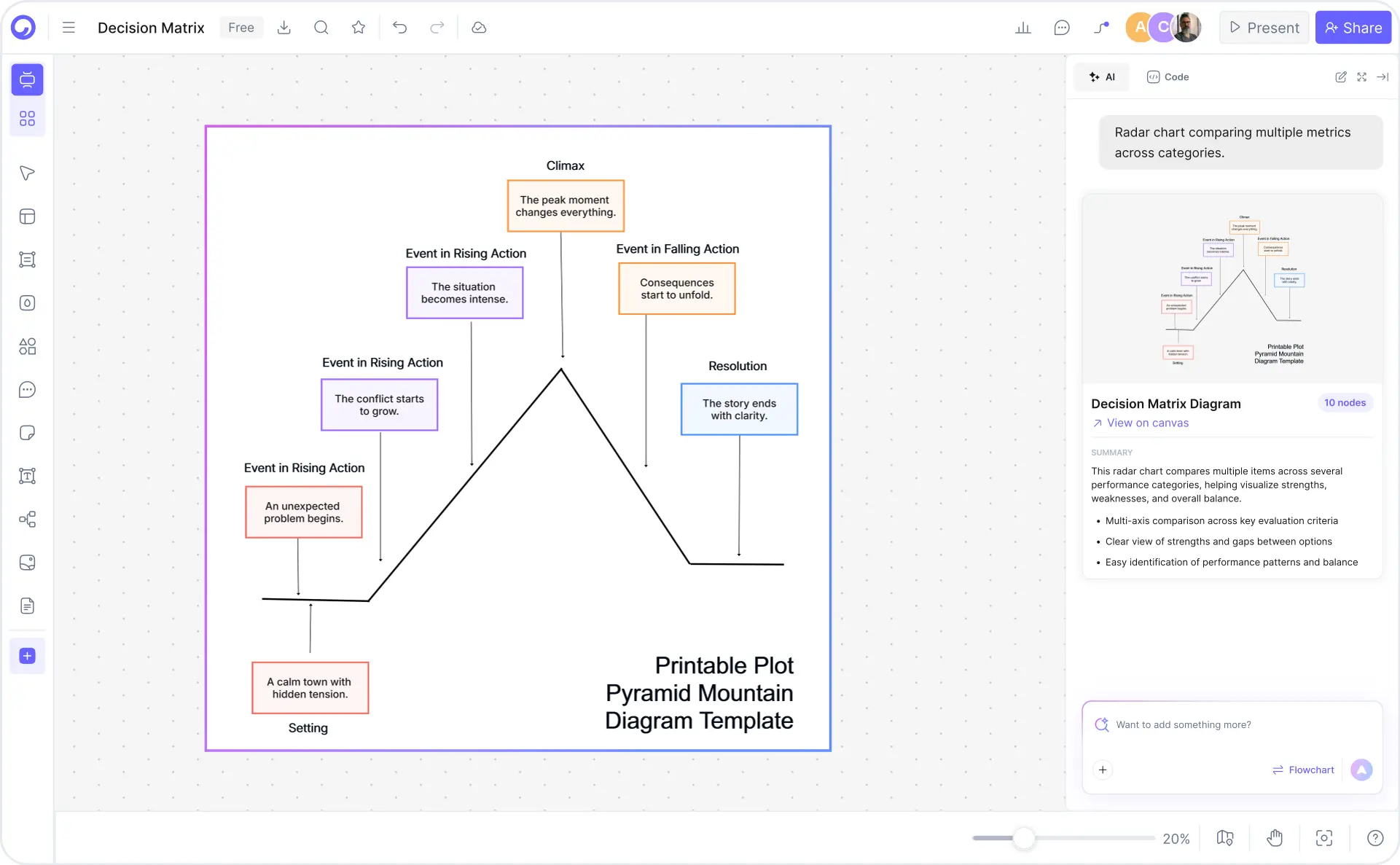
How to make a pyramid diagram with Cloudairy AI — three steps from prompt to export

Start Creating Your Pyramid Diagram Free

Join presenters, educators, consultants, and marketers worldwide who use Cloudairy to create professional pyramid diagrams in seconds. AI generation. 6 pyramid types. Real-time collaboration. Export PNG, SVG, and PDF.

No credit card required • Start creating in seconds

Why Use Cloudairy as Your Pyramid Diagram Tool

Cloudairy is the only pyramid diagram maker that combines AI prompt-to-pyramid generation with six distinct layout types, full customization, real-time collaboration, and export to PNG, SVG, and PDF — all on a single free platform.

AI Prompt-to-Pyramid

AI Prompt-to-Pyramid

Describe your hierarchy levels in plain English and get a formatted, color-coded pyramid diagram in seconds. No manual shape-building, no design experience required. The AI understands Maslow's hierarchy, food pyramids, marketing funnels, org charts, and any custom hierarchy you describe.

Multiple Pyramid Types

6 Pyramid Layout Types

Choose from classic (standard triangle), inverted (funnel visualization), layered (spaced levels), segmented (multi-section layers), 3D (presentation depth), and stepped (staircase progression). Each layout is available out of the box — not just simple triangles like template-only tools.

Custom Colors and Labels

Full Customization Control

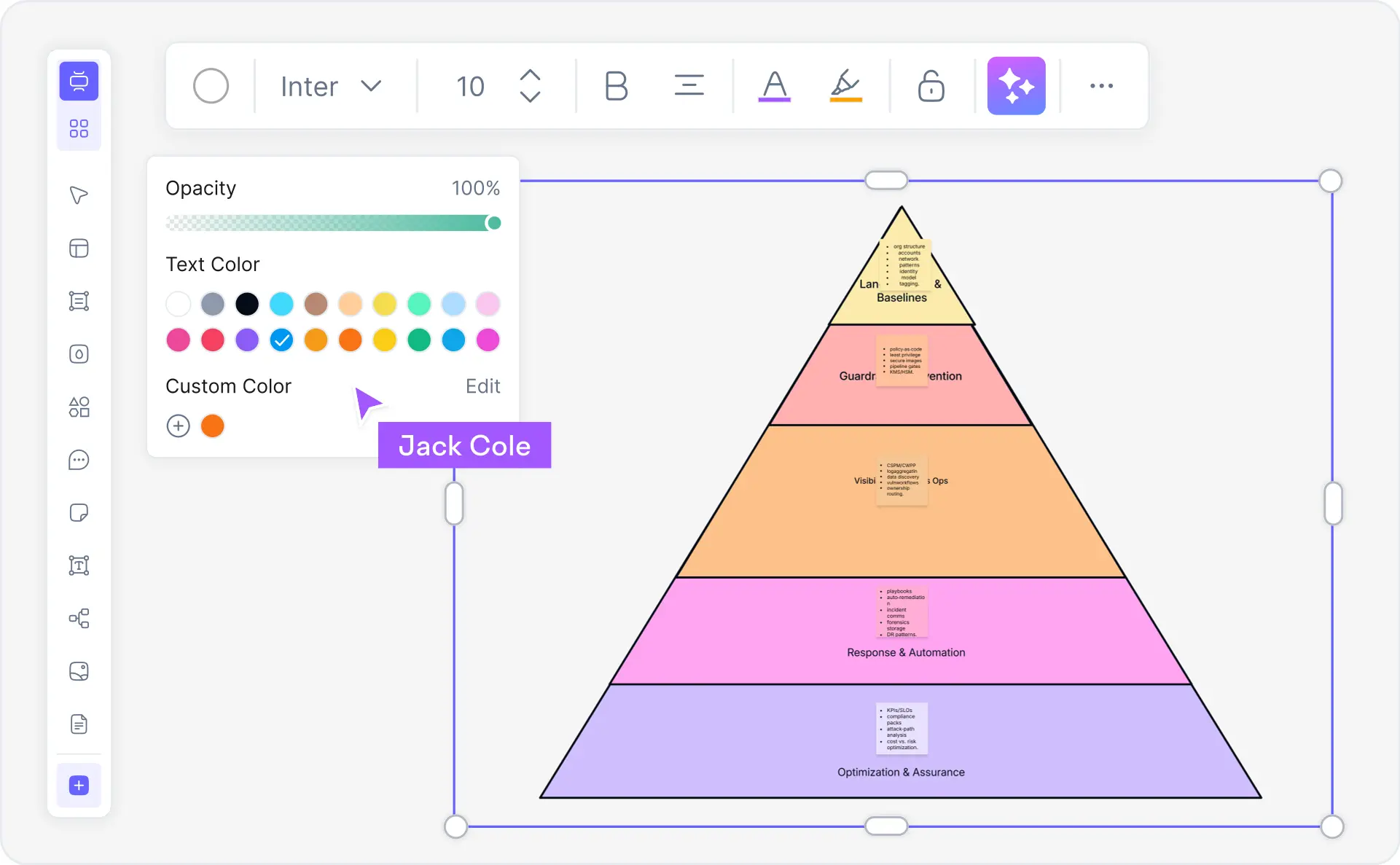
Change layer colors individually or apply color themes, edit text labels and font styles, adjust layer heights and proportions, add icons or images to layers, and modify borders and spacing. The real-time preview updates instantly as you make changes.

Export PNG SVG PDF

Export PNG, SVG & PDF

One-click export to PNG for presentations and web, SVG for scalable vector graphics, and PDF for documents and print. Import from and export to Visio (.vsdx) and draw.io for cross-tool workflows. All exported files maintain full quality and formatting.

Real-Time Collaboration

Real-Time Collaboration

Multiple team members can edit the same pyramid diagram simultaneously with live presence indicators. Leave comments on diagram elements, track version history, and assign view/edit/comment permissions — ideal for team presentations, workshop facilitation, and collaborative strategy sessions.

Pyramid Templates

8+ Ready-Made Templates

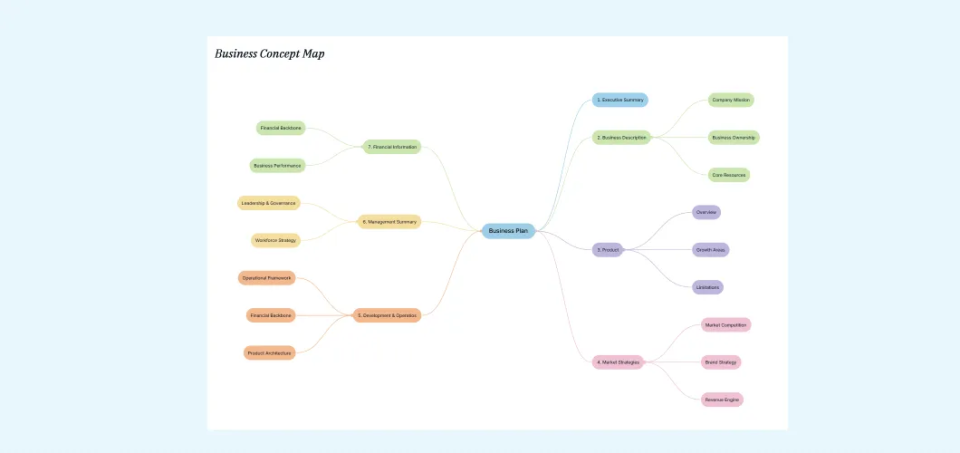
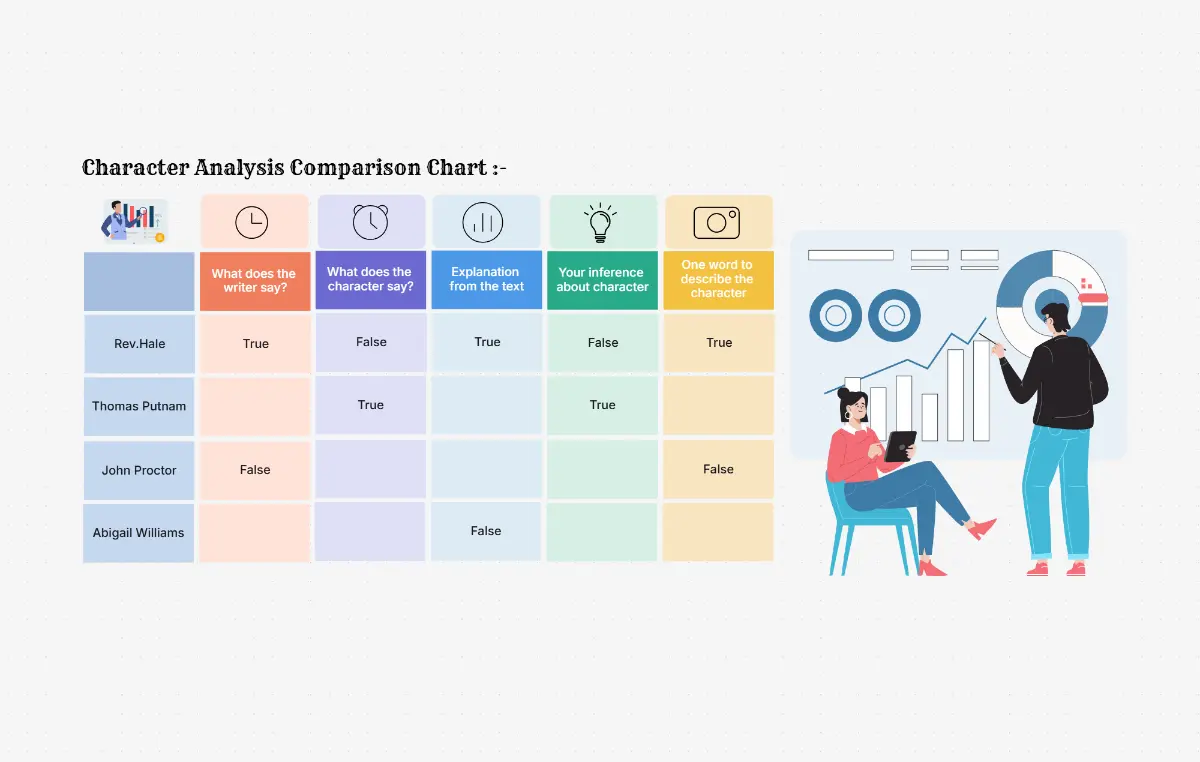
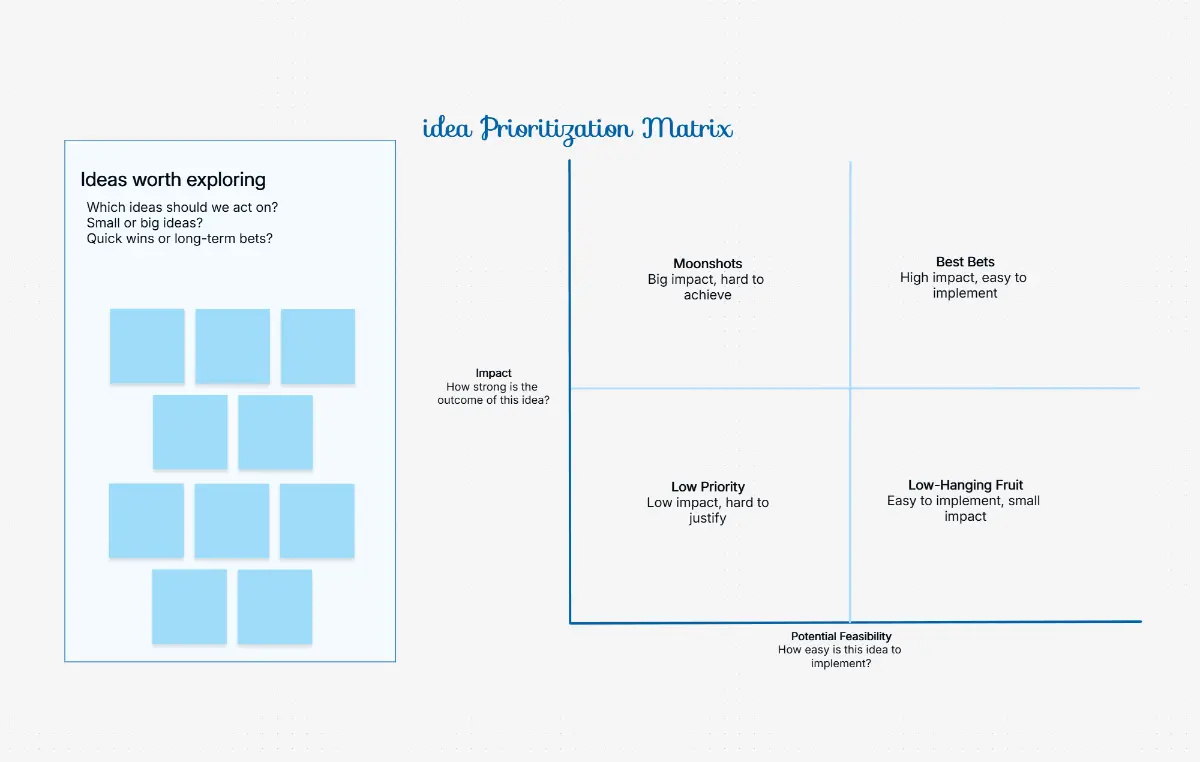
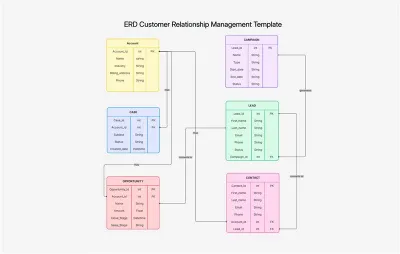
Start faster with pre-built templates for Maslow's hierarchy, food pyramid, organizational hierarchy, marketing funnel, brand pyramid, Bloom's taxonomy, value pyramid, and energy pyramid. Each template is fully editable and AI-extendable from a prompt.

Pyramid Diagram Templates — Ready to Use

Start faster with professionally designed pyramid diagram templates for the most common hierarchy and visualization use cases. Each template is fully editable, AI-extendable, and ready to customize in seconds.

Cloudairy vs Competitors — Pyramid Diagram Tools Compared

See how Cloudairy's AI pyramid diagram maker compares to template-based design tools and general diagramming platforms.

Feature Cloudairy Canva Visme Lucidchart SmartDraw Creately
AI Prompt-to-Pyramid Yes No No No No No
Multiple Pyramid Layouts Yes (6 types) Templates only Yes (4 types) Yes (basic) Yes (basic) Yes (3 types)
Custom Colors/Layers/Labels Yes (full control) Yes (template-based) Yes Yes Yes Yes
Real-time Collaboration Yes (comments, presence, history) Yes (basic) Yes (enterprise) Yes (enterprise) No Yes (basic)
Export PNG/SVG/PDF Yes (+ Visio, draw.io) PNG, PDF, SVG PNG, PDF, PPTX PNG, PDF, Visio PNG, PDF, Visio PNG, PDF, SVG
Maslow/Food/Org Templates Yes (8+ templates) Yes (gallery) Yes (limited) No dedicated Yes (limited) Yes (limited)
Free Tier Unlimited diagrams Limited (watermark) 5 projects 3 diagrams 7-day trial 5 diagrams

Who Uses Pyramid Diagrams?

Presenters & Business Professionals

Visualize strategic priorities, value frameworks, and organizational hierarchies for executive presentations. Generate pyramid diagrams from text in seconds and export directly to PowerPoint-ready PNG or PDF.

Educators & Students

Create Maslow's hierarchy of needs, Bloom's taxonomy, and food pyramid diagrams for classroom use. Generate study visuals instantly from curriculum descriptions and customize for specific learning objectives.

Consultants & Strategists

Build value pyramids, strategic priority frameworks, and brand pyramids for client deliverables. Use the comparison chart maker alongside pyramid diagrams to create comprehensive strategy decks.

Marketers & Brand Teams

Visualize marketing funnels with inverted pyramid diagrams and build brand pyramid frameworks for positioning strategies. Combine with the funnel chart maker for complete campaign visualization.

HR Professionals

Create organizational hierarchy pyramids and reporting structure diagrams for workforce planning. Document team structures, leadership levels, and department relationships with customizable layered pyramid layouts.

Presenters, educators, consultants, and marketers using Cloudairy AI pyramid diagram maker

Frequently Asked Questions

A pyramid diagram is a triangular visual representation that shows hierarchical relationships, proportional data, or layered concepts. The widest layer at the base represents the largest or most foundational element, while each ascending layer narrows to represent progressively smaller or more refined elements. Pyramid diagrams are used in business strategy, education, organizational design, and data visualization to communicate hierarchy, priority, and proportion at a glance.

Cloudairy supports multiple pyramid types including classic (standard triangle with horizontal layers), inverted (flipped triangle for funnel visualization), layered (with spacing between levels), segmented (divided into sections within each layer), 3D (perspective view with depth), and stepped (staircase-style progression). Each type serves different visualization needs — classic for hierarchies, inverted for funnels, segmented for multi-dimensional analysis, and 3D for presentation impact.

With Cloudairy's AI pyramid maker, simply describe your hierarchy levels in plain English — for example, "Create a 5-level Maslow's hierarchy pyramid with physiological needs at the base, then safety, love/belonging, esteem, and self-actualization at the top." The AI generates a formatted, color-coded pyramid diagram instantly. You can then customize colors, fonts, labels, and layout, and export to PNG, SVG, or PDF.

Yes. Cloudairy provides full customization control over every element of your pyramid diagram. You can change layer colors individually or apply color themes, edit text labels and font styles, adjust layer heights and proportions, add icons or images to layers, and modify borders and spacing. The real-time preview updates instantly as you make changes, so you can iterate quickly to achieve the exact look you need.

Yes. Cloudairy offers a free pyramid diagram maker with no signup required. You can create unlimited pyramid diagrams, customize them fully, and export to PNG, SVG, and PDF formats — all for free. The AI prompt-to-pyramid feature is also available in the free tier, making Cloudairy one of the most generous free options compared to competitors like Canva (watermarks), Visme (5 projects), or Lucidchart (3 diagrams).

Absolutely. Cloudairy includes a dedicated Maslow's hierarchy of needs template with all five levels pre-configured: Physiological Needs, Safety Needs, Love and Belonging, Esteem, and Self-Actualization. You can start from the template and customize colors, labels, and descriptions, or use the AI generator by simply typing "Create Maslow's hierarchy of needs pyramid" to generate one instantly.

Cloudairy offers three key advantages over Canva and Visme for pyramid diagrams: (1) AI prompt-to-pyramid generation that neither Canva nor Visme offers, (2) six distinct pyramid layout types (classic, inverted, layered, segmented, 3D, stepped) versus Canva's template-only approach and Visme's four types, and (3) unlimited free tier with no watermarks or project limits. Canva excels at design templates but lacks AI generation and advanced pyramid-specific layouts.

Yes. Cloudairy supports full real-time collaboration on pyramid diagrams. Multiple team members can edit the same diagram simultaneously with live presence indicators showing who is working where. You can leave comments directly on diagram elements, track version history to review or revert changes, and assign view/edit/comment permissions to control access. This is ideal for team presentations, workshop facilitation, and collaborative strategy sessions.

Yes. Cloudairy supports one-click export to PNG (for presentations and web), SVG (for scalable vector graphics and web embedding), and PDF (for documents and print). You can also import from and export to Visio (.vsdx) and draw.io formats for cross-tool compatibility. Exported files maintain full quality and formatting, making them ready for immediate use in presentations, reports, and web content.

Pyramid diagrams are used across many fields: business strategy (value pyramids, strategic priority frameworks), psychology and education (Maslow's hierarchy of needs, Bloom's taxonomy of learning), nutrition and health (food pyramid), organizational design (hierarchy charts, reporting structures), marketing (funnel visualization, brand pyramid), ecology and science (energy pyramids, food chain pyramids), and consulting (framework visualization, stakeholder priority mapping). Their universal recognition makes them effective for communicating hierarchy and proportion to any audience.

Success Stories from Our Community

See how cloud architects, solutions engineers, and DevOps teams use Cloudairy to create Azure architecture diagrams faster and with better results.

As a cloud architect, I need precision and speed. Cloudairy helps me design complex Azure architectures in minutes without losing detail or accuracy. The official Azure icons save me hours every week.

Cloudairy makes Azure solution design so simple. I can create client-ready architecture diagrams instantly and focus on delivering value instead of spending hours formatting Visio files.

I'm studying for AZ-305 and Cloudairy helps me visualize Azure reference architectures instantly. I can generate a landing zone diagram from a single sentence and use it as a study aid.

I use Cloudairy to teach Azure architecture in my courses. The AI generator lets students produce real-world diagrams on the first day instead of spending weeks learning Visio.

Our team uses Cloudairy to document every Azure deployment. The Visio export means our diagrams drop straight into client deliverables without any reformatting. Huge time saver.

Secure, compliant, and enterprise-ready

Cloudairy safeguards your work with enterprise-grade security, compliance, and access controls — so your teams can create, collaborate, and scale with confidence.

SOC 2 Type II
SOC 2 Type Ⅱ

Cloudairy is SOC 2 Type Ⅱ certified and penetration tested annually, ensuring your architecture diagrams and data meet the highest standards for security and reliability.

GDPR
GDPR

We comply with the European Union General Data Protection Regulation (GDPR) and extend it to all our customers even those outside of the EU.

ISO 27001
ISO 27001

Our Information Security Management System is ISO 27001 certified — the leading global standard for information security.

Flexible Pricing for Every Team

Free

Discover what Cloudairy can do for you. Start for free

$0

for unlimited members
Try for free

Upgrade now

Show key features

up-arrow

Includes:

Starter

Unlock unlimited and private boards with important features

$4

per member / month

billed annually

monthly

Show key features

up-arrow

Includes everything in Free, plus:

money-back

Business

MOST POPULAR

Ideal for agencies or growing businesses managing multiple projects.

$5

per member / month
billed annually

Show key features

up-arrow

Includes everything in starter, plus:

Enterprise Plan

For large organizations needing scalability, control, and security.

contact-pricing
Contact for pricing
Contact us

Upgrade now

Show key features

up-arrow

Includes everything in Business, plus: