Get your team started in minutes
Sign up with your work email for seamless collaboration.


Scope it, break it down, sequence it, and give every task an owner and a date — then keep the plan honest while the work moves. A practical walkthrough you can follow today.
Most project plans fail in the same two ways: they are too vague to act on, or so detailed that nobody updates them after week one. A useful plan sits in between — specific enough that each person knows their next task, loose enough that it survives contact with reality.
This walkthrough covers the seven steps that matter, in order, and what each one looks like in practice. You can follow it in a spreadsheet, on paper, or on a project tracker that keeps the plan and the work in one place.
The short version
- Write the scope and the success measure before anything else.
- Break the work down until every item has one owner.
- Sequence the tasks and mark what genuinely blocks what.
- Put real dates on it, then track against them and re-plan out loud.
1. Define the scope and the success measure
A plan without a boundary expands until the deadline breaks it. Before listing a single task, write down what this project will deliver, what it explicitly will not, and how you will know it worked.
Keep it to a paragraph. If you cannot state the outcome in a sentence, the project is really two projects — split it.
Do this: Write the scope and the success measure in one paragraph, and name what is out of scope.
2. Break the work down until every item has an owner
Take the deliverable and split it until each piece is something one person can finish. If a task needs three people, it is not a task yet — it is a phase.
The useful test is not size but ownership. A two-week task with a clear owner is fine; a two-day task owned by “the team” is not.
Do this: Split work until each item has exactly one name against it.
3. Sequence the tasks and mark real dependencies
Now put the pieces in order. Most tasks can happen whenever; a few genuinely block others. Those few are the ones worth tracking, because they set your actual end date.
Be strict here. Marking everything as dependent produces a plan that looks rigorous and tells you nothing. Only record a dependency when the second task truly cannot start.
Do this: Mark only the dependencies that would actually stop work, then look at the longest chain — that is your critical path.
4. Estimate durations, and estimate them badly on purpose
Give each task a duration. Your estimates will be wrong; the point is to make them wrong in a visible, correctable way rather than leaving them implicit.
Estimate the work, not the calendar. “Three days of effort” and “done by Thursday” are different claims, and conflating them is how plans quietly slip.
Do this: Estimate effort per task, then translate effort into calendar dates separately.
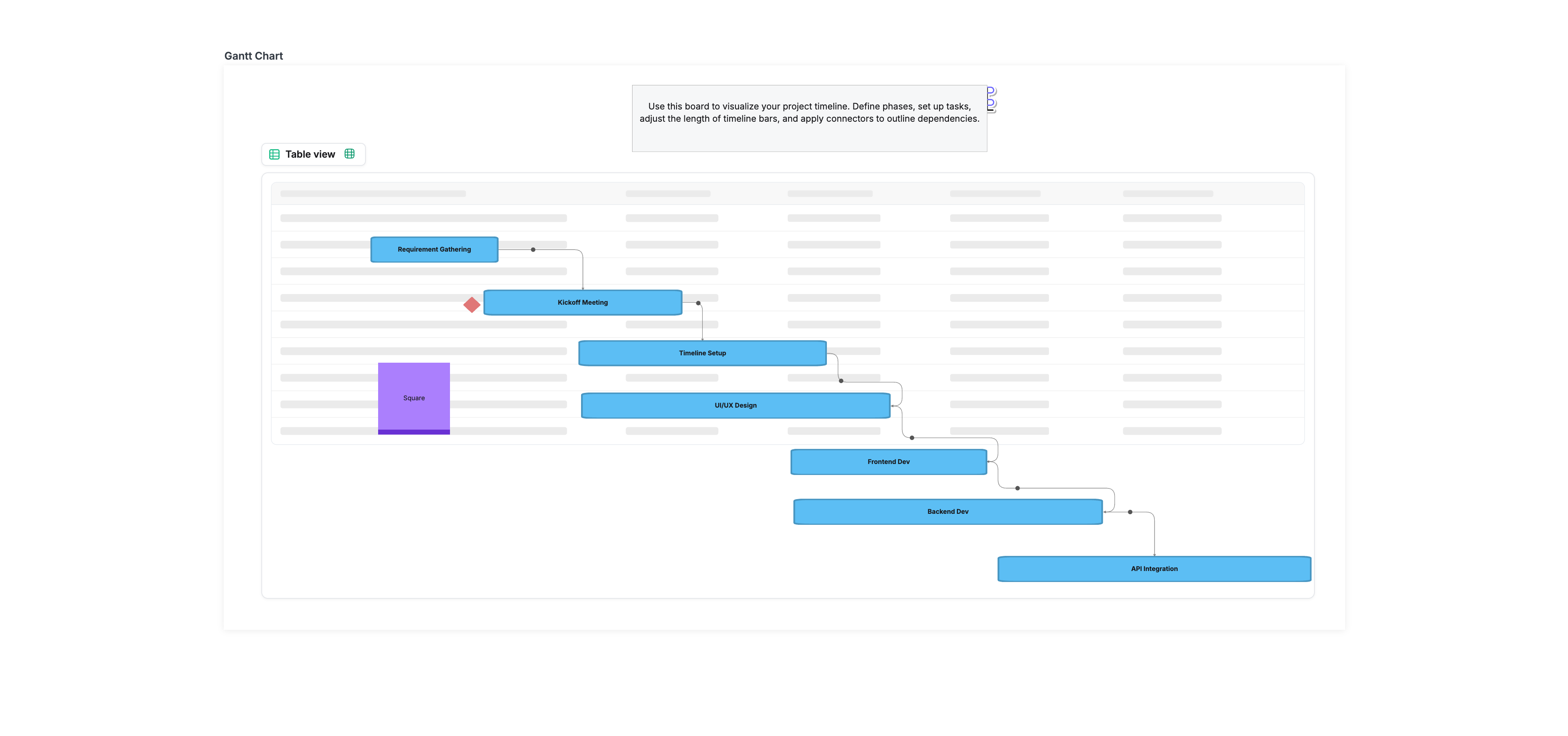
5. Put it on a timeline and check the end date
Lay the sequenced tasks on a calendar. This is the first moment the plan tells you something you did not already know — usually that the date you promised does not fit the work you listed.
If the end date is wrong, you have exactly three levers: cut scope, add people, or move the date. Deciding now is cheaper than discovering it in week six.
Do this: Put the tasks on a timeline, compare the end date to the promised date, and pull a lever if they disagree.
6. Assign owners, dates and a way to see status
Every task needs a name and a date. Status needs to be visible without a meeting — a board, a list, anything the team updates as they work rather than reporting afterwards.
The plan and the tracker should be the same artefact. When they are separate documents, the plan is stale within a fortnight.
Do this: Give every task an owner and a due date, and keep status where the work happens.
7. Track against the plan, and re-plan out loud
A plan is a prediction, and predictions need updating. Once a week, compare what happened to what you expected, and change the plan where it was wrong.
Re-planning is not failure — silently missing dates is. Say what moved and why, so the next estimate is better than the last.
Do this: Review weekly, update the dates, and tell the team what changed.
FAQs
What should a project plan include?
How long should it take to write one?
What is the difference between a project plan and a project schedule?
Do I need a Gantt chart?
How detailed should the estimates be?
Ready to create smarter with AI?
Start using Cloudairy to design diagrams, documents, and workflows instantly. Harness AI to brainstorm, plan, and build—all in one platform.
Table of Contents

Introduction
-
 Manage all your work in one place
 - Collaborate with your team
- Use Cloudairy for FREE—forever


Keep Reading
View all