50,000 + Trusted Users with
star star star star star

Trusted by Professionals at Leading Companies

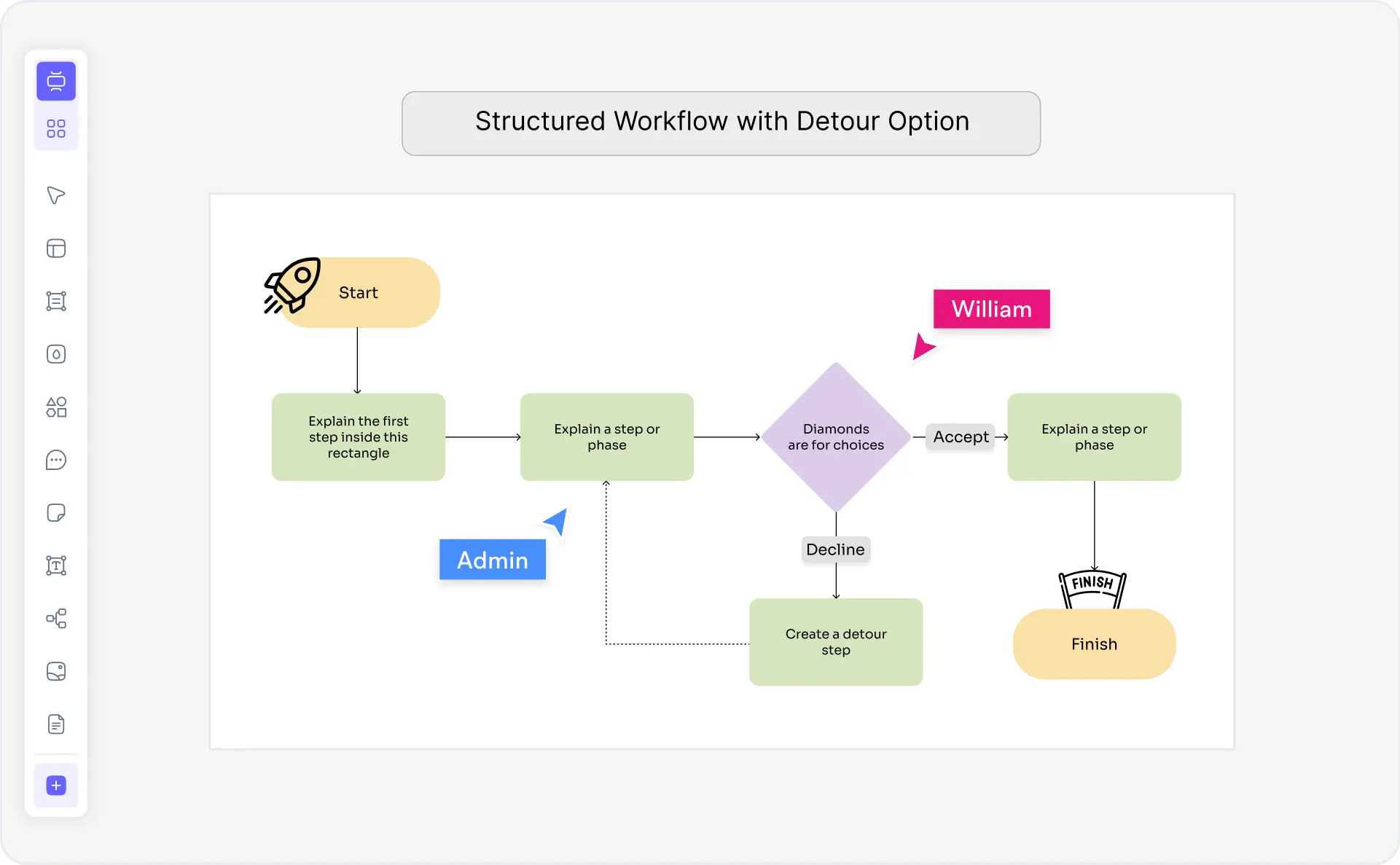
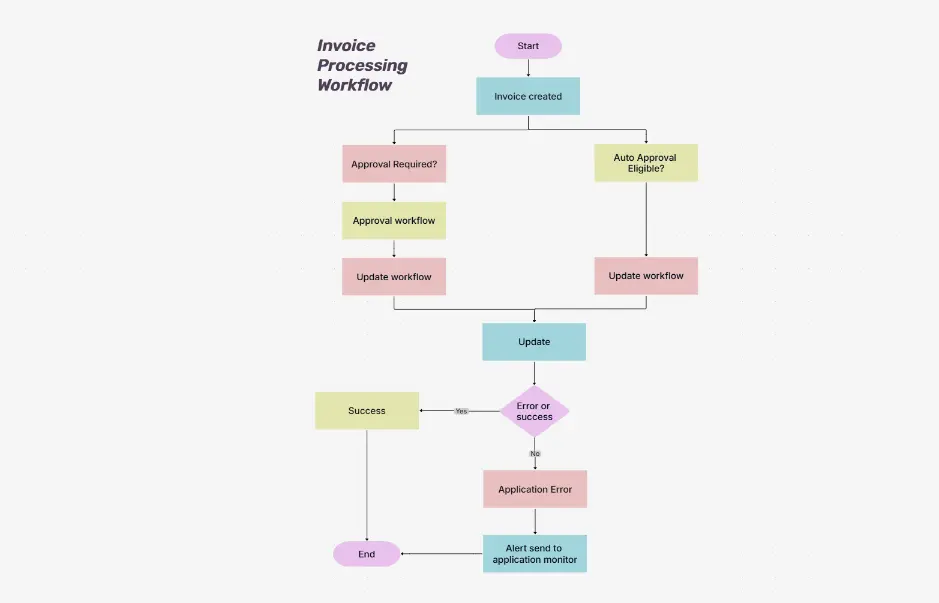
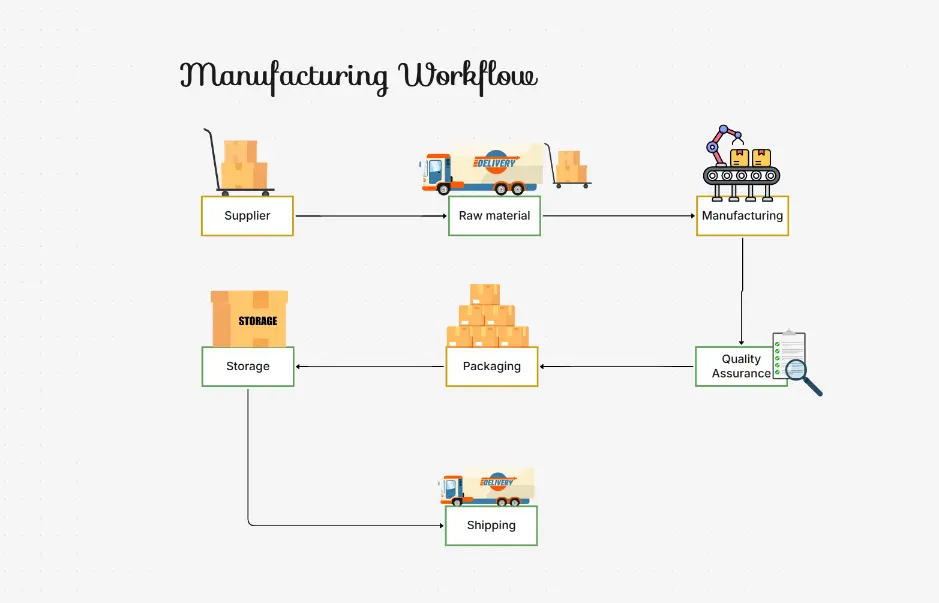
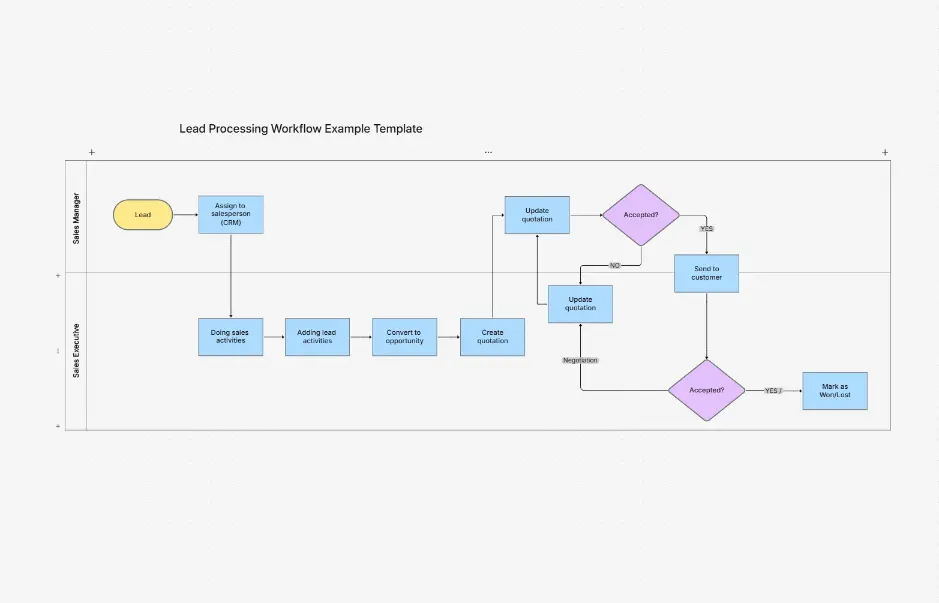
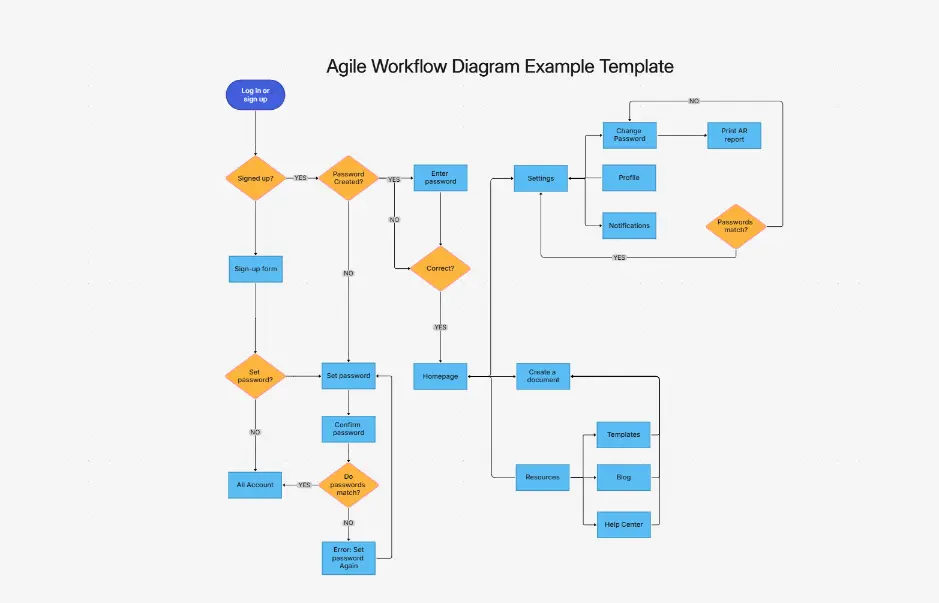
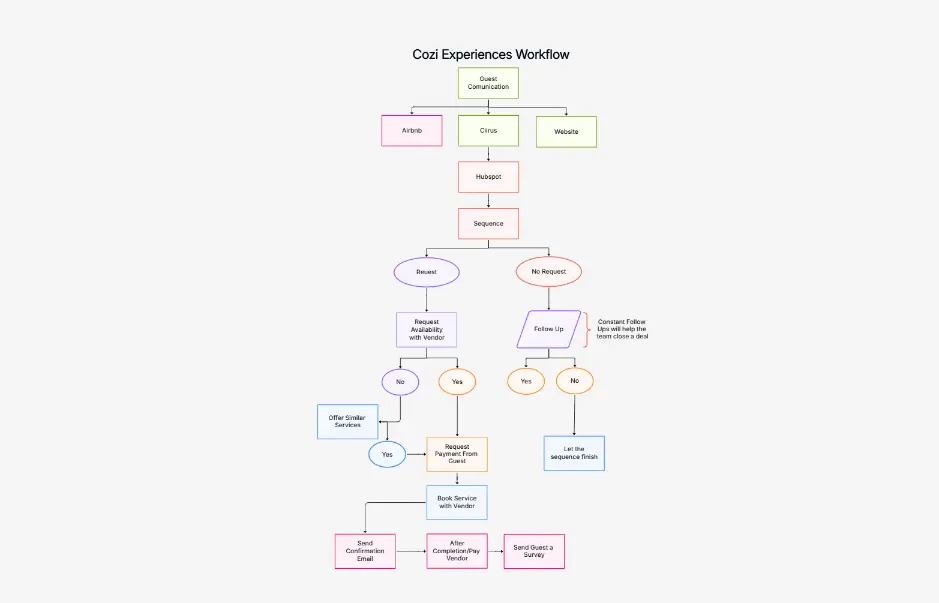
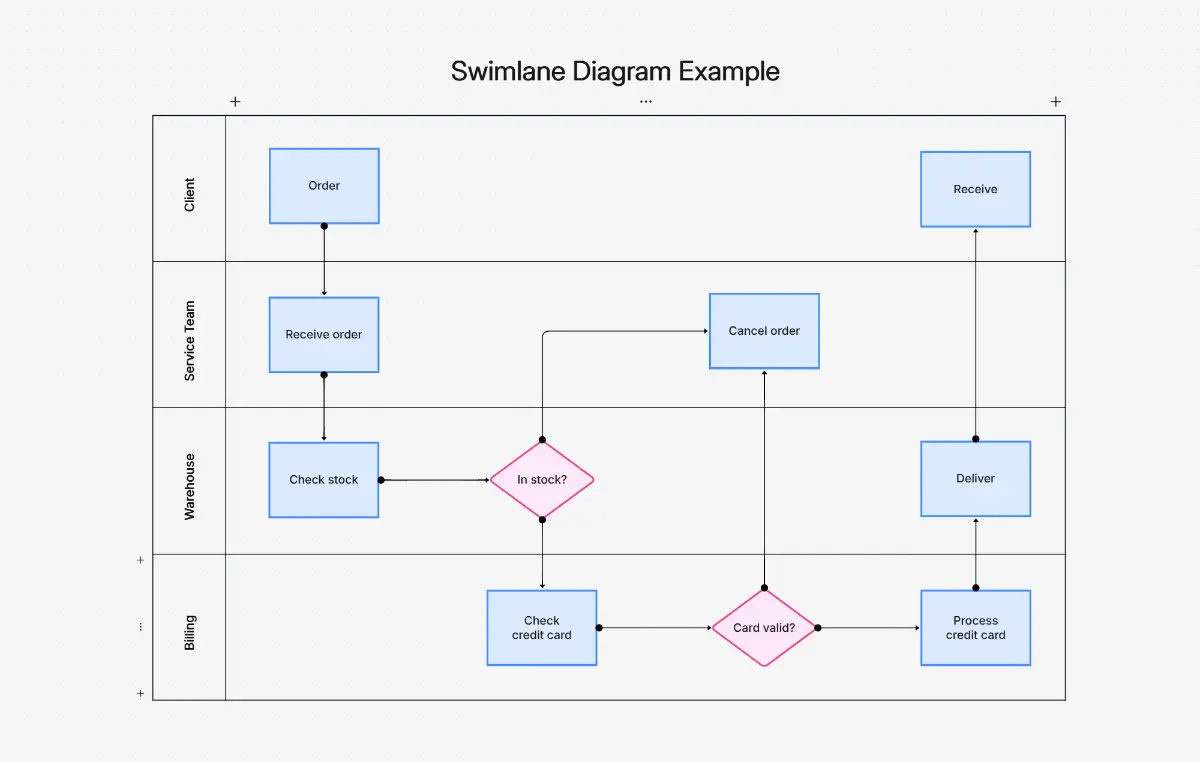
What is a workflow diagram — example showing swimlanes, decision nodes, approval steps, and process flow

What Is a Workflow Diagram?

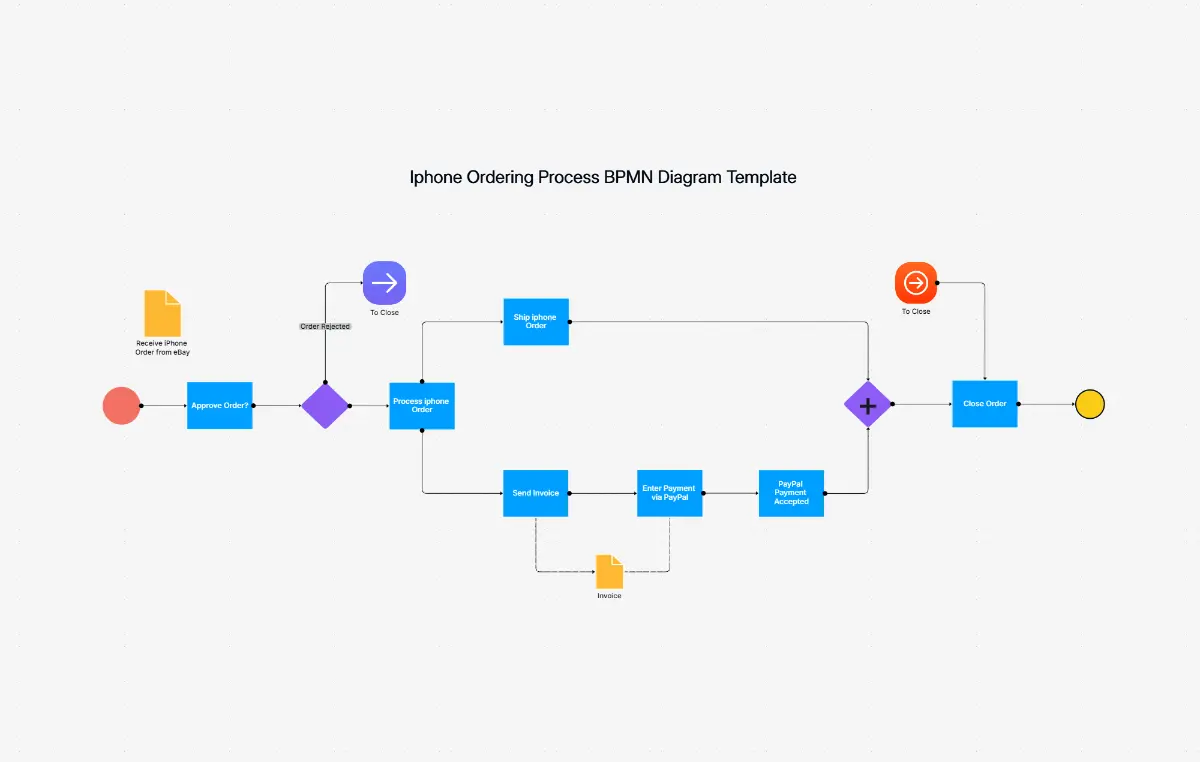
A workflow diagram is a visual representation of a business process showing the sequence of steps, decisions, actions, and interactions between people, systems, and departments. Workflow diagrams use standardized symbols — rectangles for actions, diamonds for decisions, arrows for flow, and swimlanes for roles — to document how work moves through an organization. They are used by operations managers, HR teams, finance departments, IT administrators, and business analysts to clarify processes, identify inefficiencies, and support process automation.

Workflow diagrams serve as the foundation for BPMN process documentation, business process management, and digital transformation projects. Unlike basic flowcharts, workflow diagrams include cross-functional swimlanes showing who does what, parallel gateways for simultaneous activities, approval steps for sign-offs, and conditional paths for branching decisions. This makes them essential for documenting approval chains, HR onboarding, order fulfillment, IT support ticketing, and finance processes.

Cloudairy's AI Workflow Diagram Maker eliminates the 20-45 minutes of manual drawing required in tools like Lucidchart or Visio. Describe your process in plain English — "Employee leave approval with HR, manager, and finance sign-off" — and the AI generates a complete workflow diagram with swimlanes, decision gates, and approval steps instantly. Export to Visio (.vsdx), PowerPoint, draw.io, PNG, SVG, or PDF. No signup required, no credit card, no templates to fill in manually.

How to Make a Workflow Diagram with AI (5 Steps)

Go from process idea to publication-ready workflow diagram in five steps — no manual drawing, no templates to fill in, no diagramming experience required.

1

Describe your workflow

Type a plain-English description of your process. For example: "Employee leave approval with HR request, manager approval, and HR processing" or "Order fulfillment from customer order to shipment confirmation". Or choose from prompt templates — HR onboarding, approval workflow, IT support ticket, invoice processing, content review, recruitment.

2

AI generates the diagram

Cloudairy's AI instantly generates a complete workflow diagram. Swimlanes are structured by role, decision gates are placed at branch points, approval steps are configured, and flow arrows connect each activity — all automatically in seconds.

3

Add swimlanes and decision gates

Refine the diagram by adding or adjusting swimlanes for additional roles or departments. Insert parallel gateways for simultaneous activities, exclusive gateways for branching decisions, and conditional paths with labeled outcomes.

4

Add approval steps

Insert approval steps, sign-off checkpoints, notification triggers, and escalation paths. Assign responsibilities to specific roles and define conditional outcomes for each approval decision — approved, denied, or escalated.

5

Export or share with your team

Export to Visio (.vsdx) for Microsoft ecosystem workflows, PowerPoint for presentations, draw.io for open-source collaboration, or PNG/SVG/PDF for documentation and sharing. Share a live edit or view-only link for real-time team collaboration.

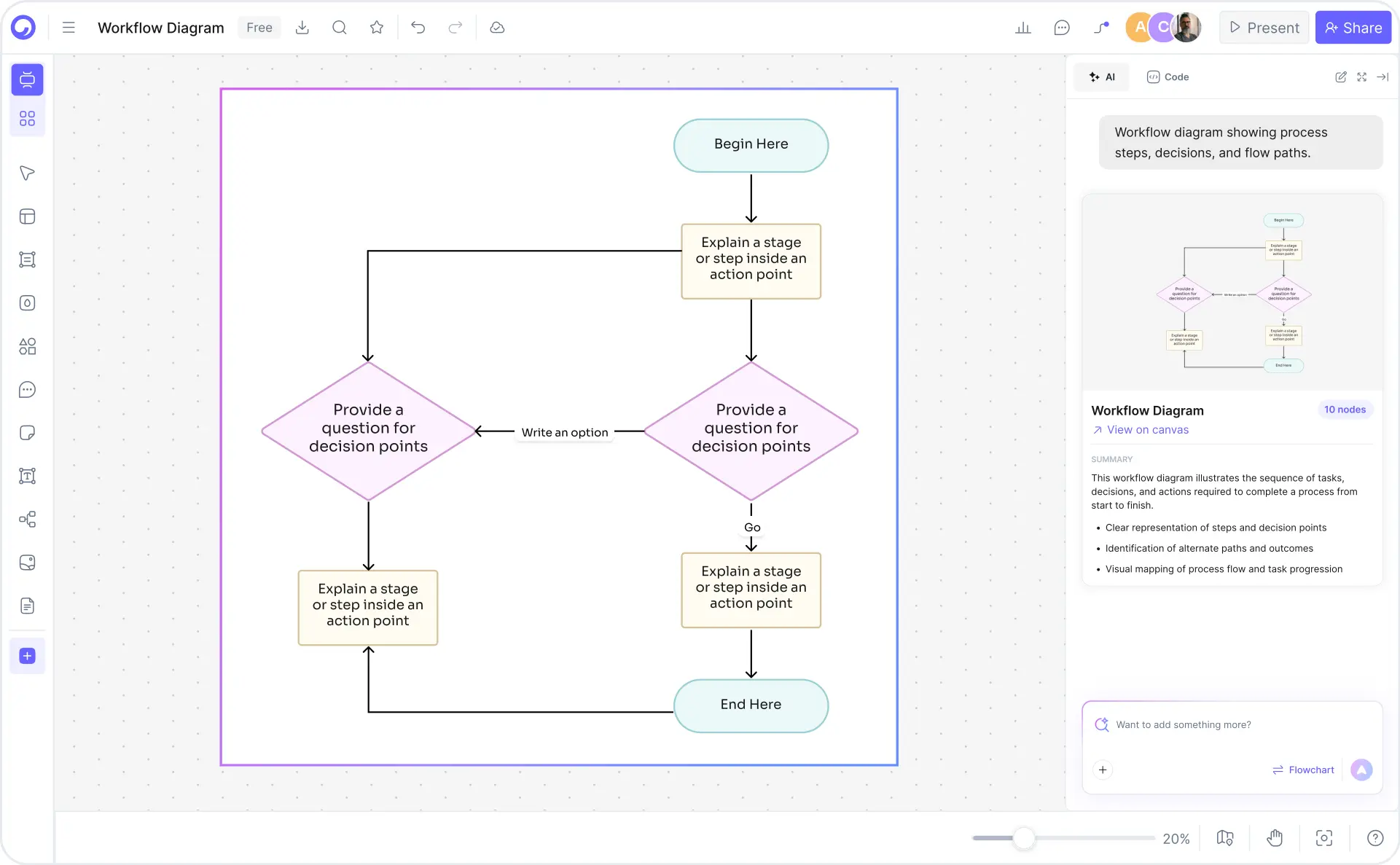
How to create a workflow diagram with Cloudairy — five steps from prompt to export

Start Creating Your Workflow Diagram Free

Join operations managers, HR teams, finance departments, and IT administrators worldwide who use Cloudairy to create professional workflow diagrams in seconds. AI generation. Full BPMN symbol library. Real-time collaboration. Multi-format export.

No credit card required • Start creating in seconds

Why Use Cloudairy as Your Workflow Diagram Tool

Cloudairy is the only AI workflow diagram maker that combines AI natural language generation with a full BPMN symbol library, swimlanes, real-time collaboration, and six-format export — all with zero signup required.

AI Natural Language Generation

AI Natural Language Generation

Describe your workflow in plain English and get a complete diagram with swimlanes, decision gates, and approval steps in seconds. Diagram creation drops from 20-45 minutes in Lucidchart or Visio to under 3 minutes with Cloudairy. No competitor offers this capability.

Swimlane Symbol Library

Smart Swimlane & BPMN Symbol Library

Native support for swimlanes, decision nodes, parallel gateways, exclusive gateways, role assignment, approval steps, and conditional paths — full BPMN notation support. Organize workflows by role, department, or system automatically.

No Signup Required

No Signup Required

Create and export workflow diagrams immediately without account creation. All competitors enforce signup walls or limited trials. With Cloudairy, start creating your first workflow diagram in seconds — no credit card, no email, no waiting.

Multi-Format Export

Six-Format Export

One-click export to Visio (.vsdx), PowerPoint (.pptx), draw.io, PNG, SVG, and PDF. Embed diagrams in presentations, process manuals, wiki pages, and training materials. Two-way Visio and draw.io import preserves full editability.

Real-Time Collaboration

Real-Time Team Collaboration

Multiple users can edit the same workflow diagram simultaneously with live presence indicators, inline commenting on shapes, and full version history. Ideal for distributed process improvement workshops, design reviews, and cross-functional documentation.

Workflow Templates

Industry-Specific Workflow Templates

Pre-built templates for HR onboarding, approval workflows, order fulfillment, IT support ticketing, content review, invoice processing, and recruitment. Each template is fully editable, AI-extendable, and ready to adapt for your organization's specific process.

Workflow Diagram Templates — Ready to Use

Explore professionally designed workflow diagram templates for HR, finance, IT, operations, and marketing. Each template includes swimlanes, decision gates, and approval steps — fully editable, AI-extendable, and ready to adapt for your process.

Cloudairy vs Competitors — Workflow Diagram Tools Compared

See how Cloudairy's AI workflow diagram maker compares to Lucidchart, Miro, Visio, draw.io, and SmartDraw across the features that matter most for business process documentation.

Feature Cloudairy Lucidchart Miro Visio draw.io SmartDraw
AI Prompt-to-Diagram Yes No No No No No
Workflow Symbol Library (Swimlanes/Gateways) Yes (full BPMN) Yes (full) Yes (partial) Yes (full) Yes (full) Yes (full)
No Signup Required Yes No No No No No
Real-time Collaboration Yes (comments, presence) Yes (enterprise) Yes (native) Yes (Office) Yes (beta) Yes (freemium)
Export PNG/SVG/PDF Yes (6+ formats) PDF, PNG, Visio, PPT Image, PDF PDF, PNG, VSD PNG, SVG, PDF, XML PNG, PDF, SVG
Templates (HR/Finance/IT/DevOps) Yes (6+ industries) Yes (limited) Yes (limited) Limited Limited Yes (some)
Free Tier Unlimited 5 diagrams 1 board (limited) 30-day trial Unlimited Limited

Who Uses Workflow Diagrams?

Operations Managers

Document cross-functional processes, approval chains, and handoffs. Generate process diagrams from plain-English descriptions to standardize operations, identify bottlenecks, and drive continuous improvement across teams.

HR Teams

Map employee onboarding, recruitment, performance review, and offboarding processes. Create swimlane diagrams that show which HR roles, managers, and departments are responsible for each step — reducing process ambiguity and onboarding errors.

Finance Departments

Document invoice processing, budget approval, expense reimbursement, and audit workflows. Generate workflow diagrams with approval steps, sign-off checkpoints, and conditional paths for compliance documentation and finance process automation.

IT Administrators

Map support ticket routing, incident escalation, change management, and system integration workflows. Use activity diagrams to document IT processes for ITSM, ITIL compliance, and help desk automation projects.

Project Managers & Business Analysts

Create workflow diagrams for project intake, stakeholder approval, deliverable sign-off, and process re-engineering initiatives. Document current-state and future-state processes for digital transformation and value stream mapping projects.

Operations managers, HR teams, finance departments, and IT administrators using Cloudairy for workflow diagrams

Frequently Asked Questions

A workflow diagram is a visual representation of a business process showing the sequence of steps, decisions, actions, and interactions between people, systems, and departments. Workflow diagrams use standardized symbols — rectangles for actions, diamonds for decisions, arrows for flow, and swimlanes for roles — to document how work moves through an organization. They are used to clarify processes, identify inefficiencies, train employees, and support process automation and business process management.

Flowcharts represent generic logical processes and decision trees, showing sequential flow of steps. Workflow diagrams specifically represent business processes within organizations, including roles (swimlanes), approvals, handoffs, and cross-functional interactions. Workflow diagrams are more complex, showing who does what, in what order, with parallel activities and approval steps. In practice, workflow diagrams are a specialized type of flowchart focused on organizational processes.

With Cloudairy, describe your workflow in natural language: "Create an approval workflow with HR requesting leave, manager approving, and HR processing." The AI generates the diagram with swimlanes, decision gates, approval steps, and notifications automatically. You can then refine by adding conditions, adjusting swimlanes, and exporting to PNG, SVG, PDF, or Visio. The AI-generated diagram typically requires only minor edits, saving 20-30 minutes of manual drawing.

Standard workflow symbols include: Start/End (oval), Process (rectangle), Decision (diamond), Approval step, Manual task, System task, Document, Data storage, and Delay. Swimlanes (vertical or horizontal sections) represent roles, departments, or systems. Arrows show flow direction and are labeled with conditions or actions. BPMN notation includes gateways (parallel, exclusive, inclusive) for complex branching logic.

Yes. Swimlanes are a core feature of workflow diagrams in Cloudairy. When creating a workflow, specify roles or departments — "Employee", "Manager", "Finance", "HR" — and the AI or manual canvas automatically organizes the workflow into swimlanes, showing which role performs each step. Swimlanes clarify responsibility, prevent process ambiguity, and are essential for cross-functional workflows. You can create vertical or horizontal swimlanes depending on your preference.

Yes. Cloudairy offers a completely free workflow diagram maker with unlimited diagrams, exports, and template access. No credit card, no signup required, no trial limits. Create, export PNG/SVG/PDF, and share immediately. If you want to save work, collaborate with team members, or access pro features, you can upgrade to Cloudairy Pro at $12/month. Most users find the free tier sufficient for document creation and export needs.

Cloudairy offers AI-powered diagram generation (Lucidchart and Miro do not), zero signup friction (both require signup), and faster creation — 2-3 minutes vs 20-45 minutes. Lucidchart has more advanced collaborative features but charges $10-25/month and enforces signup. Miro is whiteboard-focused with limited workflow-specific features. For workflow-specific needs and rapid diagram creation, Cloudairy is the faster, more accessible choice.

Yes. Cloudairy supports real-time team collaboration — multiple users can edit the same diagram simultaneously, see live presence indicators showing who is currently working, leave comments directly on shapes, and track version history. This is ideal for distributed design reviews, process improvement workshops, and team-based documentation. Free accounts get basic collaboration; Pro accounts get advanced permission controls and priority support.

Cloudairy exports workflow diagrams to Visio (.vsdx), PowerPoint (.pptx), draw.io, PNG, SVG, and PDF. PNG is ideal for web and email. SVG is ideal for responsive design and further editing. PDF is ideal for archiving and printing. Visio and PowerPoint exports allow further refinement in the Microsoft Office ecosystem. draw.io export preserves editability in draw.io. Cloudairy also supports two-way import from Visio and draw.io formats.

Success Stories from Our Community

See how cloud architects, solutions engineers, and DevOps teams use Cloudairy to create Azure architecture diagrams faster and with better results.

As a cloud architect, I need precision and speed. Cloudairy helps me design complex Azure architectures in minutes without losing detail or accuracy. The official Azure icons save me hours every week.

Cloudairy makes Azure solution design so simple. I can create client-ready architecture diagrams instantly and focus on delivering value instead of spending hours formatting Visio files.

I'm studying for AZ-305 and Cloudairy helps me visualize Azure reference architectures instantly. I can generate a landing zone diagram from a single sentence and use it as a study aid.

I use Cloudairy to teach Azure architecture in my courses. The AI generator lets students produce real-world diagrams on the first day instead of spending weeks learning Visio.

Our team uses Cloudairy to document every Azure deployment. The Visio export means our diagrams drop straight into client deliverables without any reformatting. Huge time saver.

Secure, compliant, and enterprise-ready

Cloudairy safeguards your work with enterprise-grade security, compliance, and access controls — so your teams can create, collaborate, and scale with confidence.

SOC 2 Type II
SOC 2 Type Ⅱ

Cloudairy is SOC 2 Type Ⅱ certified and penetration tested annually, ensuring your architecture diagrams and data meet the highest standards for security and reliability.

GDPR
GDPR

We comply with the European Union General Data Protection Regulation (GDPR) and extend it to all our customers even those outside of the EU.

ISO 27001
ISO 27001

Our Information Security Management System is ISO 27001 certified — the leading global standard for information security.

Flexible Pricing for Every Team

Free

Discover what Cloudairy can do for you. Start for free

$0

for unlimited members
Try for free

Upgrade now

Show key features

up-arrow

Includes:

Starter

Unlock unlimited and private boards with important features

$4

per member / month

billed annually

monthly

Show key features

up-arrow

Includes everything in Free, plus:

money-back

Business

MOST POPULAR

Ideal for agencies or growing businesses managing multiple projects.

$5

per member / month
billed annually

Show key features

up-arrow

Includes everything in starter, plus:

Enterprise Plan

For large organizations needing scalability, control, and security.

contact-pricing
Contact for pricing
Contact us

Upgrade now

Show key features

up-arrow

Includes everything in Business, plus: