
Docs
Docs are rich-text documents that live alongside your boards. Use them for specs, notes, meeting minutes, and written content. Select Docs in the left rail to open the Docs hub.
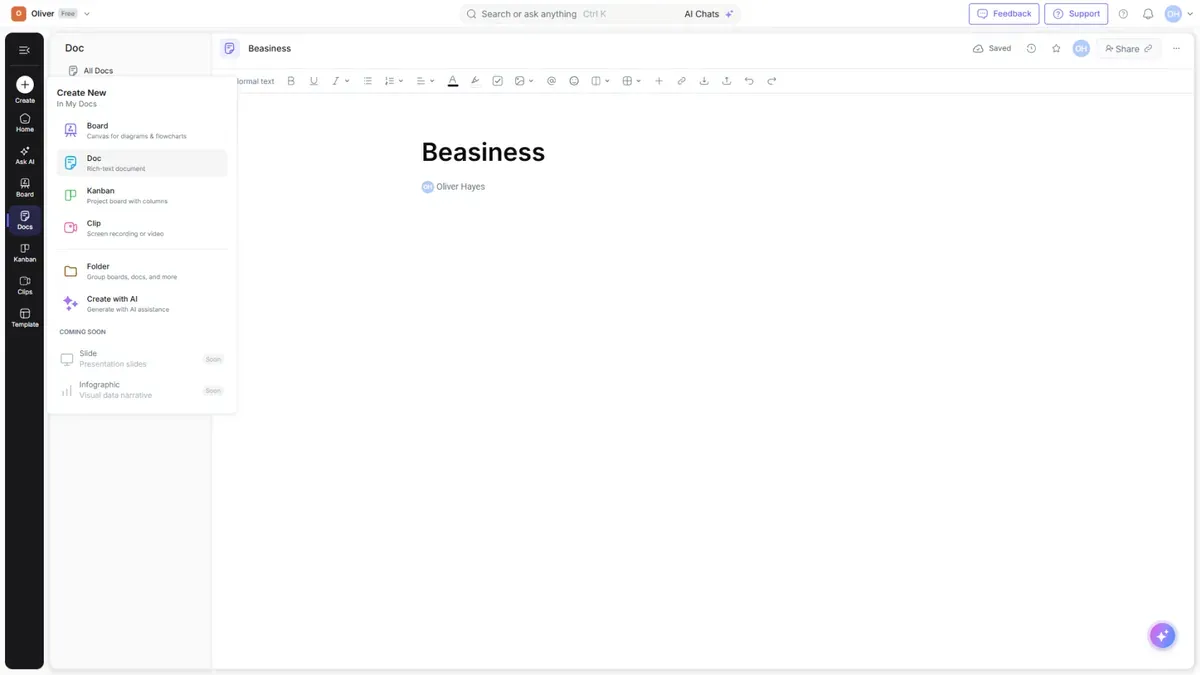
The Docs hub
| View | Shows |
|---|---|
| All Docs | Every document you can access |
| My Docs | Documents you created |
| Meeting Notes | Notes captured from meetings |
| Sites | Documents published as web pages |
| Favourites | Documents you've starred |
| Shared with me | Documents others shared with you |
The document editor
Open a doc (or create one from the Create menu) to write. The editor is block-based — add headings, lists, tables, images, and more. Everything autosaves as you type.
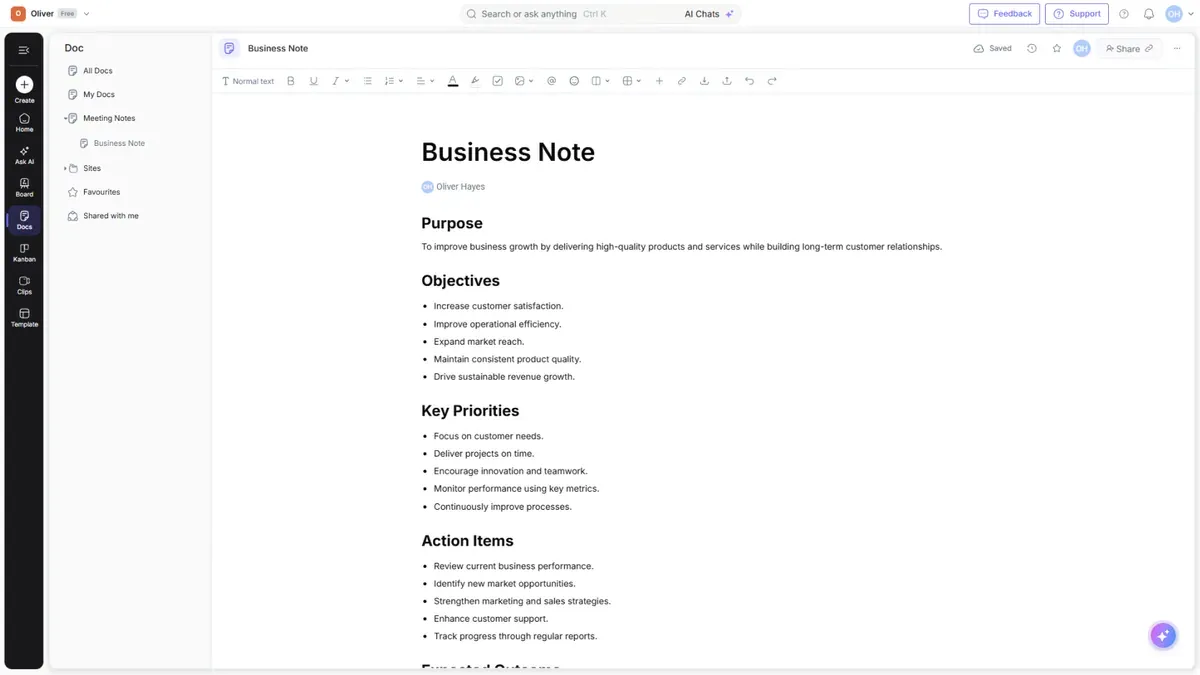
Tip: You can generate or rewrite document content with Cloudairy AI right inside the editor.
Meeting Notes
Meeting Notes are a document type for capturing discussions and action items. Find them under Meeting Notes in the Docs hub.
Sites
Sites let you publish a document as a shareable web page. Once published, it appears under Sites and can be shared with anyone via a link.